Best Software to Record Webinar Sessions for 2026: Our 6 Vetted Picks
Shortlisting the best software to record webinar sessions? 6 products compared on cost, free access and ideal buyer. Weak spots flagged for every entry.
- Editor's choice
 OBS Studio
Open source local capture and streaming
Starts atSee websiteVisit obsproject.comFull review - Great alternative
 Riverside
High-quality local recording and editing
Starts at$24 a monthVisit riverside.fmFull review - Also considerAdobe Connect
Training sessions and structured webinars
Starts atSee websiteVisit adobe.comFull review
Direct answer
OBS Studio is the first pick on this list for open source local capture and streaming. Listed starting prices: Riverside from $24 a month, Livestorm from €2.50 per attendee and Microsoft Teams Webinars from $4.00 per user a month. Look at Riverside for high-quality local recording and editing, and at Adobe Connect for training sessions and structured webinars. The full list of 6 tools follows, with prices and free plan facts.
TL;DR:
- The list opens with OBS Studio, aimed at open source local capture and streaming.
- Microsoft Teams Webinars is the lowest-priced starter here at $4.00 per user per month.
- Zoom Webinars fits hosting and recording in one system.
- One limit worth knowing about Riverside: not a webinar hosting system.
Last checked November 2026. Prices and plan details were read from the vendors' own pages in November 2026; vendors change plans often, so confirm the current price on the vendor site before you buy.
Quick comparison
| Tool | Best for | Starts at | Free plan? | |
|---|---|---|---|---|
| OBS Studio | Open source local capture and streaming | See website | Not stated | Visit |
| Riverside | High-quality local recording and editing | $24 a month | Yes | Visit |
| Adobe Connect | Training sessions and structured webinars | See website | Not stated | Visit |
 Livestorm | Marketing webinars with engagement data | €2.50 per attendee | Not stated | Visit |
| Microsoft Teams Webinars | Teams already inside Microsoft 365 | $4.00 per user a month | Free trial | Visit |
 Zoom Webinars | Hosting and recording in one system | See website | Not stated | Visit |
Tool-by-tool breakdown
This LinkVetted guide covers 6 software to record webinar sessions. Each profile lists a starting price, free plan details, strengths and drawbacks, so you can drop poor fits quickly.
OBS Studio works best for open source local capture and streaming. OBS Studio needs manual configuration of scenes and sources, and it does not offer webinar hosting or attendee management.
Also, new users may need time to learn the interface. This comparison lists no price for OBS Studio; ask the vendor. Free plan details: Not stated.
Watch-outs: Needs manual setup.
- High-quality local encoding
- Free and open source
- No built-in webinar audience features
Riverside is aimed squarely at high-quality local recording and editing. Riverside is an online studio for high-quality podcast and video recording and editing, with AI-assisted production features.
Riverside is not built to run a live webinar with a large audience, so hosting still happens elsewhere. In daily use, choose Riverside when the recording and its post-production quality are what matter most. Riverside cost at the entry level: $24 per month. Riverside offers a free plan.
Trade-offs to know: Live audience management is restricted.
- High-quality recording for video and podcasts
- Editing tools alongside recording
- Not a webinar hosting product
Adobe Connect
Best for: Training sessions and structured webinars
Adobe Connect serves training sessions and structured webinars. Adobe Connect is a product for training and webinars, with an emphasis on audience engagement and presenter productivity. It is made for structured sessions for example courses and formal presentations, and recording is part of that meeting environment.
Downsides: Feature set pitched at formal sessions.
In practice, the training focus means casual hosts may find it more formal than needed. In daily use, recording is handled inside the system, so standalone capture is not the point. Worth adding: choose Adobe Connect when structured delivery and engagement during training sessions are the priority. Adobe Connect shows no starting price here, so confirm the cost on the vendor site. Free access: Not stated.
- Engagement tools for audiences
- Presenter productivity features
- Less suited to casual fast recordings
Livestorm is aimed squarely at marketing webinars with engagement data. Recording is part of running an event on the system, so the captured session sits alongside attendance and engagement data.
The main drawbacks: Recording tied to the product workflow.
It suits marketing teams that treat webinars as a channel and want the recording connected to the same data they use to measure results. On cost, Livestorm starts like this: €2.50 per attendee. Free access: Not stated.
- Syncs data to CRM systems
- Made for branded marketing events
- Marketing focus may not suit pure training
Microsoft Teams Webinars
Best for: Teams already inside Microsoft 365
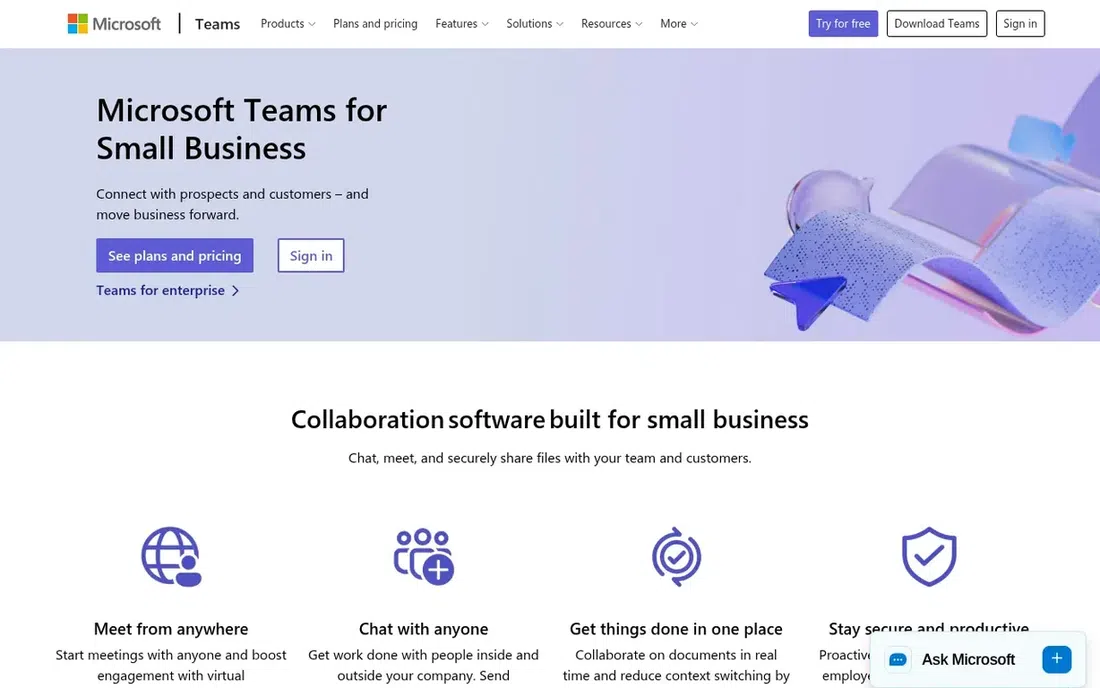
Microsoft Teams Webinars works best for Teams already inside Microsoft 365. Microsoft Teams Webinars extends the Teams system with a structured webinar format for presenting to bigger audiences.
Worth adding: capture and sharing behavior depends on how your organization configures Teams, so confirm the details with your administrator. Choose it when staying inside one collaboration ecosystem is the priority. Price to start with Microsoft Teams Webinars: $4.00 per user per month. As for free access: Free trial.
Where it falls short: Less tailored to marketing-style events.
- Fits organizations already using Teams
- Webinar structure within a familiar app
- Recording relies on organizational settings
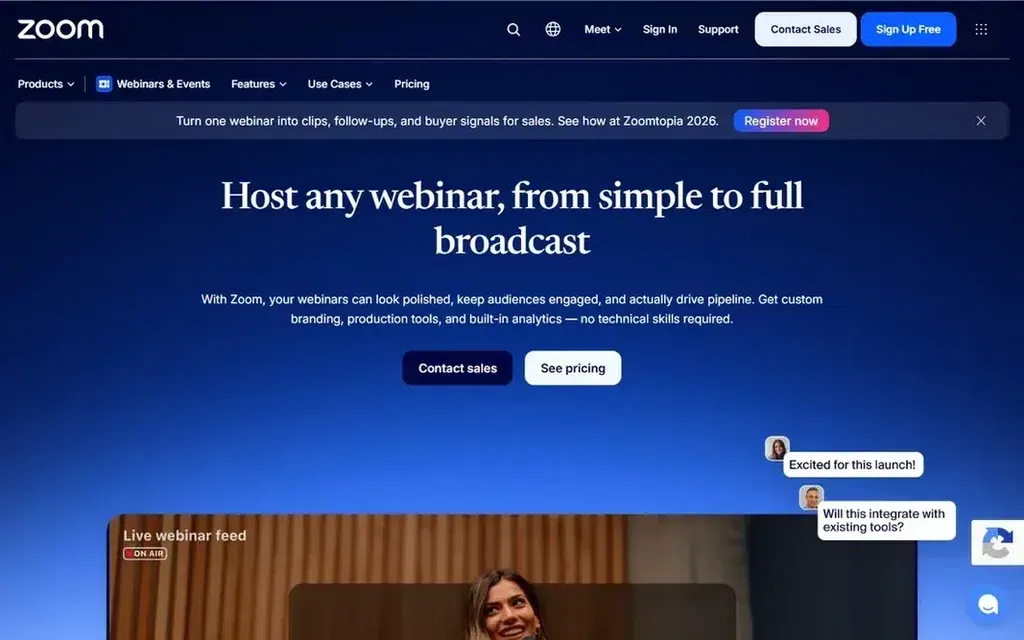
Choose Zoom Webinars for hosting and recording in one system. You schedule a session, run it with presenter controls, and capture the stream without adding separate software.
As for the details, since it is a full hosting product, the recording controls are tied to how your account is configured, so check what capture choices your setup comes with. Pricing for Zoom Webinars is not stated here, so ask the vendor for current figures. Free options: Not stated.
Where it falls short: Less adaptable for editing outside the system.
Best features of Zoom Webinars: Familiar interface for plenty of attendees.
- Structured virtual events
- Supports large
- Recording choices rely on account setup
How we compared the tools
Selection started from tools commonly considered for software to record webinar sessions, then narrowed to 6 that have clear pricing information or a clear quote process. Where a vendor does not publish a price, the entry says quote. Where a price depends on seats or billing term, the entry says so. Tools are placed by general fit for software to record webinar sessions, with price clarity and free access as tie-breakers. A different team can reasonably rank them differently.
Things to verify first
- Confirm the entry price on the vendor page. For OBS Studio, Adobe Connect and Zoom Webinars that means a quote rather than a fixed price.
- Look at the free plan from Riverside closely: its caps decide whether it is usable for real work.
- Use real work to test the free trial from Microsoft Teams Webinars, rather than a demo project.
- Read the limits listed for OBS Studio first: needs manual setup.
- Make sure Zoom Webinars lets you export your data in a format another tool can read.
- Confirm the exact OBS Studio plan that includes your must-have features.
FAQ
Can I try these tools before paying?
Often, yes. Riverside has a free plan and Microsoft Teams Webinars offers a free trial. Use your own data and a real task during the test, and check what the free tier or trial limits before you rely on it.
Do these tools publish their prices?
Not all of them. OBS Studio, Adobe Connect and Zoom Webinars publish no starting price, so expect a quote request for those. The rest, Riverside included, show a starting price, though seats and billing terms still change the final cost.
Can I record a webinar without a premium hosting product?
Open source tools like OBS Studio can capture your screen and audio locally whereas you present through another service. This approach provides you a file you control, though you configure scenes and sources yourself and manage hosting separately.
Is built-in recording better than a separate recorder?
Built-in recording keeps hosting and capture in one place, which is more straightforward for most teams. More specifically, the right choice relies on whether convenience or control matters more.
Which options for software to record webinar sessions have a free plan?
Riverside is the only tool in this list with a free plan. Free plans usually cap users, projects or features, so check the limits on the vendor page. One other tool offers a trial instead. All 6 picks in this software to record webinar sessions comparison list a starting price, free plan details and the main limits on their cards above.
How are the tools for software to record webinar sessions ordered?
OBS Studio sits first and Zoom Webinars last because the order follows typical fit for software to record webinar sessions, then price clarity and free access. It is a judgement call, so read each profile for fit and limits.
Sources
- https://obsproject.com
- https://riverside.fm
- https://www.adobe.com/products/adobeconnect.html
- https://livestorm.co
- https://www.microsoft.com/en-us/microsoft-teams/webinars
- https://zoom.us/webinar