Best App to Record a Podcast in 2026: 8 Apps Compared
Find the best app to record podcast episodes in 2026, from free phone recording to studio-quality remote interviews, editing, hosting and publishing tools.
- Editor's choice
 Riverside
Remote interviews and video podcasts
Starts atFreeVisit riverside.comFull review - Great alternative
 Spotify for Creators
Beginners who want a free start
Starts atFreeVisit creators.spotify.comFull review - Also consider
 Spreaker Studio
Mobile recording and live shows
Starts atFreeVisit spreaker.comFull review
TL;DR:
- Riverside is the best pick for remote interviews and video, thanks to local recording on each guest device.
- Spotify for Creators is the best free start, with recording, hosting and distribution in one place.
- Descript suits hosts who prefer editing by transcript rather than cutting waveforms by hand.
- GarageBand and Audacity remain strong free options for solo recording on a computer.
- Record a short test with your real mic and room before you commit to a paid plan.
Quick comparison
| Tool | Best for | Starts at | Free plan? | |
|---|---|---|---|---|
| Riverside | Remote interviews and video podcasts | Free | Yes | Visit |
| Spotify for Creators | Beginners who want a free start | Free | Yes | Visit |
| Spreaker Studio | Mobile recording and live shows | Free | Yes | Visit |
 GarageBand | Solo hosts on Apple devices | Free | Yes | Visit |
 Audacity | Free audio editing on any computer | Free | Yes | Visit |
 Zencastr | High-quality remote audio recording | See website | Free trial | Visit |
 Descript | Hosts who edit by transcript | Free | Yes | Visit |
 Podbean | Hosting plus simple recording | Free | Yes | Visit |
The best apps to record a podcast
A good podcast recording app should protect audio quality, handle guests well and make editing less painful. We compared apps on recording quality, remote guests, editing, publishing and price.
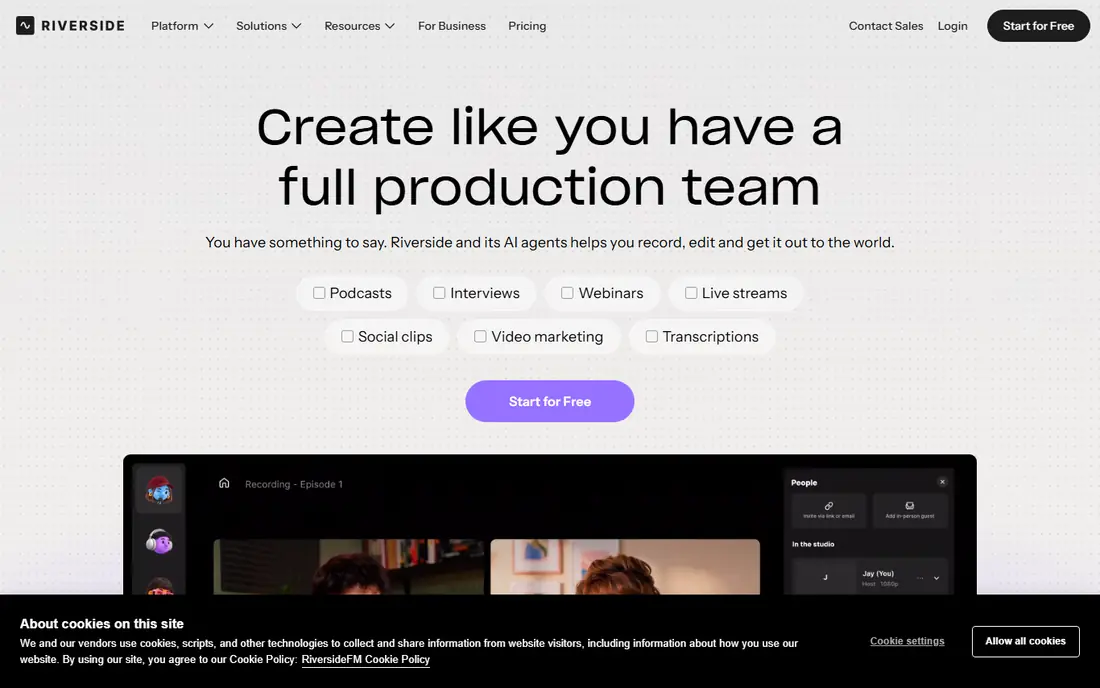
Riverside fits interview hosts and video podcasters who cannot afford a dropped connection to ruin an episode. Each guest records locally in high quality, then uploads in the background, so the final files stay clean even if the call stutters. The strength is quality control. Separate tracks for every guest make editing far easier, and transcript-based tools plus clip creation help turn one recording into publishable audio and short video. For shows that live on YouTube as well as audio apps, that workflow is a clear win.
The catch is price and limits. Lower plans cap recording hours, and video features cost more than an audio-only tool. Solo audio hosts may not need this depth, but interview shows usually will. Before you commit, test the free tier or demo where offered, check the current price on the official site, and confirm the features you need are on the plan you will actually buy.
- Local multi-track recording
- Up to 4K video
- Transcript editing
- Recording hours are capped on lower plans
- Paid plans cost more
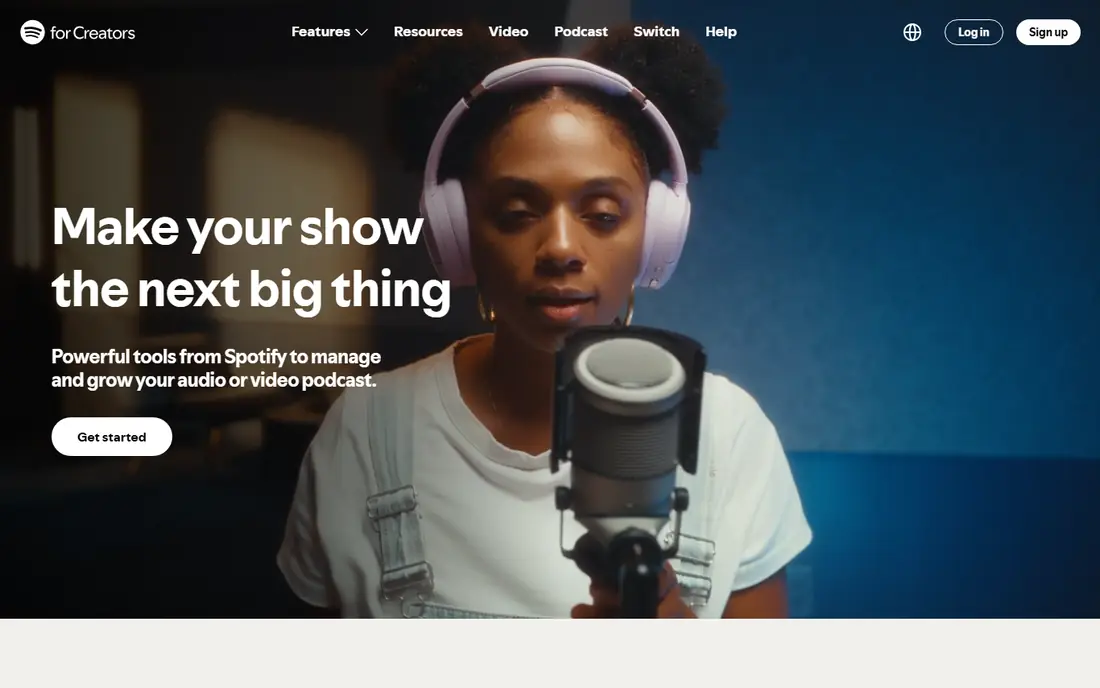
Spotify for Creators, formerly Spotify for Podcasters and Anchor, fits beginners who want to record, publish and distribute without paying for hosting. It handles audio and video episodes, offers basic analytics, and gives you an RSS feed for other directories. The strength is that it is free and complete enough to start. You can record on phone or web, publish, and reach Spotify listeners quickly, with monetisation options for eligible shows. For a first podcast, that low friction matters more than advanced tools.
The catch is depth. Editing is basic compared with Descript or a full audio editor, and some interactive features work best inside Spotify. Serious editors often record elsewhere and use Spotify for Creators mainly for hosting. Before you commit, test the free tier or demo where offered, check the current price on the official site, and confirm the features you need are on the plan you will actually buy.
- Free recording and hosting
- Distribution
- Basic editing and analytics
- Spotify-focused features
- Advanced editing is limited
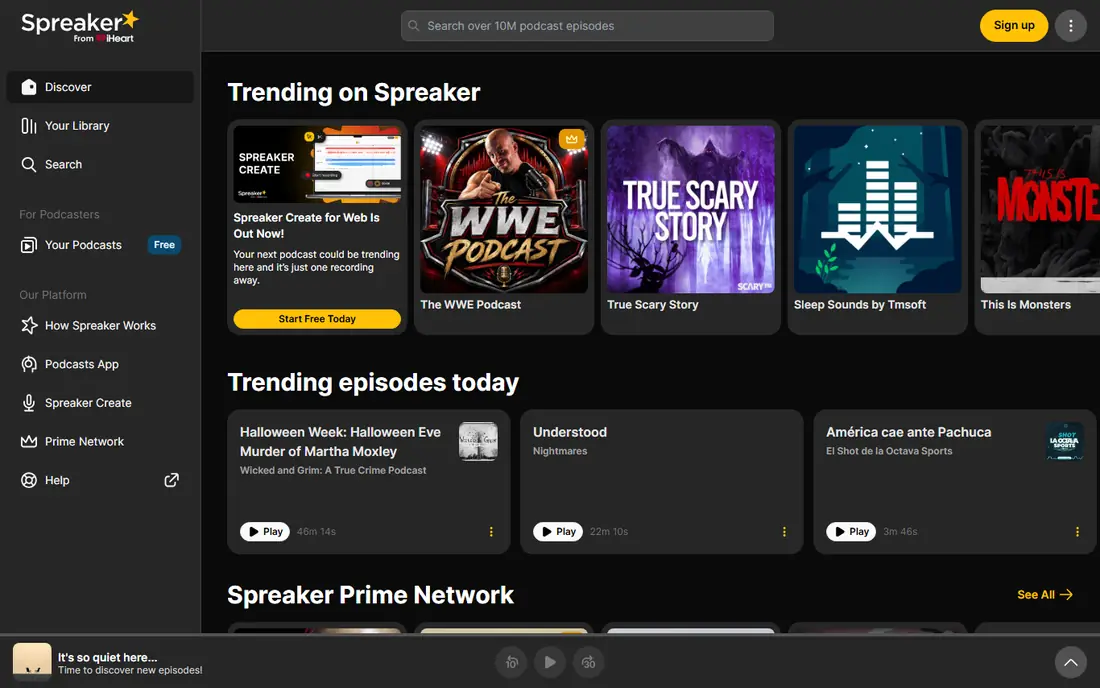
Spreaker Studio fits hosts who record on a phone, go live, or want recording plus hosting in one app. It is easy to start an episode, add basic sound elements, and publish without moving files between tools. The strength is all-in-one convenience. Recording, live streaming, hosting and stats live together, which suits solo hosts and small teams who publish often. The mobile app is genuinely usable, not just a companion to a desktop tool.
The catch is audio polish. Lower tiers compress audio, and remote guest recording is less strong than Riverside or Zencastr. If interview quality is your top priority, record guests on a dedicated remote tool instead. Before you commit, test the free tier or demo where offered, check the current price on the official site, and confirm the features you need are on the plan you will actually buy.
- Mobile and desktop recording
- Live streaming
- Hosting and analytics
- Audio is compressed on lower tiers
- Remote interview tools are limited
GarageBand fits solo podcasters on a Mac, iPhone or iPad who want a free, capable recorder and editor. It is already installed on many Apple devices, and its simple timeline, effects and music tools cover most solo show needs. The strength is value and ease. You can record, trim, add intro music and export a finished episode without buying software, and the interface is far less intimidating than a professional audio workstation. Beginners learn it quickly.
The catch is platform and scope. GarageBand is Apple only, it does not host or distribute your show, and remote interviews need another tool. Pair it with a host like Spotify for Creators or Podbean for publishing. Before you commit, test the free tier or demo where offered, check the current price on the official site, and confirm the features you need are on the plan you will actually buy.
- Free on Apple devices
- Simple editing
- Music and effects
- Apple only
- Remote recording is limited
- Not a host
Audacity fits podcasters who want a free, powerful audio editor on Windows, Mac or Linux. It records and edits multi-track audio, supports noise reduction and effects, and exports in common podcast formats. The strength is control for no cost. You can clean up noise, balance levels, cut mistakes and shape an episode with tools that rival paid editors for basic podcast work. It is a staple for budget-conscious hosts for good reason.
The catch is workflow. Audacity does not record remote guests, host episodes or distribute them, and its interface takes some learning. Use it as your editor, and add a recorder and host around it. Before you commit, test the free tier or demo where offered, check the current price on the official site, and confirm the features you need are on the plan you will actually buy.
- Free and open source
- Multi-track editing
- Noise tools
- No remote recording or hosting
- Interface looks dated
Zencastr fits interview hosts who want clean remote audio without a complex studio setup. Guests join in a browser, each track records locally, and the host gets separate files that are easy to edit. The strength is reliability for audio interviews. Local recording protects against connection problems, and separate tracks let you fix one noisy guest without touching the others. Setup is quick for guests, which reduces pre-show tech support.
The catch is that Zencastr is a recorder first. Editing and publishing tools are more limited than an all-in-one platform, so plan to edit in Descript or Audacity and host elsewhere if you need those features. Before you commit, test the free tier or demo where offered, check the current price on the official site, and confirm the features you need are on the plan you will actually buy.
- Local recording per guest
- Separate tracks
- Simple studio
- Video and advanced features need paid plans
- Editing is basic
Descript fits hosts who hate waveform editing. You edit audio and video by editing a transcript, delete filler words with a click, and use studio sound tools to clean up a noisy recording. The strength is speed. Cutting a rambling answer becomes as simple as deleting a sentence, and the same transcript powers captions and clips. For interview shows with long recordings, that can cut editing time sharply.
The catch is cost at volume. The free plan limits transcription and publishing, and heavier video use needs a paid plan. Solo hosts with short episodes may be fine on a lower tier, but frequent publishers should price it by monthly hours. Before you commit, test the free tier or demo where offered, check the current price on the official site, and confirm the features you need are on the plan you will actually buy.
- Transcript-based editing
- Filler-word removal
- Studio sound tools
- Free plan is limited
- Video depth needs higher plans
Podbean fits podcasters who want a dependable host with simple recording built in. It handles distribution to major apps, analytics and monetisation options, and its app lets you record on the move. The strength is the hosting package. Unlimited hosting on paid plans, a podcast website and monetisation tools make it a solid long-term home for a show, even if you record interviews elsewhere. Support and documentation are also well developed.
The catch is recording depth. Podbean records well enough for solo episodes, but it is not a Riverside-level remote studio. Interview hosts should record guests on a dedicated tool, then publish through Podbean. Before you commit, test the free tier or demo where offered, check the current price on the official site, and confirm the features you need are on the plan you will actually buy.
- Recording, hosting and distribution
- Monetisation tools
- Analytics
- Recording tools are basic
- Advanced editing needs another app
How we picked these
We compared official feature pages, pricing pages, app store listings, privacy and support pages, and public reviews for each product. We favoured products that exist and work today, fit the topic closely, and publish clear pricing or a clear way to get a quote. Where a price was not published, we wrote See website rather than guessing.
We also weighed the honest trade-offs, not just the headline features. A large library, a strong marketplace or a deep platform only helps if the cost, limits and learning curve suit your situation, so each write-up names who the product fits and where it falls short.
How to choose a podcast recording app
Start with how you record
Solo shows need a simple recorder and editor, while interview shows need remote recording that survives a bad connection. Riverside and Zencastr record locally on each guest device, which is the safest approach for interviews.
Check the path to publishing
Some apps only record, while others host and distribute too. If you want one workflow, Spotify for Creators or Podbean may suit you better than a recorder plus a separate host.
Test audio before you pay
Record five minutes in your normal room, listen on headphones, and check for echo, clipping and background noise. A paid plan cannot fix a noisy room, but a closer mic position often can.
FAQ
What is the best app to record podcast episodes?
Riverside is the best all-round pick for interview and video podcasts, while Spotify for Creators is the best free start for beginners. Solo hosts on a Mac may be happy with GarageBand at no extra cost.
What are the best apps for recording podcasts with remote guests?
Riverside and Zencastr are the strongest choices, because they record each guest locally and upload in the background. That approach protects quality when a connection drops mid-interview.
What is the best free podcast recording app?
Spotify for Creators, GarageBand and Audacity are the best free options. Spotify for Creators adds hosting and distribution, GarageBand adds simple music and editing on Apple devices, and Audacity is a capable free audio editor.
Do I need video recording for a podcast?
Not always, but video helps if you publish clips on social media or YouTube. If you only publish audio, an audio-only recorder will be cheaper and simpler, and you can add video later.
Can I record a podcast on my phone?
Yes, Spotify for Creators, Spreaker Studio and Riverside mobile apps all support phone recording. Use a decent external mic and a quiet room, since phone mics pick up more room noise than a dedicated mic.