Best Podcast Software to Record Video Interviews in 2026: Prices, Free Plans and 6 Picks
6 best podcast software to record video interviews, with entry costs, free tiers and the buyer each one serves. Prices and drawbacks included. No filler.
- Editor's choice
 Zencastr
Audio-first presents with chat-based editing
Starts atSee websiteVisit zencastr.comFull review - Great alternative
 Restream
Multistreaming interview displays
Starts at$239 per monthVisit restream.ioFull review - Also consider
 Zoom
Familiar meeting-based interview capture
Starts atSee websiteVisit zoom.usFull review
Direct answer
If you need audio-first presents with chat-based editing, Zencastr is the first tool to look at here. Listed starting prices: Restream from $239 per month, SquadCast from $16 per person a month and Riverside from $24 per month. Look at Restream for Multistreaming interview presents, and at Zoom for familiar meeting-based interview capture. The other 3 tools in the list cover narrower or pricier cases.
TL;DR:
- This list starts with Zencastr, which is built for audio-first presents with chat-based editing.
- Check the limits for Restream before you commit: distribution focus over recording depth.
- Only 2 of the 6 tools have a free plan (SquadCast, Riverside), so check the caps.
- Starting prices begin at $16 per person per month with SquadCast.
Last checked November 2026. Prices and plan details were read from the vendors' own pages in November 2026; vendors change plans often, so confirm the current price on the vendor site before you buy.
Quick comparison
| Tool | Best for | Starts at | Free plan? | |
|---|---|---|---|---|
| Zencastr | Audio-first presents with chat-based editing | See website | Not stated | Visit |
| Restream | Multistreaming interview displays | $239 per month | Not stated | Visit |
| Zoom | Familiar meeting-based interview capture | See website | Not stated | Visit |
| SquadCast | Premium in-browser remote recordings | $16 per person a month | Yes | Visit |
 Ecamm Live | Mac-based live interview production | See website | Not stated | Visit |
 Riverside | High-quality remote podcast recording | $24 per month | Yes | Visit |
6 podcast software to record video interviews in detail
This LinkVetted guide covers 6 podcast software to record video interviews. Each profile lists a starting price, free plan details, strengths and drawbacks, so you can drop poor fits quickly.
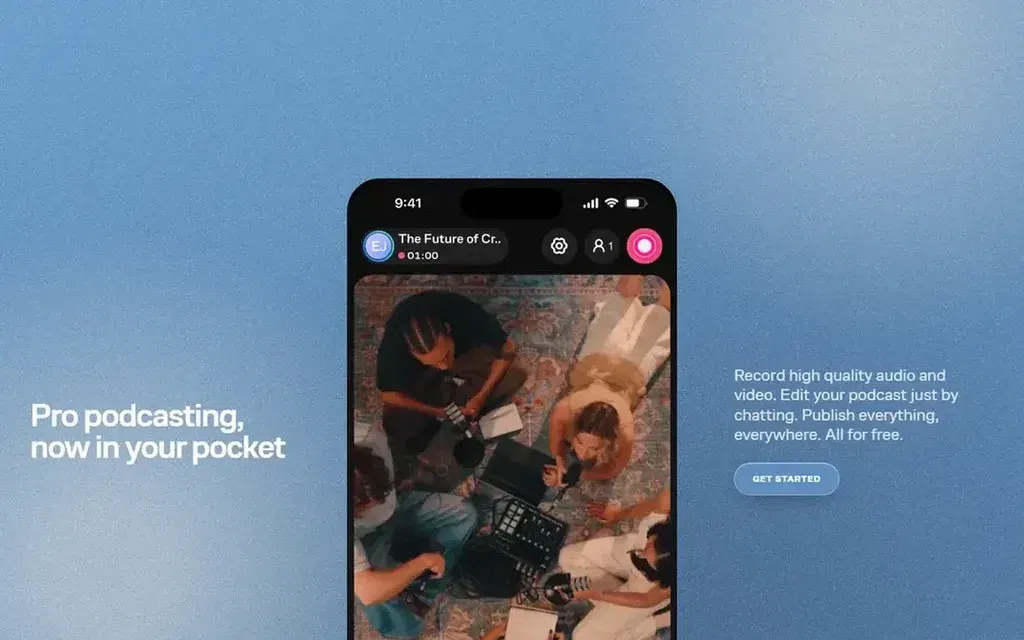
Zencastr targets audio-first displays with chat-based editing. Zencastr records high-quality audio and video, then lets you edit your podcast by chatting and publish everywhere. From a buyer's view, hosts who want a straightforward path from recording to publishing will find the workflow approachable.
Reasons to shortlist it: Edit by chatting with the tool.
If you need heavy video post-production or multi-camera switching, look at a dedicated video tool instead. On top of that, the chat-driven editing model is convenient for trimming and assembling episodes. But it is not a substitute for a full non-linear editor on complicated productions. This comparison lists no price for Zencastr; ask the vendor. Free access: Not stated. Downsides: Video may be secondary to audio.
- Publish to podcast systems
- Records audio and video
- Chat-based editing fits straightforward edits
Choose Restream for Multistreaming interview presents. Restream is a live video product for creating videos and multistreaming them to your favorite channels.
Beyond that, Restream centers on live video delivery, so it is not the place to polish audio or cut a podcast episode. For interview-based displays that want to reach audiences on multiple systems at once, it takes care of distribution instead of deep production. What you pay to start with Restream: $239 per month. Free access: Not stated.
Drawbacks to consider: Distribution focus over recording depth.
- Multistreams to plenty of channels
- Build and distribute live video
- Not a podcast editor
Zoom serves familiar meeting-based interview capture. Plenty of podcasters record interviews through meetings just because guests already know the software and joining is frictionless. It works as a capture layer when convenience for the guest matters most.
Zoom is a collaboration product handling video meetings, chat, phone, webinars, whiteboard, contact center and events. Worth adding: use it for fast records or when a guest cannot install anything, and move to a podcast studio when recording quality and post-production are the priority. This comparison lists no price for Zoom; ask the vendor. Free options: Not stated.
Watch-outs: Recording quality relies on settings.
Highlights: Chat.
- Widely used video meetings
- Webinars and whiteboard
- Not made for podcast production
SquadCast
Best for: Premium in-browser remote recordings
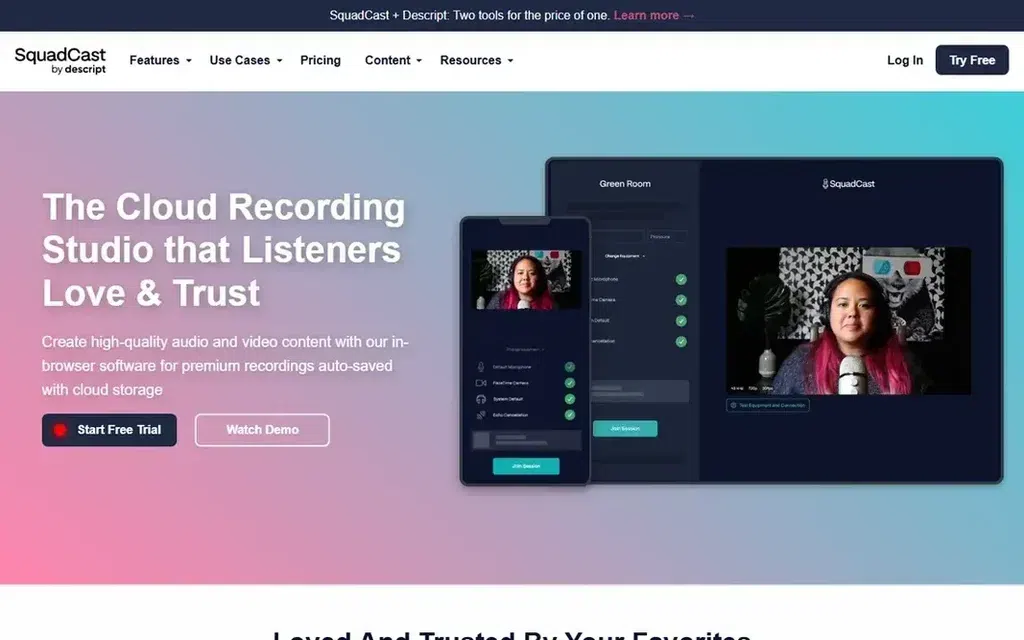
SquadCast serves premium in-browser remote recordings. SquadCast describes itself as a remote recording studio, offering in-browser software for high-quality audio and video with premium recordings auto-saved to cloud storage.
Trade-offs to know: A good match for recording, not production.
If you want recording and editing under one roof, a combined studio for example Riverside may be a better match. More specifically, teams that record with recurring guests may appreciate a studio dedicated to that one job. Starting cost for SquadCast: $16 per person per month. A free plan is available with SquadCast.
- Audio and video content
- Recordings auto-saved to cloud storage
- Fewer editing features described
Choose Ecamm Live for Mac-based live interview production. Ecamm Live is a live streaming platform for Mac, supporting Facebook, YouTube, Instagram, X, Twitch and LinkedIn.
In daily use, pick it when live production on a Mac is central, and deal with episode editing in separate software. If your display doubles as a livestream, it supplies a production layer beyond a plain recorder. Pricing for Ecamm Live is not stated here, so ask the vendor for current figures. Free options: Not stated.
Watch-outs: Mac only.
- Production-oriented controls
- Mac live streaming product
- Targeted at live production, not podcast editing
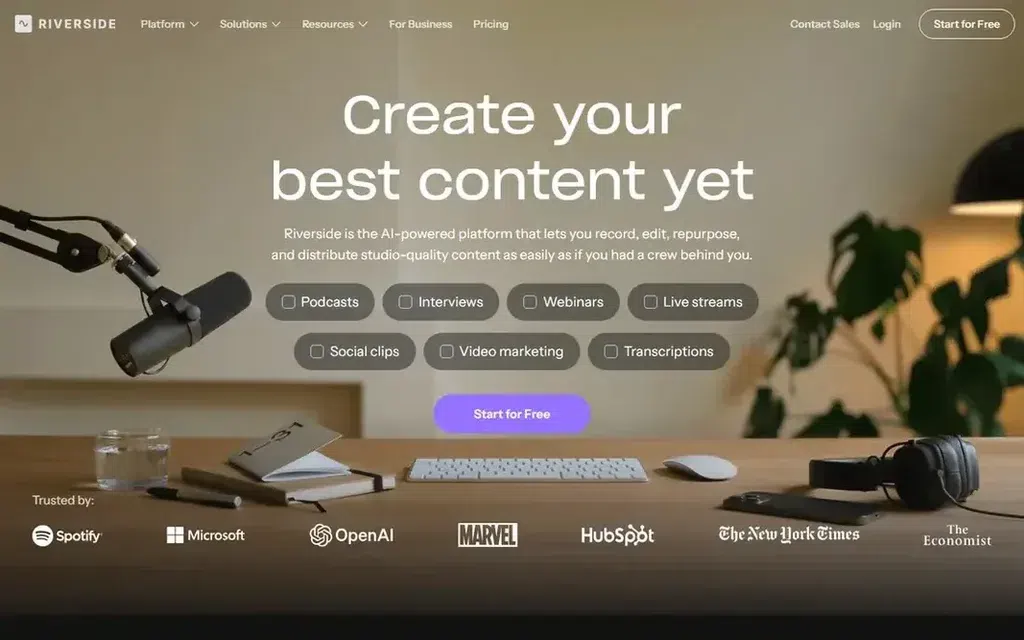
Think of Riverside for high-quality remote podcast recording. Riverside positions itself as an online studio for high-quality podcast and video recording and editing, with AI features built around human conversations.
Watch-outs: Feature depth may overwhelm beginners.
If your display is interview-driven and you want recording and post-production in one place, it is the natural starting point. Riverside cost at the entry level: $24 per month. You can start on Riverside without paying.
- Online studio for audio and video
- AI-assisted editing built in
- Browser and connection quality matter
How the list was put together
What to check before you buy
- Get a written quote from Zencastr, Zoom and Ecamm Live; the list shows no starting price for them.
- Read the fine print on the free plans from SquadCast and Riverside; seat, project and feature caps differ.
- Before choosing Zencastr, weigh its main limit: video may be secondary to audio.
- See whether SquadCast offers onboarding or training, and whether it is included in the price.
- Ask whether Zoom integrates with your current software, and whether that comes standard or as an add-on.
FAQ
Is Zencastr the right pick for everyone comparing podcast software to record video interviews?
No single tool suits every team. Zencastr comes first because it fits audio-first shows with chat-based editing, while Restream suits Multistreaming interview shows and Zoom suits familiar meeting-based interview capture. Match the tool to your own size, budget and workflow before deciding.
How are the tools for podcast software to record video interviews ordered?
Zencastr sits first and Riverside last because the order follows typical fit for podcast software to record video interviews, then price clarity and free access. It is a judgement call, so read each profile for fit and limits.
Which options for podcast software to record video interviews have a free plan?
On this list, SquadCast and Riverside include a free plan. Caps on seats, usage or features are common, so test the free plan against your real workload.
What is the cheapest option for podcast software to record video interviews in this list?
On published monthly entry prices, SquadCast is the lowest here at $16 per person per month. Entry price is only part of the cost, because seats, add-ons and billing terms can change the total. Each of the 6 options in this Podcast software to record video interviews guide has its own card above with the price, free plan and limits.
Sources
- https://zencastr.com
- https://restream.io
- https://zoom.us
- https://squadcast.fm
- https://www.ecamm.com
- https://riverside.fm