7 AI Video Avatar Services With Strong Reviews in 2026
Find the AI video avatar service with best reviews in 2026, comparing HeyGen, Synthesia, Colossyan, and more on price, minutes, and realism today today.

- Editor's choice
 HeyGen
Marketing and social video with realistic avatars
Starts at$29 per monthVisit heygen.comFull review - Great alternative
 Synthesia
Corporate training and compliance video at scale
Starts at$29 per monthVisit synthesia.comFull review - Also consider
 Colossyan
Training teams that want SCORM and quizzes without enterprise cost
Starts at$59 per month billed annuallyVisit colossyan.comFull review
TL;DR:
- AI avatar services turn typed scripts into presenter videos, and credit or minute limits matter more than headline prices.
- HeyGen and Synthesia lead for realism and enterprise training, while Colossyan and Elai offer strong value for smaller training teams.
- D-ID is the cheapest entry point here, but its photo-based avatars suit different work from full presenter studios.
- Check how credits convert to finished minutes, since premium avatars can cost several times more per minute than standard avatars.
- Get consent before cloning a real person's face or voice, and label AI videos where your audience expects a real presenter.
Quick comparison
| Tool | Best for | Starts at | Free plan? | |
|---|---|---|---|---|
| HeyGen | Marketing and social video with realistic avatars | $29 per month | Yes, 3 videos per month | Visit |
| Synthesia | Corporate training and compliance video at scale | $29 per month | Yes, basic plan | Visit |
| Colossyan | Training teams that want SCORM and quizzes without enterprise cost | $59 per month billed annually | Yes, starter plan | Visit |
 D-ID | Budget photo avatars and API workflows | $5.90 per month | 14-day trial | Visit |
 Elai | Slide-deck and document to video conversion | $29 per month | Yes, 1 minute | Visit |
 Vidnoz | Low cost avatar video and quick social clips | See website | Yes | Visit |
 VEED | Avatar video inside a full video editor | See website | Yes, watermarked | Visit |
The best options in this guide
We compared current plans, core features, and limits for each product below, and we kept only products that are available now and fit the topic closely. Prices change, so check the vendor page before you buy, and treat any plan limit as part of the price.
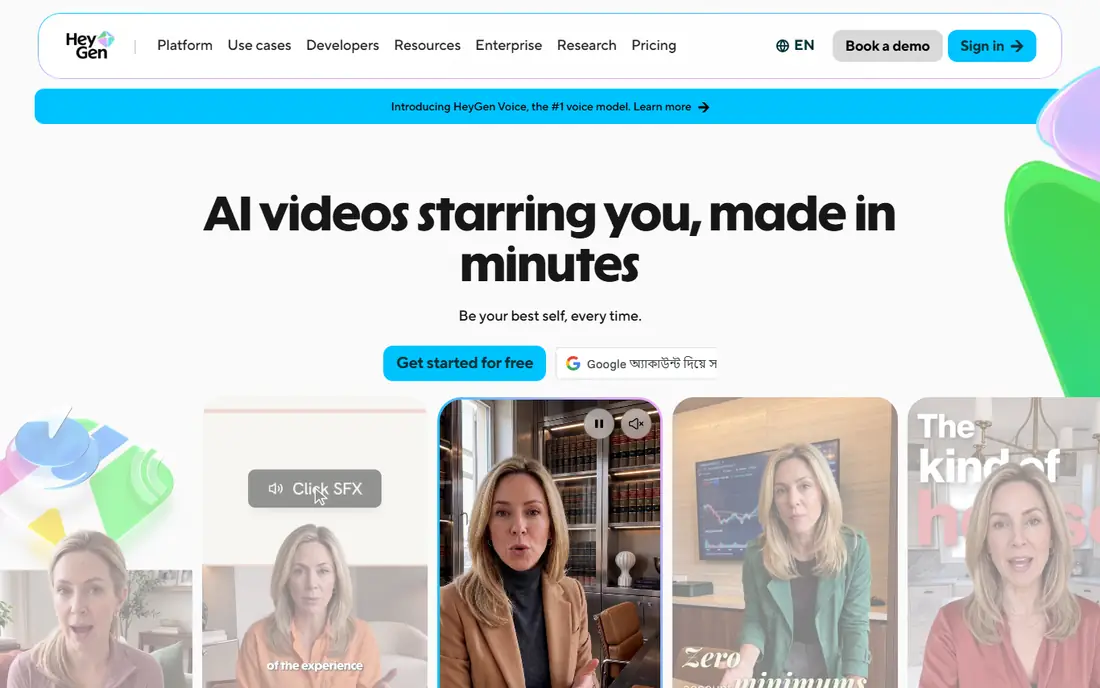
For buyers who need marketing teams that need fast, realistic presenter clips and translated versions for several markets.
The clearest strength is its avatar realism and translation options help a small marketing team produce localized clips without filming each version.
The trade-off is premium avatar credits burn much faster than standard credits, so a team using top-tier avatars should budget per finished minute, not per plan.
- Large avatar library, many languages, video translation
- Premium avatars burn credits fast, credit math is complex
If your main job is corporate training teams that need governed, repeatable video production with clear controls.
Where it stands out is its governance and enterprise controls suit regulated training, where consistency and access control matter.
The main weakness to weigh is SCORM export sits on enterprise plans, and lower plans cap minutes, so high-volume training teams should confirm total cost.
- Strong governance, many avatars, enterprise controls
- SCORM on enterprise, minute caps on lower plans
Colossyan
Best for: Training teams that want SCORM and quizzes without enterprise cost
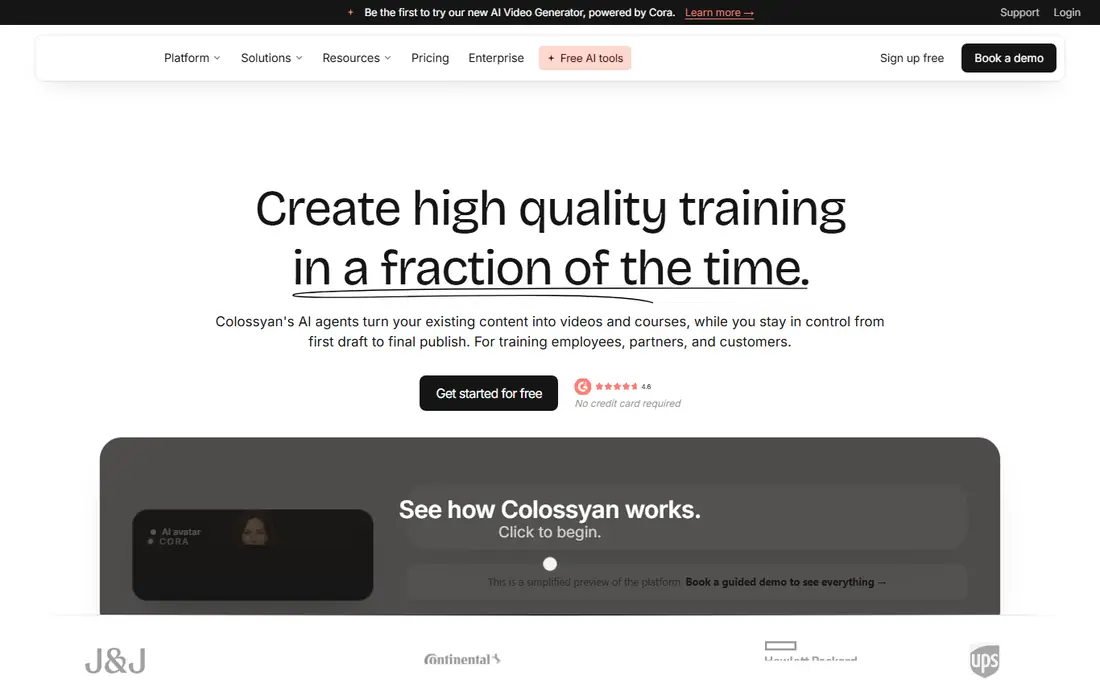
This is a strong match for training teams that want interactive lessons with quizzes and SCORM export without an enterprise contract.
Its main advantage in daily use is its SCORM and quiz features make it practical for learning teams that need trackable training, not just a video file.
Watch out for its current professional pricing is higher than older starter prices, and premium avatar minutes have a separate allowance to watch.
- SCORM exports, branching quizzes, many avatars
- Professional plan price higher than older starter tiers, premium minutes separate
Buyers who want developers and small teams that want low cost talking-head video or an API workflow.
A concrete strength worth noting is its low price and API make it easy to test avatar video or build it into another product.
The honest limitation is photo-based avatars look different from full studio presenters, so teams that need a studio presenter feel should test it first.
- Very low entry price, photo-based avatars, real API
- Photo avatars differ from full studio presenters, trial not a free plan
A good fit when teams that want to turn slides, PDFs, or URLs into presenter video without rebuilding content.
What sets it apart in practice is its deck and URL import saves time for teams that already have training material in slides.
A drawback to plan around is the monthly minute allowance is modest, so a team producing long lessons will need a higher plan or careful batching.
- PPT and URL to video, many avatars, simple workflow
- Minute allowance modest, advanced avatars on higher tiers
Teams with small teams and creators that want quick avatar clips at a low entry cost.
One feature that earns its place here is its template-driven workflow helps a small team produce a usable clip quickly without editing skills.
One weakness stands out credit costs vary by avatar tier, so the same plan can yield very different finished minutes depending on choices.
- Large avatar and voice options, quick templates, low cost entry
- Credit and minute math varies by avatar tier, support depth varies
Small firms that need creators and small teams that want avatars plus editing, captions, and publishing in one tool.
The most useful strength is having avatars inside a real editor means you can trim, caption, and publish without exporting to another app.
The compromise here is as a general editor it may lack the depth of a specialist avatar studio for large training libraries.
- Full editor plus avatars, captions, and templates in one place
- Avatar features are part of a broader editor, not a specialist studio
How we picked these
We compared avatar services by avatar realism, voice and language options, minute or credit allowances, SCORM and export options, and user review standing in October 2026, using vendor pricing pages and recent comparisons. We kept only services that are actively sold now and can produce presenter-style video from a script.
We treated review standing as a guide, not a proof of quality, since review counts and scores change. We favoured services with clear credit or minute math, a free tier or trial, and consent controls for custom avatars, and we noted where premium avatars change the effective price per minute.
Choosing an AI avatar service for your videos
Start with the finished minutes you need each month, not the plan name. A team that makes four short clips a week needs a different allowance from a training team that makes one 20-minute lesson a month, and credit systems make those needs hard to compare at a glance.
A useful test is to run your real work in the tool for a week, using your own data, clients, or questions, rather than a vendor demo. Note where you hit a limit, where support was needed, and whether reports were clear enough to share. That week of real use usually reveals more than a long feature comparison, and it helps you decide whether a higher plan is needed or a lower plan is enough.
Convert credits to finished minutes
Check how many credits or minutes each avatar tier uses per finished minute. Premium avatars can cost several times more than standard avatars, so map your actual avatar choice to the plan before you pay annually. A trial video with your chosen avatar is the best test.
Check export and learning system needs
If you need SCORM for a learning system, quizzes, or branded templates, confirm those features at your tier. Some tools gate SCORM behind enterprise plans, while others include it on mid-tier plans, and that difference can outweigh a small price gap.
Handle consent and disclosure with care
Only clone a face or voice with clear, written consent from that person, and keep a record of that consent. Label AI presenter videos where viewers might reasonably assume a real person is speaking, especially for training, advice, or public claims.
Start small, then scale
Start on a monthly plan or trial where one is offered, and only move to an annual plan after the tool has proved its fit for at least a month of real work. Annual billing can save money, but it locks you in before you know whether limits, support, or workflow fit your team. When you do scale, check whether extra users, clients, or volume change the price, and keep a note of the renewal date so an annual charge does not surprise you.
FAQ
Are AI avatar videos realistic enough for training?
For many training and internal videos, yes, especially with current studio avatars and careful scripting. Short, clear scripts with natural pauses tend to look better than long, dense scripts, so test a real lesson before committing.
How much does AI avatar video cost per minute?
It depends on the avatar tier and plan, with standard avatars often costing far less per minute than premium avatars. Convert your plan allowance to finished minutes for your chosen avatar, rather than comparing headline plan prices alone.
Can I clone my own face and voice?
Most services offer a custom avatar or voice clone, usually on paid plans and with identity verification. You should only clone yourself or a person who has given clear consent, and you should follow the vendor's verification steps.
Do I need video editing skills?
No, most avatar services include a script editor, scenes, and templates, so a non-editor can produce a basic video. Editing skills help for polished marketing work, but they are not required for simple training clips.
Will viewers know the video is AI-generated?
Often yes, especially on close inspection, and some platforms require disclosure. It is good practice to label AI presenter videos clearly, so viewers are not misled about who is speaking.
Sources
https://www.heygen.com https://www.synthesia.com https://colossyan.com https://www.d-id.com https://elai.io https://www.vidnoz.com https://www.veed.io