6 YouTube Outreach Tools Worth Shortlisting in 2026
A practical comparison of the best YouTube outreach tools for finding channels, managing creator emails and running digital PR campaigns in 2026.
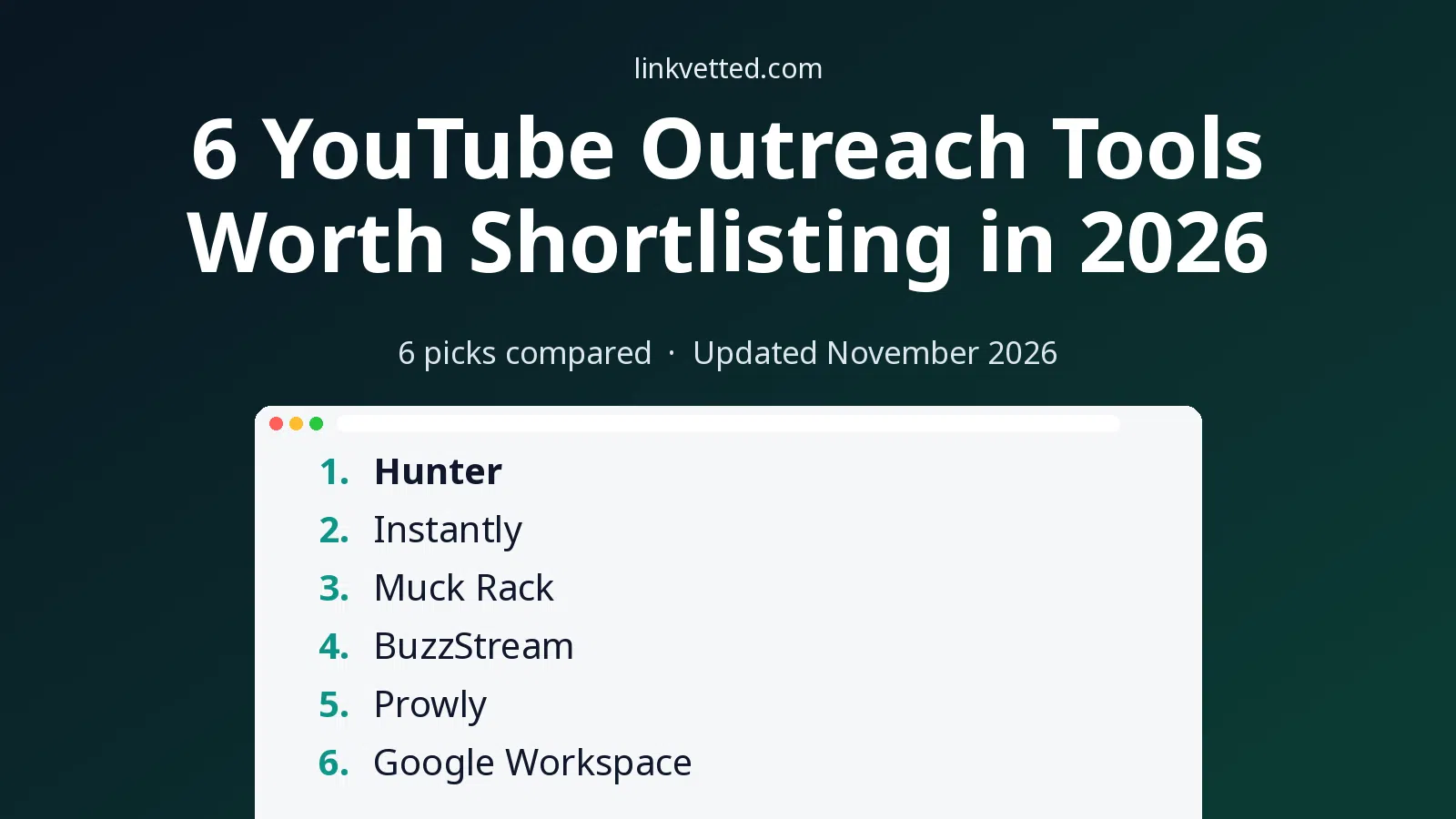
- Editor's choice
 Hunter
Finding and verifying creator emails
Starts atSee websiteVisit hunter.ioFull review - Great alternative
 Instantly
Sending and managing outreach sequences
Starts atSee websiteVisit instantly.aiFull review - Also consider
 Muck Rack
PR contacts and media monitoring
Starts atSee websiteVisit muckrack.comFull review
Direct answer
My top pick is Hunter for finding and verifying creator contact emails, because email discovery is the step most YouTube outreach campaigns fail on. For managing the actual conversation at scale, Instantly is the stronger fit. If your outreach is really digital PR and you want a media database plus monitoring, Muck Rack covers that side better. Most small teams end up pairing one contact-finding tool with one sending tool.
TL;DR:
- YouTube outreach usually needs two jobs done: finding a real contact for a channel and managing the follow-up without losing track.
- Hunter is the most direct fit for turning a channel's public site into a verified email address.
- Instantly suits teams that send many personalised sequences and want replies organised in one inbox.
- Muck Rack is built for PR teams that need journalist and creator contacts alongside monitoring.
- No single tool covers discovery, contact finding, sending and reporting well, so plan for a small stack.
Last checked November 2026. Plan prices are not quoted in this guide because they change often; see each vendor's own pricing page for current figures before you buy.
Quick comparison
| Tool | Best for | Starts at | Free plan? | |
|---|---|---|---|---|
| Hunter | Finding and verifying creator emails | See website | Free plan | Visit |
| Instantly | Sending and managing outreach sequences | See website | Free trial | Visit |
| Muck Rack | PR contacts and media monitoring | See website | Not stated | Visit |
 BuzzStream | Tracking outreach relationships over time | See website | Free trial | Visit |
 Prowly | PR outreach with a press room | See website | Free trial | Visit |
 Google Workspace | A reliable sending inbox | See website | No free plan | Visit |
The best YouTube outreach tools compared
I put this list together by reading vendor documentation and public product pages, then matching each tool to the steps of a YouTube outreach campaign. I did not run hands-on tests, so treat this as a fit-and-features comparison rather than a lab result. Where a vendor does not publish something clearly, I say so.
Hunter is an email discovery tool. You give it a company domain and it returns email addresses it has found in public sources, along with a confidence signal on whether each one is likely to work. For YouTube outreach it fits the moment after you have shortlisted a channel: you open the channel's About page, find their website, and run that domain through Hunter.
The workflow is straightforward. Build a list of channels, note each channel's linked site, then look up contacts by domain. Verification before sending matters here because creator inboxes are often shared or abandoned, and a bounced first email wastes the one chance you get. Hunter also lets you save leads, which keeps your channel list and contact list in the same place.
The limit is that Hunter does not know anything about YouTube. It will not find channels for you, score them, or track a deal. If a creator only lists a Twitter or Instagram handle and no site, Hunter has nothing to work from. Skip it if your outreach is mostly through YouTube comments or platform DMs.
- Domain search returns public emails
- verification reduces bounces
- simple browser extension
- Needs a domain to work from
- not built for YouTube specifically
Instantly is an outreach sending platform. You upload contacts, write a sequence with follow-ups, and it sends from connected inboxes while collecting replies in one place. For YouTube outreach it covers the part after contact discovery: the first email, the polite nudge a week later, and the reply you need to answer before the creator forgets you.
The useful detail for creator outreach is that sequences let you vary the message by channel niche or campaign type without rewriting everything. You can also pause a sequence the moment someone replies, which matters when you are emailing a small number of creators and want the conversation to feel personal rather than automated.
The caution is that Instantly is built around cold email, and YouTube creators get a lot of generic pitches. Use it for volume only when your list is genuinely relevant and your first line references the actual channel. Skip it if you send fewer than a handful of emails a week; a normal inbox is enough.
- Handles multiple sending inboxes
- sequence and follow-up builder
- unified reply inbox
- Cold-email framing needs care
- deliverability depends on your domain setup
Muck Rack is a media relations platform. It combines a database of journalists and public figures with monitoring, pitch tracking and reporting. For YouTube outreach it fits when your goal is coverage or a partnership that looks more like PR than link building, such as getting a creator to feature your product or comment on a story.
In practice you would use it to find and verify who to contact, log the pitch, and track whether the creator or publication mentioned you. That record is useful when a client asks what the outreach produced, because you can point to coverage rather than a spreadsheet of sent emails.
The limit is scope and cost shape. It is designed for communications teams, and much of its value is in monitoring and reporting you may not need. A small agency doing a handful of creator collaborations will likely find it more than necessary.
- Large contact database
- monitoring and alerts
- team collaboration features
- Aimed at PR teams
- heavier than a solo SEO needs
BuzzStream is an outreach CRM. It stores contacts, records every email and reply, and tracks the links or mentions that come out of a campaign. For YouTube outreach the value is the history: which creator you contacted, what you offered, whether they replied, and what happened next.
That history matters more than it sounds. Creator outreach often runs over months, and the same channel may come up in two campaigns. A CRM stops you from pitching the same person twice with the same angle, and it lets a colleague pick up a conversation without asking you what was said.
The trade-off is setup time. If you run one campaign a year, a spreadsheet and a shared inbox will do. BuzzStream earns its place when outreach is a steady process with several people involved and you need a record you can trust.
- Contact and link tracking in one place
- outreach CRM built for link building
- team notes and history
- Interface takes time to learn
- heavier than a simple spreadsheet
Prowly is a PR platform that bundles a media database, pitch sending, a hosted newsroom and reporting. For YouTube outreach it is most useful when you want to pitch creators and journalists from the same place, or when you need a public page that explains your brand to anyone who asks before agreeing to a collaboration.
The newsroom part is the differentiator. A creator who is deciding whether to work with you often wants a quick, credible summary of who you are. Sending them a link to a maintained press page is a cleaner answer than a long email.
The limit is the database focus. It is built around media contacts, and creator-specific discovery is not its strength. If your outreach is entirely YouTube creators, a contact finder plus a sending tool will serve you better.
- Media database with contact details
- press release and newsroom tools
- campaign reporting
- Database leans toward journalists
- less useful for pure creator outreach
Google Workspace is not an outreach tool, and I am listing it because every campaign needs a sending inbox you control. Using a proper domain address rather than a free mailbox makes a first email to a creator look like it comes from a real business, and shared labels let a small team see who has replied.
The practical role is housekeeping. You keep your channel list in a sheet, your contacts in Hunter, your sequences in Instantly, and the actual conversation in Gmail. Labels for "replied", "agreed" and "declined" give you a simple status view without another subscription.
Skip it if you already have a working domain inbox elsewhere. It adds nothing to outreach on its own, and I include it only because teams often forget that the inbox is part of the stack.
- Professional domain email
- shared inboxes and labels
- calendar and docs in one place
- No outreach features
- you still need discovery and contact tools
How I chose
I started from the steps a YouTube outreach campaign actually goes through: finding channels, finding a contact, sending a first email, following up, and recording what happened. Then I read vendor documentation and public product pages to see which tools cover which step, and where each one stops. I did not sign up for trials or run campaigns to test them, so this is a documentation-based comparison. If a vendor does not publish something clearly, such as a free plan, I mark it as not stated rather than guess.
The second filter was fit for a small team. A tool that needs a communications department to justify it is a poor recommendation for a two-person agency, even if the product is good. I also weighted whether a tool solves the step people most often get wrong, which is often contact discovery: a perfect sequence is wasted if the email bounces. Finally, I left out anything that depends on scraping private data or mass-messaging creators, because that approach damages the sender's reputation and rarely produces a real partnership.
What to check before you buy
- Whether the tool can find a contact from a channel's linked website, since many creators list a site rather than an email.
- How contact verification works, and whether it flags risky addresses before you send.
- Whether replies land in a shared inbox your team can see, or only in one person's account.
- How the tool handles follow-ups and whether it stops sending once someone replies.
- Whether you can export your contact and channel lists if you leave, so the work is not locked in.
- What the vendor's documentation says about acceptable use, so your sending stays within the platform's rules.
FAQ
What are YouTube outreach tools used for?
They support the process of contacting YouTube creators for collaborations, product features, reviews or link placements. In practice that means finding a channel, locating a real contact, sending a relevant first email, following up once, and keeping a record of the conversation. Most teams use two or three tools rather than one, because discovery, contact finding and sending are usually separate products.
Do I need a paid tool to start YouTube outreach?
No. A spreadsheet, a manual check of each channel's About page and a normal inbox will carry a small campaign. Paid tools help when the list grows, when several people share the work, or when bounced emails are wasting your effort. Start manual, then add a contact finder first, since that is where most campaigns break down.
How do I find a creator's email address?
Open the channel page, check the About section for a linked website or business email, and look at that site's contact page. Many creators list a management or agency address rather than a personal one. Use a verification tool before sending so you do not waste a first impression on an address that bounces.
Is mass-emailing creators a good idea?
Generally no. Creators receive a lot of generic pitches and can tell when a message was not written for them. A smaller list with a specific reason for contact, referencing a recent video, tends to get better responses than a large blast. It also keeps your domain reputation intact, which matters for every future campaign.
Can these tools also help with link building?
Some of them, yes. BuzzStream and Hunter are both used in link building, and the same contact and follow-up discipline applies. The difference with YouTube is that the ask is often a collaboration or feature rather than a link, so your pitch and your tracking need to reflect that. Pick tools that fit the ask you are actually making.
Sources
- https://hunter.io
- https://instantly.ai
- https://muckrack.com
- https://www.buzzstream.com
- https://prowly.com
- https://workspace.google.com