Best Cold Email Outreach Tools B2B in 2026: 8 Tools Compared
Best cold email outreach tools B2B in 2026: compare 8 consent-aware sending platforms for sequences, deliverability, inboxes and replies before you buy.

- Editor's choice
 Instantly
High-volume B2B sending
Starts at$37 per monthVisit instantly.aiFull review - Great alternative
 Smartlead
Agencies with many clients
Starts at$39 per monthVisit smartlead.aiFull review - Also consider
 Lemlist
Personalised email plus LinkedIn
Starts at$69 per monthVisit lemlist.comFull review
TL;DR:
- Instantly and Smartlead suit high-volume sending, while Lemlist suits personalised multichannel sequences.
- Apollo pairs a contact database with sending, which helps teams that still need to build a list.
- Per-user pricing can triple costs as a team grows, so flat-rate tools often win for larger sending teams.
- Always verify contacts, warm up inboxes, and honour opt-outs, since deliverability depends on list quality more than any feature.
Quick comparison
| Tool | Best for | Starts at | Free plan? | |
|---|---|---|---|---|
| Instantly | High-volume B2B sending | $37 per month | Free trial | Visit |
| Smartlead | Agencies with many clients | $39 per month | Free trial | Visit |
| Lemlist | Personalised email plus LinkedIn | $69 per month | Free trial | Visit |
 Woodpecker | Small teams that send carefully | $35 per month | Free trial | Visit |
 Reply.io | Multichannel SDR sequences | $59 per month | Free trial | Visit |
 Apollo.io | Database plus sending in one place | Free | Yes | Visit |
 Mailshake | Simple SMB cold outreach | See website | Free trial | Visit |
 Saleshandy | Budget sending with lead data | $41 per month | Free trial | Visit |
The best cold email outreach tools B2B
Cold email for B2B works best when it is targeted, relevant, and compliant: real business contacts, a clear reason to write, easy opt-out, and respect for spam laws and inbox rules. These tools help with sequences, deliverability, and replies, but they do not excuse poor lists or mass spam.
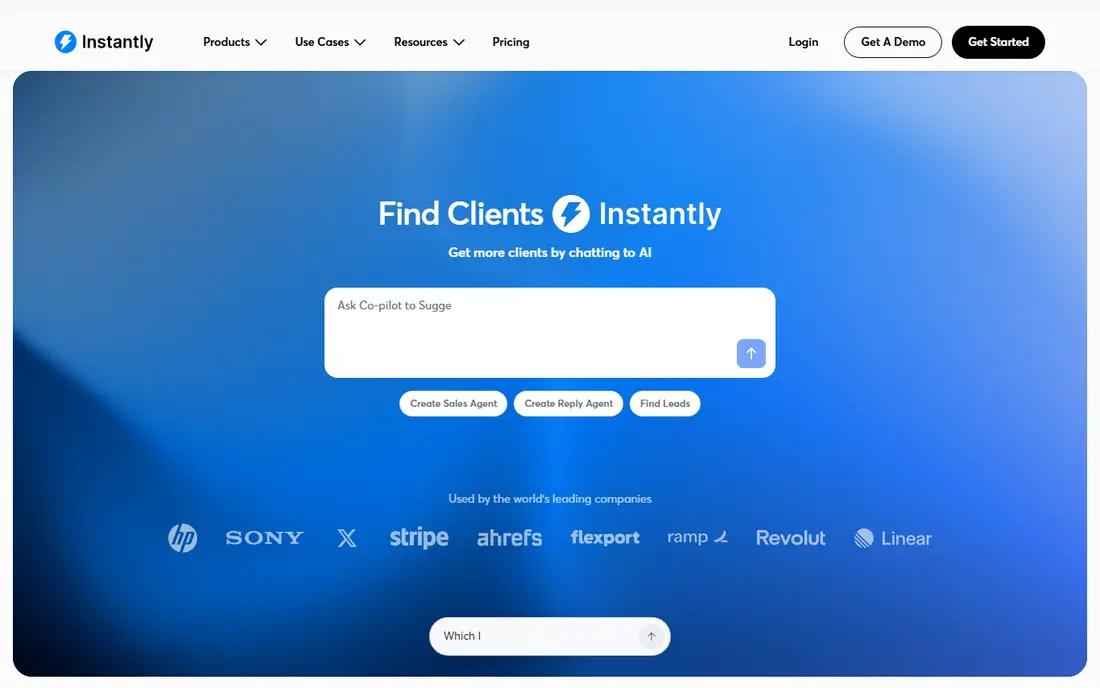
Instantly is built for volume: many inboxes, rotation, and warmup in one sending platform. That focus makes it a clear fit for high-volume b2b sending, and its strongest point is unlimited inboxes on many plans. We compared its official feature pages and pricing with the other tools in this list, and it stands out for buyers who want that specific strength without paying for a much larger suite.
Pricing starts at $37 per month, and the free option is listed as Free trial. In daily use, expect a straightforward setup for the core job, plus the usual limits that come with a lower tier, such as fewer templates, fewer sends, or fewer seats. The honest catch is lead database is an add-on, so check that limit against your real volume before you commit.
Pick this one if high-volume b2b sending matches your main need and the price fits your budget for the next year. Skip it if you need a wider set of features in one place, since a broader platform may cost more at first but save you from stitching several tools together.
- Unlimited inboxes on many plans
- Built-in warmup
- Unified inbox
- Lead database is an add-on
- Advanced analytics need higher tiers
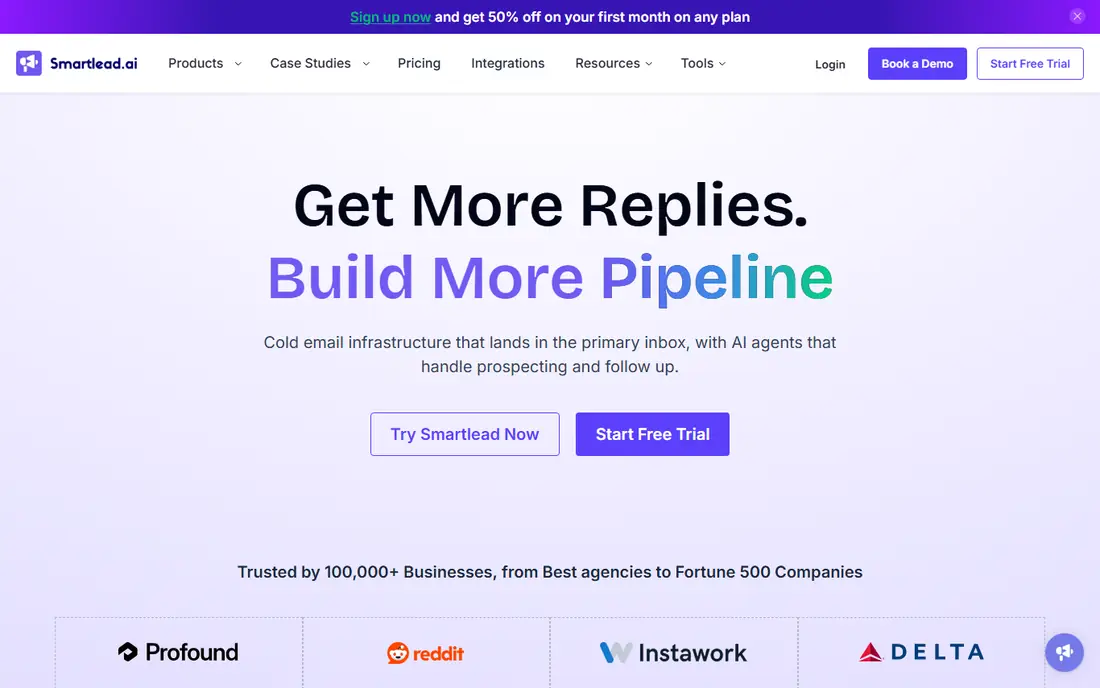
Smartlead suits agencies that manage many inboxes and clients from one dashboard. That focus makes it a clear fit for agencies with many clients, and its strongest point is unlimited mailboxes. We compared its official feature pages and pricing with the other tools in this list, and it stands out for buyers who want that specific strength without paying for a much larger suite.
Pricing starts at $39 per month, and the free option is listed as Free trial. In daily use, expect a straightforward setup for the core job, plus the usual limits that come with a lower tier, such as fewer templates, fewer sends, or fewer seats. The honest catch is prospecting is an add-on, so check that limit against your real volume before you commit.
Pick this one if agencies with many clients matches your main need and the price fits your budget for the next year. Skip it if you need a wider set of features in one place, since a broader platform may cost more at first but save you from stitching several tools together.
- Unlimited mailboxes
- Agency workflows
- Built-in warmup and inbox rotation
- Prospecting is an add-on
- Per-client costs can add up
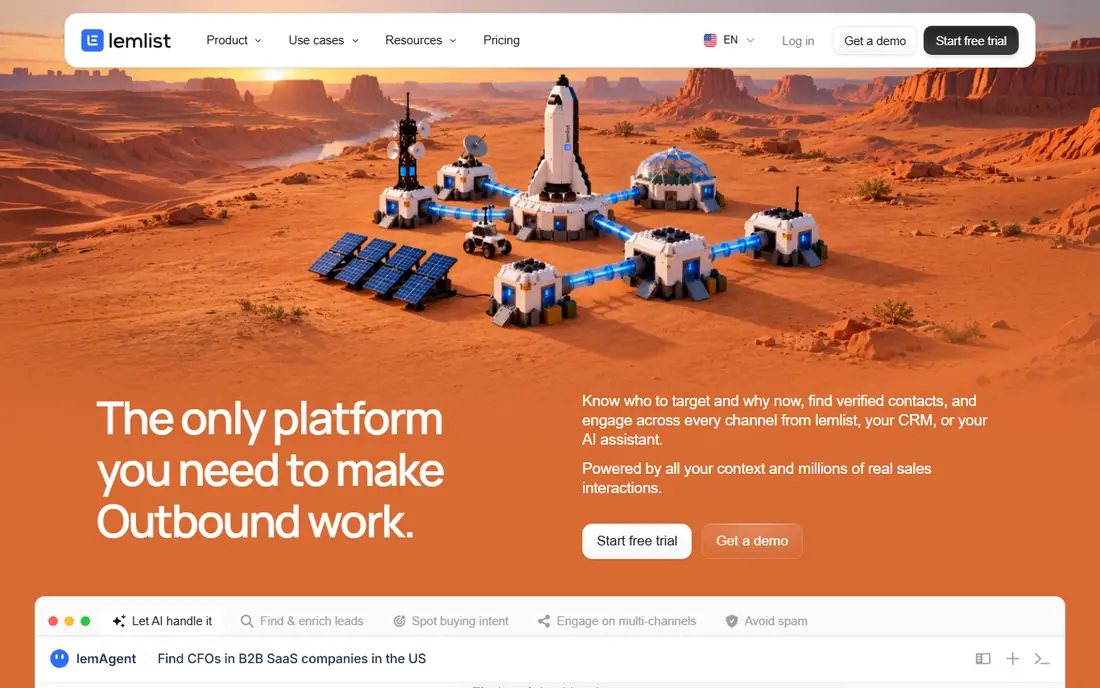
Lemlist stands out when personalisation, not raw volume, drives replies. That focus makes it a clear fit for personalised email plus linkedin, and its strongest point is personalised images and first lines. We compared its official feature pages and pricing with the other tools in this list, and it stands out for buyers who want that specific strength without paying for a much larger suite.
Pricing starts at $69 per month, and the free option is listed as Free trial. In daily use, expect a straightforward setup for the core job, plus the usual limits that come with a lower tier, such as fewer templates, fewer sends, or fewer seats. The honest catch is per-user pricing grows fast, so check that limit against your real volume before you commit.
Pick this one if personalised email plus linkedin matches your main need and the price fits your budget for the next year. Skip it if you need a wider set of features in one place, since a broader platform may cost more at first but save you from stitching several tools together.
- Personalised images and first lines
- Lemwarm warmup
- Multichannel sequences
- Per-user pricing grows fast
- Volume costs more than flat-rate rivals
Woodpecker fits small teams that prefer careful, smaller campaigns over blast sending. That focus makes it a clear fit for small teams that send carefully, and its strongest point is simple sequence builder. We compared its official feature pages and pricing with the other tools in this list, and it stands out for buyers who want that specific strength without paying for a much larger suite.
Pricing starts at $35 per month, and the free option is listed as Free trial. In daily use, expect a straightforward setup for the core job, plus the usual limits that come with a lower tier, such as fewer templates, fewer sends, or fewer seats. The honest catch is smaller scale than instantly or smartlead, so check that limit against your real volume before you commit.
Pick this one if small teams that send carefully matches your main need and the price fits your budget for the next year. Skip it if you need a wider set of features in one place, since a broader platform may cost more at first but save you from stitching several tools together.
- Simple sequence builder
- Built-in warmup
- Careful sending controls
- Smaller scale than Instantly or Smartlead
- No built-in database
Reply helps SDR teams run email, LinkedIn, and calls in one sequence, with clear reply handling. That focus makes it a clear fit for multichannel sdr sequences, and its strongest point is email, linkedin, and call steps. We compared its official feature pages and pricing with the other tools in this list, and it stands out for buyers who want that specific strength without paying for a much larger suite.
Pricing starts at $59 per month, and the free option is listed as Free trial. In daily use, expect a straightforward setup for the core job, plus the usual limits that come with a lower tier, such as fewer templates, fewer sends, or fewer seats. The honest catch is per-user cost rises with team size, so check that limit against your real volume before you commit.
Pick this one if multichannel sdr sequences matches your main need and the price fits your budget for the next year. Skip it if you need a wider set of features in one place, since a broader platform may cost more at first but save you from stitching several tools together.
- Email, LinkedIn, and call steps
- AI sequence help
- Team reporting
- Per-user cost rises with team size
- AI SDR tier is much higher
Apollo helps teams that need contacts and sending together, without buying two tools at first. That focus makes it a clear fit for database plus sending in one place, and its strongest point is large contact database. We compared its official feature pages and pricing with the other tools in this list, and it stands out for buyers who want that specific strength without paying for a much larger suite.
Pricing starts at Free, and the free option is listed as Yes. In daily use, expect a straightforward setup for the core job, plus the usual limits that come with a lower tier, such as fewer templates, fewer sends, or fewer seats. The honest catch is data accuracy varies outside the us, so check that limit against your real volume before you commit.
Pick this one if database plus sending in one place matches your main need and the price fits your budget for the next year. Skip it if you need a wider set of features in one place, since a broader platform may cost more at first but save you from stitching several tools together.
- Large contact database
- Sequences and dialer
- Free plan for testing
- Data accuracy varies outside the US
- Per-seat pricing grows with teams
Mailshake keeps outreach simple for small teams that want sequences without a complex setup. That focus makes it a clear fit for simple smb cold outreach, and its strongest point is simple sequences. We compared its official feature pages and pricing with the other tools in this list, and it stands out for buyers who want that specific strength without paying for a much larger suite.
Pricing starts at See website, and the free option is listed as Free trial. In daily use, expect a straightforward setup for the core job, plus the usual limits that come with a lower tier, such as fewer templates, fewer sends, or fewer seats. The honest catch is warmup is an add-on for some plans, so check that limit against your real volume before you commit.
Pick this one if simple smb cold outreach matches your main need and the price fits your budget for the next year. Skip it if you need a wider set of features in one place, since a broader platform may cost more at first but save you from stitching several tools together.
- Simple sequences
- Phone and social steps
- Straightforward reporting
- Warmup is an add-on for some plans
- Pricing has changed over time, so check the page
Saleshandy is a budget-friendly pick when flat pricing and a unified inbox matter more than advanced personalisation. That focus makes it a clear fit for budget sending with lead data, and its strongest point is flat-rate pricing on many plans. We compared its official feature pages and pricing with the other tools in this list, and it stands out for buyers who want that specific strength without paying for a much larger suite.
Pricing starts at $41 per month, and the free option is listed as Free trial. In daily use, expect a straightforward setup for the core job, plus the usual limits that come with a lower tier, such as fewer templates, fewer sends, or fewer seats. The honest catch is verification can cost extra, so check that limit against your real volume before you commit.
Pick this one if budget sending with lead data matches your main need and the price fits your budget for the next year. Skip it if you need a wider set of features in one place, since a broader platform may cost more at first but save you from stitching several tools together.
- Flat-rate pricing on many plans
- Unified inbox
- Lead data options
- Verification can cost extra
- Interface is plainer than rivals
How we picked these
We compared official pricing pages, feature lists, and public reviews, and we favoured tools with warmup, inbox rotation, opt-out handling, and deliverability controls. We treated lawful use as a requirement: targeted B2B outreach to relevant business contacts, with consent where required, clear identification, and prompt opt-out handling. Where pricing was not published, we used See website. This is general guidance, not legal advice, and teams should check CAN-SPAM, GDPR, and other rules for their markets.
How to run B2B cold email lawfully and effectively
Start with a good list. Target people whose role and company fit your offer, verify addresses, and remove bounces and role addresses that do not fit. A small, relevant list will beat a large, generic list on replies and on deliverability. Keep records of where contacts came from and why they are relevant.
Then send like a human. Warm up new inboxes, limit daily sends, personalise the first line with a real detail, and include a clear opt-out. Stop a sequence when someone replies, opts out, or asks not to be contacted. If a market requires consent, get it first and do not use a sending tool to bypass that rule.
FAQ
Is cold email legal for B2B?
In many markets, targeted B2B cold email is allowed if it follows spam laws, includes identification and opt-out, and respects consent rules where they apply. Rules differ by country, so check CAN-SPAM, GDPR, and local law for your recipients.
How many cold emails should I send per day?
Start low on a warmed inbox, often well under 50 a day per inbox at first, and scale only when deliverability stays strong. Volume without warmup and list quality harms inbox placement.
Do I need a lead database as well as a sending tool?
Not always. Apollo and similar tools bundle data, while Instantly and Smartlead focus on sending. If you already have a verified list, a sending-only tool may cost less.
What hurts cold email deliverability most?
Poor lists, high bounce rates, spam complaints, and sudden volume spikes. Warmup, verification, relevant copy, and prompt opt-out handling protect deliverability more than any single feature.
Should I use LinkedIn steps in cold outreach?
LinkedIn steps can help when prospects are active there, but follow platform rules and keep messages relevant. Multichannel tools help only when each channel adds a real reason to reply.