Live Stream Software for Podcast Creators in 2026: The 5 Best Options Side by Side
Best live stream software for podcast creators in 2026: 5 contenders with entry costs and free tiers. We note where every tool falls short. Quick to scan.
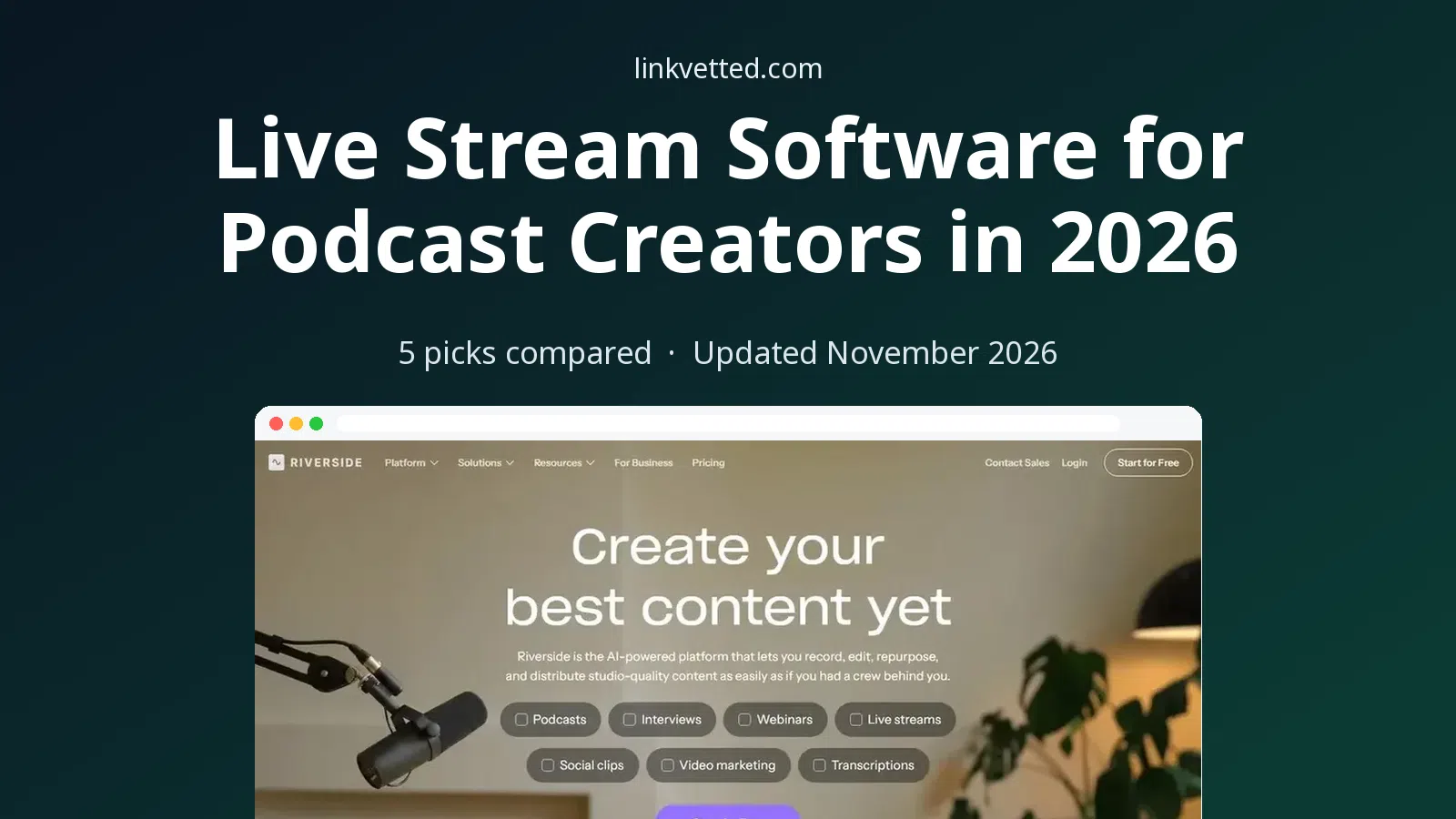
- Editor's choice
 Riverside
High-quality recording and editing for podcasts
Starts at$24 a monthVisit riverside.fmFull review - Great alternative
 Restream
Multistreaming to multiple channels at once
Starts at$239 a monthVisit restream.ioFull review - Also consider
 StreamYard
Straightforward browser-based live podcast streaming
Starts atSee websiteVisit streamyard.comFull review
Direct answer
This list puts Riverside first for high-quality recording and editing for podcasts. Listed starting prices: Riverside from $24 a month and Restream from $239 a month. Restream fits Multistreaming to multiple channels at once; StreamYard fits straightforward browser-based live podcast streaming. The full list of 5 tools follows, with prices and free plan facts.
TL;DR:
- Riverside is the opening pick, best for high-quality recording and editing for podcasts.
- For free open source control over streaming, OBS Studio is worth a look.
- The main caution on Riverside: Live streaming is not the core focus.
- Riverside has the lowest monthly starting price in this list: $24 per month.
- Just one of the 5 tools, Riverside, has a free plan.
Last checked November 2026. Prices and plan details were read from the vendors' own pages in November 2026; vendors change plans often, so confirm the current price on the vendor site before you buy.
Quick comparison
| Tool | Best for | Starts at | Free plan? | |
|---|---|---|---|---|
| Riverside | High-quality recording and editing for podcasts | $24 a month | Yes | Visit |
| Restream | Multistreaming to multiple channels at once | $239 a month | Not stated | Visit |
| StreamYard | Straightforward browser-based live podcast streaming | See website | Free trial | Visit |
 Ecamm Live | Mac-based live production for podcasters | See website | Not stated | Visit |
 OBS Studio | Free open source control over streaming | See website | Not stated | Visit |
5 live stream software for podcast creators in detail
LinkVetted compared 5 live stream software for podcast creators. The goal is a practical shortlist: published prices, free plan facts, best-fit use cases and honest limits for every entry.
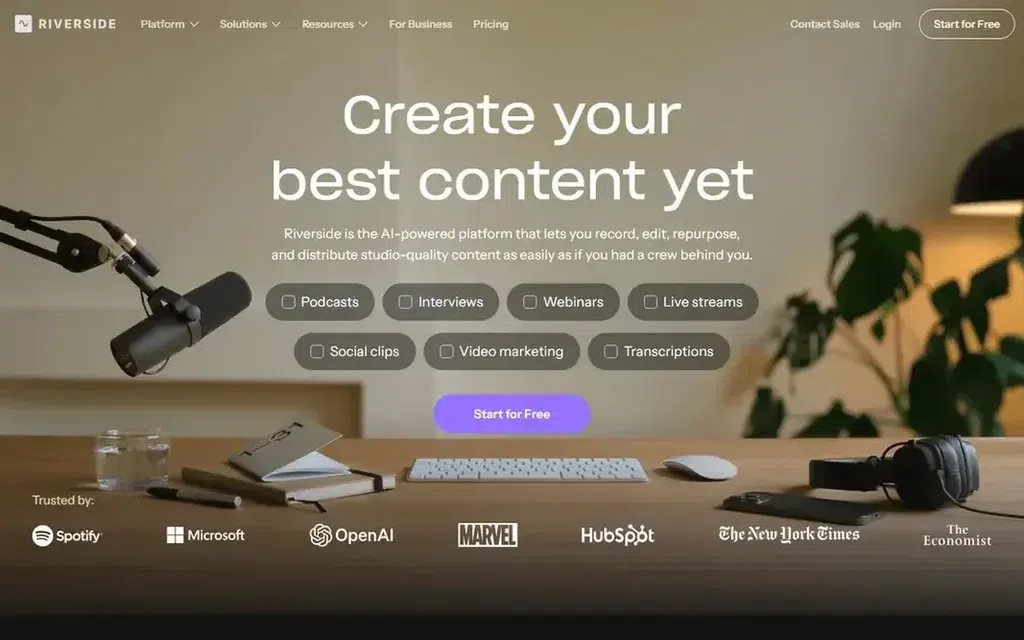
In short, Riverside is for high-quality recording and editing for podcasts. Riverside describes itself as an online studio for high-quality podcast and video recording and editing, powered by AI and made for human conversations.
In daily use, if your priority is a full live production switcher with numerous scenes and overlays, Riverside may feel narrow. Riverside starts at: $24 per month. You can start on Riverside without paying.
Points against: Live streaming is not the core focus.
- Editing built into the workflow
- Online studio for podcast and video recording
- Advanced production control is restricted
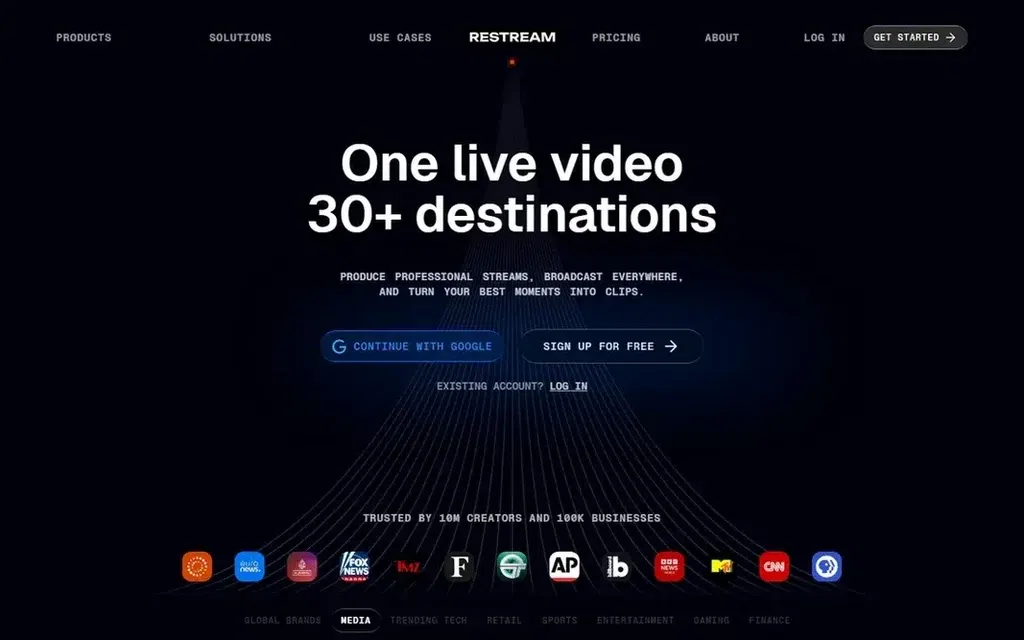
Restream was built for Multistreaming to multiple channels at once. Restream is a straightforward live video system that helps you produce videos and multistream them to your favorite channels.
Where it is weaker: Production features are lighter than studio tools.
Worth adding: for podcast creators, the appeal is broadcasting one live episode to multiple destinations instead of repeating the work per system. Beyond that, Restream is centered on distribution, so elaborate in-studio production is better handled elsewhere. Price to start with Restream: $239 per month. Free plan details: Not stated.
- Multistreams live video to favorite channels
- Handy for reaching audiences in multiple places
- Depends on stable upload bandwidth
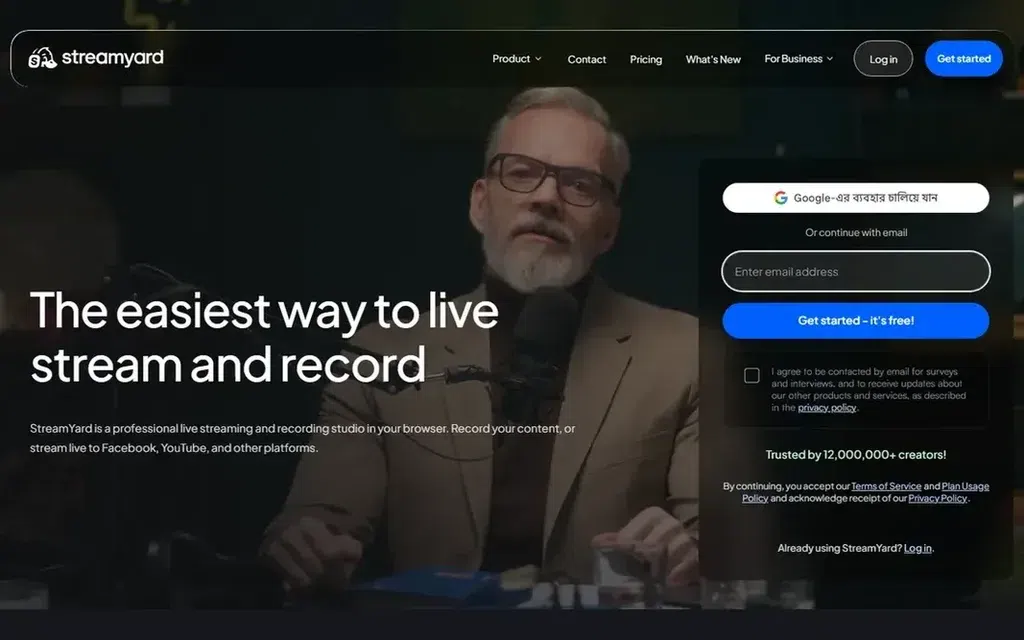
Think of StreamYard for straightforward browser-based live podcast streaming. StreamYard is a professional live streaming and recording studio that runs in your browser.
Reasons to shortlist it: Sends to Facebook.
In daily use, pick something else if you need complicated switching, local recording at high bitrates, or advanced encoding choices. In practice, since it lives in the browser, heavy production setups and fine-grained scene control are restricted compared to desktop tools. StreamYard shows no starting price here, so confirm the cost on the vendor site. Free plan details: Free trial.
Where it falls short: Browser performance relies on your connection.
- Streams live and records content
- YouTube and other products
- Less control over advanced production
Think of Ecamm Live for Mac-based live production for podcasters. The obvious limit is product: Windows users need a different tool.
Heavier productions also demand a capable Mac. No starting price is listed for Ecamm Live here; confirm pricing on the vendor site. As for free access: Not stated.
The main drawbacks: Mac only.
- Supports Facebook, YouTube, Instagram, X
- Solid fit for produced shows
- Needs a capable machine for heavier scenes
OBS Studio was built for free open source control over streaming. The tradeoff is setup effort: scenes, audio routing and encoding are configured by hand, which can overwhelm newcomers. Pick a browser studio instead if you want to go live rapidly with minimal configuration.
OBS Studio is free and open source software for video recording and live streaming. It streams to Twitch, YouTube and numerous other providers, and it can record your own videos with high-quality H264 and AAC encoding. Check the vendor site for OBS Studio pricing; none is listed in this comparison. Free plan details: Not stated.
Drawbacks to consider: Needs manual configuration.
- YouTube and numerous providers
- Records with H264 and AAC encoding
- Steeper ramp-up time
Our selection method
LinkVetted looked at what each vendor publishes: pricing, plan limits, feature coverage for live stream software for podcast creators and stated drawbacks. No hands-on testing is claimed. Treat prices as a snapshot: vendors change plans often, so check the vendor site for the figure that applies today. The sequence is a judgement call: typical use case first, then pricing transparency, then free access. Use the profiles to check fit.
Pre-purchase checklist
- Ask StreamYard, Ecamm Live and OBS Studio for a written quote, since no starting price is shown.
- Look at the free plan from Riverside closely: its caps decide whether it is usable for real work.
- Use real work to test the free trial from StreamYard, rather than a demo project.
- Read the limits listed for Riverside first: Live streaming is not the core focus.
- Test the integrations you rely on with OBS Studio before committing; some connectors sit on upper tiers.
- Look at the help docs and support options for Riverside before you commit.
FAQ
What is the cheapest option for live stream software for podcast creators in this list?
On published monthly entry prices, Riverside is the lowest here at $24 per month. Entry price is only part of the cost, because seats, add-ons and billing terms can change the total. For the full picture, the cards above cover all 5 entries of this live stream software for Podcast Creators list, including price, free plan and limits.
How are the tools for live stream software for podcast creators ordered?
The order follows typical fit for live stream software for podcast creators, with Riverside first and OBS Studio last, then price clarity and free access. It is editorial judgement, not a score, so another team could rank the tools differently.
Which options for live stream software for podcast creators have a free plan?
Riverside is the only tool in this list with a free plan. Free plans usually cap users, projects or features, so check the limits on the vendor page. One other tool offers a trial instead.
Do these tools publish their prices?
Not all of them. StreamYard, Ecamm Live and OBS Studio publish no starting price, so expect a quote request for those. The rest, Riverside included, show a starting price, though seats and billing terms still change the final cost.
Is free and open source software enough for a live podcast?
OBS Studio is free and open source and supports streaming to numerous providers plus local recording. It is capable, but it needs manual configuration, so budget time to learn scenes and audio routing.
Sources
- https://riverside.fm
- https://restream.io
- https://streamyard.com
- https://www.ecamm.com
- https://obsproject.com