5 Live Streaming Software for Webinars Worth Shortlisting in 2026
5 best live streaming software for webinars, with entry costs, free tiers and the buyer each one serves. Each tool gets a one-line verdict. Refreshed for 2026.
- Editor's choice
 OBS Studio
Open source control and adaptability
Starts atSee websiteVisit obsproject.comFull review - Great alternative
 Restream
Multistreaming to several channels
Starts at$239 a monthVisit restream.ioFull review - Also consider
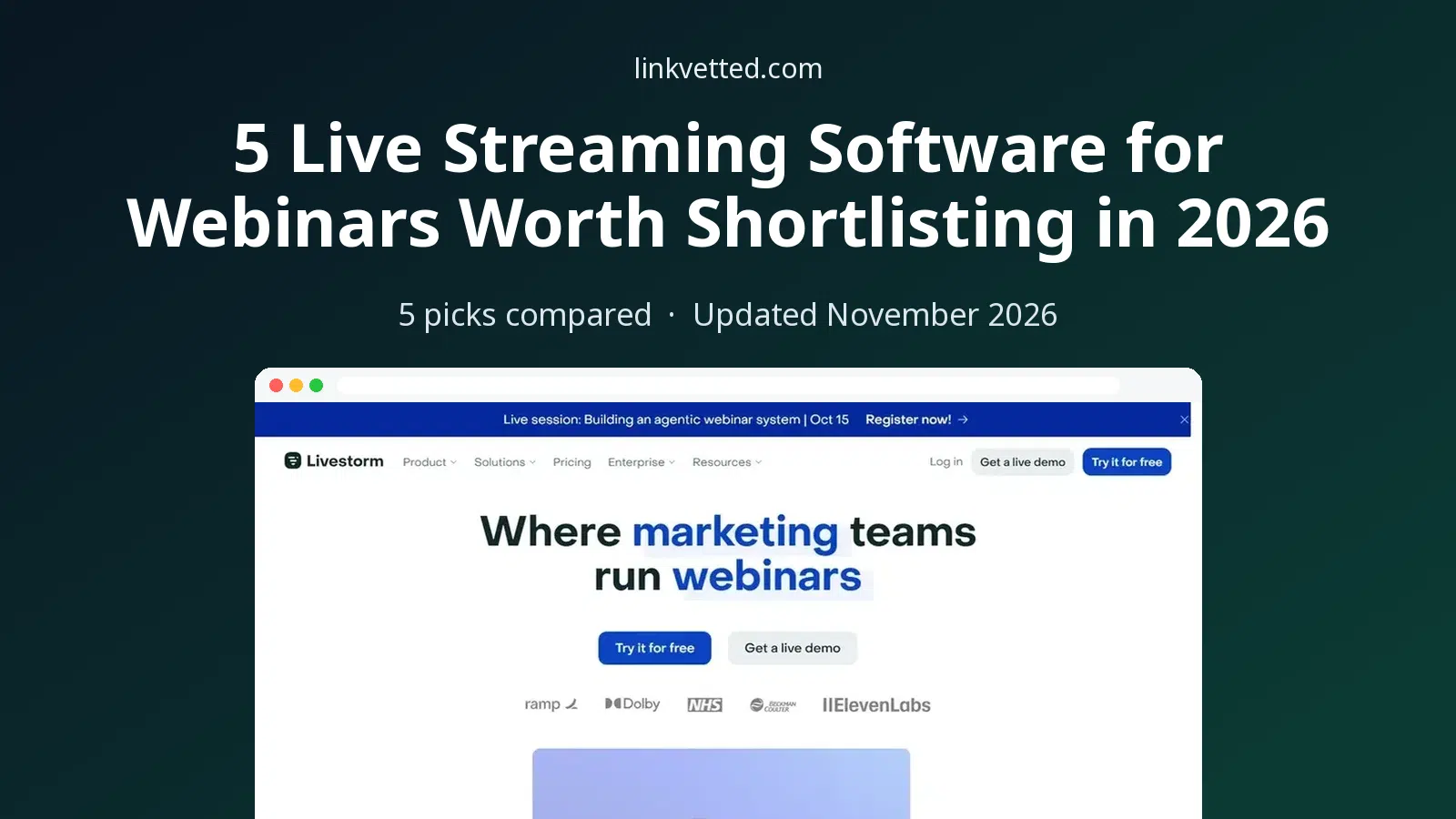
 Livestorm
Marketing teams needing CRM insights
Starts at€2.50 per attendeeVisit livestorm.coFull review
Direct answer
For open source control and adaptability, OBS Studio is where this list starts. Listed starting prices: Restream from $239 a month and Livestorm from €2.50 per attendee. Look at Restream for Multistreaming to several channels, and at Livestorm for marketing teams needing CRM insights. Prices, free plans and limits for all 5 tools follow.
TL;DR:
- This list starts with OBS Studio, which is built for open source control and flexibility.
- Vimeo Livestream is the one to check for browser-based professional event broadcasts.
- Starting prices begin at $239 per month with Restream.
- Before buying Zoom Webinars, weigh this: Webinar features sit alongside meeting products.
Last checked November 2026. Prices and plan details were read from the vendors' own pages in November 2026; vendors change plans often, so confirm the current price on the vendor site before you buy.
Quick comparison
| Tool | Best for | Starts at | Free plan? | |
|---|---|---|---|---|
| OBS Studio | Open source control and adaptability | See website | Not stated | Visit |
| Restream | Multistreaming to several channels | $239 a month | Not stated | Visit |
| Livestorm | Marketing teams needing CRM insights | €2.50 per attendee | Not stated | Visit |
 Zoom Webinars | Professional branded webinar events | See website | Not stated | Visit |
| Vimeo Livestream | Browser-based professional event broadcasts | See website | Yes | Visit |
Live Streaming Software for Webinars profiles
If you are comparing live streaming software for webinars, this page covers 5 tools in one place: what each is best for, what it costs to start, whether it has a free plan, and the main limit to know about.
Think of OBS Studio for open source control and adaptability. OBS Studio is free and open source software for video recording and live streaming, able to stream to Twitch, YouTube and plenty of other providers or record high quality H264 and AAC video.
More specifically, OBS Studio provides no registration, attendee management or engagement analytics, and its interface takes time to learn. No starting price is listed for OBS Studio here; confirm pricing on the vendor site. Free access: Not stated.
Where it is weaker: Steeper ramp-up time.
- Free and open source
- Streams to numerous providers
- No built-in webinar audience tools
Where Restream fits: Multistreaming to several channels. Restream is a live video product centred on creating videos and multistreaming them to favorite channels simultaneously.
It suits creators, marketers and communities that want one webinar or present to reach audiences across multiple products at once rather than being tied to a single destination. On cost, Restream starts like this: $239 per month. Free access: Not stated.
Drawbacks to consider: Audience management is entry-level.
- Supports refined video output
- Streams to numerous channels at once
- Not a dedicated webinar product
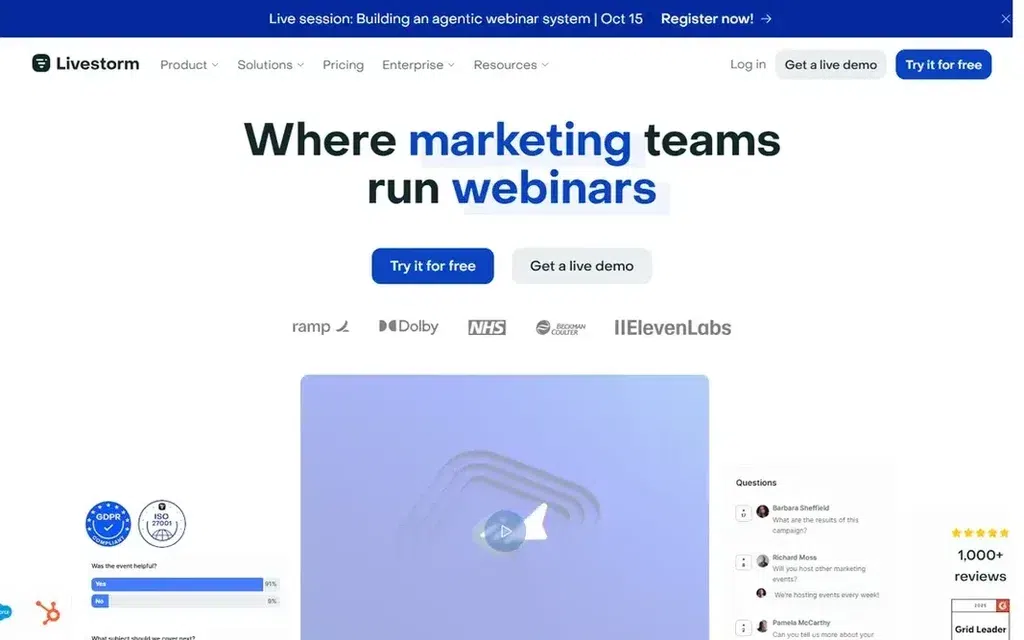
Choose Livestorm for marketing teams needing CRM insights. Livestorm describes itself as an all-in-one webinar system for marketing teams, handling branded events, engagement insights and syncing data to a CRM to prove ROI, with AI enhancements.
Consider a general streaming studio if your priority is producing presents for social products instead of capturing webinar engagement data. Starting cost for Livestorm: €2.50 per attendee. Free plan details: Not stated.
Drawbacks to consider: Aimed primarily at marketing use cases.
- All-in-one webinar workflow
- Engagement data syncs to CRM
- Less suited to open broadcast streaming
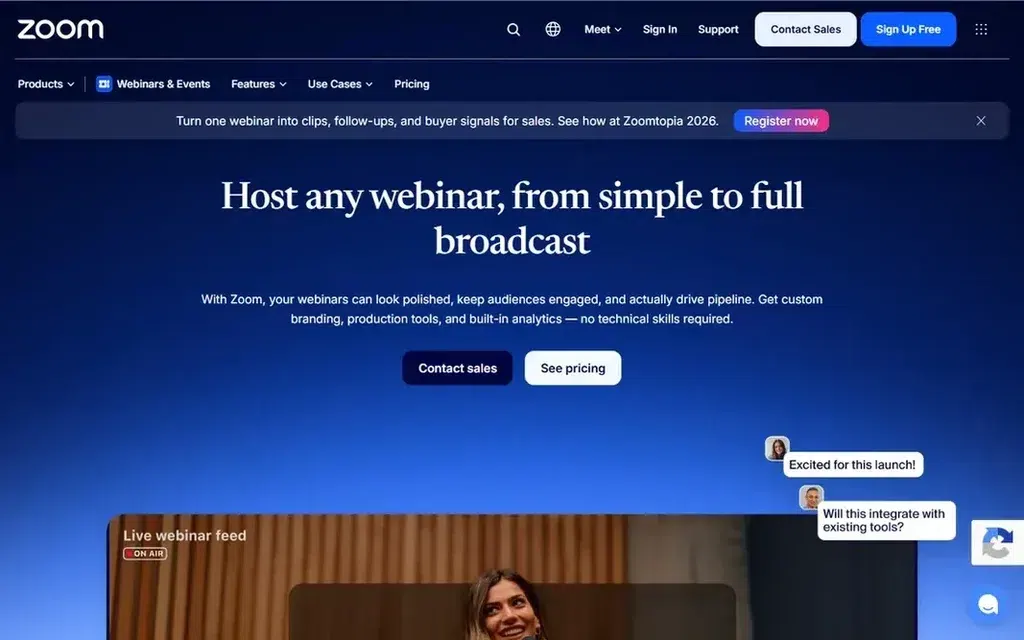
Zoom Webinars targets professional branded webinar events. Zoom Webinars extends the widely used Zoom meeting experience into dedicated webinar and events hosting. As for the details, pick something else if your priority is open source adaptability or streaming to several destinations at once instead of a managed webinar workflow.
Also, since it grows out of a meetings product, teams wanting deep broadcast production controls or multistreaming to plenty of channels may need additional tools. From a buyer's view, the homepage positions it around turning virtual events into professional, high-impact experiences that drive results. Check the vendor site for Zoom Webinars pricing; none is listed in this comparison. Trial and free access: Not stated.
The main drawbacks: Webinar features sit alongside meeting products.
- Familiar Zoom meeting experience
- Supports high-impact virtual events
- Advanced production may need extras
Vimeo Livestream
Best for: Browser-based professional event broadcasts
Vimeo Livestream targets browser-based professional event broadcasts. It fits organizations producing refined event broadcasts, conferences and presentations where video quality and steady delivery matter more than registration-driven webinar mechanics.
On top of that, if you need built-in registration funnels, CRM syncing or heavy audience polling, a dedicated webinar system is a better match. Vimeo Livestream does not show a starting price in this comparison, so check the vendor site for current pricing. A free plan is available with Vimeo Livestream.
Where it is weaker: Webinar interactivity is lighter.
- Stream from browser or app
- Engagement tools for live events
- Concentrated on broadcast instead of lead capture
Our selection method
Selection started from tools commonly considered for live streaming software for webinars, then narrowed to 5 that have clear pricing information or a clear quote process. Where a price is missing, the vendor does not list one publicly or ties it to a quote. Always confirm before budgeting. Order on the page follows fit for the typical buyer first, then price transparency and free access. Your own requirements should decide the final pick.
Before you commit
- Confirm the entry price on the vendor page. For OBS Studio, Zoom Webinars and Vimeo Livestream that means a quote rather than a fixed price.
- Look at the free plan from Vimeo Livestream closely: its caps decide whether it is usable for real work.
- Before choosing OBS Studio, weigh its main limit: steeper ramp-up time.
- Before rolling out Zoom Webinars, verify the integrations your workflow depends on.
- Test how quickly Restream answers a pre-sales question; it hints at how support will feel later.
FAQ
What is the cheapest option for live streaming software for webinars in this list?
On published monthly entry prices, Restream is the lowest here at $239 per month. Entry price is only part of the cost, because seats, add-ons and billing terms can change the total.
Do these tools publish their prices?
Not all of them. OBS Studio, Zoom Webinars and Vimeo Livestream publish no starting price, so expect a quote request for those. The rest, Restream included, show a starting price, though seats and billing terms still change the final cost.
Can I stream a webinar to several products at once?
Dedicated webinar systems generally focus on a single hosted event experience, so you may have to combine tools if both are required.
Which options for live streaming software for webinars have a free plan?
Vimeo Livestream is the only tool in this list with a free plan. Free plans usually cap users, projects or features, so check the limits on the vendor page.
How are the tools for live streaming software for webinars ordered?
OBS Studio sits first and Vimeo Livestream last because the order follows typical fit for live streaming software for webinars, then price clarity and free access. It is a judgement call, so read each profile for fit and limits.
Sources
- https://obsproject.com
- https://restream.io
- https://livestorm.co
- https://zoom.us/webinar
- https://livestream.com