5 Social Media Scraping Tools Ranked for 2026
5 products for the best social media scraping tools, ranked by fit, with starting costs and free tiers. The weak spots sit next to the strengths. Easy to scan.
- Editor's choice
 ParseHub
Point-and-click scraping without writing code
Starts atSee websiteVisit parsehub.comFull review - Great alternative
 Clay
Enriching lead lists from 200+ data vendors
Starts atSee websiteVisit clay.comFull review - Also consider
 Evaboot
Exporting LinkedIn Sales Navigator searches to clean CSVs
Starts atSee websiteVisit evaboot.comFull review
Direct answer
ParseHub is the first pick on this list for point-and-click scraping without writing code. Clay is the stronger choice for enriching lead lists from 200+ data vendors, while Evaboot suits Exporting LinkedIn Sales Navigator searches to clean CSVs. Details, prices and limits for the rest of the 5 tools are below.
TL;DR:
- The list opens with ParseHub, aimed at point-and-click scraping without writing code.
- Only 2 of the 5 tools have a free plan (ParseHub, PhantomBuster), so check the caps.
- PhantomBuster is the one to check for running prebuilt social automations 24/7.
- A fair warning about ParseHub: desktop app required to build projects.
- PhantomBuster is the lowest-priced starter here at $56 per month.
Quick comparison
| Tool | Best for | Starts at | Free plan? | |
|---|---|---|---|---|
| ParseHub | Point-and-click scraping without writing code | See website | Yes | Visit |
| Clay | Enriching lead lists from 200+ data vendors | See website | Not stated | Visit |
| Evaboot | Exporting LinkedIn Sales Navigator searches to clean CSVs | See website | Not stated | Visit |
 TexAu | Prospecting from a spreadsheet-like table | $99 a month | Free trial (14 days) | Visit |
 PhantomBuster | Running prebuilt social automations 24/7 | $56 per month (billed yearly) | Yes | Visit |
Social Media Scraping Tools profiles
LinkVetted compared 5 social media scraping tools. The goal is a practical shortlist: published prices, free plan facts, best-fit use cases and honest limits for every entry.
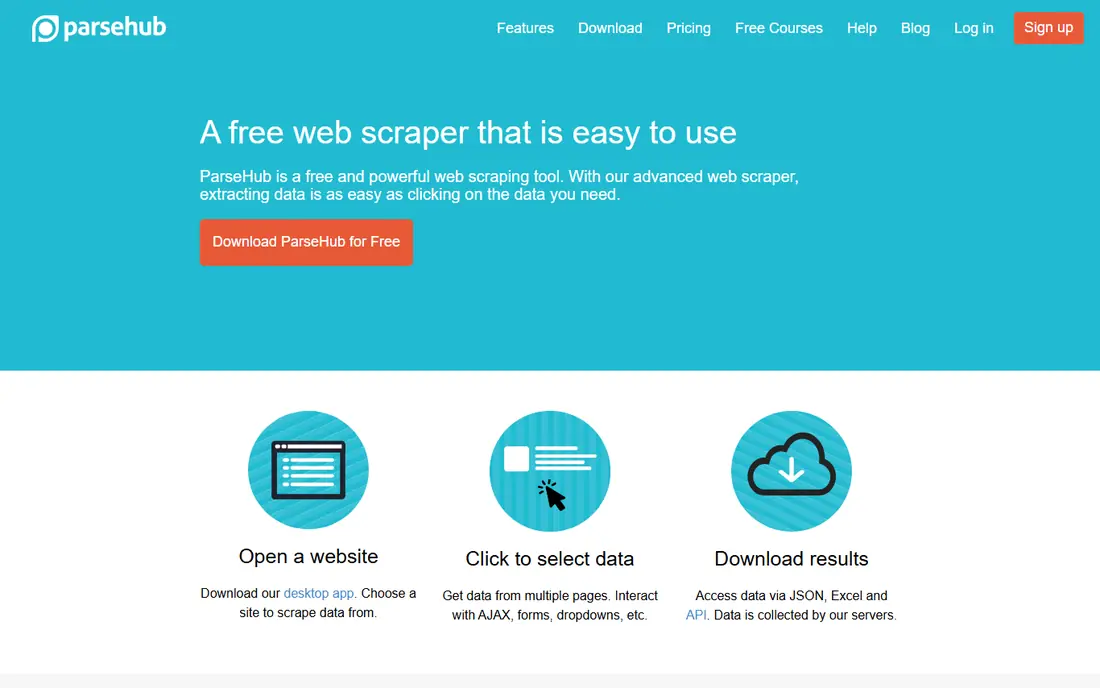
ParseHub is a good fit for point-and-click scraping without writing code. ParseHub is the classic visual scraper: open a site in its desktop app, click the data you want, and it figures out the pattern. It takes care of the hard parts of modern pages, including AJAX content, forms, logins, maps and infinite scroll.
Honest limits: Desktop app required to build projects.
Highlights: infinite scroll. Your projects run on ParseHub's cloud with IP rotation. In daily use, the limits that matter are speed caps on the free level and the ramp-up time on tricky sites. For a researcher pulling a handful of thousand social profiles or posts on a deadline, the free start is hard to beat. Also, pricing is refreshingly straightforward to start: all users begin on the free plan with no credit card, and premium Standard and Professional levels add projects, speed and private runs. For everyday use, data comes out as JSON or Excel, or through the REST API into Google Sheets and Tableau. ParseHub shows no starting price here, so confirm the cost on the vendor site. Free access exists with ParseHub.
- API and scheduled runs included
- Deals with JavaScript
- Free level has speed and project limits
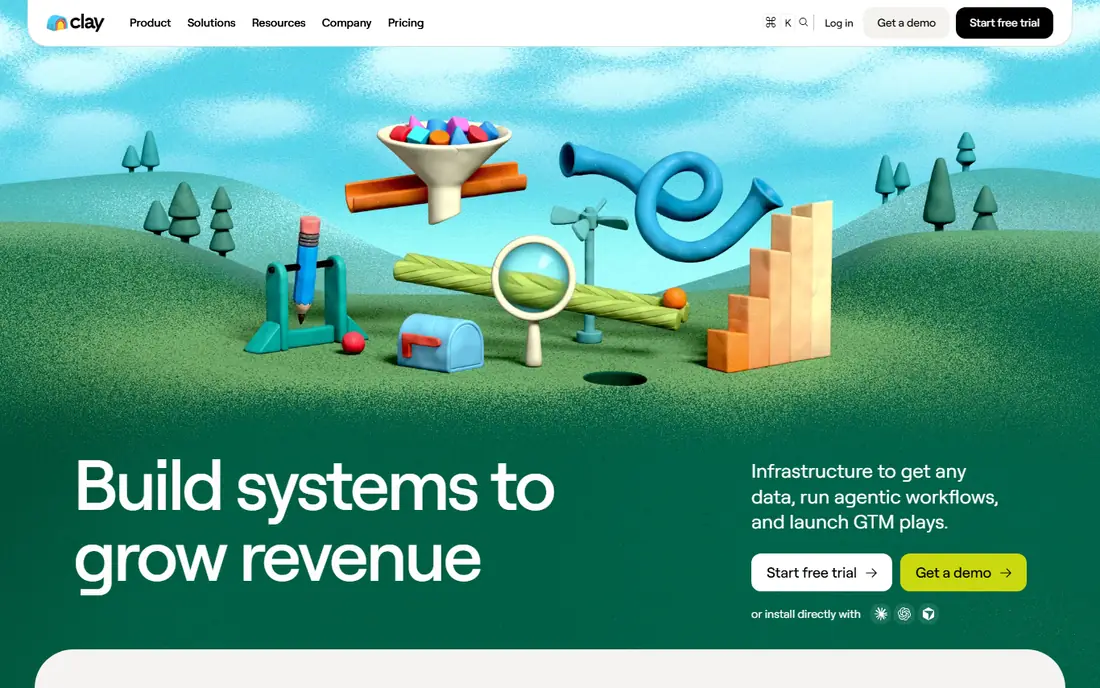
Where Clay fits: enriching lead lists from 200+ data vendors. Clay flipped the script on this category. Clay is an enrichment and orchestration system, not a scraper.
If you need raw post or comment data from Instagram or TikTok, look at PhantomBuster or ParseHub instead. Be clear about what you are buying. More specifically, the visual canvas lets ops-minded teams build full go-to-market plays, from finding every account in a TAM to launching personalized outreach. No starting price is listed for Clay here; confirm pricing on the vendor site. Trial and free access: Not stated.
Trade-offs to know: Complexity and cost exceed straightforward scraping needs.
- Waterfall enrichment beats single-source coverage
- One contract spans 200+ data and AI providers
- It enriches more than it scrapes, so raw social extraction is restricted
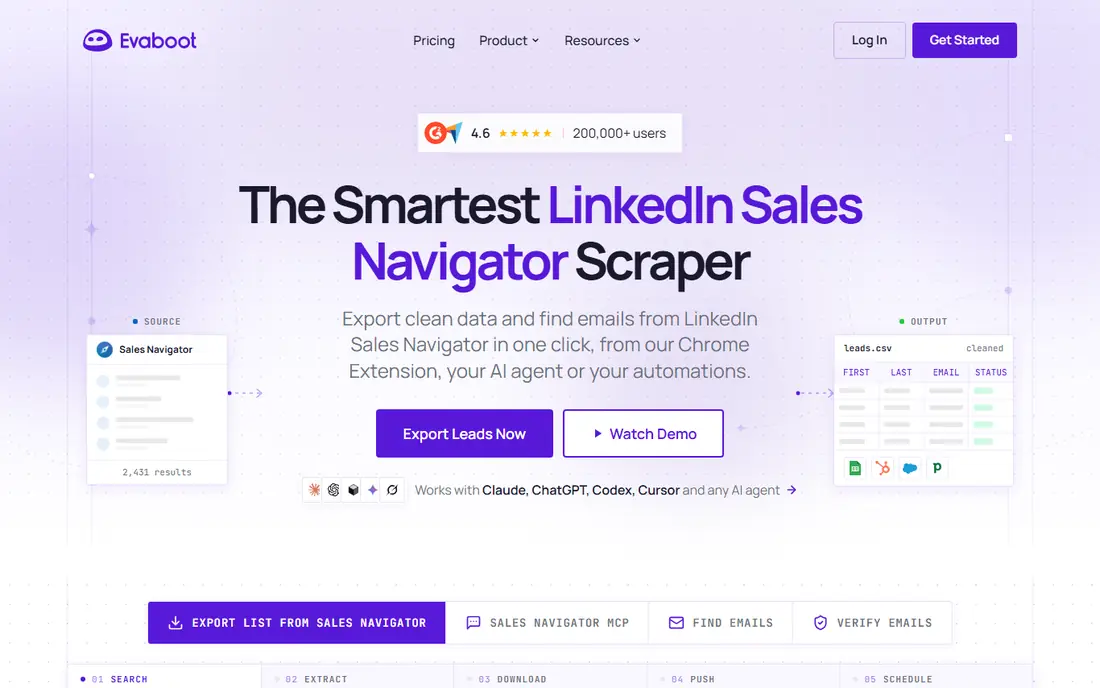
Evaboot works best for Exporting LinkedIn Sales Navigator searches to clean CSVs. From a Chrome extension, it exports your LinkedIn Sales Navigator search, cleans first names, job titles and company names, finds and verifies professional emails, and hands you a CSV with 39 columns of profile and company data. The trade-off is focus.
Watch-outs: Needs a Sales Navigator subscription on top.
If your prospecting lives anywhere besides LinkedIn, Evaboot has nothing for you. And the tool assumes you already pay for Sales Navigator, which is a separate and significant cost. As for the details, recurring exports can run daily, weekly or monthly, and results push straight to HubSpot, Pipedrive, Apollo, lemlist or Instantly. Pricing for Evaboot is not stated here, so ask the vendor for current figures. Trial and free access: Not stated.
- CRM and outreach tool sync
- One-click export with 39 data columns
- LinkedIn-only, so it solves one product deeply rather than numerous
TexAu is designed for prospecting from a spreadsheet-like table. TexAu rebuilt itself around a straightforward idea: you already know how to use a table, so the entire product is a table. In daily use, plans start at $99 a month for the Solo level with 2,500 credits, and signup contains 50 free credits with no card for a 14-day trial.
As for the details, budget for credits, start small, and watch the first runs before scheduling anything recurring. The weakness is structural to the category. TexAu can chain 200+ actions across 32 integrations, but it cannot change how LinkedIn or Instagram treat automation. Starting cost for TexAu: $99 per month. Free access: Free trial (14 days).
Honest limits: Still bound by each product's automation limits.
- No workflow builder to learn
- 200+ ready actions with CRM sync
- Credit spend climbs quick on big lists
Choose PhantomBuster for running prebuilt social automations 24/7. PhantomBuster sells momentum. You pick a "Phantom" (their name for a prebuilt automation), link your account.
It starts pulling profile data, post engagement or follower lists from LinkedIn, Twitter, Instagram, Facebook and more. From a buyer's view, a free plan exists with exports capped at 10 rows, which is enough to test a workflow end to end. The honest catch is the one PhantomBuster states itself: automations run through your own accounts. That keeps the data legitimate, but it means LinkedIn or Instagram rate limits apply to you, not to them. For everyday use, keep volumes conservative, warm up new accounts, and treat the tool as a steady pipeline instead of a firehose. Entry price for PhantomBuster: $56 per month. PhantomBuster has a free plan.
Points against: Tied to your own social accounts, so aggressive use carries ban risk.
- Unlimited users on every plan
- Live data rather than stale databases
- Execution-time caps on lower levels
Notes on social media scraping tools
A sales rep needs 500 fresh LinkedIn profiles by Friday. These are the jobs social media scraping tools exist for. The seven below include the realistic ways to do them in 2026: dedicated social automations, browser extensions, visual scrapers and data products.
Our selection method
Each tool was reviewed on what its vendor publishes: price, plan limits, core features and stated drawbacks. We did not run hands-on tests. Treat prices as a snapshot: vendors change plans often, so check the vendor site for the figure that applies today. We ordered the tools by general fit, then by how clearly pricing is shown, then by free access. A buyer with unusual needs may reorder them.
What to check before you buy
- Confirm the entry price on the vendor page. For ParseHub, Clay and Evaboot that means a quote rather than a fixed price.
- Look at free plan limits closely: ParseHub and PhantomBuster have one, and the caps decide whether it is usable for real work.
- Use real work to test the free trial from TexAu, rather than a demo project.
- Before choosing ParseHub, weigh its main limit: desktop app required to build projects.
- List the apps you already depend on and check that TexAu supports each one on the plan you would buy.
- Find out whether the entry plan of ParseHub covers your must-haves or only a trimmed-down version.
FAQ
Is ParseHub the right pick for everyone comparing social media scraping tools?
No single tool suits every team. ParseHub comes first because it fits point-and-click scraping without writing code, while Clay suits enriching lead lists from 200+ data vendors and Evaboot suits Exporting LinkedIn Sales Navigator searches to clean CSVs. Match the tool to your own size, budget and workflow before deciding.
What is the cheapest option for social media scraping tools in this list?
On published monthly entry prices, PhantomBuster is the lowest here at $56 per month. Entry price is only part of the cost, because seats, add-ons and billing terms can change the total.
How are the tools for social media scraping tools ordered?
ParseHub sits first and PhantomBuster last because the order follows typical fit for social media scraping tools, then price clarity and free access. It is a judgement call, so read each profile for fit and limits.
Will scraping get my LinkedIn account banned?
It can. Tools that automate through your own account, like PhantomBuster, TexAu and Evaboot, operate under LinkedIn's rate limits and detection systems. Conservative daily volumes, warmed-up accounts and avoiding spam behavior from the same profile cut the risk, but no tool can guarantee safety. Dedicated or secondary accounts are typical practice for heavier use.
Can I try these options before paying?
Often, yes. ParseHub and PhantomBuster have a free plan and TexAu offers a free trial. Use your own data and a real task during the test, and check what the free tier or trial limits before you rely on it.