8 Best AI Tools for Social Media Marketing
Find the best ai tools for social media marketing, from AI captions and scheduling to analytics, with free plans and honest limits for small teams today.
- Editor's choice
 Buffer
Creators and small teams wanting a free start
Starts atFreeVisit buffer.comFull review - Great alternative
 Hootsuite
Larger teams needing listening, approvals and analytics
Starts atSee websiteVisit hootsuite.comFull review - Also consider
 Sprout Social
Data-led teams needing strong analytics and workflows
Starts atSee websiteVisit sproutsocial.comFull review
TL;DR:
- Buffer suits creators and small teams that want a free start with AI captions and scheduling.
- Hootsuite and Sprout Social suit larger teams needing listening, approvals and deeper analytics.
- Predis and Ocoya suit teams that need AI-generated creatives, not just scheduling.
- Later and Metricool suit visual brands and data-led teams that want clear reporting.
Quick comparison
| Tool | Best for | Starts at | Free plan? | |
|---|---|---|---|---|
| Buffer | Creators and small teams wanting a free start | Free | Yes | Visit |
| Hootsuite | Larger teams needing listening, approvals and analytics | See website | No | Visit |
| Sprout Social | Data-led teams needing strong analytics and workflows | See website | No | Visit |
 Later | Visual brands planning Instagram, TikTok and Pinterest content | See website | Yes | Visit |
 Predis.ai | Small businesses needing AI-generated posts and creatives | See website | No | Visit |
 Ocoya | Teams wanting AI copy, images and scheduling in one tool | See website | No | Visit |
 Metricool | Data-led marketers wanting clear multi-network reporting | See website | Yes | Visit |
 SocialBee | Small teams wanting automated content categories and recycling | See website | No | Visit |
The best best ai tools for social media marketing in detail
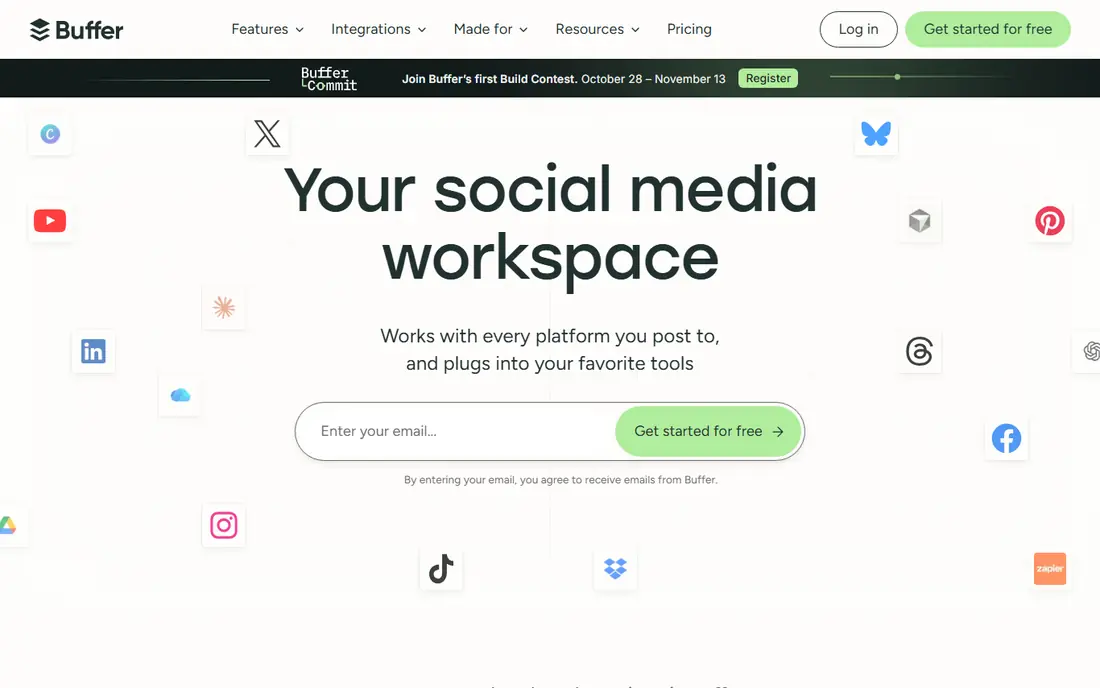
Buffer is the easiest low-risk start because its free plan covers scheduling and AI caption help without a trial deadline. We like it for creators and small teams wanting a free start because free plan for up to 3 channels with AI Assistant on every plan. Its per-channel pricing keeps costs clear for small teams, and its simple queue makes consistent posting easier to maintain. The trade-off is that no social listening on lower plans. That limit matters most when your team is growing or when the tool must cover more than its core job. Check the current plan details on the vendor site before you commit, and test the exact workflow you will use every week.
- Free plan for up to 3 channels with AI Assistant on every plan
- No social listening on lower plans
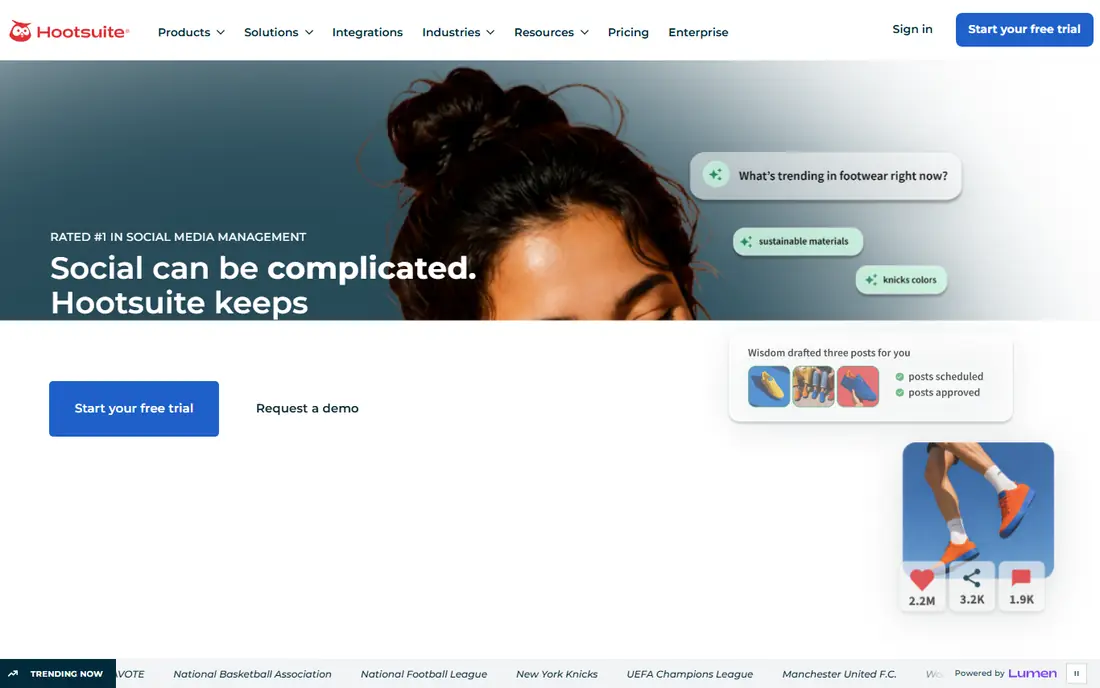
Its listening tools help teams track brand mentions and competitor activity, which smaller scheduling tools often lack. Hootsuite suits larger operations where listening, team approvals and reporting matter as much as publishing itself. For teams focused on larger teams needing listening, approvals and analytics, the draw is social listening, approvals and broad integrations. On the other side, higher starting price than small-team tools. That does not rule it out, but it does change who should shortlist it. Run a short trial with real data and a real deadline, then judge it on the result, not on the demo.
- Social listening, approvals and broad integrations
- Higher starting price than small-team tools
Sprout Social
Best for: Data-led teams needing strong analytics and workflows
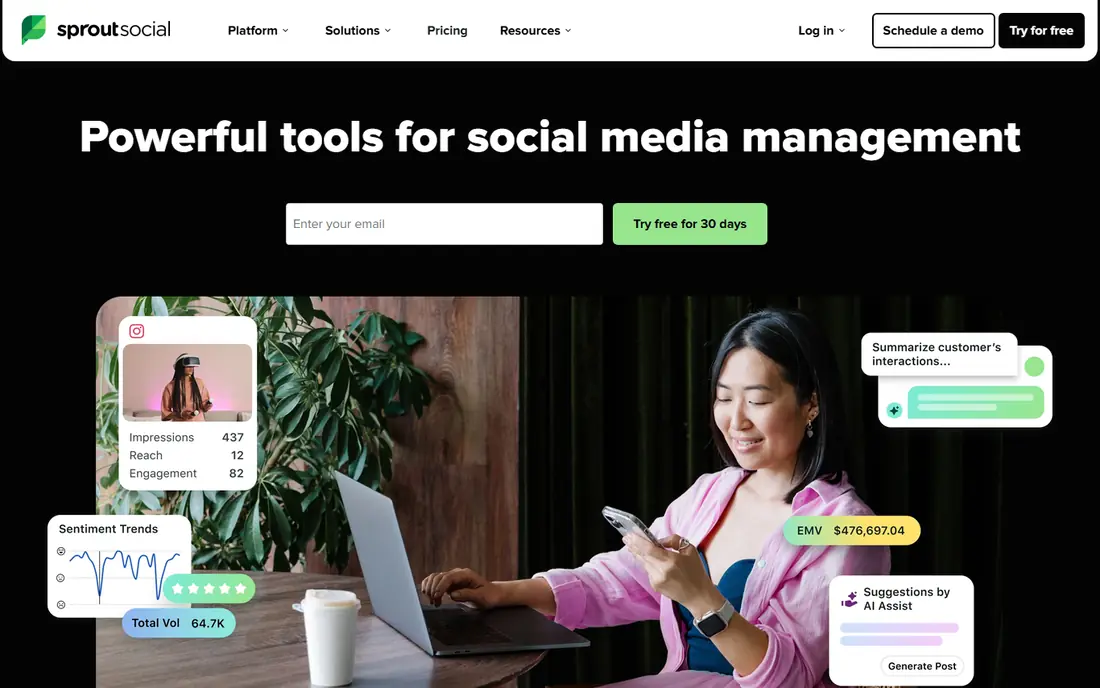
For data-led teams needing strong analytics and workflows, Sprout Social earns a place because strong analytics, team workflows and social CRM features. Sprout Social stands out for teams that report to stakeholders and need clear, presentation-ready analytics. Its team workflows and message handling help larger teams assign, approve and track social conversations in one inbox. The weakness to weigh is that enterprise-level pricing for full features. If that weakness touches your main workflow, look at a stronger alternative in this list. If it does not, the core strength may be enough for your team.
- Strong analytics, team workflows and social CRM features
- Enterprise-level pricing for full features
Later appeals to visual-first brands because its planner shows how a feed will look before posts go live. We like it for visual brands planning Instagram, TikTok and Pinterest content because visual planner, link tools and AI caption help. Its visual calendar and link tools help creators plan campaigns around product launches and seasonal content. The trade-off is that free plan limits posts per profile. That limit matters most when your team is growing or when the tool must cover more than its core job. Check the current plan details on the vendor site before you commit, and test the exact workflow you will use every week.
- Visual planner, link tools and AI caption help
- Free plan limits posts per profile
That focus helps small teams that struggle most with ideas and design, not just with scheduling the finished post. Predis.ai takes a creation-first angle, turning a short brief or product link into ready-to-edit posts and creatives. For teams focused on small businesses needing AI-generated posts and creatives, the draw is aI post, caption, reel and ad creative generation. On the other side, credit limits shape how much you can create each month. That does not rule it out, but it does change who should shortlist it. Run a short trial with real data and a real deadline, then judge it on the result, not on the demo.
- AI post, caption, reel and ad creative generation
- Credit limits shape how much you can create each month
For teams wanting AI copy, images and scheduling in one tool, Ocoya earns a place because aI copy, image generation and scheduling in one platform. Ocoya combines AI writing, image generation and scheduling, which suits teams that want fewer tools in the stack. Its design studio helps small teams produce varied creatives without hiring a designer for every post. The weakness to weigh is that credit-based limits need careful tracking. If that weakness touches your main workflow, look at a stronger alternative in this list. If it does not, the core strength may be enough for your team.
- AI copy, image generation and scheduling in one platform
- Credit-based limits need careful tracking
Metricool is a strong pick for marketers who judge social work by clear numbers and competitor context. We like it for data-led marketers wanting clear multi-network reporting because multi-network scheduling, analytics and competitor reports. Its reports compare your accounts with rivals, which helps teams explain results and set realistic targets. The trade-off is that aI features are less deep than creation-first tools. That limit matters most when your team is growing or when the tool must cover more than its core job. Check the current plan details on the vendor site before you commit, and test the exact workflow you will use every week.
- Multi-network scheduling, analytics and competitor reports
- AI features are less deep than creation-first tools
How we picked these
We looked for tools that are still sold, that include AI help for captions, ideas, timing or analytics, and that support scheduling across major networks. We checked vendor pricing pages and free plan details, and we used See website where pricing is quote-based or varies by credits. We left out pure chatbots and single-network tools, because they do not cover the full social workflow. That keeps the list useful for teams that publish, engage and report in one place.
How to use AI social tools without losing your voice
Treat AI drafts as a starting point
AI captions often sound generic on the first pass. Edit for your voice, your audience and the specific post, and keep brand terms, offers and calls to action accurate. Check facts, prices and dates before posting, because AI tools can invent details. A short human edit usually matters more than generating ten extra variants.
Set rules for approvals and replies
AI can schedule posts, but it should not reply to complaints or sensitive comments without human review. Set approval steps for regulated topics, promotions and customer issues. Track which AI suggestions you accept and which you reject, so the team learns what fits your brand. That discipline keeps speed gains from turning into reputation problems.
Measure what AI actually improves
Track time saved, posting consistency and engagement per post, not just AI usage counts. Compare AI-assisted posts with human-written posts on the same account and format. If AI posts perform worse, adjust prompts, formats or topics before buying more credits. The goal is better results with less busywork, not more posts for their own sake.
FAQ
What is the best AI tool for social media marketing?
It depends on team size and need. Buffer is a strong free starting point, Predis suits AI creative generation, and Hootsuite or Sprout Social suit larger teams needing listening and approvals. Start with your main bottleneck: creation, scheduling or reporting, then shortlist tools that solve that job well.
Can AI replace a social media manager?
No. AI drafts, schedules and analyses well, but strategy, brand voice, crisis handling and community judgment still need people. The best results come from AI-assisted managers who edit drafts and respond to people directly. Treat AI as a skilled assistant, not a replacement for the team.
Which AI social media tools have a free plan?
Buffer, Metricool and Later offer free plans with limits, while Hootsuite and Sprout Social offer trials rather than permanent free tiers. Predis and Ocoya offer free trials or limited free access depending on current plans. Check the vendor pricing page before you commit, because free limits change.
How do AI caption tools work?
Most tools generate captions from a topic, link or image, then suggest hashtags, tones and lengths for each network. Some also suggest best posting times based on past engagement. You should still edit for accuracy and voice, and check that hashtags fit your audience and brand.
Is AI-generated social content safe to post?
It is safe when you review it first. Check claims, prices, dates and image rights, and avoid posting AI images that misrepresent products or people. Keep a human approval step for ads, promotions and replies. That review step protects trust while keeping the speed benefit.
Sources
https://buffer.com https://www.hootsuite.com https://sproutsocial.com https://later.com https://predis.ai https://www.ocoya.com https://metricool.com https://www.socialbee.com
SocialBee
Best for: Small teams wanting automated content categories and recycling
Its recycling features help good posts reach new followers without rewriting the same idea from scratch each week. SocialBee suits teams that post evergreen content often, because its category system keeps the queue balanced. For teams focused on small teams wanting automated content categories and recycling, the draw is content categories, recycling and AI-assisted posting. On the other side, interface takes time to learn for new users. That does not rule it out, but it does change who should shortlist it. Run a short trial with real data and a real deadline, then judge it on the result, not on the demo.