Best App for Scheduling Social Media Posts in 2026: 8 Apps Compared
Compare the best app for scheduling social media posts in 2026, with Buffer, Hootsuite and Later, plus prices, free plans and features for teams of all sizes.
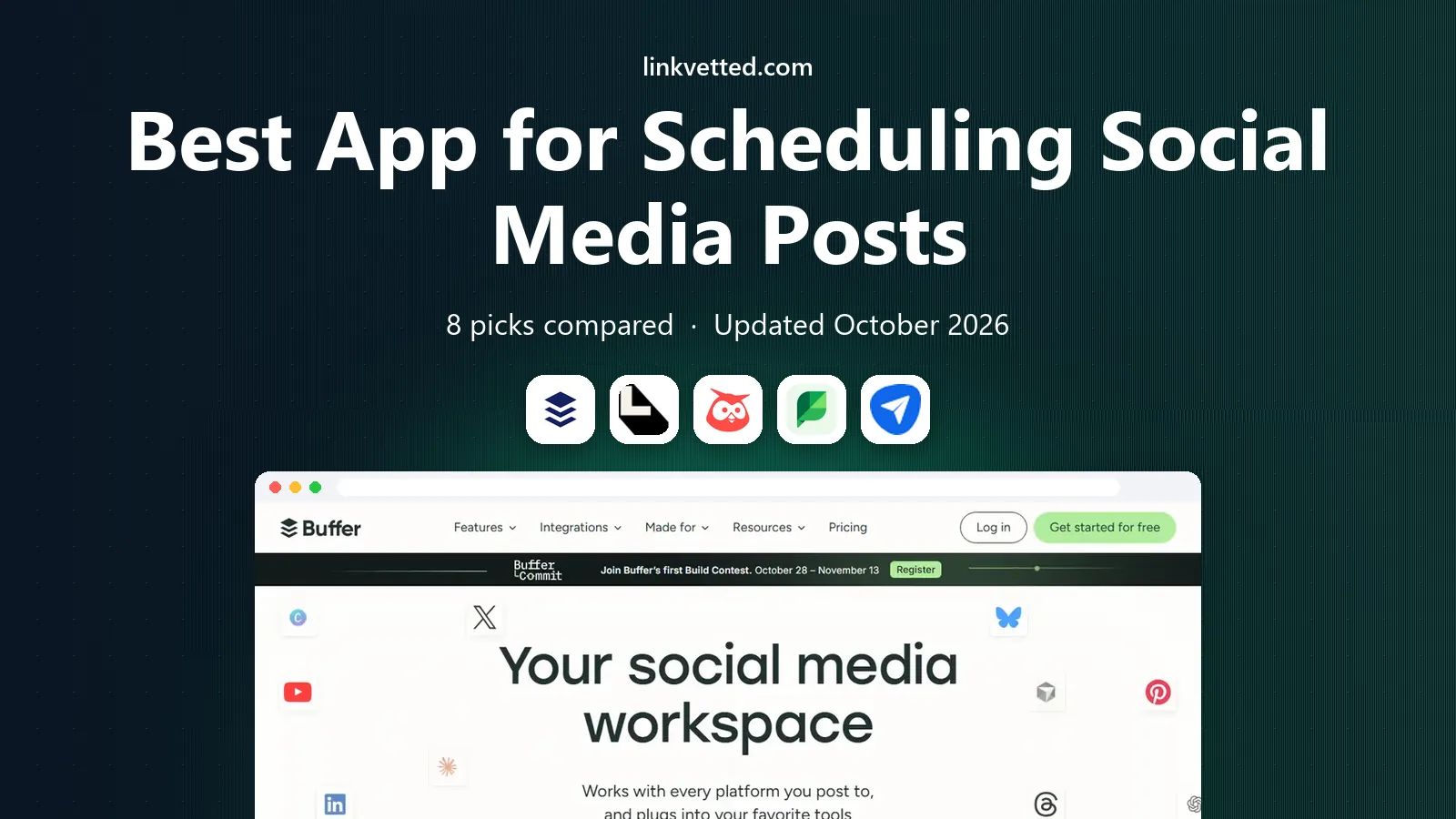
- Editor's choice
 Buffer
Simple scheduling
Starts atFreeVisit buffer.comFull review - Great alternative
 Later
Visual Instagram planning
Starts at$25 per monthVisit later.comFull review - Also consider
 Hootsuite
Large teams
Starts at$99 per monthVisit hootsuite.comFull review
TL;DR:
- Buffer is the simplest low-cost start, with a free plan and per-channel pricing.
- Later suits visual planners focused on Instagram and TikTok.
- Hootsuite suits larger teams that need approvals, listening and reporting in one place.
- Sprout Social suits teams that need strong analytics and a shared inbox, at a higher price.
- SocialPilot and Metricool offer strong value for agencies and budget-conscious creators.
- Per-channel pricing can grow fast, so count channels and team seats before you compare headline prices.
Quick comparison
| Tool | Best for | Starts at | Free plan? | |
|---|---|---|---|---|
| Buffer | Simple scheduling | Free | Yes | Visit |
| Later | Visual Instagram planning | $25 per month | Yes | Visit |
| Hootsuite | Large teams | $99 per month | Free trial | Visit |
 Sprout Social | Analytics and inbox | $199 per month | Free trial | Visit |
 SocialPilot | Agencies on a budget | $50 per month | Free trial | Visit |
 Metricool | Budget analytics | Free | Yes | Visit |
 Planable | Client approvals | $33 per month | Yes | Visit |
 Publer | Bulk and recycled posts | Free | Yes | Visit |
The best app for scheduling social media posts
These tools let you plan, queue and publish posts across Instagram, Facebook, TikTok, LinkedIn, X, Pinterest and YouTube, without posting each one by hand. We compared official pricing pages, feature pages and public reviews in October 2026, and we focused on tools that support auto-publishing, a calendar view and analytics.

Buffer is our pick for most people who want scheduling without a complex setup. Its free plan covers a few channels with a limited queue, and paid plans start at $6 per channel per month, which keeps a single-brand cost low. The calendar, queue and basic analytics are easy to learn, even for a first-time scheduler.
The limit appears when you manage many brands. Per-channel pricing adds up, and teams that need deep reporting or listening will need a larger tool. For a solo creator or a small business with a handful of accounts, Buffer is the least painful way to stay consistent.
- Clean, easy interface
- Free plan for small accounts
- Per-channel pricing suits single brands
- Per-channel costs grow with many accounts
- Advanced reporting sits on higher plans
- Social listening is limited

Later suits creators who plan by look, not by list. Its drag-and-drop calendar and Instagram grid preview help you see how a feed will look before you publish, and its TikTok tools cover auto-publish and scheduling. A free plan lets you test the visual workflow, while Starter at $25 per month adds more posts and profiles.
Post limits matter on lower plans, so check how many posts per profile you publish each month. If you post daily across many profiles, a higher plan or a different tool may fit better. For visual-first brands, Later remains a strong and pleasant pick.
- Visual calendar and grid preview
- Strong Instagram and TikTok tools
- Link-in-bio feature
- Monthly post limits on lower plans
- Some features are Instagram-first
- Higher plans cost more for teams
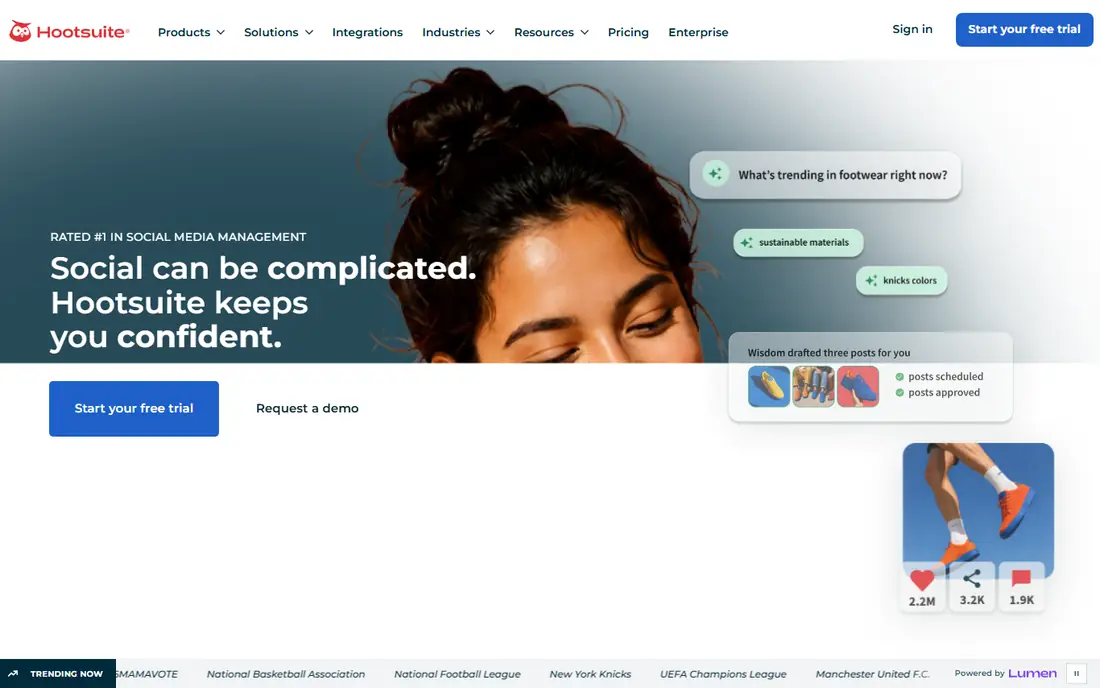
Hootsuite is built for teams that need control as well as scheduling. Standard starts at $99 per user per month, with higher plans adding more accounts, AI help, competitor benchmarking and approvals. It covers the major networks, and its inbox and listening tools help larger brands track mentions and replies in one place.
For a solo creator, Hootsuite is more tool and more cost than needed. For a marketing team with approvals, multiple staff and reporting needs, that structure is the point. Use the free trial to test whether your team will actually use the reporting and listening features, or only the calendar.
- Broad platform coverage
- Approvals and team roles
- Listening, analytics and AI drafting
- High starting price
- Can feel heavy for a solo user
- Some features need higher plans
Sprout Social suits teams that must defend results with clear reports. Its analytics, publishing calendar and shared inbox work well together, so a team can plan, publish, reply and report without switching tools. Standard pricing starts at $199 per seat per month on annual billing, with higher plans adding more features.
That price puts Sprout out of reach for many solo creators, and small teams should compare it carefully with SocialPilot or Buffer. If reporting to clients or senior staff is a core part of your job, Sprout may pay for itself. If you only need a calendar, it will not.
- Strong reporting and analytics
- Unified social inbox
- Good team workflows
- High price for small businesses
- Per-seat pricing grows with teams
- Learning curve for full reporting
Metricool suits creators who want scheduling and analytics in one low-cost tool. The free plan covers one brand with a limited number of monthly posts, and paid plans start near $20 per month in many listings, so check the current vendor price before you buy. Its analytics, best-time suggestions and competitor views help small brands learn what works.
The free limits mean daily posters will need a paid plan, and the dashboard packs a lot onto one screen. If you want a single tool for planning, publishing and checking results on a tight budget, Metricool is worth a trial.
- Free plan for one brand
- Analytics and competitor tracking
- Scheduling plus ad tracking
- Free plan has post limits
- Interface can feel busy
- Some networks have feature limits
Planable is the pick when approvals cause the most pain. Clients and managers can comment on a post, request changes and approve a final version in a visual feed, without long email threads or screenshots. Paid plans start near $33 per workspace per month, with a free plan for testing.
It is not the deepest analytics tool, and large teams may still need Hootsuite or Sprout for reporting. For agencies and in-house teams where a client sign-off is the bottleneck, Planable can save more time than a fancier scheduler.
- Clear visual approval workflow
- Unlimited users on paid plans
- Calendar and feed preview
- Scheduling depth is lighter than Hootsuite
- Analytics are more basic
- Cost grows with workspaces
Publer suits people who publish a lot of evergreen content. Its bulk scheduling lets you upload many posts at once, and recycling keeps strong posts in rotation without manual reposting. The free plan covers a few accounts, and paid plans start near $5 per account per month in many listings, so confirm the current price on the vendor site.
The learning curve is steeper than Buffer, because Publer packs many features into one dashboard. Once you learn the bulk tools, though, it is a strong value pick for bloggers, small agencies and creators with a large back catalogue.
- Free plan for a few accounts
- Bulk scheduling and recycling
- Link-in-bio and analytics
- Interface takes time to learn
- Some features need higher plans
- Brand is less known than Buffer
How we picked these
We compared official pricing and feature pages for scheduling tools that support auto-publishing on major networks in October 2026. We kept tools with a calendar view, a free plan or trial, and a clear pricing model, and we covered solo, team and agency use. We left out tools that only offer manual reminders, or that have no current public pricing.
We did not claim hands-on testing. Our view comes from vendor documentation, pricing pages and public reviews, plus how each tool handles the real costs: channels, seats, post limits and approvals.
What to check before you choose a scheduler
Count what you actually manage before you compare prices. A tool that looks cheap per channel can become costly with ten channels, and a flat-rate tool can become cheap for an agency with many clients. List your networks, posting frequency, team size and approval needs first, then match a plan to that list.
Check auto-publish, not just scheduling
Some tools schedule a reminder, while others publish for you. Auto-publish matters for Instagram, TikTok and other networks where a reminder adds a manual step at posting time. Check each network you use, because support can differ by network and by plan.
Test the approval flow with a real post
If clients or managers approve content, test that flow before you pay for a year. A clear comment, change and approval history prevents confusion and rework. A tool that looks good in a demo can still feel clumsy when a client rejects a post on a deadline.
Watch post limits and seat costs
Lower plans often limit posts per profile or users per plan. Add up your monthly posts across all profiles, and add seats for everyone who will draft, approve or publish. That total, not the headline price, is the fair comparison.
FAQ
What is the best tool for scheduling social media posts for a small business?
Buffer is the best small-business starting point, because its free plan and per-channel pricing keep costs low. Later suits visual brands, while Metricool suits owners who also want budget analytics.
What is the best software for scheduling social media posts for agencies?
SocialPilot offers strong value for many client accounts, while Planable suits agencies where client approval is the main bottleneck. Hootsuite and Sprout Social suit larger agencies that need reporting and listening too.
Is there a free app for scheduling social media posts?
Yes. Buffer, Later, Metricool and Publer all offer free plans with limits on channels or posts. Free plans suit testing and low-volume accounts, while daily posters usually need a paid plan.
Can I schedule posts for Instagram and TikTok?
Yes, most tools here support auto-publish for Instagram and TikTok, though exact features vary by network and plan. Check the vendor page for each network you use before you buy.
How many posts should I schedule at once?
A week or two of posts is a practical batch for most small businesses, because it keeps content fresh while saving daily effort. Evergreen content can be scheduled further ahead, while news and trends should stay closer to publication.
Do scheduled posts hurt reach?
Scheduled posts from approved tools publish the same way as manual posts on most networks, and consistency often helps reach more than posting time alone. Content quality, timing and audience fit still matter more than the tool you use.
SocialPilot
Best for: Agencies on a budget
SocialPilot is a practical agency pick. Its plans cover many social accounts for a flat-ish monthly cost, which helps agencies that manage several clients without per-channel billing shock. Bulk scheduling, content recycling and client approval features cover the daily agency workflow well.
The interface is more functional than beautiful, and its analytics are not as deep as Sprout. For an agency that values account count and cost over design polish, that trade is often worth it. Test the bulk upload and approval flow with a real client before you move a full roster over.