Best AI Social Media Management Tools in 2026: 8 Tools Compared
Compare the best ai social media management tools for 2026, with AI captions, scheduling, analytics, and pricing for creators, small teams, and agencies.

- Editor's choice
 Hootsuite
All in one enterprise social management
Starts at$99 per user per monthVisit hootsuite.comFull review - Great alternative
 Buffer
Simple scheduling for small teams
Starts at$6 per channel per monthVisit buffer.comFull review - Also consider
 Sprout Social
Analytics and enterprise reporting
Starts atSee websiteVisit sproutsocial.comFull review
TL;DR:
- Hootsuite and Sprout Social lead on depth, while Buffer and Metricool are better value for small teams and creators.
- AI captions help with drafts, but they still need a human edit for tone, facts, and brand voice before posting.
- Per-user pricing can double the bill fast, so check how seats, channels, and profiles are counted before choosing.
- Listening, approvals, and reporting matter more than posting alone once a team grows past one person.
Quick comparison
| Tool | Best for | Starts at | Free plan? | |
|---|---|---|---|---|
| Hootsuite | All in one enterprise social management | $99 per user per month | Free trial | Visit |
| Buffer | Simple scheduling for small teams | $6 per channel per month | Yes | Visit |
| Sprout Social | Analytics and enterprise reporting | See website | Free trial | Visit |
 Later | Visual planning for image-led brands | $25 per month | Free trial | Visit |
 SocialPilot | Value scheduling for agencies | See website | Free trial | Visit |
 Metricool | Analytics and scheduling for creators | Free | Yes | Visit |
 Predis.ai | AI content creation for social posts | See website | Free trial | Visit |
 Ocoya | AI captions plus scheduling | See website | Free trial | Visit |
The best AI social media management tools
We compared these tools on official feature pages, pricing, and public reviews, and we picked a mix of leaders and smaller options that fit the topic well. Start with the product that fits your main need, then check price and free limits before you build a workflow around it.
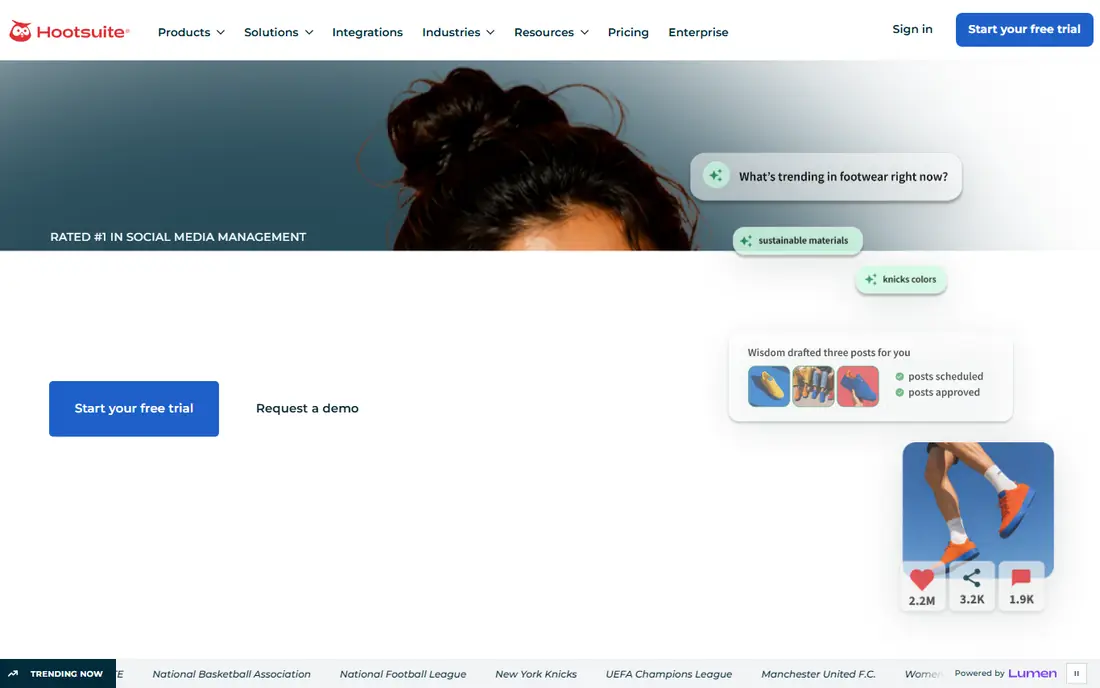
For teams that want a clear plan in one place, this is a strong place to start. Mid-size and enterprise teams that want one platform for planning, listening, and reporting will find Hootsuite a strong fit, since it covers the full workflow.
The breadth is the strength, because scheduling, engagement, listening, and analytics sit together, which helps teams avoid stitching several tools into one report.
The catch is price, since per-user billing grows with each teammate, and smaller teams may pay for enterprise depth they rarely use.
- Planning, listening, inbox, and analytics in one suite
- AI content help
- Per-user pricing adds up
- No free plan
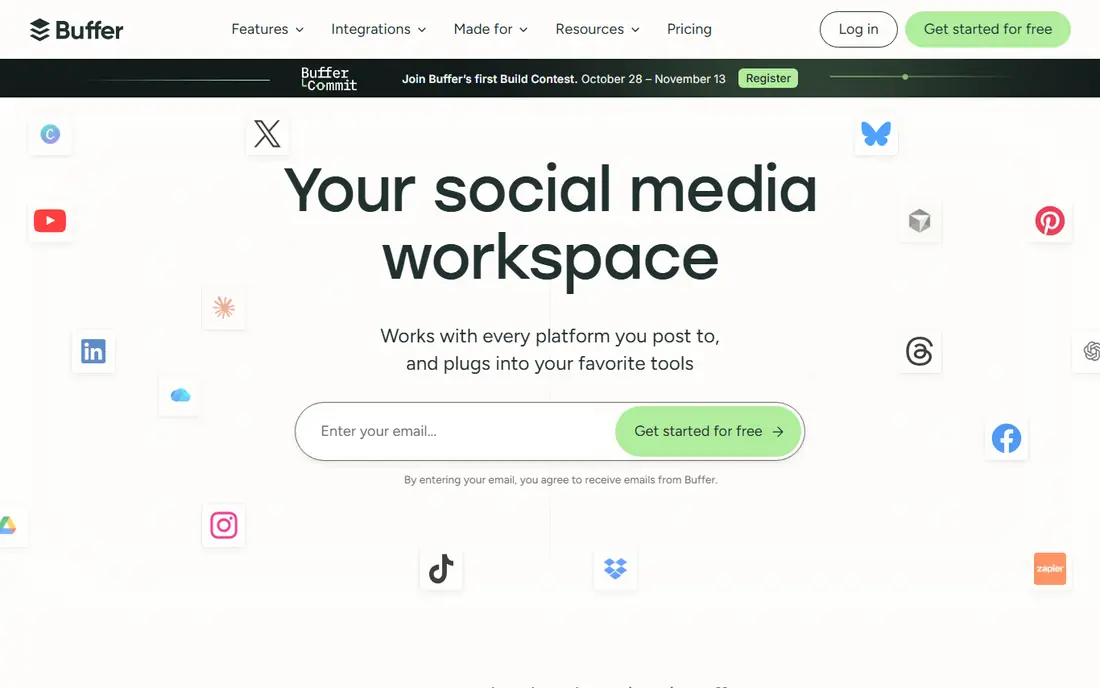
If clarity matters more than a long feature list, this option deserves a close look. Creators and small teams that mainly need reliable scheduling will like Buffer, since it keeps posting simple and the free plan covers a few channels.
The simplicity is the point, because a team can plan a week of posts in one sitting without learning a large suite or setting up complex workflows.
The limit is depth, since listening, advanced reporting, and full inbox management are thinner here, so larger teams may outgrow it.
- Clean scheduler
- AI assistant
- Simple analytics
- No social listening
- Limited inbox depth
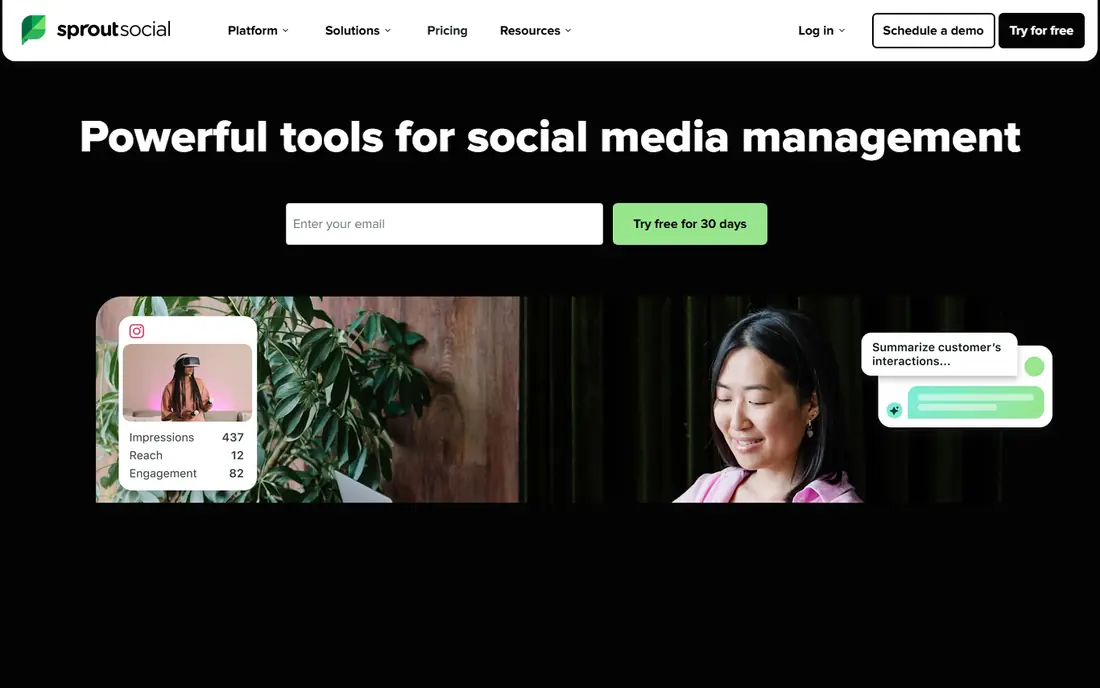
This one suits people who want structure without a long setup process. Teams that report to leadership and need clear analytics will value Sprout Social, since its reports are easier to present than raw post data.
The reporting is the standout, because it links publishing, engagement, and listening in a way that helps a team show what worked and why.
The downside is cost, since entry plans are high for small teams, and some listening or premium analytics features may sit on higher tiers or add-ons.
- Strong analytics and listening
- Unified inbox
- Approval workflows
- High entry price
- Some features are add-ons
A practical choice for busy teams, this tool keeps the important work visible. Brands that plan visually, especially on Instagram and TikTok, will like Later, since the calendar makes it easy to see how a feed will look before posting.
The visual planner is the appeal, because dragging posts into a calendar gives a clearer sense of balance, timing, and campaign flow than a plain list.
The trade-off is scope, since enterprise listening and complex approval workflows are not its main strength, so larger teams should check those needs first.
- Visual calendar
- Link in bio tools
- Creator and brand features
- Instagram-led history
- Less depth for enterprise listening
This option works well for people who value a clean view over extra controls. Creators and freelancers who want one view of social, ads, and web results will like Metricool, since its analytics go beyond post counts.
The analytics breadth is the strength, because it can show social performance beside website and ad data, which helps small teams judge what drove traffic.
The limit is scale, since the free plan covers one brand with limits, and larger teams may need a paid plan for more brands, users, or history.
- Free single-brand plan
- Clear analytics
- Ad and web analytics links
- Free plan is limited
- Some features need paid tiers
For smaller teams on a tight budget, this choice keeps costs and complexity down. Small businesses that struggle to start a post will find Predis.ai helpful, since it turns a short idea or product link into draft posts, captions, and visuals.
The draft speed is the point, because a team can move from a blank page to several options in minutes, then edit the best one for tone and accuracy.
The catch is quality control, since AI drafts can sound generic or miss brand detail, so every post still needs a human edit before it goes live.
- AI post and video generation
- Brand templates
- Competitor ideas
- Editing still needed
- Best as a draft tool, not a full scheduler
If you need a tool that others can read at a glance, this one makes that easy. Small shops and creators who want captions and scheduling in one place will like Ocoya, since it pairs AI writing with a simple posting calendar.
The combined workflow is the appeal, because a caption, hashtags, and a scheduled post can be handled without switching between a writing tool and a scheduler.
The downside is depth, since team approvals, listening, and advanced reporting are thinner, so growing teams may need a larger suite later.
- AI captions and hashtags
- Scheduling
- E-commerce links
- Smaller team features
- Analytics are basic beside enterprise tools
How we picked these
When we compared social tools, we reviewed official pricing pages, feature pages, and app listings, plus public reviews that describe AI drafting, scheduling, and reporting. We favored tools with clear AI features, honest free or trial limits, and practical team controls, and we noted where per-user or per-channel pricing changes the total. We did not claim hands-on testing. We also checked that each product is still offered in October 2026 and that its official site matches the product name, and we left out tools with unclear pricing, weak safety controls, or a poor fit for the topic.
How to choose a social tool that saves time without sounding generic
Start with the work that takes the most time, since scheduling, replying, reporting, and drafting each point to a different tool. A team that spends hours on replies needs a strong inbox, while a team that spends hours drafting needs better AI and templates.
Next, test AI drafts on real brand posts, not generic examples, since tone, product names, and claims are where AI help breaks down. Keep a short brand guide in the tool where possible, and require a human check before any post goes live.
Count channels and seats together
Some tools charge per channel, others per user, and some charge for both, so a low headline price can hide a high team bill. List every profile and every teammate who will post, approve, or report, then price that full setup.
Keep approvals simple
Approvals protect a brand, but a long approval chain can kill timely posts, so set clear roles for drafting, editing, and publishing. Use the tool to log who approved what, which helps when a post needs a correction later.
Before you commit, run a short trial with real data, real users, and a real deadline, since a demo with sample data hides the limits that matter most. Note what feels slow, what needs support, and what the free plan leaves out, then compare that note with the price for your actual team size.
A good choice should feel clear after a week of real use, not only after a sales call. If setup feels heavy, if pricing is hard to explain, or if safety controls are hard to find, keep looking, since those problems tend to grow once more people rely on the tool every day. Keep a short note of what you tested, so the final choice rests on evidence, not on a first impression.
FAQ
What is the best AI tool for social media management?
Hootsuite and Sprout Social are strongest for larger teams, while Buffer and Metricool suit small teams and creators. Predis.ai and Ocoya are better for drafting, not for full team management.
Can AI write social posts for me?
AI can draft captions, hashtags, and post ideas, but it still needs a human edit for tone, facts, and brand voice. Treat AI output as a first draft, not a finished post.
Is there a free AI social media tool?
Buffer and Metricool offer free plans, and several tools offer trials. Free plans usually limit channels, posts, or analytics, so check those limits before relying on a free tier.
How much does social media management software cost?
Prices range from free plans to $99 per user per month for Hootsuite, with Buffer starting at $6 per channel per month. The total depends on seats, channels, and add-ons.
Do I need social listening?
Listening helps larger brands track mentions, sentiment, and competitors, but small teams can often start with scheduling and analytics. Add listening when reply volume or brand risk grows.
SocialPilot
Best for: Value scheduling for agencies
When a team is growing past spreadsheets, this is often the next sensible step. Agencies and small teams that manage several clients will find SocialPilot useful, since bulk scheduling and client views keep many accounts organized.
The value is the draw, because agencies can schedule across clients without paying enterprise prices for each seat or profile.
The weakness is polish, since AI drafting is less advanced than Hootsuite or Sprout, and the interface can feel busy when many accounts are active.