Best Live Webinar Tool for Customer Training in 2026: Prices, Free Plans and 5 Picks
5 products for the best live webinar tool for customer training, ranked by fit, with starting costs and free tiers. Each pick lists its main limit. Facts only.
- Editor's choice
 GoTo Webinar
Engaging virtual conferences and events
Starts atSee websiteVisit goto.comFull review - Great alternativeCisco Webex Webinars
AI-powered collaboration and customer experience
Starts atSee websiteVisit webex.comFull review - Also consider
 Zoom Webinars
Familiar, all-around training webinars
Starts atSee websiteVisit zoom.usFull review
Direct answer
Our first pick is GoTo Webinar, best for engaging virtual conferences and events. Listed starting prices: Livestorm from €2.50 per attendee. Look at Cisco Webex Webinars for AI-powered collaboration and customer experience, and at Zoom Webinars for familiar, all-around training webinars. All 5 tools are compared below on price, free plan and limits.
TL;DR:
- GoTo Webinar is the opening pick, best for engaging virtual conferences and events.
- Before buying Livestorm, weigh this: marketing focus may overshadow training features.
- Microsoft Teams Webinars is the one to check for Teams-centric training and collaboration.
- No starting price is published for GoTo Webinar, Cisco Webex Webinars, Zoom Webinars and Microsoft Teams Webinars; expect a quote.
- Cisco Webex Webinars is the only tool of the 5 with a free plan.
Last checked November 2026. Prices and plan details were read from the vendors' own pages in November 2026; vendors change plans often, so confirm the current price on the vendor site before you buy.
Quick comparison
| Tool | Best for | Starts at | Free plan? | |
|---|---|---|---|---|
| GoTo Webinar | Engaging virtual conferences and events | See website | Free trial | Visit |
| Cisco Webex Webinars | AI-powered collaboration and customer experience | See website | Yes | Visit |
| Zoom Webinars | Familiar, all-around training webinars | See website | Not stated | Visit |
 Livestorm | Marketing-led training with CRM sync | €2.50 per attendee | Not stated | Visit |
| Microsoft Teams Webinars | Teams-centric training and collaboration | See website | Not stated | Visit |
Our 5 picks for live webinar tool for customer training
If you are comparing live webinar tool for customer training, this page covers 5 tools in one place: what each is best for, what it costs to start, whether it has a free plan, and the main limit to know about.
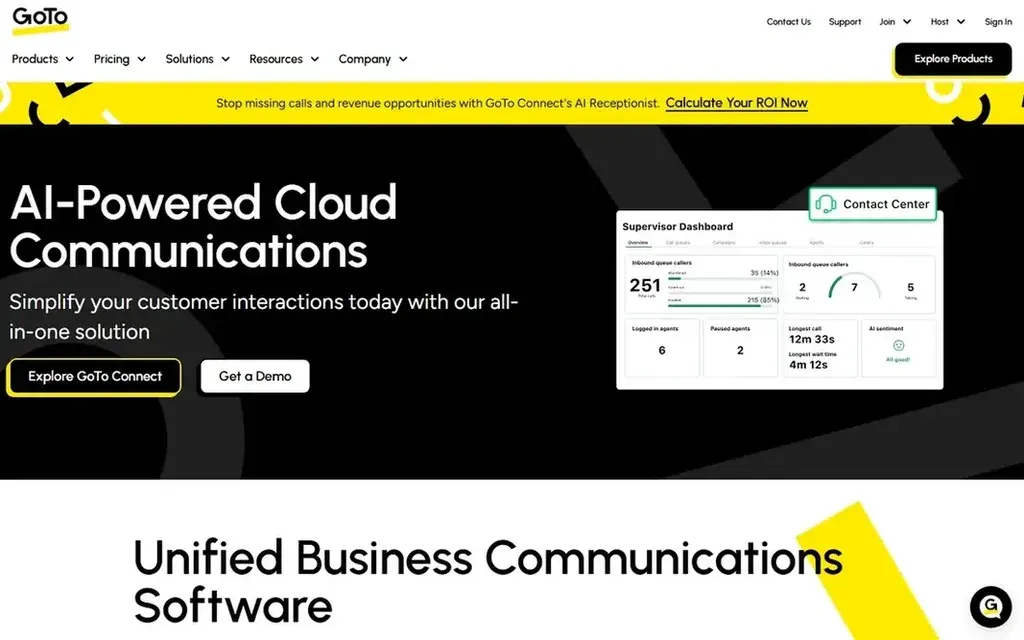
Where GoTo Webinar fits: engaging virtual conferences and events. It provides features that help keep customers attentive during training, like interactive elements and event management.
It suits organizations that run frequent webinars and want a product centred on audience interaction. No starting price is listed for GoTo Webinar here; confirm pricing on the vendor site. Trial and free access: Free trial.
What to check first: Training-specific features are restricted.
- Customer-recommended product
- Solid audience engagement tools
- May be less integrated with daily collaboration tools
Cisco Webex Webinars
Best for: AI-powered collaboration and customer experience
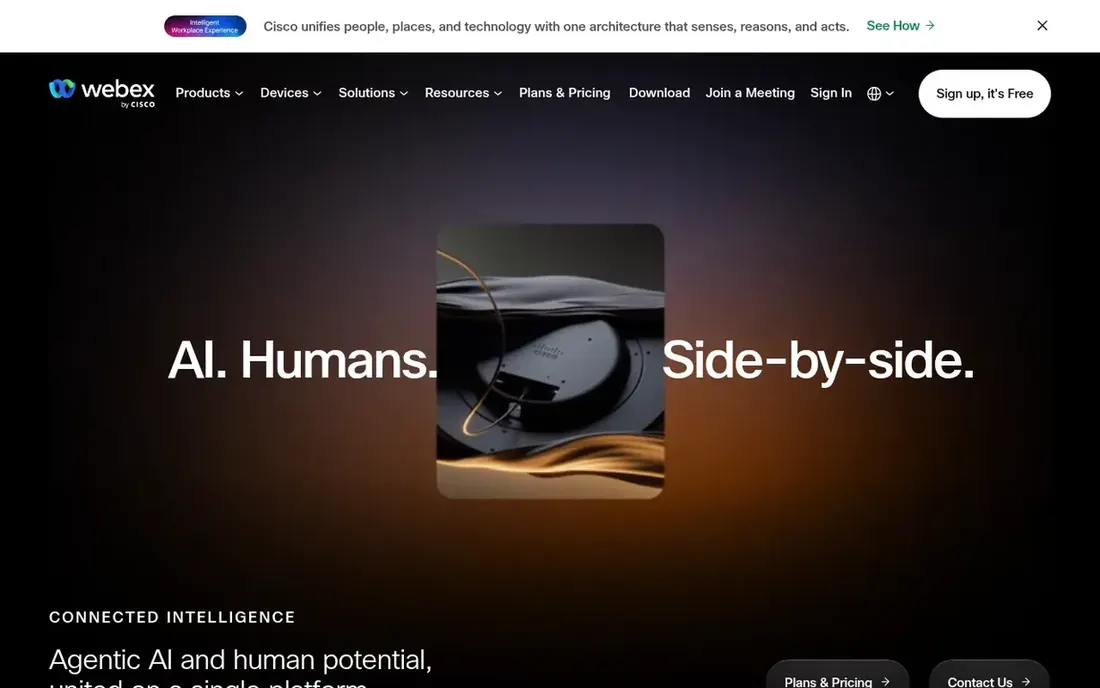
Think of Cisco Webex Webinars for AI-powered collaboration and customer experience. Cisco Webex Webinars is part of Webex's AI-powered collaboration system, which comes with customer experience and device options. The product's breadth can make it complicated for straightforward training needs, and its full value is realized within the Cisco ecosystem.
On top of that, Webex Webinars is a good match for enterprises already invested in Cisco options. Also, customer training sessions can benefit from Webex's focus on engagement and reliability. No starting price is listed for Cisco Webex Webinars here; confirm pricing on the vendor site. Cisco Webex Webinars has a free plan.
What to check first: May need Cisco ecosystem for full value.
- Part of Cisco's collaboration suite
- Solid customer experience focus
- Can be complicated to set up
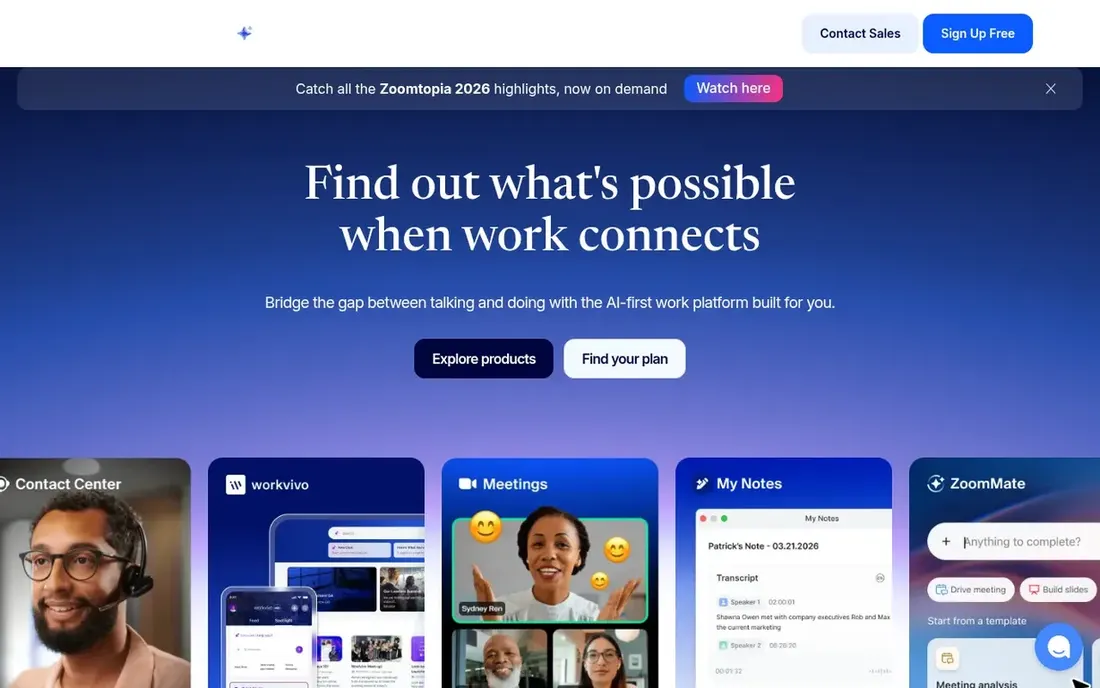
Where Zoom Webinars fits: familiar, all-around training webinars. Zoom Webinars is part of Zoom's collaboration product, which comes with video meetings, chat, and events. It is well suited for customer training sessions that require a reliable, widely recognized interface.
Downsides: Advanced training features may need extras.
In practice, Teams already using Zoom for meetings can extend to webinars without a steep ramp-up time, making it a practical choice for recurring training programs. Otherwise, Zoom Webinars spans the essentials for engaging customer sessions. This comparison lists no price for Zoom Webinars; ask the vendor. Free access: Not stated.
- Widely used and familiar interface
- Links up with Zoom meetings and chat
- Less specialized for structured learning
Livestorm is a good fit for marketing-led training with CRM sync. Livestorm is an all-in-one webinar system made for marketing teams, offering branded events, engagement insights, and CRM sync to prove ROI. It is enhanced with AI.
Watch-outs: Less suited for internal training.
For customer training that doubles as a marketing touchpoint, Livestorm offers a way to capture leads and measure engagement. From a buyer's view, Livestorm shines when training is part of a broader marketing strategy. The starting price for Livestorm: €2.50 per attendee. Trial and free access: Not stated.
- CRM synchronization
- Branded event experience
- Marketing focus may overshadow training features
Microsoft Teams Webinars
Best for: Teams-centric training and collaboration
Choose Microsoft Teams Webinars for Teams-centric training and collaboration. Even so, Teams Webinars may not offer the depth of dedicated webinar systems for large-scale or highly interactive training.
This comparison lists no price for Microsoft Teams Webinars; ask the vendor. Free options: Not stated.
Limits to weigh: Needs Microsoft 365 subscription.
- Simple file sharing and collaboration
- Familiar interface for Office users
- Webinar features are less advanced
Our selection method
Selection started from tools commonly considered for live webinar tool for customer training, then narrowed to 5 that have clear pricing information or a clear quote process. Treat prices as a snapshot: vendors change plans often, so check the vendor site for the figure that applies today. Tools are placed by general fit for live webinar tool for customer training, with price clarity and free access as tie-breakers. A different team can reasonably rank them differently.
Before you commit
- Ask GoTo Webinar, Cisco Webex Webinars, Zoom Webinars and Microsoft Teams Webinars for a written quote, since no starting price is shown.
- Look at the free plan from Cisco Webex Webinars closely: its caps decide whether it is usable for real work.
- Run a trial of GoTo Webinar with real work before paying for a year; your own workflow is the best test.
- Before choosing GoTo Webinar, weigh its main limit: may be less integrated with daily collaboration tools.
- Ask Zoom Webinars how an export works before you move any records in; an easy exit lowers the risk.
- Ask GoTo Webinar which support channels and response times come with the plan you would buy.
FAQ
Can I use Zoom Webinars for customer training?
Yes, Zoom Webinars is right for customer training, particularly if you already use Zoom. It supplies a familiar interface and supports large audiences, though it may lack some training-specific features.
Is GoTo Webinar the right pick for everyone comparing live webinar tool for customer training?
No single tool suits every team. GoTo Webinar comes first because it fits engaging virtual conferences and events, while Cisco Webex Webinars suits AI-powered collaboration and customer experience and Zoom Webinars suits familiar, all-around training webinars. Match the tool to your own size, budget and workflow before deciding.
Do these tools publish their prices?
Not all of them. GoTo Webinar, Cisco Webex Webinars, Zoom Webinars and Microsoft Teams Webinars publish no starting price, so expect a quote request for those. The rest, Livestorm included, show a starting price, though seats and billing terms still change the final cost.
Can I try these tools before paying?
Often, yes. Cisco Webex Webinars has a free plan and GoTo Webinar offers a free trial. Use your own data and a real task during the test, and check what the free tier or trial limits before you rely on it.
Which options for live webinar tool for customer training have a free plan?
Cisco Webex Webinars is the only tool in this list with a free plan. Free plans usually cap users, projects or features, so check the limits on the vendor page. One other tool offers a trial instead.
What should I look for in a live webinar tool for customer training?
Focus on engagement features like polls and Q&A, analytics to measure participation, and integration with your existing tools. Also consider simplicity for customers and presenters.
Sources
- https://www.goto.com/webinar
- https://www.webex.com
- https://zoom.us
- https://livestorm.co
- https://www.microsoft.com/microsoft-teams