Best Customer Service Survey Questions in 2026: 8 Products Compared
We compared tools for the best customer service survey questions, focusing on ready-made question libraries, templates, CSAT scoring and clear reporting.
- Editor's choice
 SurveyMonkey
Teams wanting a large template library
Starts atFreeVisit surveymonkey.comFull review - Great alternative
 Qualtrics
Larger firms needing deep service research
Starts atSee websiteVisit qualtrics.comFull review - Also consider
 QuestionPro
Teams wanting many service templates
Starts atFreeVisit questionpro.comFull review
TL;DR:
- This article frames the topic as survey tools with ready-made customer service question libraries, not as a list of questions alone.
- The best tools let you start from a tested template, then edit wording, logic, and follow-up questions for your own service channels.
- Short post-interaction surveys usually get better response rates than long quarterly questionnaires sent to the same customers.
- Pair a score question with one open question about what to improve, so you get both a trend and a reason behind it.
Quick comparison
| Tool | Best for | Starts at | Free plan? | |
|---|---|---|---|---|
| SurveyMonkey | Teams wanting a large template library | Free | Yes | Visit |
| Qualtrics | Larger firms needing deep service research | See website | Free trial | Visit |
| QuestionPro | Teams wanting many service templates | Free | Yes | Visit |
 Typeform | Brands wanting friendly survey design | Free | Yes | Visit |
 SurveySparrow | Teams wanting chat-style service surveys | Free | Yes | Visit |
 Zoho Survey | Zoho users wanting low-cost surveys | Free | Yes | Visit |
 Jotform | Small teams needing forms plus surveys | Free | Yes | Visit |
 Alchemer | Teams needing flexible survey logic | See website | Free trial | Visit |
The best customer service survey questions
Good service questions are easier to use when they arrive inside a tool that already handles templates, sending, scoring, and follow-up.
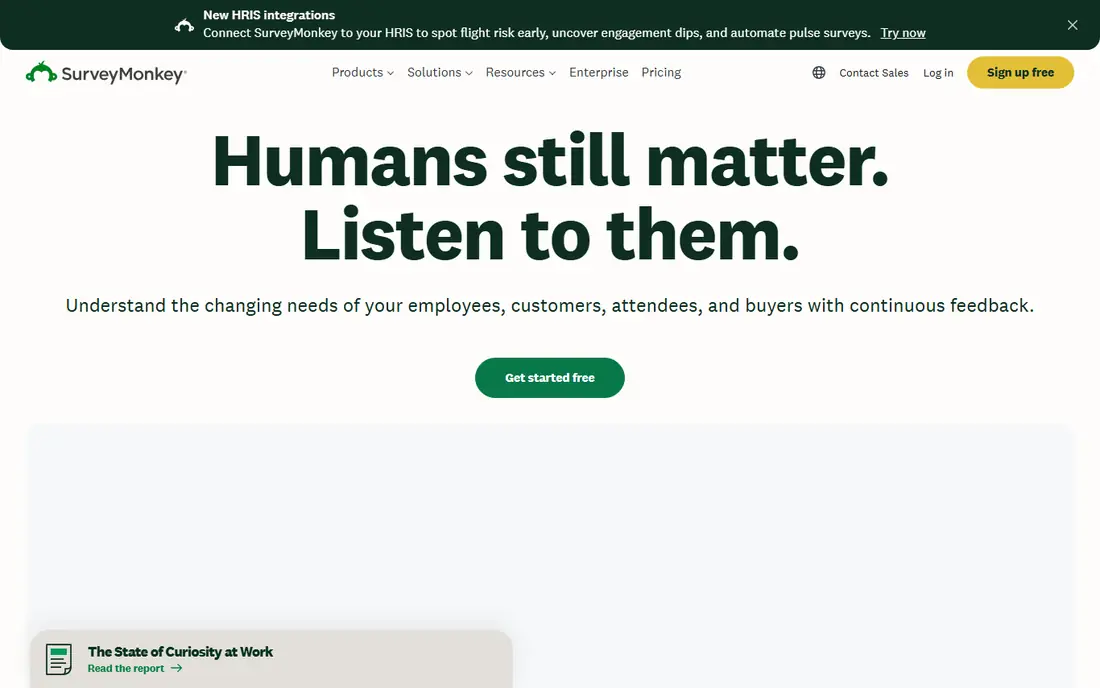
SurveyMonkey is the most familiar starting point for teams that want ready-made customer service templates without building questions from scratch. Its library covers post-service, CSAT, NPS, and website feedback, with logic and analysis tools that grow with the team.
The free plan is limited, and deeper features such as advanced logic, larger response volumes, and benchmarking sit on paid plans. Small teams should check response limits and export options before they run a large campaign.
For a buyer weighing options, SurveyMonkey deserves a trial or a detailed quote when teams wanting a large template library is the main priority, provided you confirm contract terms and what support covers after setup.
- Many expert-written templates
- CSAT, NPS, and effort options
- Benchmarks on some plans
- Free plan limits responses and logic
- Advanced analysis needs paid plans
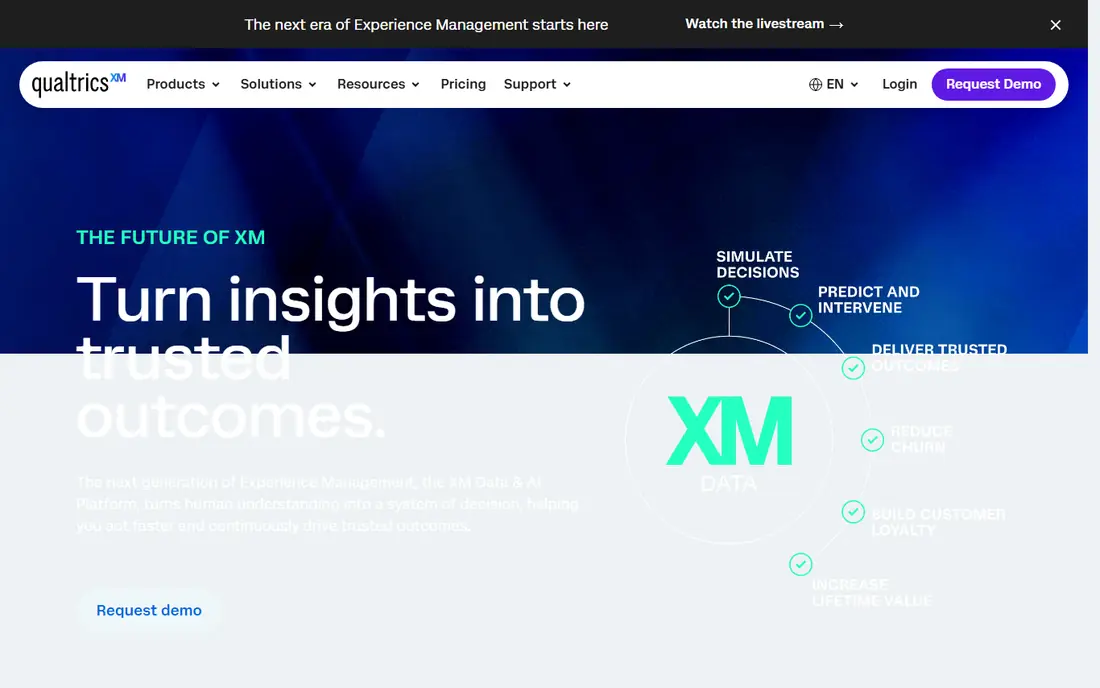
Qualtrics suits larger firms that want to combine service surveys with text analysis, journey tracking, and detailed reporting. Its templates and logic help teams segment results by channel, product, or customer group and spot themes in open comments.
It is heavier than a simple survey tool, and pricing is quote based. A small business with one support queue may find the setup and cost more than it needs, while a multi-team firm may use the depth well.
In practice, Qualtrics works best when you know the outcome you want before you sign, since that focus makes it easier to judge whether the first months are delivering value.
- Strong survey logic and text analysis
- Service experience templates
- Enterprise reporting
- Price and setup suit larger teams
- Learning curve for beginners
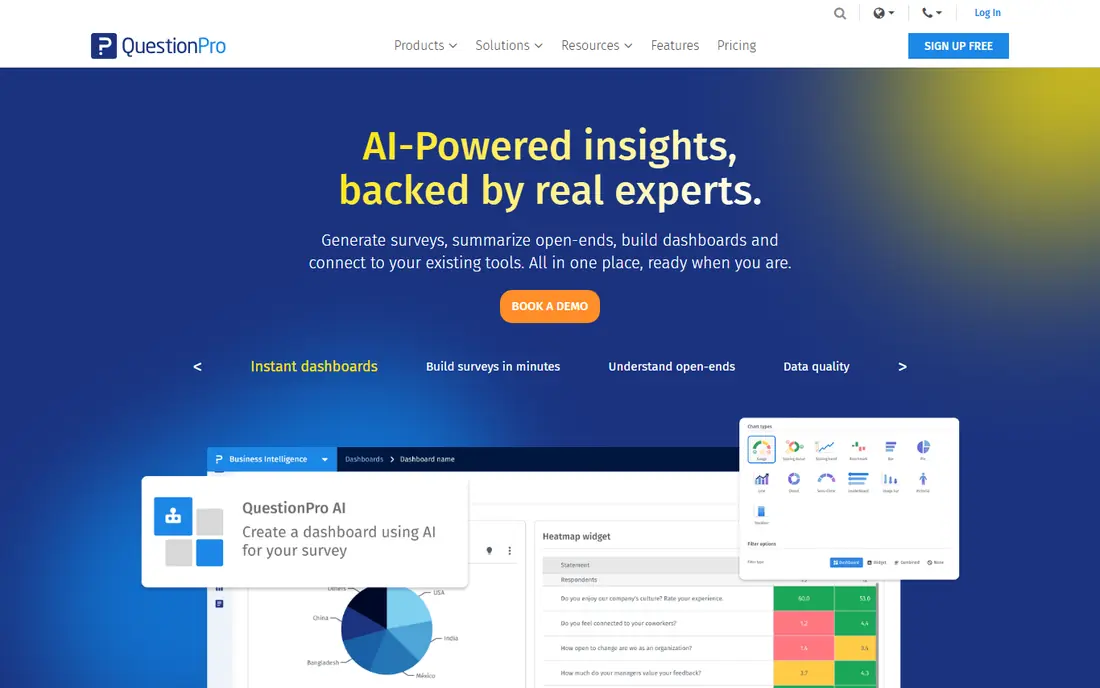
QuestionPro offers a broad template library with customer satisfaction, service evaluation, and voice-of-customer sections, which helps teams that want a starting point for several survey types. Its logic, distribution, and reporting tools cover most small and mid-size needs.
The interface can feel busy when you first open it, and some advanced features sit on higher plans. Take time to test a template end to end, including mobile display, before you send it to customers.
A short trial, demo, or sample report from QuestionPro can reveal more than a sales page, especially around ease of use, response times, and how clearly progress is reported.
- Large template library
- CSAT and service evaluation templates
- Logic and reporting tools
- Interface feels busy at first
- Some features need higher plans
Typeform works well when survey design matters, because its conversational flow asks one question at a time and looks clean on mobile. That style can lift completion for short post-service surveys, especially after chat or app interactions.
It is less suited to heavy research work, since logic and cross-tabulation are simpler than in dedicated research platforms. Check response limits and plan pricing if you expect high monthly volume.
When you compare Typeform with the other options here, weigh total cost and ongoing effort together, because a lower headline price can mean more work for your own team.
- Conversational survey flow
- Attractive templates
- Good mobile experience
- Logic and analysis less deep than research tools
- Pricing rises with responses
SurveySparrow offers chat-style surveys that feel closer to a conversation than a form, which can help after support chats and email cases. Its templates cover CSAT, NPS, and service feedback, with automation for recurring sends.
Its library is smaller than the largest platforms, so teams with niche service needs may need to edit more. Confirm automation, integration, and response limits on the plan you intend to use.
Owners who choose SurveySparrow should set a review date after the first few months, check the original goals, and decide whether to continue, adjust scope, or switch.
- Conversational templates
- CSAT and NPS options
- Automation and reporting
- Smaller template range than SurveyMonkey
- Some features need paid plans
Zoho Survey is a practical low-cost option, especially for businesses already using Zoho CRM or Zoho Desk. It includes templates for satisfaction and service feedback, logic options, and reporting that covers most day-to-day needs.
Reporting and design are simpler than in research-focused tools, so teams that need deep text analysis may need another tool. For routine service checks, though, its value and Zoho integration are strong.
The strongest case for Zoho Survey is a clear fit with one need, rather than trying to cover every possible requirement at once, so match it to your top priority.
- Many templates
- CSAT and service options
- Works with other Zoho apps
- Reporting less advanced than Qualtrics
- Design options are simpler
Jotform suits small teams that need surveys, feedback forms, and intake forms in one place. Its template library includes customer satisfaction and service forms that can be embedded on a site or sent by email, with simple reporting built in.
Analysis is simpler than in dedicated survey research tools, and free plans limit submissions and branding. It is best for short service surveys and feedback forms rather than large research programs.
Before committing to Jotform, ask for references or examples from clients with a similar size and setup, and check how problems were handled when they arose.
- Large form and survey template library
- Easy embedding
- Payment and file options
- Survey analysis simpler than research tools
- Branding limits on free plan
Alchemer, formerly SurveyGizmo, suits teams that want flexible logic, piping, and reporting without moving to a full enterprise research platform. Its service templates give a starting point, while logic helps tailor follow-up questions by answer.
Pricing on higher plans is quote based, and complex surveys need careful testing. Start with a simple template, test logic on mobile and desktop, and expand only after the basic flow works.
Used well, Alchemer can save time and reduce manual work, but it still needs someone on your side to review output, track results, and keep details up to date.
- Flexible logic and piping
- Service survey templates
- Strong reporting options
- Pricing is quote based on higher plans
- Setup takes care for complex surveys
How we picked these
We reviewed official feature pages, pricing pages, app store listings where relevant, privacy policies, and public reviews for each product, and we kept only products that exist and work today and truly fit the topic. We checked starting prices and free tiers against vendor pages, and we used See website where pricing was quote based or could not be verified cleanly.
We also weighed fit for the stated audience, ease of setup, support quality, and honest limits. A well-known leader can be a safe choice, while a smaller option can be better when it focuses on one niche, one region, or one workflow. Where a topic involved money, health, or academic work, we applied extra care to scope, disclaimers, and legitimate use.
We also checked whether pricing pages stated renewal terms, free plan limits, and trial conditions in plain language, and we favoured providers that made those details easy to find. When a price was only available on request, we recorded it as See website rather than estimating a figure, so readers can confirm current terms directly with the vendor before buying.
How to use a question library without asking too much
Start from a template, then cut it down
Pick a post-interaction or CSAT template, then remove any question that does not lead to a decision. A short survey after a chat or call should cover outcome, effort, satisfaction, and one open comment. Longer relationship surveys can sit quarterly and cover trust, value, and likelihood to return.
Match the question to the channel
Phone, chat, email, and in-store service create different experiences, so wording should reflect the actual interaction. Ask about resolution and ease for support contacts, and about speed and clarity for delivery or onboarding contacts. Avoid asking a customer to rate a channel they did not use.
Act on the answers in public, inside the team
Share top themes weekly, assign owners for repeated problems, and close the loop with customers when a fix ships. A library only helps when teams review results, test a change, and check whether scores and comments improve in the next cycle.
FAQ
What are the best customer service survey questions to start with?
Start with whether the issue was resolved, how easy it was to get help, how satisfied the customer was with the interaction, and what one change would help most. Those four items give you outcome, effort, satisfaction, and a usable improvement idea.
How many questions should a service survey have?
Post-interaction surveys work best with three to five questions. Longer surveys suit quarterly relationship checks, where customers expect more depth. If completion rates fall, shorten the survey before you change the incentive.
Should I use CSAT, NPS, or effort score?
CSAT fits a single interaction, effort score fits ease of getting help, and NPS fits overall loyalty. Many teams use CSAT and effort after support, and NPS quarterly. Pick the score that matches the decision you need to make.
Can I use a template without editing it?
You can start from a template, but you should still check wording, channel, and timing for your business. Replace generic terms with your product names, remove irrelevant items, and test the survey with a small group before a full send.
How often should I send service surveys?
Send a short survey after resolved contacts, not after every message in one case. For relationship surveys, quarterly or twice yearly is enough for most small businesses. Too many requests can lower response rates and annoy loyal customers.