Best App to Find Local Jobs in 2026: 8 Apps Compared
Best app to find local jobs compared: 8 free apps for nearby hourly, part-time and full-time roles in 2026, with filters, alerts and application tips.
- Editor's choice
 Indeed
Widest local job search
Starts atFreeVisit indeed.comFull review - Great alternative
 ZipRecruiter
Matched job alerts
Starts atFreeVisit ziprecruiter.comFull review - Also consider
 Snagajob
Hourly jobs near you
Starts atFreeVisit snagajob.comFull review
TL;DR:
- Indeed and ZipRecruiter cover the widest range of local roles, from hourly work to salaried jobs.
- Snagajob and JobGet focus on hourly and nearby work, which suits restaurant, retail and warehouse hiring.
- LinkedIn and Glassdoor add company research, so you can check pay and culture before applying.
- Turn on distance filters and job alerts, and apply early, since nearby hourly roles often fill fast.
Quick comparison
| Tool | Best for | Starts at | Free plan? | |
|---|---|---|---|---|
| Indeed | Widest local job search | Free | Yes | Visit |
| ZipRecruiter | Matched job alerts | Free | Yes | Visit |
| Snagajob | Hourly jobs near you | Free | Yes | Visit |
 LinkedIn | Professional and local roles | Free | Yes | Visit |
 Glassdoor | Jobs plus pay and reviews | Free | Yes | Visit |
 SimplyHired | Simple local search | Free | Yes | Visit |
 JobGet | Fast hourly hiring | Free | Yes | Visit |
 Facebook Jobs | Community and local employers | Free | Yes | Visit |
The best apps to find local jobs
Local job search is about distance, timing and fit, so the best app is the one that shows nearby openings first and lets you apply before they close.
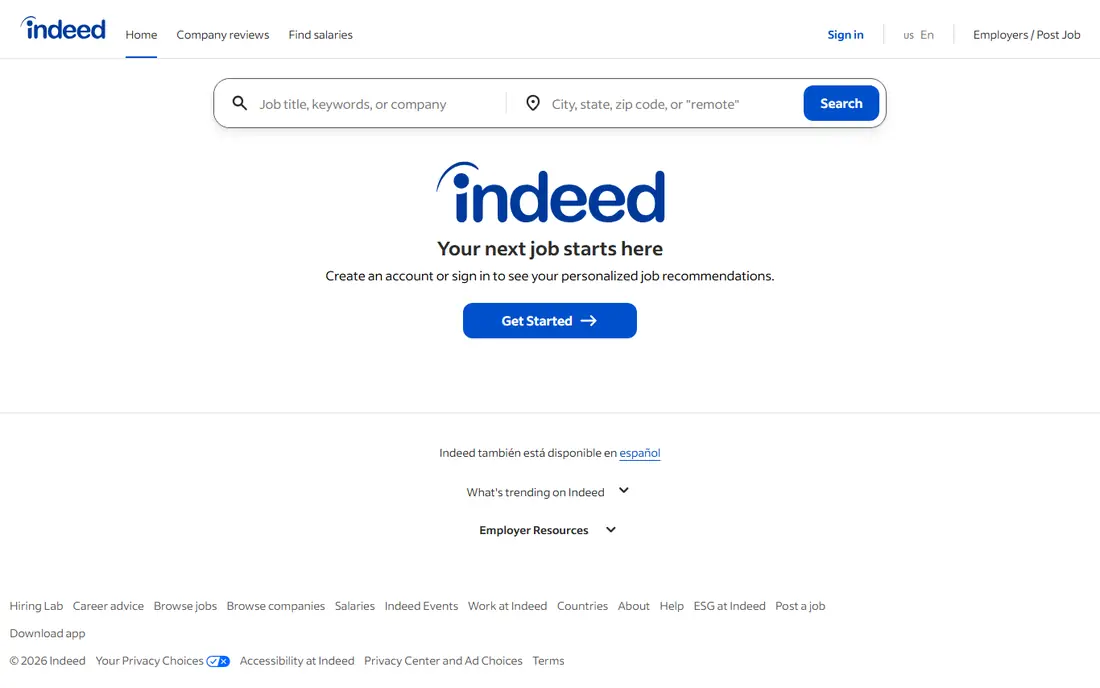
Indeed is our pick for most local job seekers, because its pool is simply larger than rivals in most US cities. Search by title and town, set a distance radius, and filter by full-time, part-time, contract or shift work. Saved resumes and one-tap applications speed up repeat applications, and salary pages help you judge whether a nearby role pays fairly.
The size brings noise: older listings and duplicates appear, and sponsored posts can crowd out newer openings. Sort by date, check the posting date, and confirm the role on the employer site when a listing looks stale. Used with fresh-date sorting, Indeed is still the best first stop for local work.
- Very large listing pool
- Distance and job-type filters
- Salary data and company reviews
- Some listings are old or duplicated
- Sponsored results sit high in results
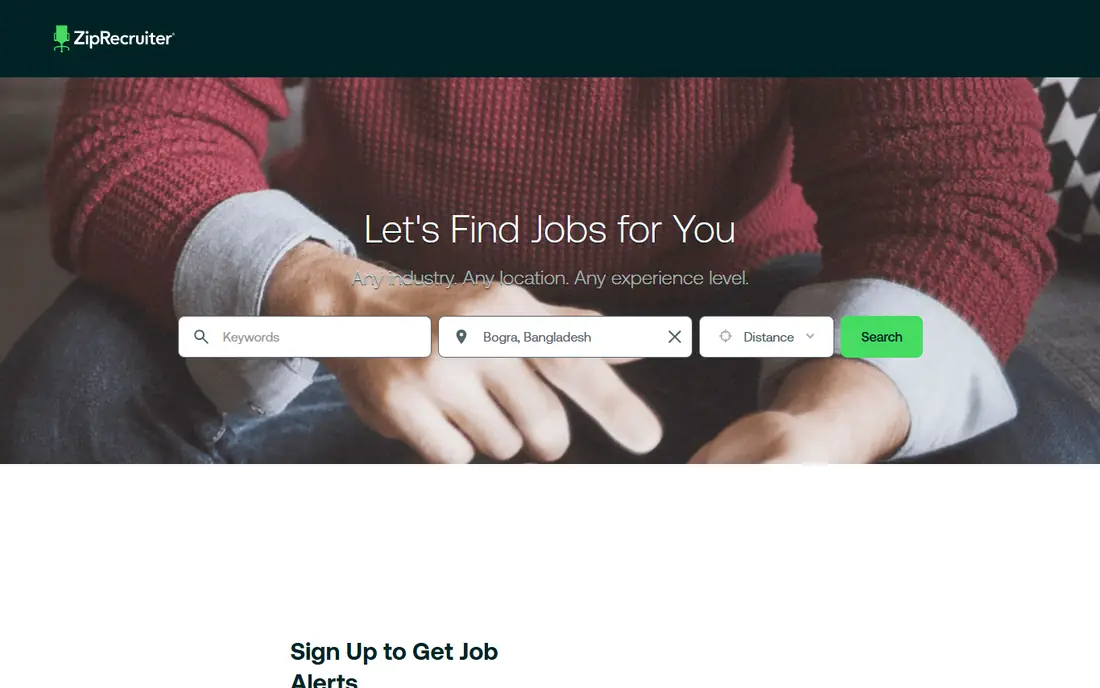
ZipRecruiter works more like a matching service than a plain search box. Build a profile once, and the app sends roles that fit your skills, location and availability, including many nearby openings you might not have searched for by title. One-tap applications from that profile keep the process quick on a phone.
Matches are only as good as the profile behind them, so a thin profile brings thin matches. Fill in skills, availability and preferred distance, and update the profile when your situation changes. For job seekers who want leads delivered rather than hunting daily, ZipRecruiter is a useful second app alongside Indeed.
- Matching alerts for fitting roles
- One profile for many applications
- Local radius search
- Match quality varies
- Some employers reply slowly
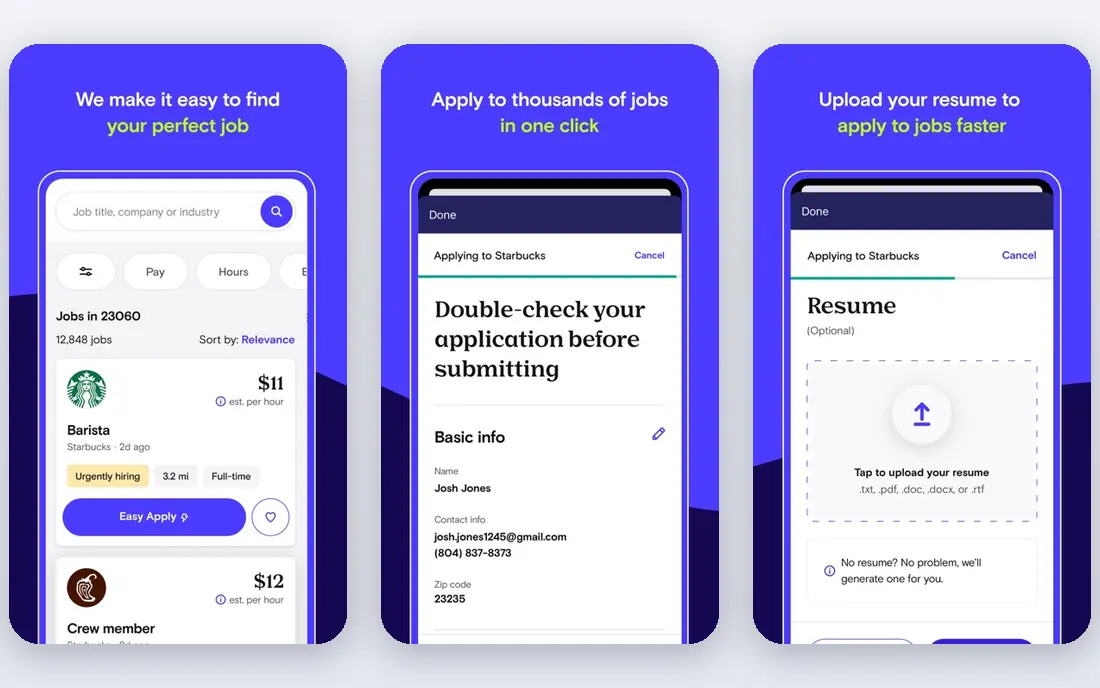
Snagajob narrows the search to hourly work, which is exactly what many local job seekers want. Restaurant, retail, hospitality, customer service and warehouse roles dominate, and map search shows who is hiring near you without wading through salaried posts. Daily job matches and one-click applications suit people applying between shifts or classes.
The focus is also the limit: salaried or professional roles are thin here, so pair Snagajob with a general board if you want both. Check posting dates, since some local listings linger after filling. For hourly work close to home, its focus saves time every day.
- Hourly-only focus
- Map search for nearby hiring
- One-click applications
- Mostly hourly roles
- Some listings go stale
LinkedIn suits local professional, office, health care and skilled-trade roles, where a referral or a hiring manager connection can matter. Location filters, Easy Apply and job alerts cover the basics, while company pages show hiring trends, employee posts and office locations. A complete profile also lets recruiters find you for nearby roles.
Hourly and shift work is thinner here than on Snagajob or JobGet, and the feed can pull attention away from applications. Use LinkedIn for professional local roles and for researching employers you find elsewhere. Set alerts for your town and target titles, and check them daily.
- Professional network and referrals
- Local filters
- Company pages and hiring activity
- Hourly roles are thinner
- Feed can distract from searching
Glassdoor pairs local listings with the research step many seekers skip. Salary ranges, employee reviews, benefits notes and interview reports help you judge a nearby employer before applying, which matters when two similar roles pay differently or have very different cultures. Job alerts and saved searches keep the local hunt moving.
The listing pool is smaller than Indeed, so treat Glassdoor as a research companion rather than your only board. Read several reviews, not one angry or glowing outlier, and weigh recent reviews more heavily. For choosing between nearby offers, it is the most useful app here.
- Salary data and employee reviews
- Local job search
- Interview insights
- Review quality varies
- Listing pool is smaller than Indeed
SimplyHired keeps local search plain and fast. Enter a title and location, filter by distance, job type and salary estimate, and scan results without a heavy feed or social layer. That simplicity suits seekers who already know the role they want and just need nearby openings.
Some listings redirect to another board or employer site to finish the application, which adds steps. SimplyHired also offers fewer profile and matching tools than ZipRecruiter or LinkedIn. As a clean second search, especially for cross-checking a role across boards, it does its job well.
- Plain search and filters
- Salary estimates
- Nearby radius options
- Some listings link out to other boards
- Fewer extra tools
JobGet focuses on fast hourly hiring, with many employers replying through the app rather than a long email chain. That speed suits local restaurant, retail, warehouse and service roles, where a same-week start is common. The app also acquired Snagajob, so the two share a focus on hourly workers, though they remain separate apps.
Coverage is stronger in some cities than others, so check your town before relying on it alone. Professional and salaried roles are limited. Where coverage is good, JobGet is one of the fastest routes from application to interview for nearby hourly work.
- Hourly and local focus
- Quick applications
- Chat-style employer contact in many listings
- Coverage varies by city
- Professional roles are limited
Facebook Jobs reaches local employers who never post on big boards, especially small shops, restaurants and service businesses hiring in the neighborhood. Listings appear in the Jobs section and in local groups, and messaging an employer through Facebook can be faster than a formal portal. For community-level hiring, that reach is hard to match.
Quality varies, and job scams appear here more than on curated boards, so verify the employer, never pay to apply, and meet in a public place for interviews. Search tools are basic compared with Indeed. Used with care, Facebook Jobs uncovers nearby openings the big boards miss.
- Local small-business postings
- Familiar messaging
- No extra app needed for many users
- Quality varies
- Scam listings need care
- Search tools are basic
How we picked these
We compared official app descriptions, listing focus, filters and application flows for apps with a free job-seeker tier and current US availability in October 2026. We favored apps with distance or radius search, job alerts and a clear local listing pool. We excluded employer-only tools, paid-only boards and apps with no verifiable official homepage.
How to search locally without missing nearby roles
A local search fails when the radius is too wide or the title is too narrow. Start with a radius you can actually travel, such as 10 or 15 miles, then widen it only if results are thin. Search several titles for the same work, since one employer calls it a sales associate, another a retail associate, and a third a team member.
Apply early and follow up
Nearby hourly roles often fill within days, so a same-day application beats a perfect application sent late. Keep a saved resume and a short cover note ready on your phone. After applying, note the date and employer, and follow up once if you hear nothing in a week.
Check the employer before you accept
A nearby job that pays poorly or has a rough culture is not a win. Check Glassdoor reviews and pay data, read the full listing for schedule and physical demands, and confirm pay, hours and start date in writing before accepting. For any listing that asks for money, gift cards or bank details before hiring, stop and report it.
Use two boards, not ten
Two well-chosen boards beat ten half-checked ones. Pair a broad board such as Indeed with a focused board for your work type, such as Snagajob for hourly roles or LinkedIn for professional roles. Check both daily, and let alerts fill the gaps between checks.
FAQ
What is the best app to find local jobs overall?
Indeed is best overall for local jobs, because it covers the most roles in most towns and its distance filters are strong. Snagajob is better for hourly work specifically, and LinkedIn is better for professional roles. Use Indeed plus one focused app for your work type.
Are these job apps free for job seekers?
Yes, all eight apps are free for job seekers to search and apply. Employers generally pay to post or promote listings. Be wary of any listing or app that asks a job seeker to pay to apply, since that is a warning sign.
How do I find jobs within walking distance?
Set a small radius, such as 5 or 10 miles, and use map search where offered, as in Snagajob. Also search by neighborhood name, not just city, since city-wide results can hide nearby roles. Check listings daily, since close roles fill fast.
Why do some local listings look old?
Listings can stay live after a role fills, or an employer may keep a standing post open for repeat hiring. Sort by posting date, check the date on each listing, and confirm with the employer when a post looks stale. Fresh-date sorting cuts most of this noise.
Is Facebook Jobs safe?
Facebook Jobs can be useful, but it needs more care than curated boards. Verify the business, check its page and reviews, never pay to apply, and avoid sharing bank details before hiring. Report suspicious listings through Facebook.
Should I apply on the app or the employer site?
Apply where the listing asks, but prefer the employer site when both options exist, since it avoids duplicate or delayed applications. Keep a record of where you applied and when, so follow-ups are easy.