Best App to Track Instagram Analytics in 2026: Prices, Free Plans and 6 Picks
Best app to track instagram analytics, compared. 6 tools with published prices, free plans and limits. Verdicts stay brief and factual. See which fits.
- Editor's choice
 Iconosquare
Analytics-first management for several profiles
Starts at€9 a monthVisit iconosquare.comFull review - Great alternative
 Agorapulse
Team collaboration and inbox management
Starts at$79 per user a monthVisit agorapulse.comFull review - Also consider
 Buffer
Straightforward scheduling and entry-level analytics
Starts at$5 per monthVisit buffer.comFull review
Direct answer
Our first pick is Iconosquare, best for analytics-first management for several profiles. Listed starting prices: Iconosquare from €9 a month, Agorapulse from $79 per user a month and Buffer from $5 per month. Agorapulse is the stronger choice for team collaboration and inbox management, while Buffer suits straightforward scheduling and basic analytics. Details, prices and limits for the rest of the 6 tools are below.
TL;DR:
- This list starts with Iconosquare, which is built for analytics-first management for several profiles.
- The lowest published monthly entry price here is $5 per month, from Buffer.
- Before buying Iconosquare, weigh this: may be overkill for single-profile users.
- For consumer intelligence and social listening, Brandwatch is worth a look.
- Iconosquare, Buffer: these are the 2 tools out of 6 that offer a free plan.
Last checked November 2026. Prices and plan details were read from the vendors' own pages in November 2026; vendors change plans often, so confirm the current price on the vendor site before you buy.
Quick comparison
| Tool | Best for | Starts at | Free plan? | |
|---|---|---|---|---|
| Iconosquare | Analytics-first management for several profiles | €9 a month | Yes | Visit |
| Agorapulse | Team collaboration and inbox management | $79 per user a month | Free trial | Visit |
| Buffer | Straightforward scheduling and entry-level analytics | $5 per month | Yes | Visit |
 Later | Influencer marketing and visual scheduling | See website | Not stated | Visit |
 Hootsuite | All-in-one social media management | $99 per user a month | Free trial | Visit |
 Brandwatch | Consumer intelligence and social listening | See website | Not stated | Visit |
App to Track Instagram Analytics, one by one
Choosing app to track instagram analytics usually comes down to price, fit and limits. This LinkVetted guide sets 6 tools side by side on those three points, with the facts kept short and checkable.
In short, Iconosquare is for analytics-first management for several profiles. Iconosquare is an analytics-first social media management tool for managers running several profiles. It allows you to schedule, analyze, report, and listen across every network from one dashboard.
Honest limits: Learning curve for advanced features.
For individuals or small firms with a single Instagram profile, Iconosquare may offer more than needed. On top of that, if you want a more straightforward tool, Buffer could be a better fit. Iconosquare pricing: €9 per month. You can start on Iconosquare without paying.
- Built for managers with several profiles
- Comes with scheduling and listening
- May be overkill for single-profile users
Pick Agorapulse if this describes you: team collaboration and inbox management. It is well-suited for firms that require to deal with a high volume of Instagram interactions whereas tracking performance.
As for the details, the unified inbox helps teams respond rapidly. Agorapulse pricing: $79 per user per month. On free options: Free trial.
Points against: Analytics may not be as deep as specialized tools.
- Bundles publishing and reporting tools
- Organized inbox for comments and messages
- Interface can take time to learn
Buffer is a good fit for straightforward scheduling and entry-level analytics. Buffer is a social media management tool that helps you build and share content consistently across networks.
It is recognised for its simplicity and is a solid fit for individuals and small teams who want to schedule Instagram posts and get entry-level performance data. Also, Buffer's analytics are more entry-level than those of dedicated analytics, so it may not satisfy users who require deep Instagram insights. Buffer pricing: $5 per month. A free plan is available with Buffer.
Drawbacks to consider: May lack advanced reporting.
- Simple to use for individuals and small teams
- Straightforward scheduling and publishing
- Analytics features are restricted compared with specialized tools
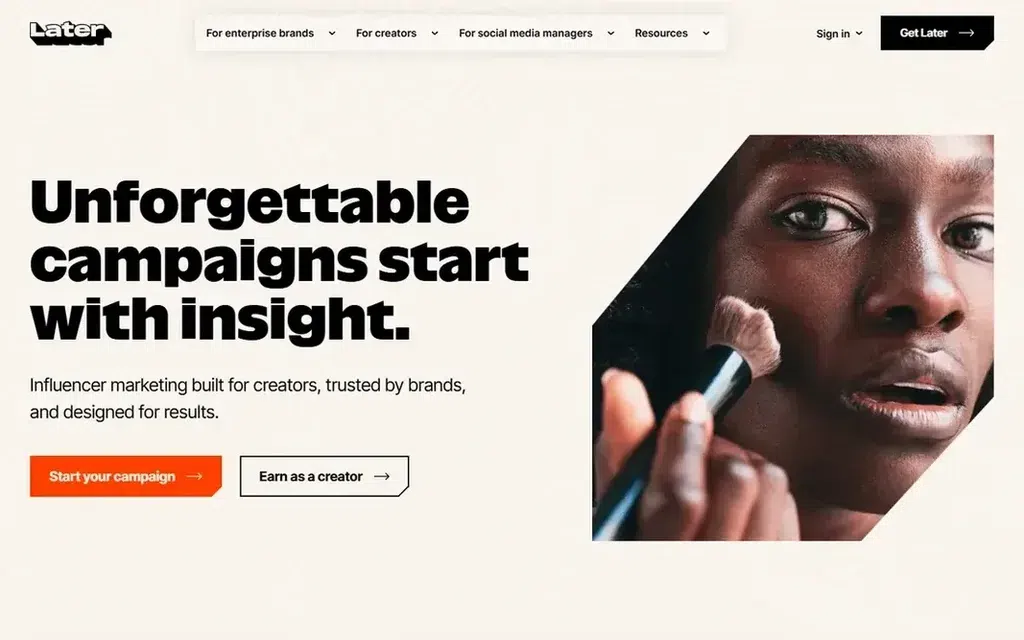
Choose Later for Influencer marketing and visual scheduling. Later is an influencer marketing and social media management product made for creators and brands. It helps run campaigns, handle social media, and track performance with AI-powered insights.
Also, if you need full reporting across numerous profiles, consider a dedicated analytics. The tool is notably handy for visual networks like Instagram, where planning and scheduling are key. As for the details, Whereas Later gives you performance tracking, it may not provide the same analytics depth as tools like Iconosquare. It is well suited to influencer-focused workflows. No starting price is listed for Later here; confirm pricing on the vendor site. Free access: Not stated.
Where it falls short: Focus on influencer marketing may not suit all companies.
- Designed for influencer campaigns
- Capable visual content planning
- Analytics may be less in-depth than dedicated tools
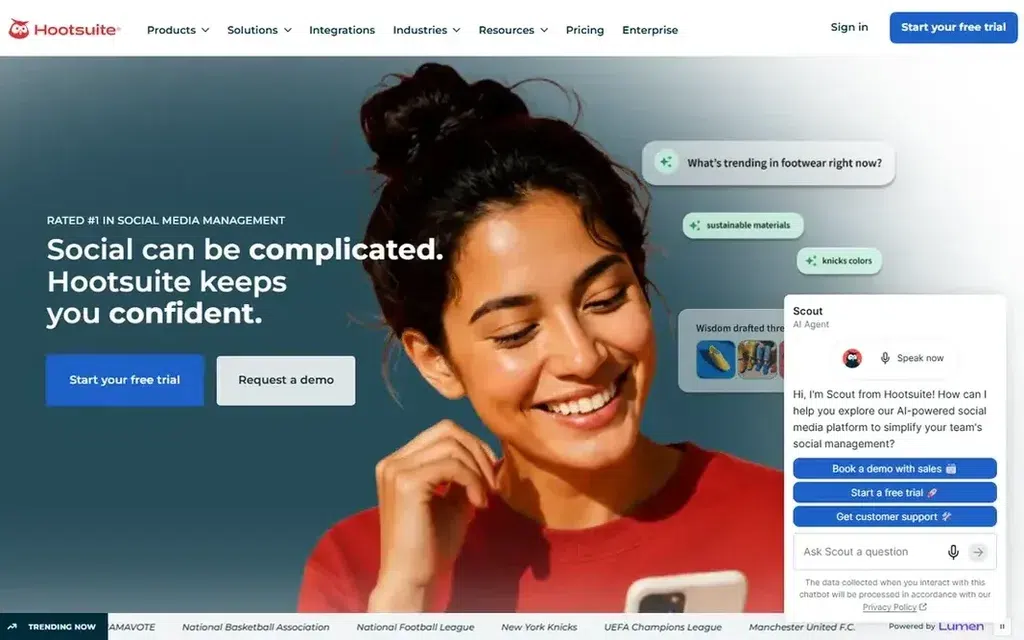
Pick Hootsuite if this describes you: all-in-one social media management. Hootsuite is a social media management tool that brings scheduling, content creation, analytics, and social listening into one place. The dashboard approach makes it simple to see how posts perform alongside other networks.
For users who only need entry-level Instagram analytics, Hootsuite may feel heavy. It is better suited to those who also need publishing and listening tools. Entry price for Hootsuite: $99 per user per month. On free options: Free trial.
Watch-outs: May be more than needed for solo users.
- Well suited to teams managing several networks
- Supports content creation in one place
- Analytics depth varies by plan
Brandwatch is built with consumer intelligence and social listening in mind. Brandwatch is an AI-powered social media management, consumer intelligence, and influencer marketing suite. It helps brands understand audience conversations and track performance across social networks, including Instagram.
Downsides: Complicated for users new to social intelligence.
As for the details, the product is suited for enterprises that require deep listening and intelligence alongside analytics. From a buyer's view, Brandwatch is primarily a listening and intelligence tool. So its Instagram analytics may not be as focused as dedicated management apps. If you need straightforward Instagram tracking, a tool like Hootsuite or Later may be more appropriate. This comparison lists no price for Brandwatch; ask the vendor. Trial and free access: Not stated.
- AI-powered consumer intelligence
- Advanced social listening capabilities
- Focus on listening may overshadow Instagram analytics
How we compared the tools
For each of the 6 tools we noted price, free plan or trial, fit for app to track instagram analytics and the main limit, using vendor pages and documentation. Where a vendor does not publish a price, the entry says quote. Where a price depends on seats or billing term, the entry says so. Tools are placed by general fit for app to track instagram analytics, with price clarity and free access as tie-breakers. A different team can reasonably rank them differently.
What to check before you buy
- Get a written quote from Later and Brandwatch; the list shows no starting price for them.
- Look at free plan limits closely: Iconosquare and Buffer have one, and the caps decide whether it is usable for real work.
- Use real work to test the free trial from Agorapulse and Hootsuite, rather than a demo project.
- Before choosing Iconosquare, weigh its main limit: may be overkill for single-profile users.
- Involve the people who will use Buffer daily; a short pilot beats a long feature checklist.
- Ask Agorapulse whether prices are locked for the first term and what happens at renewal.
FAQ
Can I try these tools before paying?
Often, yes. Iconosquare and Buffer have a free plan and Agorapulse and Hootsuite offer a free trial. Use your own data and a real task during the test, and check what the free tier or trial limits before you rely on it.
Is Iconosquare the right pick for everyone comparing app to track instagram analytics?
No single tool suits every team. Iconosquare comes first because it fits analytics-first management for multiple profiles, while Agorapulse suits team collaboration and inbox management and Buffer suits simple scheduling and basic analytics. Match the tool to your own size, budget and workflow before deciding.
How are the app to track instagram analytics ordered?
Iconosquare sits first and Brandwatch last because the order follows typical fit for app to track instagram analytics, then price clarity and free access. It is a judgement call, so read each profile for fit and limits.
Do these tools publish their prices?
Not all of them. Later and Brandwatch publish no starting price, so expect a quote request for those. The rest, Iconosquare included, show a starting price, though seats and billing terms still change the final cost.
What should I look for in an Instagram analytics?
Focus on the metrics that matter to your goals, like engagement, reach, and audience growth. Also consider whether you need scheduling, reporting, or team collaboration features alongside analytics.
Sources
- https://www.iconosquare.com
- https://www.agorapulse.com
- https://buffer.com
- https://later.com
- https://www.hootsuite.com
- https://www.brandwatch.com