Best Tools to Track Keyword Changes in 2026: 10 Tools Compared
Compare the best tools to track keyword changes, with daily or weekly updates, local and mobile rankings, alerts and reports for every budget in 2026.
- Editor's choice
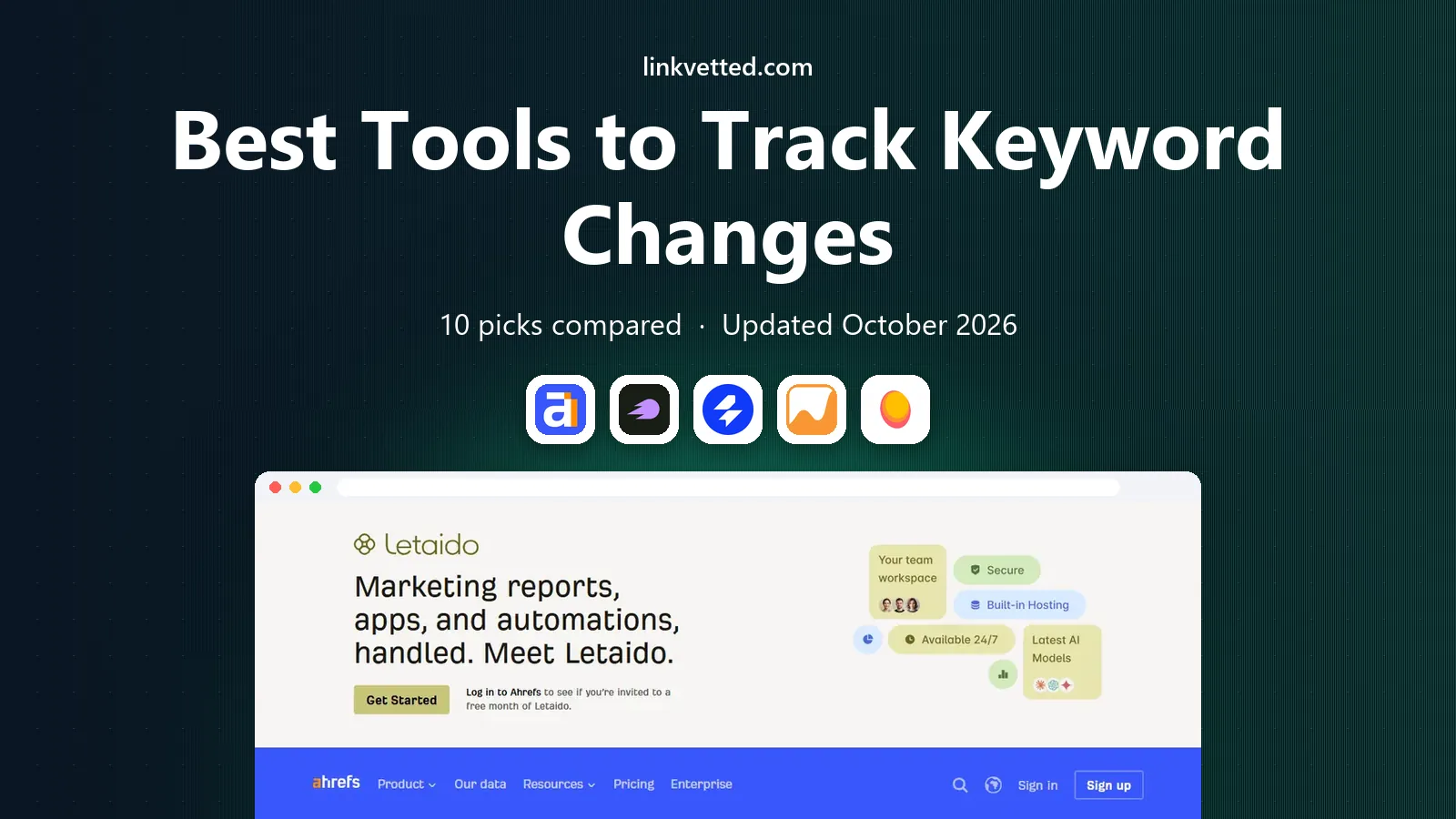
 Ahrefs Rank Tracker
Rank tracking inside a full SEO suite
Starts at$129 per monthVisit ahrefs.comFull review - Great alternative
 Semrush Position Tracking
Daily tracking inside a broad suite
Starts at$139 per monthVisit semrush.comFull review - Also consider
 SE Ranking
Daily tracking for small teams
Starts at$129 per monthVisit seranking.comFull review
TL;DR:
- Daily trackers such as SE Ranking, AccuRanker and Wincher suit sites that need to spot drops quickly after a change.
- Weekly trackers such as Ahrefs and Mangools SERPWatcher cost less in attention, but they miss short-lived ranking swings.
- Update frequency, location and device settings matter more than headline keyword counts, so check those before buying.
- Pair any tracker with Google Search Console, which shows real clicks and queries for your own site at no cost.
Quick comparison
| Tool | Best for | Starts at | Free plan? | |
|---|---|---|---|---|
| Ahrefs Rank Tracker | Rank tracking inside a full SEO suite | $129 per month | Yes, limited | Visit |
| Semrush Position Tracking | Daily tracking inside a broad suite | $139 per month | Yes, limited | Visit |
| SE Ranking | Daily tracking for small teams | $129 per month | Free trial | Visit |
 AccuRanker | Fast, accurate daily rank data | See website | Free trial | Visit |
 Mangools SERPWatcher | Simple weekly tracking on a budget | See website | Yes, limited | Visit |
 Serpstat | Multi-market rank tracking | See website | Free trial | Visit |
 ProRankTracker | Detailed tracking with white-label reports | See website | Free trial | Visit |
 Wincher | Simple daily tracking for small sites | See website | Free trial | Visit |
 Nightwatch | Local and global tracking with alerts | See website | Free trial | Visit |
 SpyFu | Competitor rank history | $39 per month | No | Visit |
The best tools to track keyword changes
Keyword tracking sounds simple, but tools differ in update speed, location coverage, mobile results and reporting. Some check rankings daily, others weekly, and some show local map results while others show only organic listings. We compared official feature and pricing pages, then picked trackers that report changes clearly for real sites in October 2026.

Ahrefs Rank Tracker suits teams that already use Ahrefs for research. You can track your keywords, watch competitors on the same terms, and see visibility trends over time in one dashboard. That context helps explain a change, since you can check links and site issues without switching tools.
The limit is update speed. Lower plans check weekly, so a drop may sit for days before it appears. Daily tracking is available, but it adds cost. If same-day alerts matter, a dedicated daily tracker may fit better.
- Tracking plus backlink and audit data in one account
- Clear visibility charts
- Competitor tracking included
- Weekly updates on lower plans
- Daily updates cost extra
- Keyword limits tied to credits

Semrush Position Tracking gives daily data with useful breakdowns. You can track by location and device, compare visibility against competitors, and spot pages competing with each other for the same term. For a team that acts on ranking changes weekly, that daily detail is valuable.
Cost and limits are the catch. Entry plans track a set number of keywords, and extra capacity costs more. If you only need tracking, a dedicated tracker may cost less. If you also need research and audits, Semrush covers more in one bill.
- Daily updates
- Local, mobile and device breakdowns
- Visibility and cannibalisation reports
- High entry price
- Keyword limits on entry plans
- Suite breadth can distract
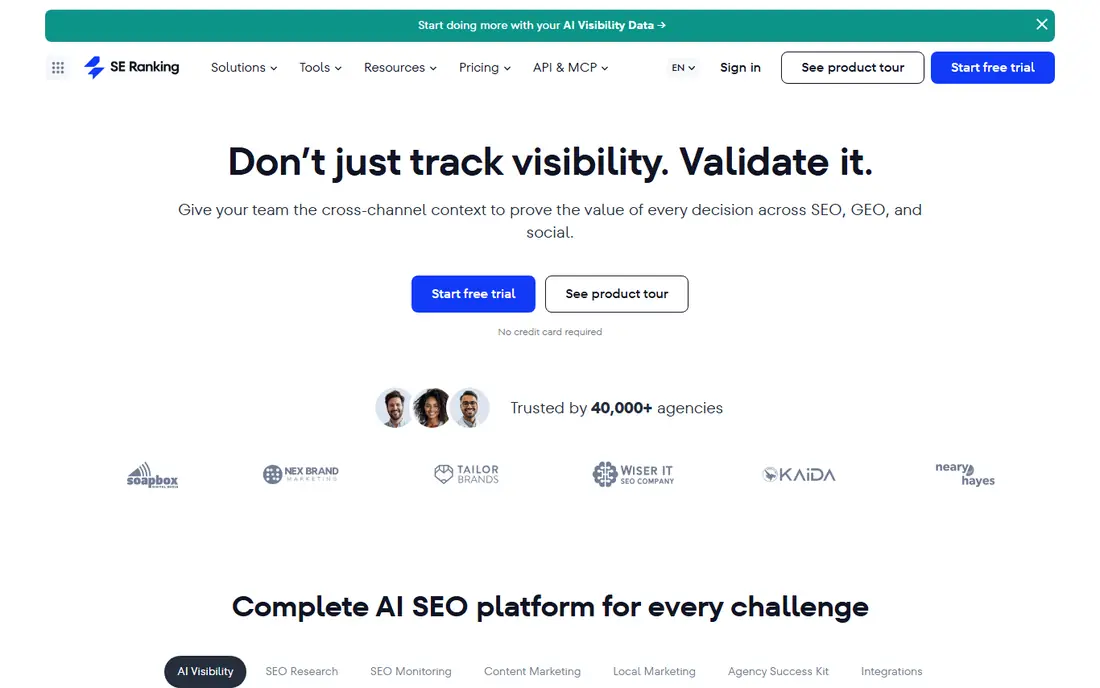
SE Ranking is a strong middle ground for small teams and freelancers. Daily checks catch changes quickly, local tracking covers service businesses, and white-label reports make client updates simple. It also includes research and audit tools, so it can serve as a main suite.
Watch the add-on model. Extra keywords and projects raise the bill, so count your tracked terms before choosing a tier. For a single site with a focused keyword list, the core plan is usually enough.
- Daily rank checks
- Local and mobile tracking
- White-label reports for clients
- Add-ons for extra keywords
- Interface takes time to learn
AccuRanker is built for tracking first. Its updates are fast, its local and mobile data are detailed, and its reports are easy to share with clients or managers. Agencies that live by ranking reports often pick it for that focus.
It is not a full SEO suite. Keyword research, audits and backlink data are thinner here than in Ahrefs or Semrush, so pair it with a research tool if you need both. For pure tracking quality, though, it is one of the best options here.
- Very fast daily updates
- Local and mobile rankings
- Strong reporting and API options
- Tracking focused, so research tools are limited
- Pricing rises with keyword volume
SERPWatcher suits a blogger or small business that wants a simple answer to one question, which is whether rankings are up or down. Its dominance index gives a single trend line, and its keyword list is easy to scan. Setup takes minutes.
Limits are the trade-off. Entry plans track few keywords, and lower tiers check weekly. That is fine for a small site with a stable keyword set, but not for an agency watching hundreds of terms daily. Upgrade when the list outgrows the plan.
- Very easy to read
- Daily or weekly updates depending on plan
- Low learning curve
- Small keyword limits on entry plans
- Weekly checks on lower tiers miss fast changes
Serpstat helps teams tracking rankings across more than one market. Its databases cover many countries, its batch tools handle long keyword lists, and its competitor comparison shows who gained when you lost a position. That breadth suits international sites.
Beginners may find the dashboard crowded, and daily checks sit on higher plans. If you track one market only, a simpler tracker will be faster to use. If you track several markets, Serpstat's coverage is a real advantage.
- Many country and language databases
- Batch tracking for large lists
- Competitor rank comparison
- Update frequency varies by plan
- Interface feels busy for beginners
ProRankTracker is a dedicated tracker with strong reporting. It checks rankings daily, breaks results down by location and device, and lets agencies send branded reports to clients. Alerts flag big moves, so you do not need to check the dashboard every day.
It does not try to be a full suite. Keyword research and site audits are basic, so pair it with a research tool for content planning. For tracking and reporting alone, its focus is a strength.
- Daily tracking with local and mobile detail
- White-label reports and alerts
- App for checking on the go
- Research features are limited
- Pricing scales with tracked terms
Wincher is a calm, simple tracker for small sites. It checks rankings daily, shows position history in a clear chart, and lets you compare against a few competitors. For a business owner who checks rankings once a week, that simplicity is welcome.
Advanced users may miss features such as deep local map tracking, cannibalisation reports or API depth. Wincher covers the core job well, but teams needing those extras should look at AccuRanker, ProRankTracker or a full suite.
- Daily updates
- Clean, simple dashboard
- Competitor tracking on paid plans
- Fewer advanced features than suites
- Keyword limits need checking
Nightwatch suits local businesses and agencies that need location detail. It tracks rankings by city and region, as well as nationally, and alerts you when a keyword moves sharply. Its visual reports make it easy to show a client or manager what changed and where.
It is tracking focused, so keyword discovery and audits are not its strength. Pair it with a research tool for planning, and use Nightwatch for the daily job of watching positions and local visibility.
- Local, national and global tracking
- Alerts for ranking changes
- Clear visual reports
- Pricing in euros on some pages, so check conversion
- Research tools are limited
SpyFu is best for studying competitors over time. It shows which keywords a rival ranked for in past months and years, and how its organic and paid mix changed. That history helps you spot seasonal patterns and content gaps.
For your own site, weekly updates are less useful than daily tracking when a change needs a fast response. Use SpyFu for competitor history and strategy, and pair it with a daily tracker for your own keywords.
- Long competitor ranking history
- Organic and paid keyword data
- Low entry price
- Weekly updates on lower plans
- Less detail for your own daily tracking
How we picked these
We compared official feature pages, pricing pages and public documentation, and kept trackers that are actively sold in October 2026. We favoured tools that state update frequency, location and device options clearly, since those details decide whether a tracker fits a real job. Tools with vague tracking claims or no working official site were left out.
How to set up tracking that you can trust
Start with a focused keyword list, not every term you can think of. Include your main money terms, a set of informational terms, and your brand terms. Too many keywords dilute attention and raise costs, while too few hide real changes.
Match location and device to your customers
Set tracking locations to the cities or regions your customers actually live in, and track mobile separately from desktop. A national average can hide a local drop, and a desktop rank can hide a mobile problem. Check both views before acting on a change.
Act on trends, not single days
Rankings bounce day to day, especially for competitive terms. Look at two-week and four-week trends, check Search Console for clicks, and look for a site change, a new competitor page or a search update before rewriting content. A single-day drop rarely needs a rewrite.
FAQ
How often should keyword rankings be checked?
Daily checks suit sites after a redesign, migration or sudden traffic drop, when fast detection matters. Weekly checks suit most small sites, since rankings move slowly and daily noise can mislead. Choose a plan whose update frequency matches how fast you can act on what you learn.
What is the difference between rank tracking and Search Console?
Rank tracking watches a chosen list of keywords and reports positions over time, including competitors. Search Console shows real impressions, clicks and queries for your own verified site, including terms you did not choose to track. Use both, since tracking gives focus and Search Console gives real traffic truth.
Can I track local rankings for my city?
Yes. Tools such as SE Ranking, AccuRanker, ProRankTracker and Nightwatch offer local tracking by city or region. Set the location to where your customers are, not to a national default, and check map and local pack results separately from organic listings where the tool supports it.
Why did my ranking drop suddenly?
Common causes include a site change, a page removed or redirected, a stronger competitor page, a search update, or a technical fault such as slow loading or a noindex tag. Check the page, check Search Console for errors, and compare competitor movement before rewriting content. A trend over weeks matters more than one day.
How many keywords should I track?
Start with 50 to 200 terms for a small site, covering money pages, informational posts and brand terms. Larger sites and agencies track thousands, but only with a tool priced for that volume. Review the list each quarter and remove terms that no longer matter to sales or leads.
Do I need a paid tracker if I have Search Console?
Search Console is free and essential, but it does not track competitors, alert you to daily moves, or report positions for a fixed list in one chart. A paid tracker adds those views. For a very small site, Search Console alone may be enough until tracking becomes a regular task.
Sources
- https://ahrefs.com/pricing
- https://www.semrush.com/pricing
- https://www.seranking.com/pricing.html
- https://www.accuranker.com/pricing
- https://mangools.com/pricing
- https://serpstat.com/pricing
- https://www.proranktracker.com/pricing
- https://www.wincher.com/pricing
- https://nightwatch.io/pricing
- https://www.spyfu.com/pricing