Best Tools for Instagram Content Creation in 2026: 8 Tools Compared
Compare the best tools for Instagram content creation, from scheduling and design to video editing, with prices and best fit for creators. Updated for 2026.
- Editor's choice
 Later
Visual grid planning
Starts at$25 per monthVisit later.comFull review - Great alternative
 Buffer
Simple, low-cost scheduling
Starts at$5 per monthVisit buffer.comFull review - Also consider
 Hootsuite
Teams and agencies
Starts at$99 per monthVisit hootsuite.comFull review
TL;DR:
- Later is our pick for visual planning, since its grid preview shows how your feed will look before you publish.
- Buffer is the cheapest simple scheduler here, while Hootsuite and Sprout Social suit teams that need inbox, approvals, and reporting.
- Canva, CapCut, and InShot cover most design and video needs without a desktop editor, and all offer free tiers.
- Planoly suits creators who care most about feed aesthetics, but check its paid pricing on the vendor site before you commit.
Quick comparison
| Tool | Best for | Starts at | Free plan? | |
|---|---|---|---|---|
| Later | Visual grid planning | $25 per month | Free trial | Visit |
| Buffer | Simple, low-cost scheduling | $5 per month | Yes | Visit |
| Hootsuite | Teams and agencies | $99 per month | Free trial | Visit |
 Planoly | Feed aesthetics | See website | Yes | Visit |
 Canva | Design and templates | Free | Yes | Visit |
 CapCut | Short-form video editing | Free | Yes | Visit |
 InShot | Quick mobile video edits | Free | Yes | Visit |
 Sprout Social | Analytics and team workflows | $199 per month | Free trial | Visit |
The best tools for Instagram content creation
We compared official pricing pages, feature lists, and 2026 scheduler guides to find tools that cover planning, design, video, and publishing for Instagram.
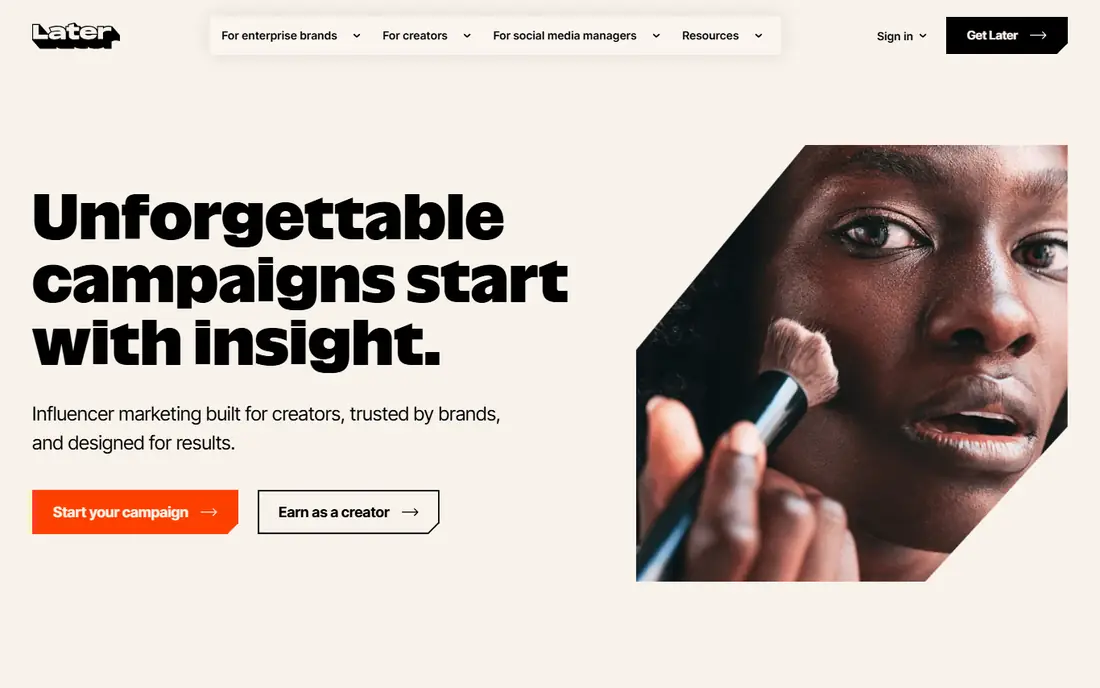
Later is built around how Instagram actually looks. You drag posts into a calendar, preview the grid, and rearrange until the feed feels balanced, which matters for brands whose feed acts as a storefront. Auto-publishing, hashtag suggestions, and a Link in Bio page cover the daily workflow, and higher tiers add a social inbox and approval workflows.
Pricing starts at $25 per month, or $18.75 per month billed annually, for the Starter plan, with Growth and Scale tiers above it. Lower tiers cap posts per profile per month, so count your posting volume before you choose. For Instagram-first creators, the visual planner alone often justifies Later over a generic scheduler.
- Visual planner with grid preview
- Best-time suggestions
- Link in Bio tool
- No permanent free plan for new users
- Post limits on lower tiers
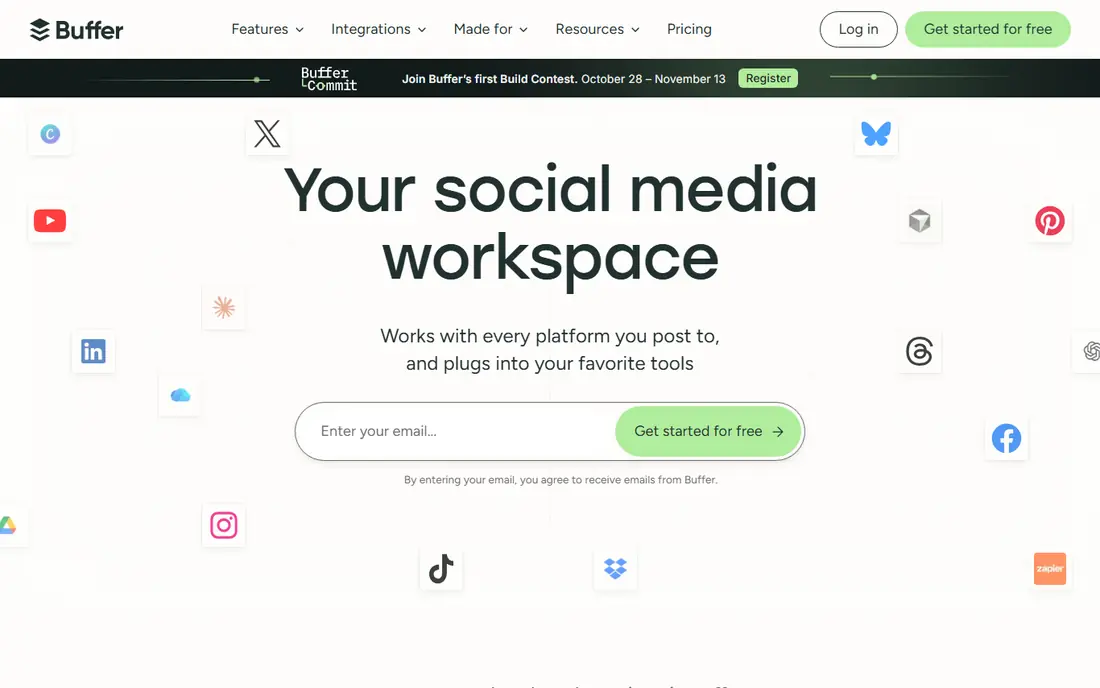
Buffer is the pick when you want scheduling without a learning curve. You connect channels, build a queue, and publish feed posts, carousels, and Reels, with basic analytics to see what worked. The free tier covers light use, and paid plans start near $5 per channel per month billed annually, which keeps a small account affordable.
The trade-off is depth. Buffer does not match Hootsuite for social listening, complex approvals, or large team workflows. For a solo creator or a small business with a few channels, that simplicity is a strength, not a gap. If your team grows, you can move to a larger suite later without losing your posting history.
- Clean interface that is easy to learn
- Low per-channel price
- Free tier for light use
- Fewer team and listening features than Hootsuite
- Costs rise with channel count
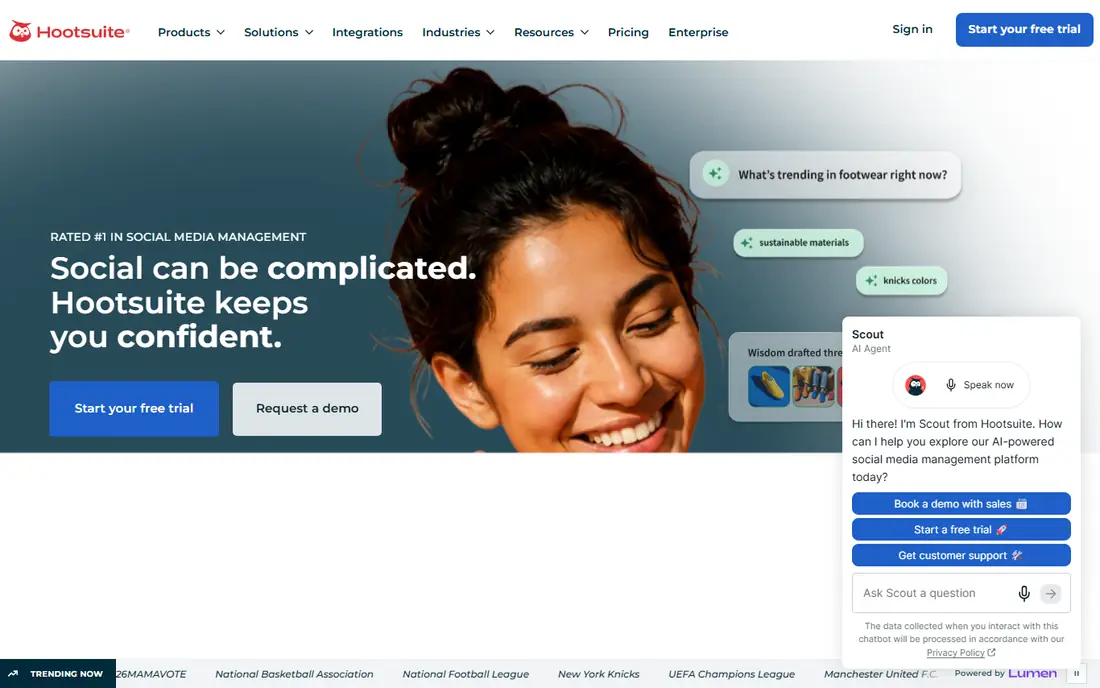
Hootsuite suits teams that manage many accounts and need control. Scheduling, a unified inbox, social listening, competitor benchmarking, and reporting sit in one system, with approval workflows so nothing publishes without a check. That structure helps agencies and larger brands keep quality steady across clients and team members.
Pricing starts at $99 per user per month billed annually for Standard, with Professional and Advanced tiers above it. That is far more than a solo creator needs, and the learning curve is steeper than Buffer or Later. For a team that needs inbox management, listening, and reporting in one place, the cost is easier to justify.
- Unified inbox and scheduling across networks
- Listening and benchmarking
- Approval workflows
- High price for solo creators
- More platform than a small account needs
Planoly started as a visual planner for Instagram, and that focus still shows. You plan the grid, schedule posts, and manage a Link in Bio page, with analytics to track which posts perform. For creators whose feed design is central to their brand, the grid tools feel more natural than a text-first queue.
The free tier covers a limited number of uploads per month, which is enough to test the planner. Paid pricing is best checked on the vendor site, since tiers and limits change. If you post mainly on Instagram and care about how the grid looks, Planoly is a strong specialist pick, even if it is less useful as a general social suite.
- Grid-first planning for Instagram
- Auto-publish for feed and Reels
- Link in Bio
- Pricing details change often, so check the vendor page
- Less strong outside Instagram
Canva is the fastest way for most creators to make polished Instagram graphics. Templates cover feed posts, Stories, carousels, and Reels covers, and you can resize a design for other formats in a few clicks. The free plan is genuinely useful, while Pro at about $15 per month adds a brand kit, premium assets, and more AI uses.
The catch is sameness. A template used as-is looks like many other posts, so change fonts, colors, photos, and layouts to fit your brand. Canva also offers direct scheduling to Instagram, which can replace a separate scheduler for a simple workflow. For design speed at low cost, few tools match it.
- Huge template library for posts, Stories, and Reels covers
- Easy brand kit on paid plans
- Direct scheduling
- Free plan limits AI uses and premium assets
- Designs can look template-like without edits
CapCut is the default editor for many Reels creators, since it covers captions, cuts, effects, music, and templates in one app. The mobile editor is fast for on-the-go edits, while the desktop version suits longer or more detailed projects. Auto-captions alone save a lot of time, and trending templates help new creators match current formats.
The free tier covers a lot, but some premium effects, filters, and cloud storage need a Pro plan, so check pricing on the vendor site if you need those features. For most short-form video, the free version is enough to publish clean, well-captioned Reels. If you edit daily, Pro removes friction and export limits.
- Strong mobile and desktop editors
- Captions, effects, and trending templates
- Direct export for Reels
- Some effects and cloud features need Pro
- Watermark and export limits vary by plan
InShot is the pick when you want a quick edit on your phone and nothing more. Trimming, splitting, filters, text, stickers, and music are all within a few taps, and changing aspect ratio for feed, Stories, or Reels is simple. That speed matters when you film on your phone and want to publish the same day.
Free exports carry a watermark, which you remove with a paid plan, so factor that cost into your budget if you publish often. InShot does not match CapCut for trending templates or advanced effects, but it is less cluttered and easier to learn. For straightforward edits, it is one of the best content creation apps for Instagram on mobile.
- Fast trimming, filters, and text on mobile
- Easy aspect-ratio changes
- Low learning curve
- Watermark on free exports unless removed by subscription
- Fewer advanced effects than CapCut
Sprout Social is the premium pick for teams that need to prove results. Publishing, a unified inbox, and detailed reports sit together, with approval workflows and task assignment for larger teams. Standard pricing starts at $199 per seat per month billed annually, with an Essentials tier near $79 per seat per month in some listings, so check the current vendor page for your region.
For a solo creator, Sprout is too much money for features you may not use. For a brand or agency that reports to clients, tracks campaigns, and manages many inboxes, the reporting depth and workflow controls justify the price. If analytics drive your content decisions, Sprout deserves a trial alongside Hootsuite.
- Strong reporting and analytics
- Unified inbox
- Approval and assignment workflows
- High price
- Overkill for solo creators
How we picked these
We compared official pricing pages, feature lists, and 2026 Instagram scheduler guides, and we favored tools that are still actively sold and support Instagram publishing, not just design alone. We included schedulers, design tools, and video editors, since content creation spans all three jobs. Prices are list prices where published, and See website is used where pricing varies by plan or region.
What to check before you choose
Start with your bottleneck. If planning is the problem, pick Later or Planoly. If publishing across networks is the problem, pick Buffer, Hootsuite, or Sprout. If design or video is the problem, pick Canva, CapCut, or InShot. Next, test auto-publishing with your account type, since Stories with stickers, music, or links may fall back to reminders. Finally, check analytics, since a tool that cannot show what worked will not help you improve.
Keep your feed consistent without burning out
A simple system beats a complex one you abandon. Batch your design and editing once a week, schedule posts in advance, and leave room for timely Stories that do not need polish. Review analytics monthly, keep the formats that perform, and drop the ones that do not, rather than adding more tools.
FAQ
What are the best content creation apps for Instagram?
Later and Planoly are best for visual planning, Buffer is best for simple scheduling, and Canva, CapCut, and InShot cover design and video. Hootsuite and Sprout Social suit teams that need inbox and reporting. Most creators need one scheduler plus one design or video tool, not all eight.
Is there a free Instagram scheduling tool?
Yes. Buffer and Planoly both offer free tiers with limits, and Meta Business Suite offers free scheduling for Instagram and Facebook. Later offers a trial rather than a permanent free plan for new users. Free tiers suit light posting, while regular creators usually need a paid plan.
Can I schedule Instagram Reels?
Yes, Later, Buffer, Hootsuite, Planoly, and Sprout Social all support Reels scheduling for business and creator accounts. Stories with interactive stickers, music, or links may still need a reminder workflow. Test Reels publishing with your account type before you rely on it for a launch.
Do I need Canva and a scheduler?
Not always. Canva offers direct scheduling for simple workflows, so a solo creator may manage with Canva alone. If you manage many accounts, need approvals, or want deeper analytics, a dedicated scheduler like Buffer or Later adds value. Start simple and add a scheduler only when Canva scheduling feels limiting.
How much do Instagram tools cost?
Free tiers cover light use, simple schedulers start near $5 to $25 per month, and team suites start near $99 to $199 per user or seat per month. Design and video tools often start free, with paid plans for premium assets and watermark removal. Add up per-channel and per-user fees before you compare headline prices.