5 Best Software to Record a Podcast Online for 2026, Vetted and Compared
Compare 5 picks for the best software to record a podcast online, with prices, free plans and who each fits. Verdicts stay brief and factual. Details below.
- Editor's choice
 Podcastle
AI-assisted creative production
Starts atSee websiteVisit podcastle.aiFull review - Great alternative
 Riverside
Video-first podcast recording and editing
Starts at$24 a monthVisit riverside.fmFull review - Also considerSquadCast
Browser recording with cloud backup
Starts at$16 per person a monthVisit squadcast.fmFull review
Direct answer
Our first pick is Podcastle, best for AI-assisted creative production. Listed starting prices: Riverside from $24 a month, SquadCast from $16 per person a month and Restream from $239 a month. If your case is different, Riverside suits video-first podcast recording and editing and SquadCast suits browser recording with cloud backup. Details, prices and limits for the rest of the 5 tools are below.
TL;DR:
- Podcastle sits first on this list: AI-assisted creative production.
- SquadCast is the lowest-priced starter here at $16 per person per month.
- Zencastr fits remote interviews with built-in editing.
- SquadCast comes with a trade-off: fewer publishing extras described.
- Podcastle, Riverside, SquadCast: these are the 3 tools out of 5 that offer a free plan.
Last checked November 2026. Prices and plan details were read from the vendors' own pages in November 2026; vendors change plans often, so confirm the current price on the vendor site before you buy.
Quick comparison
| Tool | Best for | Starts at | Free plan? | |
|---|---|---|---|---|
| Podcastle | AI-assisted creative production | See website | Yes | Visit |
| Riverside | Video-first podcast recording and editing | $24 a month | Yes | Visit |
| SquadCast | Browser recording with cloud backup | $16 per person a month | Yes | Visit |
 Restream | Live podcasting to several channels | $239 a month | Not stated | Visit |
 Zencastr | Remote interviews with built-in editing | See website | Not stated | Visit |
Software to Record a Podcast Online compared in detail
If you are comparing software to record a podcast online, this page covers 5 tools in one place: what each is best for, what it costs to start, whether it has a free plan, and the main limit to know about.
For AI-assisted creative production, Podcastle is a natural candidate. Its framing is broader video creation instead of podcast recording specifically, so hosts wanting a pure interview studio may prefer a focused tool.
Downsides: Video-centric instead of podcast-first.
Podcastle shows no starting price here, so confirm the cost on the vendor site. Podcastle offers a free plan.
- Chat-based AI creative suite
- Single workflow to finished video
- AI output needs editorial review
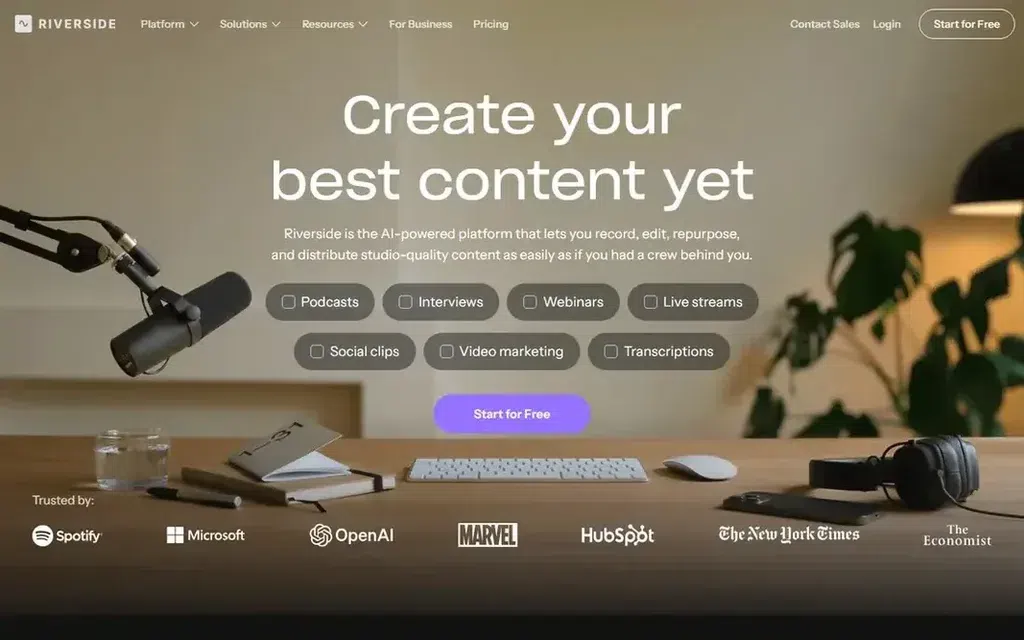
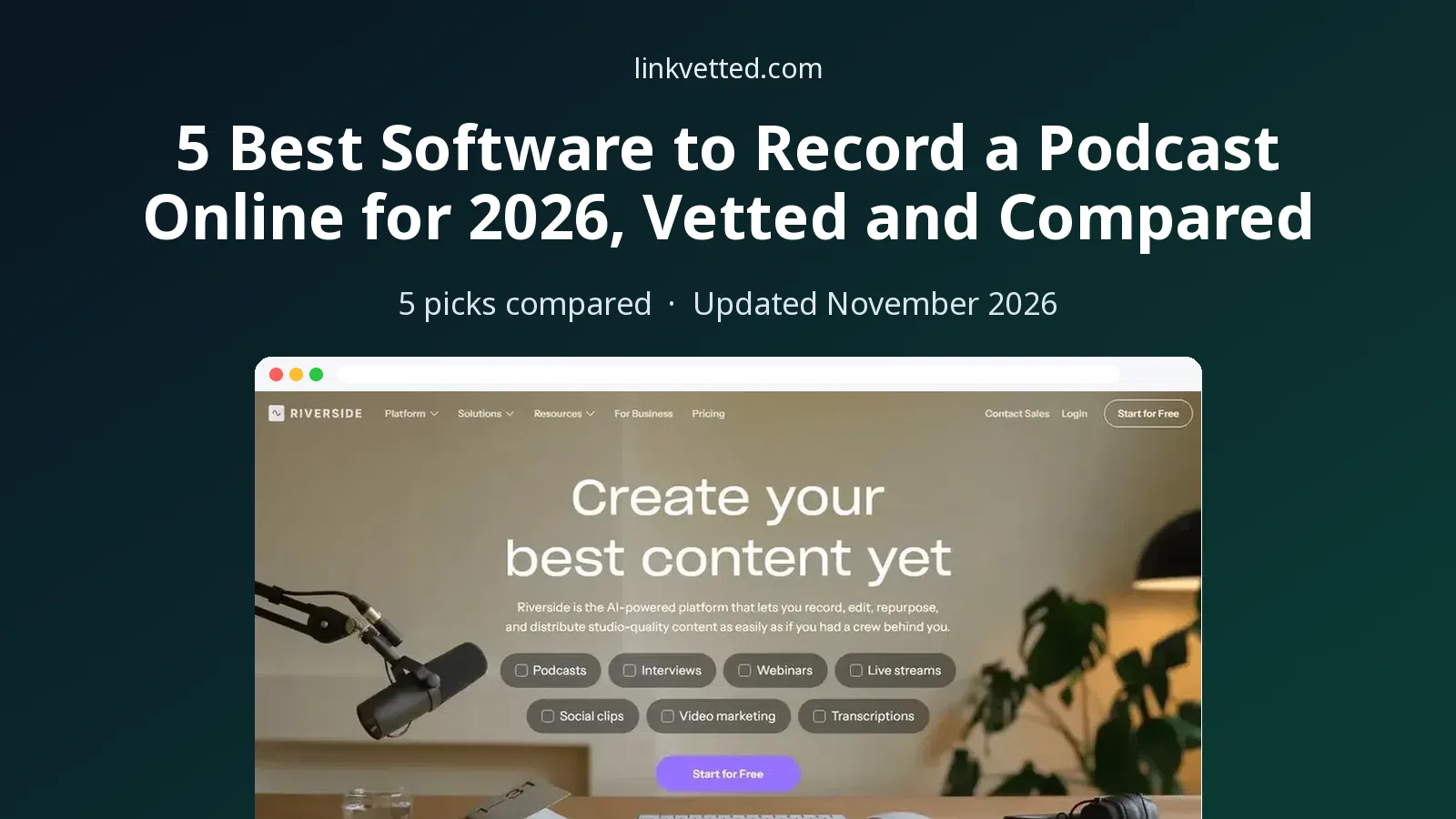
Riverside targets video-first podcast recording and editing. Riverside is an online studio for high-quality podcast and video recording and editing, powered by AI and designed for human conversations. Worth adding: AI-driven editing also benefits from a human pass before release.
Drawbacks to consider: Video focus may overwhelm audio-only hosts.
Also, if your present is strictly audio and you want the simplest possible tool, Riverside gives you more than you may need. For everyday use, hosts who publish to video products alongside audio feeds will find the workflow coherent. For everyday use, pick it when video presence is central to your podcast instead of an afterthought. Entry price for Riverside: $24 per month. Free access exists with Riverside.
- HD podcast and video recording
- AI-assisted editing
- AI features need review before publishing
SquadCast
Best for: Browser recording with cloud backup
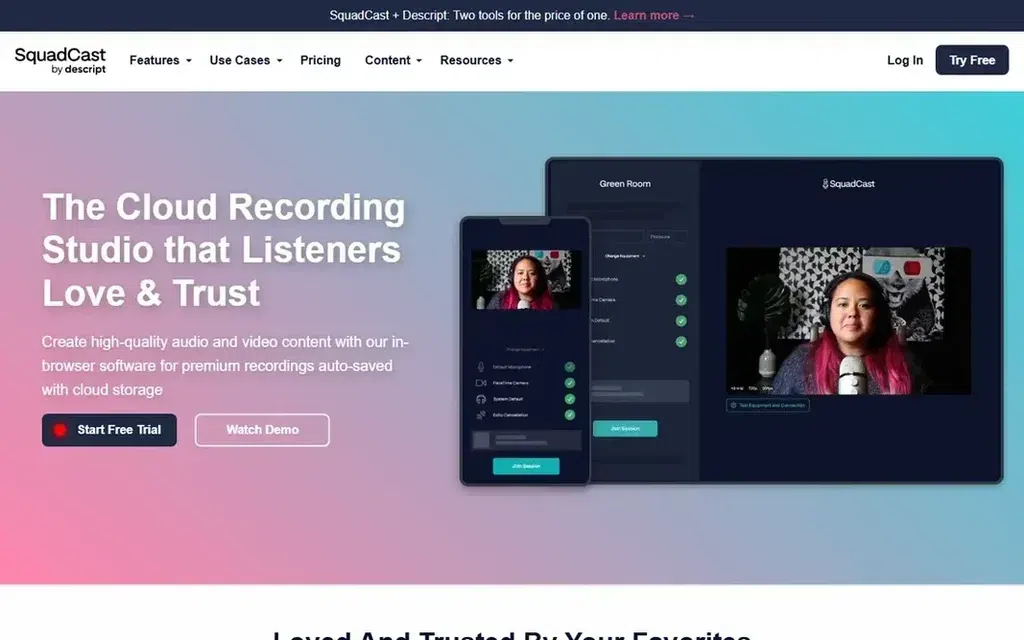
SquadCast makes the most sense for browser recording with cloud backup. SquadCast is a remote recording studio that runs in the browser and targets high-quality audio and video content. From a buyer's view, solo, scripted presents that do not need remote guests may find it more than necessary.
Recordings are auto-saved with cloud storage, which cuts the risk of losing a session. In daily use, choose it when dependable remote capture is the priority. Worth adding: the emphasis is on recording instead of a full editing and distribution suite. So you may pair it with separate editing software. Price to start with SquadCast: $16 per person per month. SquadCast has a free plan.
Points against: Most useful for interview-style shows.
- In-browser remote recording
- Recordings auto-saved to cloud storage
- Fewer publishing extras described
Restream is designed for live podcasting to several channels. Restream is a live video product that lets you build videos and multistream them to your favorite channels. Choose Restream when live distribution across channels is the core of your format.
Podcasters who broadcast live and want the same session to reach multiple destinations at once can build that workflow around it. It is not a podcast-focused recording and editing studio, so post-production still happens elsewhere. As for the details, hosts who record on demand and edit before publishing may not need multistreaming at all. Restream cost at the entry level: $239 per month. On free options: Not stated.
Points against: Not a dedicated podcast editor.
- Multistreams live video
- Reaches plenty of channels at once
- Live-first instead of on-demand
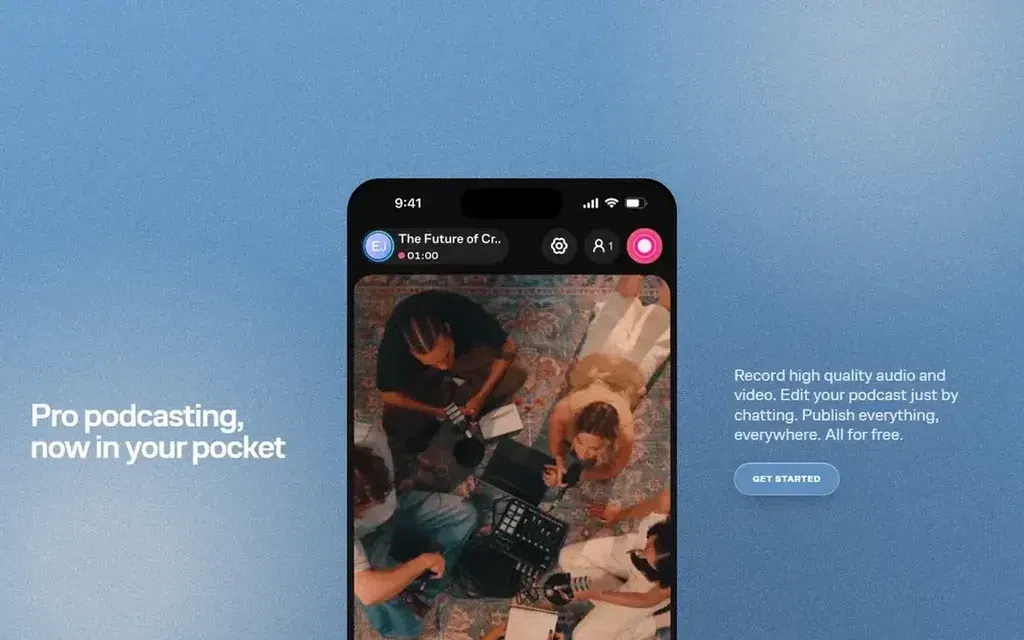
For remote interviews with built-in editing, Zencastr is a natural candidate. Zencastr is a remote recording studio built for podcasters who interview guests online.
Honest limits: Feature depth varies by workflow.
In daily use, since editing leans on chat-style instructions, hosts who prefer frame-level control in a traditional editor may find it limiting. Choose it when remote interviews and fast turnaround matter most. Zencastr does not show a starting price in this comparison, so check the vendor site for current pricing. Free access: Not stated.
- Publish everywhere from one place
- Records high-quality audio and video
- Chat-based editing may not suit manual editors
Selection criteria
A buyer's checklist
- Get a written quote from Podcastle and Zencastr; the list shows no starting price for them.
- Read the fine print on the free plans from Podcastle, Riverside and SquadCast; seat, project and feature caps differ.
- Before choosing Podcastle, weigh its main limit: video-centric instead of podcast-first.
- Map your must-have features to a specific Riverside plan before you compare prices.
- Before you load data into Zencastr, check what an export looks like and who can run it.
FAQ
Is Podcastle the right pick for everyone comparing software to record a podcast online?
No single tool suits every team. Podcastle comes first because it fits AI-assisted creative production, while Riverside suits video-first podcast recording and editing and SquadCast suits browser recording with cloud backup. Match the tool to your own size, budget and workflow before deciding.
What is the best software to record a podcast online for remote guests?
Podcastle comes first here and is built for AI-assisted creative production. Buyers with other needs may prefer Riverside (for video-first podcast recording and editing) or SquadCast (for browser recording with cloud backup). Compare costs and limits first.
Do these tools publish their prices?
Not all of them. Podcastle and Zencastr publish no starting price, so expect a quote request for those. The rest, Riverside included, show a starting price, though seats and billing terms still change the final cost.
Which options for software to record a podcast online have a free plan?
Podcastle, Riverside and SquadCast offer a free plan in this list. Free plans usually cap users, projects or features, so check the limits on the vendor page.
What is the cheapest option for software to record a podcast online in this list?
On published monthly entry prices, SquadCast is the lowest here at $16 per person per month. Entry price is only part of the cost, because seats, add-ons and billing terms can change the total. All 5 picks in this software to record a Podcast online comparison list a starting price, free plan details and the main limits on their cards above.
Sources
- https://podcastle.ai
- https://riverside.fm
- https://squadcast.fm
- https://restream.io
- https://zencastr.com