5 Best Video Software for YouTube Music for 2026, Vetted and Compared
Best video software for YouTube music: 5 tools compared on price, free plans and fit. Every profile names its biggest catch. Reviewed in November 2026.
- Editor's choice
 Final Cut Pro
Mac and iPad editors
Starts atPricing on requestVisit apple.comFull review - Great alternative
 DaVinci Resolve
All-in-one editing, color and audio
Starts atPricing on requestVisit blackmagicdesign.comFull review - Also consider
 Adobe Premiere Pro
Professional editing and audio mixing
Starts atPricing on requestVisit adobe.comFull review
Direct answer
For Mac and iPad editors, Final Cut Pro is where this list starts. DaVinci Resolve is better for all-in-one editing, color and audio, and Adobe Premiere Pro is better for professional editing and audio mixing. Details and limits for the rest of the 5 tools are below. None of these vendors publish plan prices, so pricing is on request for every option.
TL;DR:
- Final Cut Pro sits first on this list: Mac and iPad editors.
- CapCut stands alone as the one tool in this list with a free plan.
- The main caution on DaVinci Resolve: ramp-up time for advanced features.
- For beginner-friendly AI editing, Filmora is worth a look.
- Pricing across the list, from Final Cut Pro to Filmora, is by quote only.
Last checked November 2026. Pricing on request: vendors did not publish plan prices when this guide was last checked (November 2026), so ask each vendor for a written quote.
Quick comparison
| Tool | Best for | Starts at | Free plan? | |
|---|---|---|---|---|
| Final Cut Pro | Mac and iPad editors | Pricing on request | Not stated | Visit |
| DaVinci Resolve | All-in-one editing, color and audio | Pricing on request | Not stated | Visit |
| Adobe Premiere Pro | Professional editing and audio mixing | Pricing on request | Not stated | Visit |
 CapCut | Fast social media edits | Pricing on request | Yes | Visit |
 Filmora | Beginner-friendly AI editing | Pricing on request | Not stated | Visit |
5 options for video software for YouTube music in detail
Choosing video software for YouTube music usually comes down to price, fit and limits. This LinkVetted guide sets 5 tools side by side on those three points, with the facts kept short and checkable.
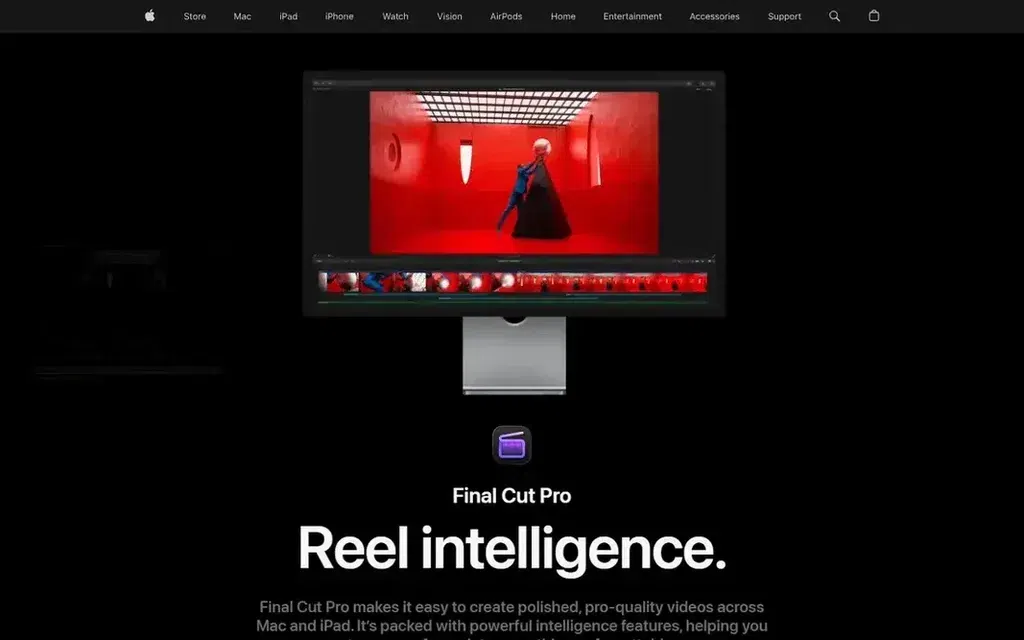
Choose Final Cut Pro for Mac and iPad editors. For everyday use, if you need cross-platform support, consider Adobe Premiere Pro or DaVinci Resolve. Worth adding: Final Cut Pro is exclusive to Apple systems, so Windows users cannot use it.
Where it falls short: Mac-only.
It also has a different workflow than track-based editors. The magnetic timeline helps organize clips efficiently. This comparison lists no price for Final Cut Pro; ask the vendor. On free options: Not stated.
- Optimized for Apple hardware
- Intelligent editing features
- One-time purchase
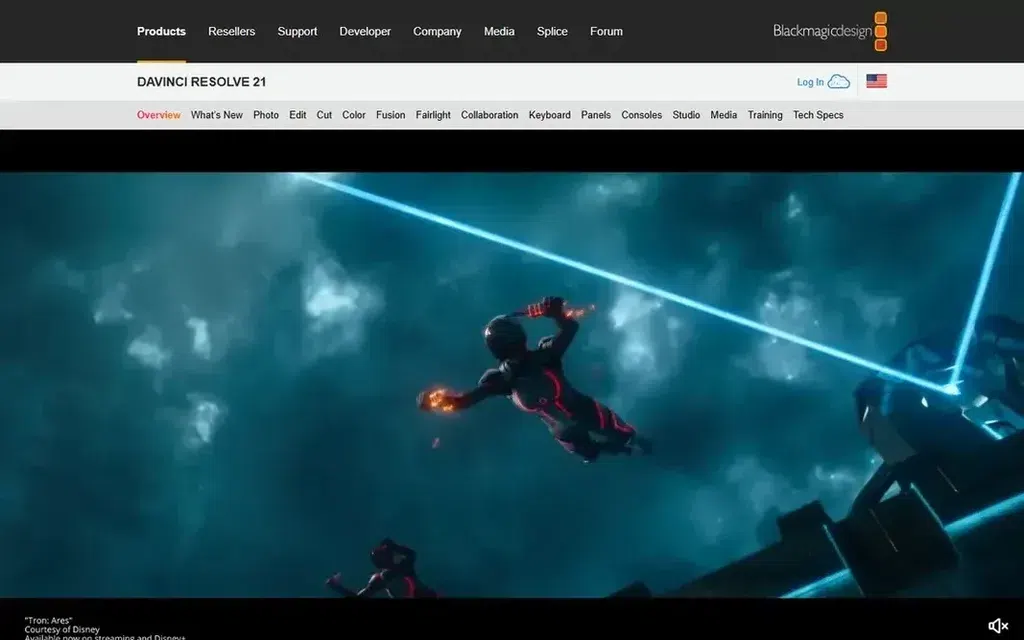
DaVinci Resolve was built for all-in-one editing, color and audio. DaVinci Resolve merges professional video editing, color correction, visual effects, and audio post-production in a single application. It is available for Mac, Windows, and Linux.
Trade-offs to know: Ramp-up time for advanced features.
This makes it well suited to music videos where color grading and audio quality are critical, offering a cohesive workflow without switching between apps. Resolve's advanced features come with a ramp-up time, and the free version may lack some collaborative tools. It can also be resource-intensive. Check the vendor site for DaVinci Resolve pricing; none is listed in this comparison. Trial and free access: Not stated.
- Audio post-production tools
- Free version available
- High system requirements
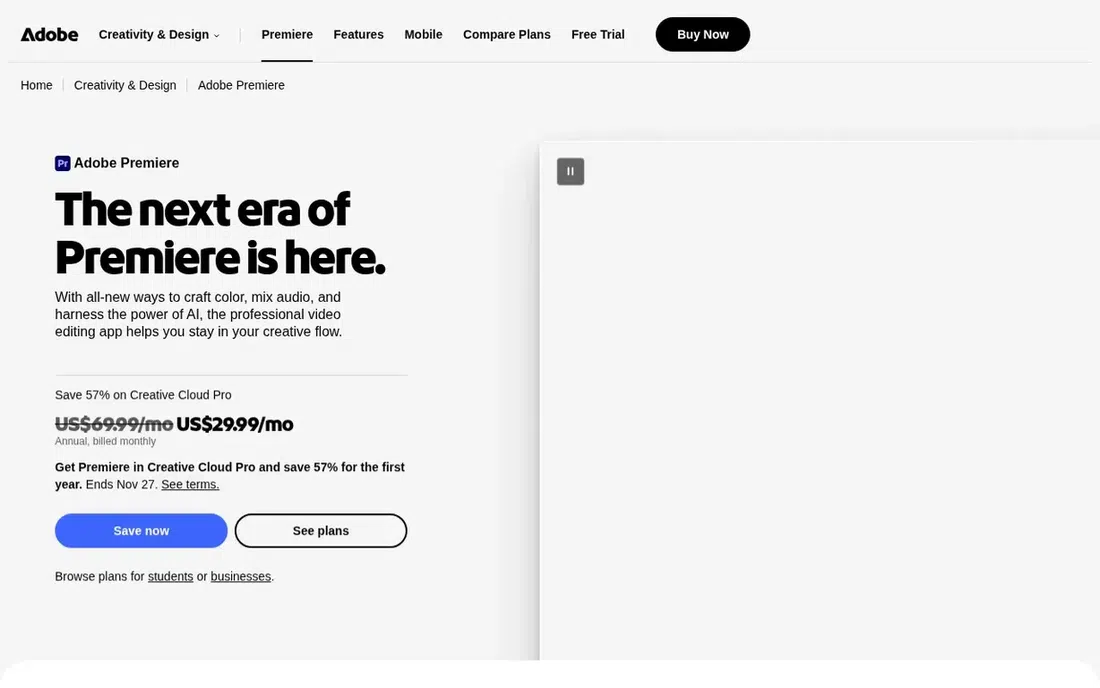
Think of Adobe Premiere Pro for professional editing and audio mixing. If you prefer a one-time purchase or more straightforward tools, consider alternatives like DaVinci Resolve or CapCut. From a buyer's view, the interface is widely used in the industry, making it a solid choice for those planning to collaborate or grow their skills.
The main drawbacks: Subscription required.
Its depth may overwhelm beginners. From a buyer's view, Adobe Premiere Pro is professional video editing software that supports editing, trimming, effects, and audio mixing. This comparison lists no price for Adobe Premiere Pro; ask the vendor. As for free access: Not stated.
- Advanced audio mixing
- Thorough editing and trimming tools
- Steep ramp-up time
CapCut works best for fast social media edits. CapCut may not offer the depth needed for complicated music video production, and some assets may bundle watermarks. Beyond that, CapCut is an AI video editor aimed at editing YouTube and Instagram videos with smart templates and creative effects.
Where CapCut stands out: Smart templates.
It is available on desktop, mobile, and online, making it accessible for creators who require quick edits for music content. Also, for advanced color and audio work, consider DaVinci Resolve or Premiere Pro. No starting price is listed for CapCut here; confirm pricing on the vendor site. You can start on CapCut without paying.
Where it falls short: Watermarks on some assets.
- Online access
- AI-powered editing tools
- Limited advanced features
Where Filmora fits: beginner-friendly AI editing. The interface is approachable for beginners.
The main drawbacks: Watermark on exports in some cases.
It is a decent starting point, but for advanced color grading or multi-track audio, consider Adobe Premiere Pro or DaVinci Resolve. Filmora does not show a starting price in this comparison, so check the vendor site for current pricing. Free options: Not stated.
- Easy-to-learn timeline
- AI features and effects
- Restricted advanced controls
How we compared the tools
A buyer's checklist
- Request quotes from Final Cut Pro, Filmora and the others; the list shows no fixed prices.
- Test the free plan from CapCut against your real workload before relying on it.
- Read the limits listed for Final Cut Pro first: Mac-only.
- Pick one real project and run it in DaVinci Resolve first; a small pilot shows fit faster than a checklist.
- Test the integrations you rely on with Final Cut Pro before committing; some connectors sit on upper tiers.
FAQ
Can I try these tools before paying?
Often, yes. CapCut has a free plan. Use your own data and a real task during the test, and check what the free tier or trial limits before you rely on it. For the full picture, the cards above cover all 5 entries of this video software for YouTube music list, including price, free plan and limits.
What should I look for in video software for music videos?
Consider editing precision, audio mixing capabilities, color correction tools, and effects. Also check export choices, system compatibility, and simplicity. For music videos, capable audio and visual quality are essential.
How are the tools for video software for YouTube music ordered?
Final Cut Pro sits first and Filmora last because the order follows typical fit for video software for YouTube music, then price clarity and free access. It is a judgement call, so read each profile for fit and limits.
Which options for video software for YouTube music have a free plan?
CapCut is the only tool in this list with a free plan. Free plans usually cap users, projects or features, so check the limits on the vendor page. Prices, free plan details and limits for all 5 tools in this video software for YouTube music roundup sit on the individual cards above.
Is Final Cut Pro the right pick for everyone comparing video software for YouTube music?
No single tool suits every team. Final Cut Pro comes first because it fits Mac and iPad editors, while DaVinci Resolve suits all-in-one editing, color and audio and Adobe Premiere Pro suits professional editing and audio mixing. Match the tool to your own size, budget and workflow before deciding.
Sources
- https://www.apple.com/final-cut-pro
- https://www.blackmagicdesign.com/products/davinciresolve
- https://www.adobe.com/products/premiere.html
- https://www.capcut.com
- https://filmora.wondershare.com