Best YouTube Video Editing Software in 2026: 9 Tools Compared
Best youtube video editing software for 2026: verified editors for YouTube, vlogging, and Shorts, with pricing, free plans, and the right fit for each creator.
- Editor's choice
 DaVinci Resolve
Professional editing without a subscription
Starts atFreeVisit blackmagicdesign.comFull review - Great alternative
 Adobe Premiere Pro
Professional long form and team editing
Starts at$22.99 per monthVisit adobe.comFull review - Also consider
 Final Cut Pro
Fast Mac editing with a one-time purchase
Starts at$299.99 one-timeVisit apple.comFull review
TL;DR:
- DaVinci Resolve is our pick for most creators who want professional tools without a subscription, thanks to its free version.
- Premiere Pro suits creators who work in teams or use other Adobe apps, while Final Cut Pro suits Mac owners who want to buy once.
- CapCut is the fastest route for Shorts and social clips, and Descript is the fastest route for talking head videos.
- Check your computer specs first, since professional editors need more storage, memory, and graphics power than template tools.
Quick comparison
| Tool | Best for | Starts at | Free plan? | |
|---|---|---|---|---|
| DaVinci Resolve | Professional editing without a subscription | Free | Yes | Visit |
| Adobe Premiere Pro | Professional long form and team editing | $22.99 per month | Free trial | Visit |
| Final Cut Pro | Fast Mac editing with a one-time purchase | $299.99 one-time | Free trial | Visit |
 CapCut | Shorts and social-first editing | Free | Yes | Visit |
 Filmora | Beginner friendly editing with templates | $49.99 per year | Yes | Visit |
 Descript | Talking head videos edited by transcript | $24 per month | Yes | Visit |
 PowerDirector | Windows prosumer editing with fast rendering | $54.99 per year | Yes | Visit |
 iMovie | First-time Mac and iPhone creators | Free | Yes | Visit |
 Clipchamp | Free browser and Windows editing | Free | Yes | Visit |
The best youtube video editing software
The best youtube video editing software depends on what you make most: long videos, talking head clips, or short vertical videos. This guide covers the best software for youtube video editing across free and paid options, and it includes the best software for editing youtube videos on Windows, Mac, and mobile.
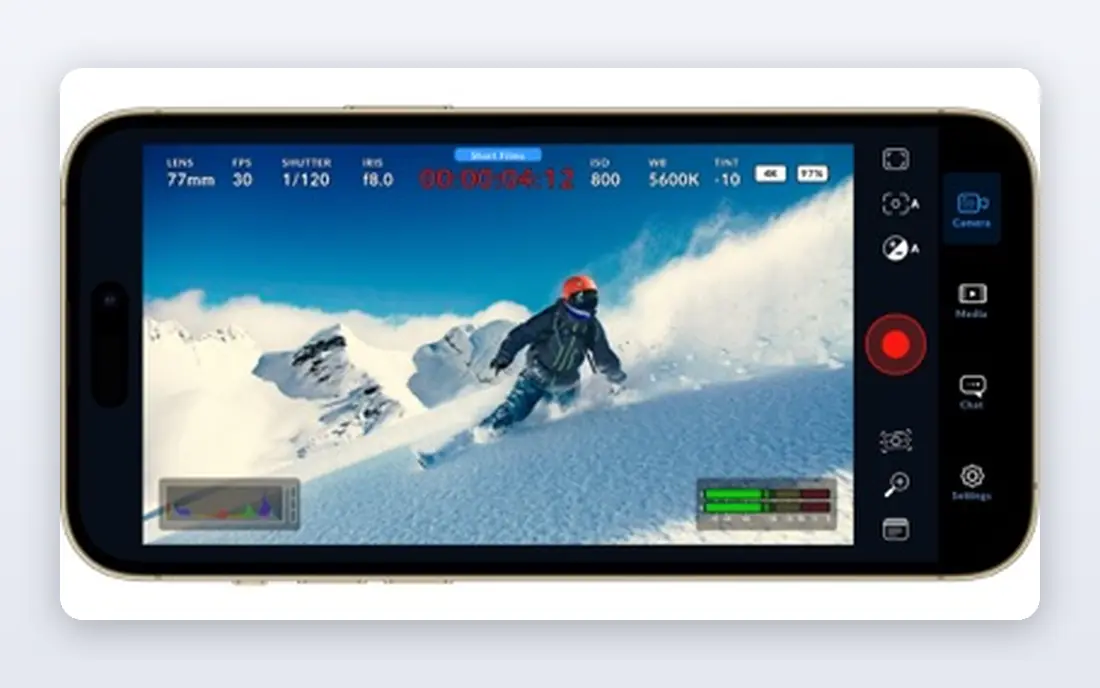
DaVinci Resolve fits creators who want professional depth and are willing to learn a full post production app. In practice, full editing, color, audio, and effects in one app and free version exports 4K without a watermark give it a clear role for the buyer described above. That combination is why it earns a place on this list, even though no tool in this guide is right for every buyer. Start with the free version and the Cut page, then move to the Edit and Color pages as your skills grow. The honest catch is that learning curve is steep, and studio upgrade is $295 one-time for advanced AI tools. Check those limits during a trial or free plan, and confirm the price on the official pricing page before you commit to a paid plan.
- Full editing, color, audio, and effects in one app
- Free version exports 4K without a watermark
- Strong color tools
- Learning curve is steep
- Studio upgrade is $295 one-time for advanced AI tools
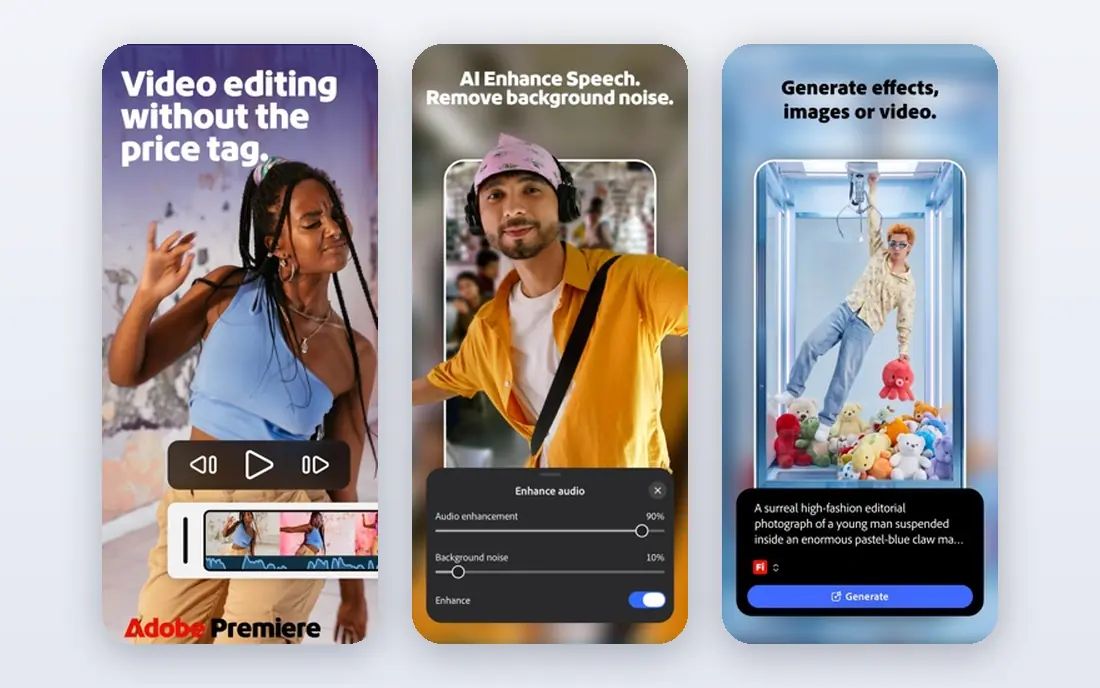
Premiere Pro fits creators who work with After Effects, Audition, or a team review workflow. In practice, deep Adobe integration and transcript editing and auto reframe give it a clear role for the buyer described above. That combination is why it earns a place on this list, even though no tool in this guide is right for every buyer. Use proxies for 4K footage on a modest laptop, and keep project media organized from day one. The honest catch is that subscription cost adds up, and needs a capable computer for smooth 4K work. Check those limits during a trial or free plan, and confirm the price on the official pricing page before you commit to a paid plan.
- Deep Adobe integration
- Transcript editing and auto reframe
- Strong for teams and client work
- Subscription cost adds up
- Needs a capable computer for smooth 4K work
Final Cut Pro fits Mac owners who want speed and a one-time purchase. In practice, magnetic timeline for fast assembly and strong performance on Apple Silicon give it a clear role for the buyer described above. That combination is why it earns a place on this list, even though no tool in this guide is right for every buyer. Try the trial on a real project, and check that your favorite plugins work on your Mac model. The honest catch is that mac only, and plugin and template ecosystem is smaller than Adobe in some areas. Check those limits during a trial or free plan, and confirm the price on the official pricing page before you commit to a paid plan.
- Magnetic timeline for fast assembly
- Strong performance on Apple Silicon
- No subscription
- Mac only
- Plugin and template ecosystem is smaller than Adobe in some areas
CapCut fits creators who publish Shorts and social clips every day and need speed over depth. In practice, fast mobile and desktop editing and auto captions and templates give it a clear role for the buyer described above. That combination is why it earns a place on this list, even though no tool in this guide is right for every buyer. Use the free tier first, and pay for Pro only if you use its templates and effects often. The honest catch is that advanced color and audio tools are limited, and some features need a Pro plan. Check those limits during a trial or free plan, and confirm the price on the official pricing page before you commit to a paid plan.
- Fast mobile and desktop editing
- Auto captions and templates
- Easy Shorts export
- Advanced color and audio tools are limited
- Some features need a Pro plan
Filmora fits beginners who want a gentle learning curve and ready-made effects. In practice, simple timeline with effects and titles and aI tools for captions and background removal give it a clear role for the buyer described above. That combination is why it earns a place on this list, even though no tool in this guide is right for every buyer. Start with a template project, then replace each element with your own footage to learn the timeline. The honest catch is that free exports carry a watermark, and advanced color control is limited. Check those limits during a trial or free plan, and confirm the price on the official pricing page before you commit to a paid plan.
- Simple timeline with effects and titles
- AI tools for captions and background removal
- Good tutorials
- Free exports carry a watermark
- Advanced color control is limited
Descript fits podcasters and talking head creators who spend too long cutting pauses. In practice, edit video by editing text and filler word removal give it a clear role for the buyer described above. That combination is why it earns a place on this list, even though no tool in this guide is right for every buyer. Record clean audio first, since transcript editing works best when speech is clear. The honest catch is that multi-camera and complex effects work is limited, and pricing is per user. Check those limits during a trial or free plan, and confirm the price on the official pricing page before you commit to a paid plan.
- Edit video by editing text
- Filler word removal
- Studio sound cleanup
- Easy captions
- Multi-camera and complex effects work is limited
- Pricing is per user
PowerDirector fits Windows creators who want effects and speed without a professional price. In practice, fast rendering and many effects and aI tools for captions and object removal give it a clear role for the buyer described above. That combination is why it earns a place on this list, even though no tool in this guide is right for every buyer. Test rendering on your own footage, since speed varies with hardware and codec. The honest catch is that interface can feel busy, and some advanced features need the subscription tier. Check those limits during a trial or free plan, and confirm the price on the official pricing page before you commit to a paid plan.
- Fast rendering and many effects
- AI tools for captions and object removal
- Good value
- Interface can feel busy
- Some advanced features need the subscription tier
iMovie fits new creators who want a free, simple start on Apple devices. In practice, free with Mac and iOS and simple timeline give it a clear role for the buyer described above. That combination is why it earns a place on this list, even though no tool in this guide is right for every buyer. Use it to learn cutting and pacing, then move to Final Cut Pro or Resolve when you need more control. The honest catch is that limited audio mixing and color control, and mac and iOS only. Check those limits during a trial or free plan, and confirm the price on the official pricing page before you commit to a paid plan.
- Free with Mac and iOS
- Simple timeline
- Trailers and titles for quick videos
- Limited audio mixing and color control
- Mac and iOS only
Clipchamp fits Windows users who want a quick, free editor without installing heavy software. In practice, browser based editing with templates and free 1080p export give it a clear role for the buyer described above. That combination is why it earns a place on this list, even though no tool in this guide is right for every buyer. Keep projects short for browser editing, and download a local copy of finished exports. The honest catch is that advanced features need a premium plan, and browser editing needs a stable connection. Check those limits during a trial or free plan, and confirm the price on the official pricing page before you commit to a paid plan.
- Browser based editing with templates
- Free 1080p export
- Microsoft 365 integration
- Advanced features need a premium plan
- Browser editing needs a stable connection
How we picked these
We compared official pricing pages, system requirements, and feature pages, and we checked availability in October 2026. We favored editors with reliable 1080p and 4K export, captions or transcript tools, and a clear free plan or trial. We avoided editors that were discontinued, that added a watermark without warning, or that could not export a finished YouTube video in a standard format.
How to choose video editing software for YouTube
Match the editor to your video type. Long form tutorials and documentaries benefit from a full timeline, color tools, and audio mixing. Talking head videos benefit from transcript editing and filler removal. Shorts benefit from auto captions, templates, and fast mobile export. Count the total cost over two years. A free editor with a one-time Studio upgrade can cost less than a subscription over time, while a subscription may be worth it if you need cloud storage, stock media, or team review. Check renewal prices, not just first year deals. Test export and captions on a real video. Export a five minute clip, check the file size and quality, and test auto captions for accuracy with your accent and background noise. A tool that edits fast but exports slowly will cost you time every week.
FAQ
What is the best video editing software for vlogging?
CapCut and iMovie suit simple vlogs with fast turnaround, while DaVinci Resolve suits vloggers who want better color and audio control. Premiere Pro suits vloggers who also edit client work.
Is there good free software for editing YouTube videos?
Yes. DaVinci Resolve, CapCut, iMovie, and Clipchamp all offer free versions that can produce publishable YouTube videos. DaVinci Resolve has the deepest free feature set, while CapCut is fastest for Shorts.
Which editor is best for YouTube Shorts?
CapCut is a strong choice for Shorts because of templates, auto captions, and mobile editing. Descript and Premiere Pro can also cut Shorts from long videos, but they take longer to learn.
Do I need a powerful computer for YouTube editing?
For 1080p editing, most modern laptops work. For 4K, multi-camera, or effects heavy work, more memory, a faster graphics card, and fast storage make a clear difference. Check each vendor system requirements before buying.