Best Video Editing Software for YouTube Creators in 2026: Prices, Free Plans and 5 Picks
Best video editing software for YouTube creators in 2026: 5 tools with starting prices, free plans and limits. Plain-spoken summaries throughout. No hype.
- Editor's choice
 Camtasia
Tutorials, training, and screen recordings
Starts atPricing on requestVisit techsmith.comFull review - Great alternative
 DaVinci Resolve
All-in-one editing, color, and audio
Starts atPricing on requestVisit blackmagicdesign.comFull review - Also consider
 Adobe Premiere Pro
Professional, adaptable YouTube editing
Starts atPricing on requestVisit adobe.comFull review
Direct answer
Our first pick is Camtasia, best for Tutorials, training, and screen recordings. For a different need, DaVinci Resolve covers all-in-one editing, color, and audio and Adobe Premiere Pro covers professional, adaptable YouTube editing. Free plan facts and limits for all 5 tools follow. None of these vendors publish plan prices, so pricing is on request for every option.
TL;DR:
- This list starts with Camtasia, which is built for Tutorials, training, and screen recordings.
- CapCut is the one to check for quick, template-driven YouTube edits.
- Camtasia, CapCut and the 3 others all sell by quote; expect sales conversations before you see a price.
- Before buying Camtasia, weigh this: not designed for cinematic editing.
Last checked November 2026. Pricing on request: vendors did not publish plan prices when this guide was last checked (November 2026), so ask each vendor for a written quote.
Quick comparison
| Tool | Best for | Starts at | Free plan? | |
|---|---|---|---|---|
| Camtasia | Tutorials, training, and screen recordings | Pricing on request | Not stated | Visit |
| DaVinci Resolve | All-in-one editing, color, and audio | Pricing on request | Not stated | Visit |
| Adobe Premiere Pro | Professional, adaptable YouTube editing | Pricing on request | Not stated | Visit |
 Final Cut Pro | Mac and iPad creators | Pricing on request | Not stated | Visit |
 CapCut | Quick, template-driven YouTube edits | Pricing on request | Yes | Visit |
Every option for video editing software for YouTube creators explained
LinkVetted put together this guide to video editing software for YouTube creators for readers who want a clear shortlist without reading every vendor page. It compares 5 tools on starting price, free plans, who each one suits and where each one falls short.
Pick Camtasia if this describes you: Tutorials, training, and screen recordings. Camtasia is a screen recorder and video editor for creating professional tutorials, training videos, and software demos.
For everyday use, the homepage flags its use for instructional content. Pricing for Camtasia is not stated here, so ask the vendor for current figures. Free options: Not stated.
Downsides: Restricted advanced effects.
- Aimed at tutorials and demos
- Built-in screen recorder
- Not made for cinematic editing
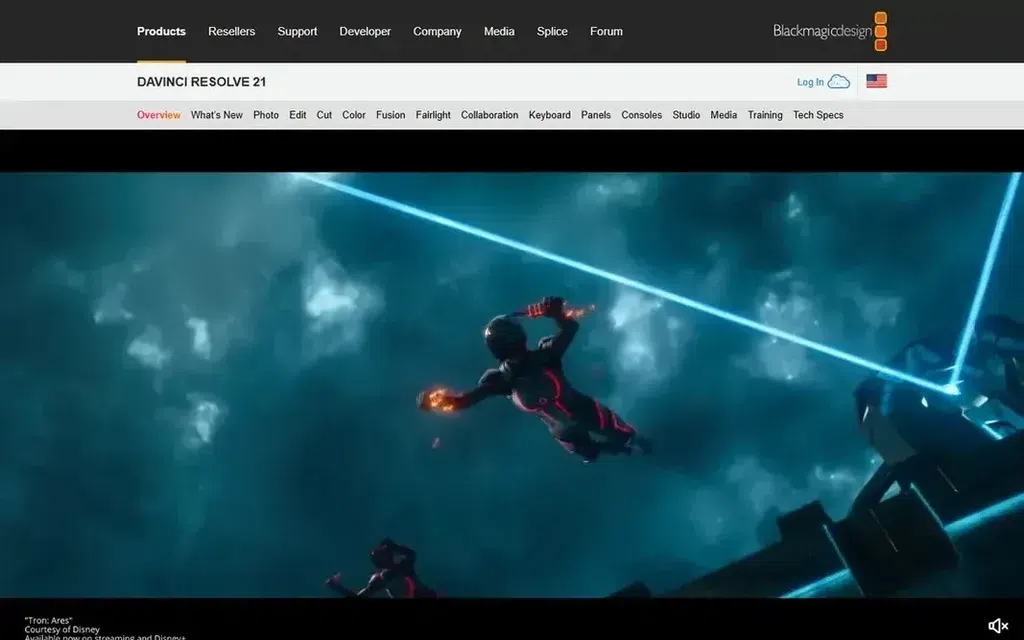
Think of DaVinci Resolve for all-in-one editing, color, and audio. The homepage notes free and premium versions for Mac, Windows, and Linux.
Watch-outs: Dense interface for newcomers.
It fits editors who value an integrated postproduction pipeline and cross-platform availability. No starting price is listed for DaVinci Resolve here; confirm pricing on the vendor site. As for free access: Not stated.
- Visual effects and audio post
- Available for Mac, Windows, Linux
- Advanced color work has a ramp-up time
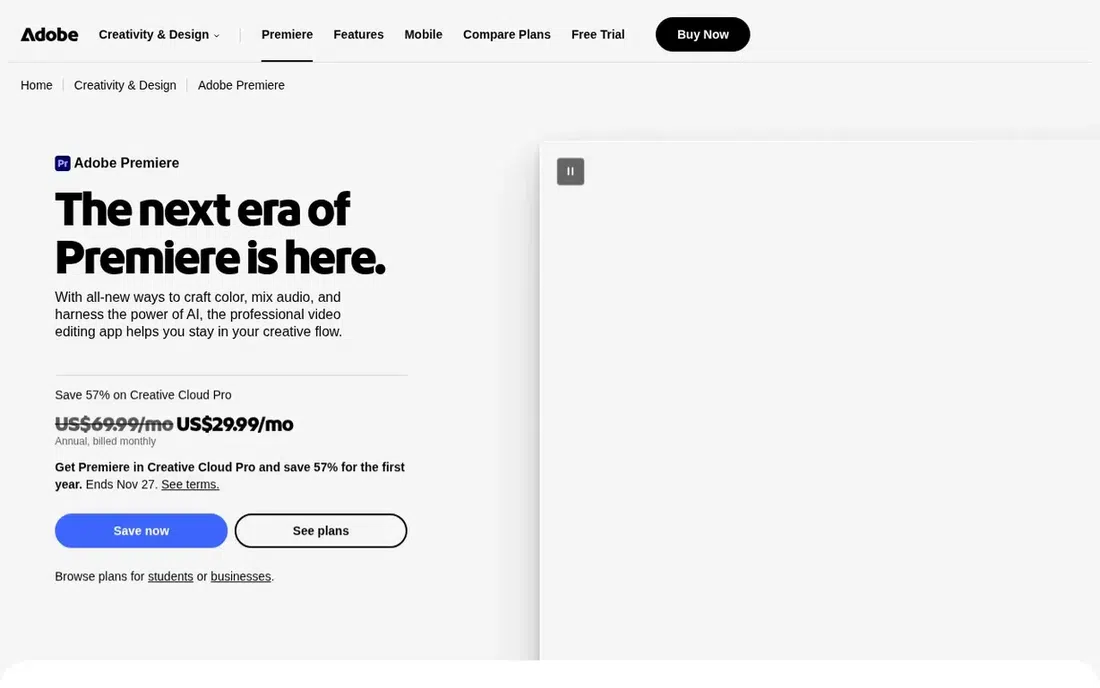
Adobe Premiere Pro is aimed squarely at professional, flexible YouTube editing. Adobe Premiere Pro is professional video editing and postproduction software. It spans editing and trimming, adding effects, mixing audio, and extending video.
Watch-outs: Subscription required.
As for the details, consider a more straightforward editor if you want a lighter ramp-up time, or DaVinci Resolve if color and audio post in one application are priorities. Premiere Pro needs a subscription and can be demanding on older hardware. Its depth may overwhelm beginners who only need straightforward cuts and captions. This comparison lists no price for Adobe Premiere Pro; ask the vendor. Trial and free access: Not stated.
- Wide format and workflow support
- Professional editing and trimming
- Can be demanding on hardware
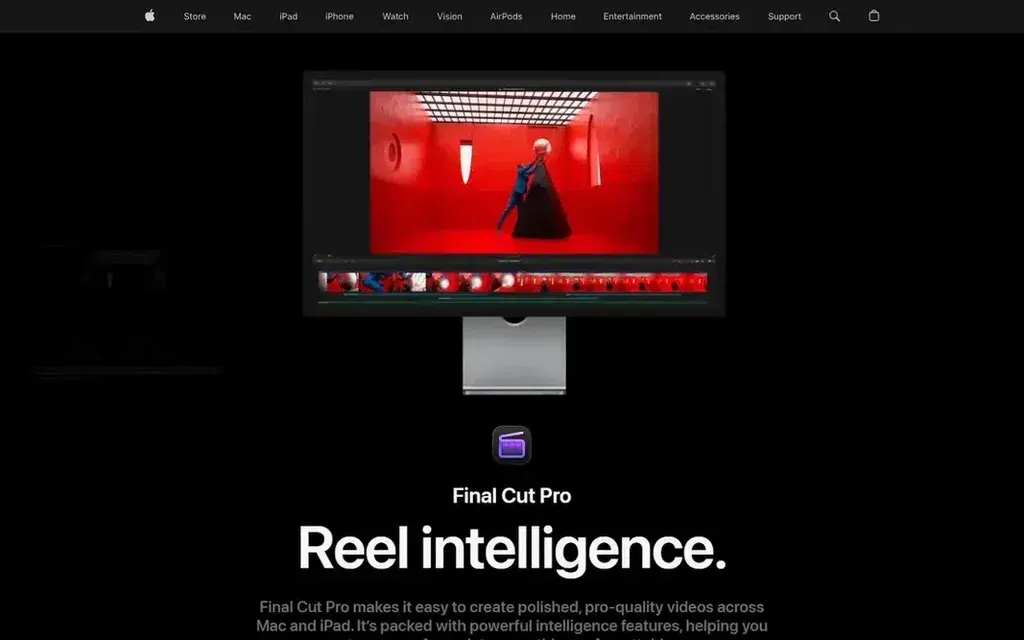
For Mac and iPad creators, Final Cut Pro is a natural candidate. The homepage emphasizes intelligent features and simplicity for professional results on Apple hardware.
Its magnetic timeline differs from track-based editors and may need adjustment. Pricing for Final Cut Pro is not stated here, so ask the vendor for current figures. Free options: Not stated.
Where it falls short: Different workflow from track-based editors.
- Optimized for Mac and iPad
- Pro-quality creation on Apple devices
- Apple-only system
Where CapCut fits: quick, template-driven YouTube edits. The homepage notes desktop, mobile, and online editing choices. CapCut is less suited to complicated postproduction like advanced color grading or multi-track audio mixing.
Points against: Less suited to complicated postproduction.
Where CapCut stands out: Smart templates and creative effects.
Heavy reliance on templates can make videos feel generic. For everyday use, choose Adobe Premiere Pro or DaVinci Resolve if you need finer control over color, audio, and effects for longer or more ambitious projects. CapCut shows no starting price here, so confirm the cost on the vendor site. CapCut includes a free tier.
- AI-powered editing tools
- Online access
- Templates can feel generic
How we built this list
Before you commit
- Ask each vendor, from Camtasia to CapCut, for a written quote; none of them publishes a starting price.
- Look at the free plan from CapCut closely: its caps decide whether it is usable for real work.
- Read the limits listed for Camtasia first: not aimed at cinematic editing.
- Ask DaVinci Resolve which support channels and response times come with the plan you would buy.
- Check the integration list for Camtasia against the tools you run today, and note which ones need a higher plan.
FAQ
Which video editor is best for YouTube beginners?
The first pick on this list is Camtasia, because it suits Tutorials, training, and screen recordings. DaVinci Resolve is better for all-in-one editing, color, and audio, and Adobe Premiere Pro for professional, adaptable YouTube editing. Check price and limits against your own needs before choosing.
Which options for video editing software for YouTube creators have a free plan?
CapCut is the only tool in this list with a free plan. Free plans usually cap users, projects or features, so check the limits on the vendor page. All 5 picks in this video editing software for YouTube Creators comparison list a starting price, free plan details and the main limits on their cards above.
How are the tools for video editing software for YouTube creators ordered?
Camtasia sits first and CapCut last because the order follows typical fit for video editing software for YouTube creators, then price clarity and free access. It is a judgement call, so read each profile for fit and limits.
Do these tools publish their prices?
No. None of the tools, from Camtasia to CapCut, shows a fixed starting price here, so budget time for quotes.
Can I try these tools before paying?
Often, yes. CapCut has a free plan. Use your own data and a real task during the test, and check what the free tier or trial limits before you rely on it. For the full picture, the cards above cover all 5 entries of this video editing software for YouTube Creators list, including price, free plan and limits.
Sources
- https://www.techsmith.com/camtasia.html
- https://www.blackmagicdesign.com/products/davinciresolve
- https://www.adobe.com/products/premiere.html
- https://www.apple.com/final-cut-pro
- https://www.capcut.com