Best Webinar Platforms Comparison in 2026: 8 Platforms Compared
We compared the best webinar platforms comparison for live, automated, and large events, checking attendee limits, engagement, CRM, support, and prices.

- Editor's choice
 Zoom Webinars
Large reliable webinars
Starts at$66.67 per monthVisit zoom.comFull review - Great alternative
 GoTo Webinar
Recurring training programs
Starts at$59 per monthVisit goto.comFull review - Also consider
 Livestorm
Browser based marketing webinars
Starts atFreeVisit livestorm.coFull review
TL;DR:
- Zoom Webinars and GoTo Webinar suit teams that already run meetings on those platforms and need reliable large audiences.
- Livestorm and Demio suit marketing teams that want browser based rooms, engagement tracking, and CRM connections.
- WebinarJam and ClickMeeting suit coaches, trainers, and small businesses that need sales, paid, and automated webinars at a lower price.
- Attendee limits, session length, and host counts decide the real price, so compare plans at your actual audience size.
Quick comparison
| Tool | Best for | Starts at | Free plan? | |
|---|---|---|---|---|
| Zoom Webinars | Large reliable webinars | $66.67 per month | No | Visit |
| GoTo Webinar | Recurring training programs | $59 per month | Free trial | Visit |
| Livestorm | Browser based marketing webinars | Free | Yes | Visit |
 Demio | Interactive no download webinars | See website | Free trial | Visit |
 WebinarJam | Sales and launch webinars | $39 per month | No | Visit |
 ClickMeeting | Paid and automated webinars | See website | Free trial | Visit |
 Webex Webinars | Enterprise secure webinars | See website | No | Visit |
 ON24 | Enterprise demand generation | See website | No | Visit |
The best webinar platforms comparison
Webinar platforms differ more than their homepages suggest. Some are built for live marketing events, some for automated evergreen funnels, and some for large enterprise broadcasts with strict security. We compared official pricing pages, feature pages, and public documentation to sort platforms by audience size, engagement tools, automation, and CRM integration, so you can match the platform to your event type instead of paying for features you will never use.
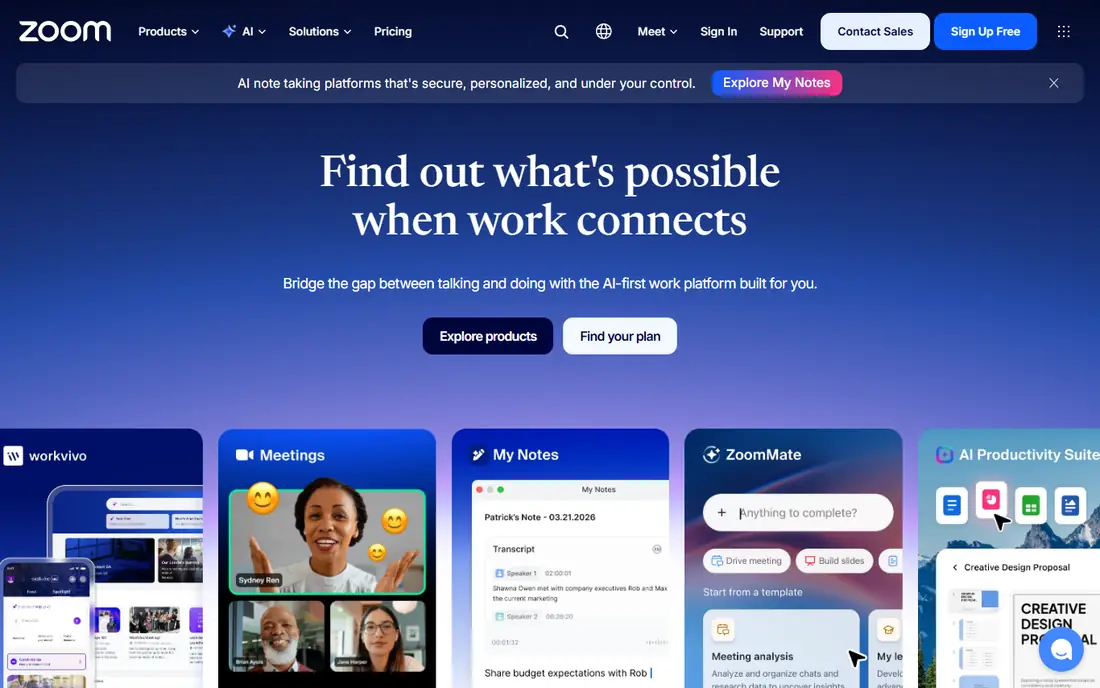
Zoom Webinars is the safe choice for teams already standardised on Zoom. Attendees know how to join, hosts know the controls, and the platform handles large audiences with Q and A, polls, chat, and reporting. Entry pricing in recent listings is $66.67 per month billed annually for 500 attendees, plus a Workplace Pro licence, with higher tiers for larger audiences up to tens of thousands.
The main cost trap is the add on structure. You pay for Workplace plus Webinars, and the attendee tier you choose sets the ceiling for each event. For internal training and company wide broadcasts, that familiarity is worth it. For a small marketing webinar, a browser based tool such as Livestorm or Demio may be simpler and cheaper.
- Familiar to most attendees
- Scales to very large audiences
- Strong Q and A, polls, and reporting
- Needs a Zoom Workplace licence in addition to the Webinars add on
- Pricing is tiered by attendee count
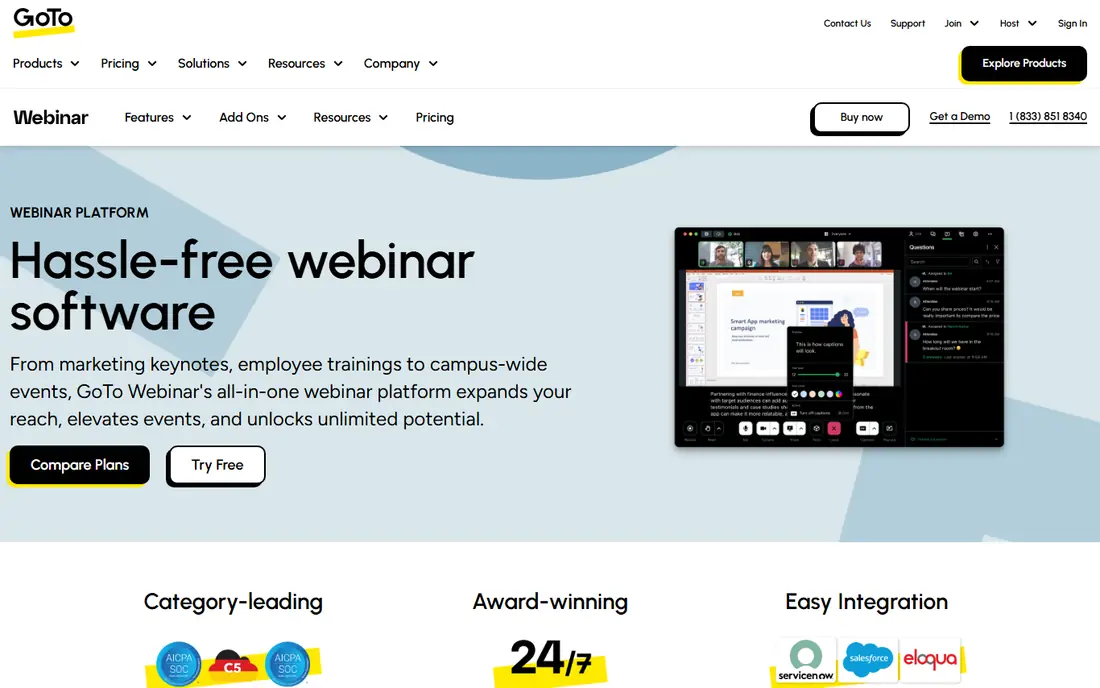
GoTo Webinar suits training teams and companies that run the same program week after week. Its Reach plan starts at $59 per month billed annually for 500 participants in recent listings, with higher plans for up to 3,000 participants. Polls, surveys, handouts, and attendance reporting help trainers track who attended, who engaged, and who needs follow up.
The platform is less flashy than Livestorm or Demio, and its design reflects its long history in corporate training. That is not a flaw for its core audience, but marketing teams that want modern landing pages and deep CRM automation may prefer another tool. For dependable, recurring webinars with clear reporting, GoTo remains a solid choice.
- Reliable for recurring sessions and multi session programs
- Polls, surveys, and handouts
- Good reporting for training teams
- Interface feels older than newer rivals
- Higher tiers needed for larger audiences and advanced features
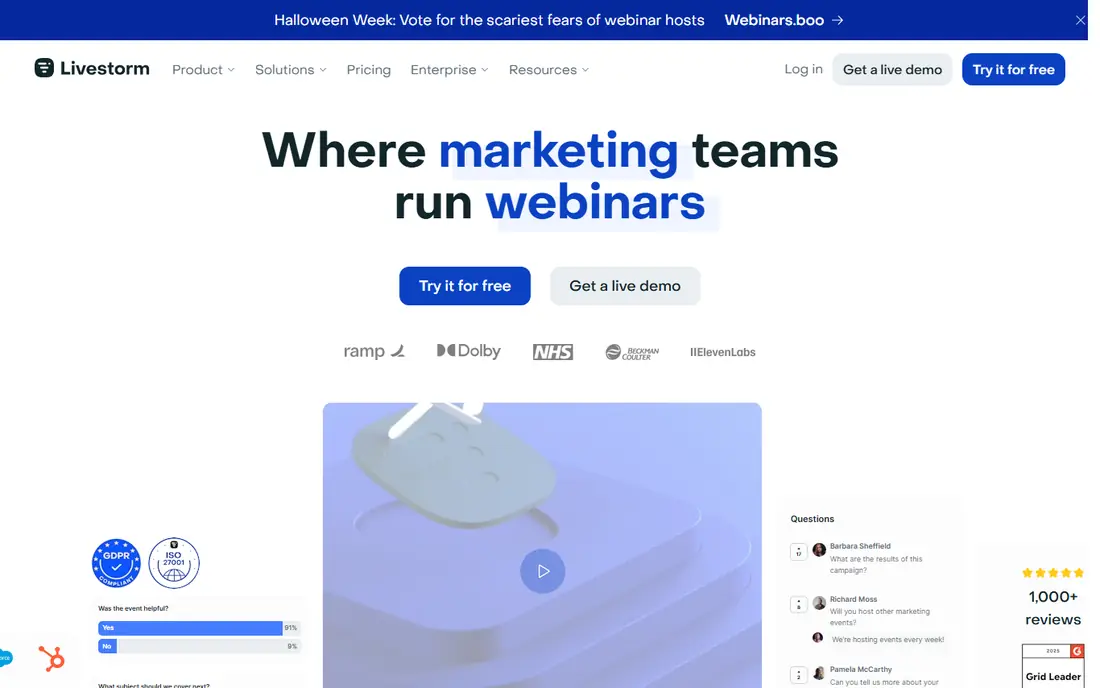
Livestorm is a strong pick for B2B marketing teams. Attendees join from a browser, hosts get polls, Q and A, chat, and engagement data, and integrations push registrant and attendee data to CRM systems. Pricing is credit based on newer plans, at $3.00 per attendee in a 400 credit annual pack in recent listings, with a limited free plan for small events.
Credit pricing suits teams whose actual attendance varies, because you pay closer to real turnout than to a fixed attendee cap. It needs planning, though, since credits, hosts, and session length all have limits by plan. Test a real event on the free plan, check the credit cost for your typical attendance, and confirm CRM sync before a major campaign.
- Attendees join from a browser with no download
- Credit based pricing tied to attendance
- CRM integrations and engagement tools
- Credit model needs careful planning
- Automated webinars are not on the lowest paid plan
- Session limits apply by plan
Demio suits marketing teams that want a simple, interactive room without asking attendees to install software. Hosts can run polls, share handouts at set times, add calls to action, and track engagement per attendee, which helps sales teams follow up with the most interested registrants first. That focus on engagement, rather than just broadcast, is its main strength.
Pricing is plan based and rises with audience size, with a Starter plan listed at $499 per year for 50 attendees in recent guides, so we list See website for the current entry figure. There is no lasting free plan, only a trial, so use that trial for a full rehearsal with polls and calls to action. For lead generation webinars, Demio is a focused, marketer friendly choice.
- Clean no download room
- Polls, handouts, and timed calls to action
- Engagement tracking for marketing follow up
- Pricing is plan based and varies by audience size
- No lasting free plan, only a trial
WebinarJam is built for coaches, consultants, and course sellers who run live sales webinars. The Starter plan starts at $39 per month billed annually for 100 attendees and one hour sessions in recent listings, with higher plans for larger audiences and longer events. Live offers, polls, chat, and a panic button that moves the room to a backup stream help hosts sell and recover from technical issues.
The entry caps matter. A launch that draws more than 100 live attendees or runs over an hour needs a higher plan, so size the plan to your real launch, not to a test event. There is no free plan, though a low cost trial is often offered. For sales webinars on a budget, WebinarJam offers a lot of selling features for the price.
- Low entry price for live sales webinars
- Live chat, polls, offers, and panic button for host issues
- Good for coaches and course sellers
- Entry plan caps attendees at 100 and session length at one hour
- Interface is busier than Demio or Livestorm
ClickMeeting suits trainers, educators, and consultants who need more than a live room. It supports live webinars, automated evergreen webinars, and paid events with ticketing, plus timeline interactions that trigger polls, videos, and calls to action at set moments. That range makes it useful for courses that run both live and on demand.
Pricing is set by audience size, with recent guides listing a Live plan from around $30 per month for 25 attendees, so we list See website for the current figure. A free trial lets you test automated and paid flows before committing. For a small training business that needs live plus automated delivery, ClickMeeting is a flexible, affordable option.
- Live, automated, and paid webinars in one tool
- Timeline based interactions
- Good for trainers and educators
- Pricing varies by audience size
- Some advanced features sit on higher plans
- Interface has many options
Webex Webinars suits large enterprises, government, healthcare, and education teams with strict security and compliance needs. It offers webinars for up to 1,000 attendees on an entry licence, with Webex Events scaling to 100,000 for large broadcasts in recent listings. Security controls, admin management, and enterprise support are central to the product, not add ons.
Pricing is quote based, with recent guides listing around $2,700 per licence per year for Webex Webinars, so small teams should expect a higher total than a marketing tool. Setup and admin also take more time than a browser first platform. For regulated, large scale webinars where security and reliability matter most, Webex is a strong enterprise choice.
- Strong security and compliance for regulated firms
- Scales to very large events with Webex Events
- Reliable enterprise support
- Quote based pricing
- Entry cost is high for small teams
- Setup is heavier than browser first rivals
ON24 is built for enterprise B2B marketing teams that treat webinars as a pipeline engine, not a one off event. It offers engagement scoring, on demand content hubs, detailed analytics, and integrations with CRM and marketing automation platforms. That depth helps large teams prove which webinars drive meetings, opportunities, and revenue.
The cost and commitment reflect that enterprise focus. Pricing is custom and annual, with guides suggesting enterprise level annual contracts, so it is not a fit for a small team running a few webinars a year. Implementation and training also take time. For a large B2B program with many webinars and a clear pipeline goal, ON24 offers reporting depth that smaller tools cannot match.
- Deep engagement analytics and content hubs for B2B marketing
- Strong for pipeline focused webinar programs
- Enterprise integrations
- Custom annual contracts
- High cost for small teams
- Implementation and training take time
How we picked these
We compared official pricing pages, feature pages, and public documentation for platforms live in October 2026, and we kept only tools with a real webinar function: live rooms, registration, engagement, and reporting. A platform made the list when it had a working official homepage and a clear webinar use case. We weighted attendee limits, engagement tools, automation, CRM integration, and security over brand size.
We did not claim hands-on lab testing. Where pricing is tiered by attendees, hosts, or credits, we noted the basis in each write-up, and we wrote See website where pricing is quote based or varies too much by audience size to quote safely. Recheck the pricing page at your actual audience size before you buy, since webinar pricing changes often.
How to choose at your audience size
Price the plan you will actually use
A $39 plan for 100 attendees is not cheaper than a $59 plan for 500 attendees if your launch draws 300 people. List your typical live attendance, your peak attendance, and your session length, then price each platform at those numbers. Include host seats, automated webinar access, and CRM sync, since those add ons often change the ranking more than the headline price.
Rehearse engagement, not just slides
A webinar fails when engagement fails, not when slides look plain. Rehearse polls, Q and A moderation, chat handling, handouts, and calls to action with a colleague playing the attendee. Check audio, screen sharing, and the backup plan if a host connection drops. That rehearsal reveals whether the platform fits your team, in a way a feature list cannot.
Plan the follow up before the event
Decide what happens after the webinar: who gets a replay, who gets a sales call, and what engagement score triggers each step. Confirm that attendee data flows to your CRM or email tool without manual export, and test that flow with a small internal event. A platform with weaker follow up integration will cost you leads, even if the live room itself works well.
FAQ
Which webinar platform is best for small businesses?
Livestorm, with a free plan and credit pricing, and ClickMeeting, with paid and automated options, suit many small businesses. WebinarJam suits sales focused coaches at a low entry price, while Demio suits marketing teams that want engagement tracking. Choose by audience size, automation needs, and CRM integration, not by headline price alone.
How much do webinar platforms cost?
Entry costs range from free on Livestorm and Spotify style tools, to $39 per month for WebinarJam, $59 per month for GoTo Webinar, and $66.67 per month for Zoom Webinars on annual billing. Enterprise platforms such as Webex and ON24 use custom quotes. Always price at your actual attendee count, host count, and session length.
Can attendees join a webinar without downloading software?
Yes, on browser based platforms such as Livestorm, Demio, and ClickMeeting, attendees join from a web browser. Zoom and Webex offer browser joining as well, but many attendees use the desktop app for the best experience. Tell registrants in advance whether a download is recommended, and include a test link in the confirmation email.
What is the difference between live and automated webinars?
Live webinars happen in real time with a host present, while automated webinars play a pre recorded session on a schedule, often with simulated chat and timed offers. Automated webinars suit evergreen courses and lead generation, while live webinars suit Q and A, launches, and training. Many platforms, including ClickMeeting and WebinarJam, support both formats.
Do webinar platforms integrate with CRM systems?
Most marketing focused platforms do, including Livestorm, Demio, ON24, and GoTo Webinar, with native or Zapier based connections to HubSpot, Salesforce, and other CRMs. Check whether registrant, attendance, poll, and engagement data sync automatically, or only on manual export. Test the sync with a small internal event before a major campaign.