Video Editing Services for YouTube Creators in 2026: The 5 Best Options Side by Side
Best video editing services for YouTube creators: 5 tools compared on price, free plans and fit. The weak spots sit next to the strengths. Skim the table first.
- Editor's choice
 CapCut
Quick social video with templates
Starts atPricing on requestVisit capcut.comFull review - Great alternative
 Final Cut Pro
Mac and iPad creators
Starts atPricing on requestVisit apple.comFull review - Also consider
 Adobe Premiere Pro
Full professional editing workflow
Starts atPricing on requestVisit adobe.comFull review
Direct answer
CapCut leads the list, best for quick social video with templates. Alternatives: Final Cut Pro for Mac and iPad creators, and Adobe Premiere Pro for full professional editing workflow. The full list of 5 tools follows, with free plan facts. None of these vendors publish plan prices, so pricing is on request for every option.
TL;DR:
- CapCut is the opening pick, best for quick social video with templates.
- CapCut stands alone as the one tool in this list with a free plan.
- CapCut, DaVinci Resolve and the 3 others all sell by quote; expect sales conversations before you see a price.
- Check the limits for CapCut before you commit: template-driven style may feel limiting for complicated edits.
Last checked November 2026. Pricing on request: vendors did not publish plan prices when this guide was last checked (November 2026), so ask each vendor for a written quote.
Quick comparison
| Tool | Best for | Starts at | Free plan? | |
|---|---|---|---|---|
| CapCut | Quick social video with templates | Pricing on request | Yes | Visit |
| Final Cut Pro | Mac and iPad creators | Pricing on request | Not stated | Visit |
| Adobe Premiere Pro | Full professional editing workflow | Pricing on request | Not stated | Visit |
 Camtasia | Tutorials and screen recordings | Pricing on request | Not stated | Visit |
 DaVinci Resolve | Color, audio and effects in one app | Pricing on request | Not stated | Visit |
The full video editing services for YouTube creators list
If you are comparing video editing services for YouTube creators, this page covers 5 tools in one place: what each is best for, what it costs to start, whether it has a free plan, and the main limit to know about.
For quick social video with templates, CapCut is a natural candidate. CapCut is an AI video editor geared toward YouTube and Instagram creators, offering smart templates, creative effects and AI tools. It is available on desktop and mobile, and you can also edit online.
Highlights: Desktop.
Where it falls short: Template-driven style may feel limiting for complicated edits.
Use CapCut when speed and style matter more than deep control. Worth adding: the template and effect focus is an advantage for short, social-first content but can feel restrictive when a project needs in-depth color work, multi-track audio or precise finishing. No starting price is listed for CapCut here; confirm pricing on the vendor site. CapCut offers a free plan.
- Mobile and online editing choices
- AI-powered editing tools and smart templates
- Less suited to deep postproduction work
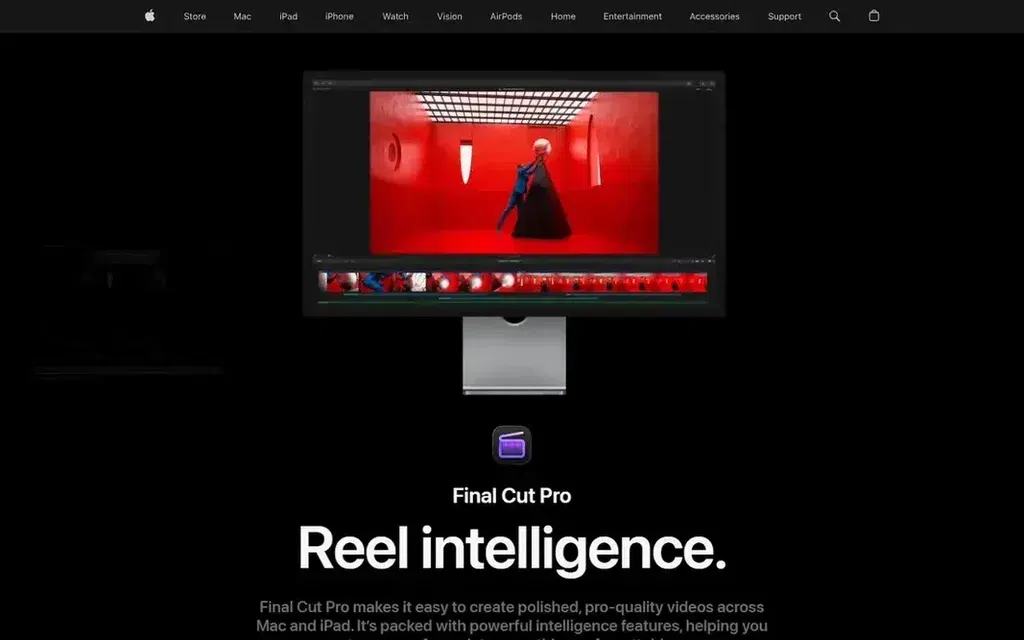
Final Cut Pro targets Mac and iPad creators. The iPad choice can be handy for reviewing and cutting whereas away from a main workstation.
Beyond that, if you work outside Apple hardware, DaVinci Resolve or Premiere Pro are the more natural comparisons. Check the vendor site for Final Cut Pro pricing; none is listed in this comparison. Free options: Not stated.
Where it is weaker: Tied to Apple hardware and products.
- Made for pro-quality video creation
- Intelligence features pitched at simpler pro editing
- Not a choice for Windows or Linux editors
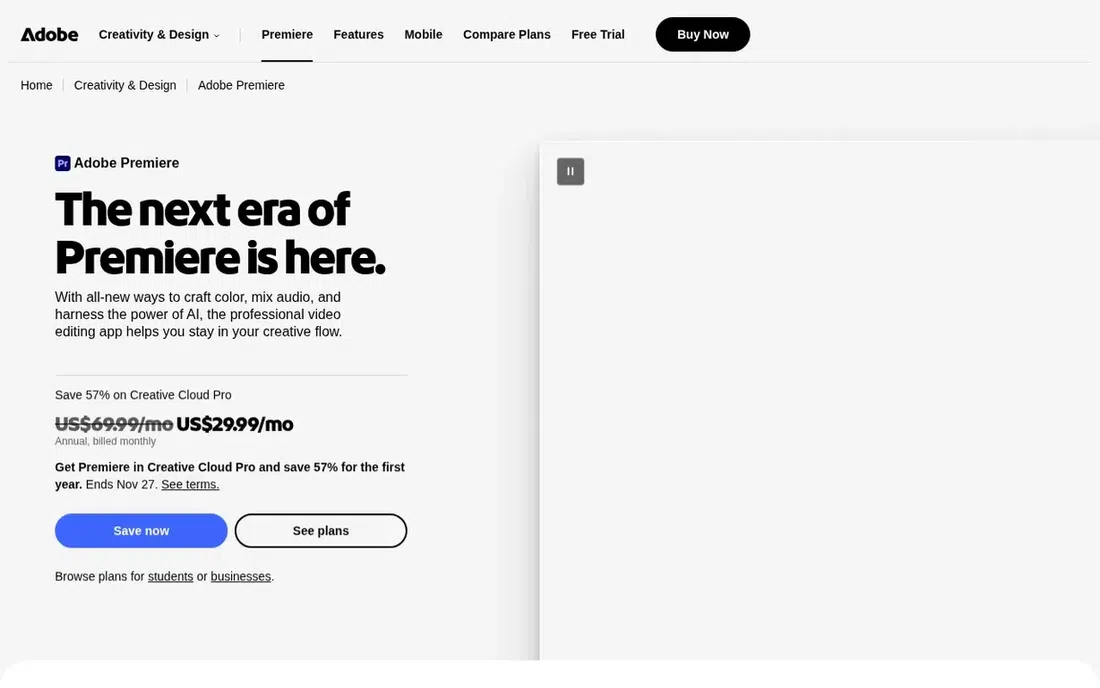
Adobe Premiere Pro is built with full professional editing workflow in mind. Premiere Pro is Adobe's professional video editing and postproduction software, built around editing and trimming footage, adding effects, mixing audio and extending video work.
Drawbacks to consider: Professional depth means a steeper ramp-up time.
More specifically, creators who chiefly need fast cuts, captions and templates may prefer a more straightforward tool, whereas those centred on color and audio finishing might look at DaVinci Resolve instead. More specifically, the depth that makes Premiere Pro capable also makes it heavier to learn than consumer editors, and smooth performance relies on your hardware. Pricing for Adobe Premiere Pro is not stated here, so ask the vendor for current figures. As for free access: Not stated.
- Trimming
- Widely used professional postproduction tool
- Needs a capable computer for smooth editing
Pick Camtasia if this describes you: tutorials and screen recordings. Recording and editing live in the same application, which eases that kind of production.
Camtasia from Techsmith is a screen recorder and video editor made for creating professional tutorials, training videos and software demos. No starting price is listed for Camtasia here; confirm pricing on the vendor site. Free options: Not stated.
Where it falls short: Less suited to narrative YouTube filmmaking.
- Pitched at tutorials
- Vendor gives you a way to begin at no cost
- Not built for cinematic or effects-heavy edits
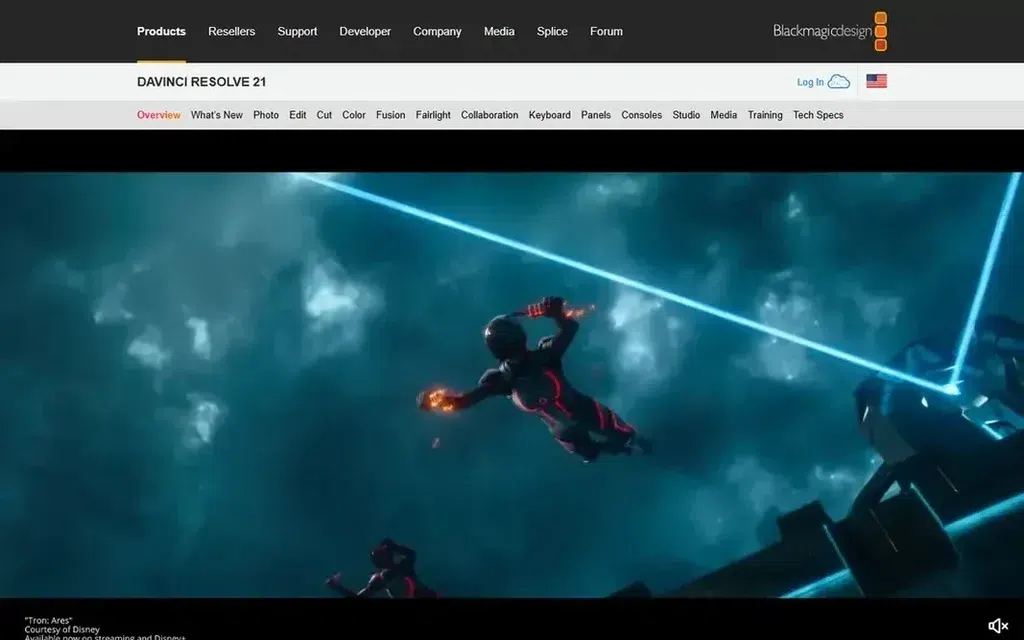
DaVinci Resolve is aimed squarely at color, audio and effects in one app. Since it spans so plenty of disciplines, the interface can feel dense for someone who only wants to cut a vlog.
Expect a learning period before the workflow feels natural, and check that your machine meets the demands of your project size. DaVinci Resolve does not show a starting price in this comparison, so check the vendor site for current pricing. Free plan details: Not stated.
Downsides: Numerous modules can overwhelm new editors.
- Editing
- VFX and audio post together
- Demands solid hardware for heavier projects
What went into this list
Selection started from tools commonly considered for video editing services for YouTube creators, then narrowed to 5 that have clear pricing information or a clear quote process. Treat prices as a snapshot: vendors change plans often, so check the vendor site for the figure that applies today. Position on the page reflects fit for a typical buyer first, with price clarity and free access breaking ties. Treat it as a guide, not a ruling.
Pre-purchase checklist
- Confirm the entry price with every vendor: no tool from CapCut to DaVinci Resolve shows a fixed starting price.
- Test the free plan from CapCut against your real workload before relying on it.
- Read the limits listed for CapCut first: template-driven style may feel limiting for complicated edits.
- Ask DaVinci Resolve whether prices are locked for the first term and what happens at renewal.
- Check the integration list for Camtasia against the tools you run today, and note which ones need a higher plan.
FAQ
Do these tools publish their prices?
No. None of the tools, from CapCut to DaVinci Resolve, shows a fixed starting price here, so budget time for quotes. Each of the 5 options in this video editing services for YouTube Creators guide has its own card above with the price, free plan and limits.
Is CapCut the right pick for everyone comparing video editing services for YouTube creators?
No single tool suits every team. CapCut comes first because it fits fast social video with templates, while Final Cut Pro suits Mac and iPad creators and Adobe Premiere Pro suits full professional editing workflow. Match the tool to your own size, budget and workflow before deciding.
Can I try these tools before paying?
Often, yes. CapCut has a free plan. Use your own data and a real task during the test, and check what the free tier or trial limits before you rely on it. All 5 picks in this video editing services for YouTube Creators comparison list a starting price, free plan details and the main limits on their cards above.
How are the tools for video editing services for YouTube creators ordered?
The order follows typical fit for video editing services for YouTube creators, with CapCut first and DaVinci Resolve last, then price clarity and free access. It is editorial judgement, not a score, so another team could rank the tools differently.
Sources
- https://www.capcut.com
- https://www.apple.com/final-cut-pro
- https://www.adobe.com/products/premiere.html
- https://www.techsmith.com/camtasia.html
- https://www.blackmagicdesign.com/products/davinciresolve