Choosing Video Editing Apps for Social Media Content in 2026: 6 Options Compared
Searching for the best video editing apps for social media content? Here are 6 options with prices and free plans. Pros and cons for every tool. Costs up front.
- Editor's choice
 Final Cut Pro
Mac and iPad editors wanting speed
Starts atPricing on requestVisit apple.comFull review - Great alternative
 Camtasia
Tutorials, demos and screen recordings
Starts atPricing on requestVisit techsmith.comFull review - Also consider
 Filmora
Approachable AI-assisted desktop editing
Starts atPricing on requestVisit filmora.wondershare.comFull review
Direct answer
This list puts Final Cut Pro first for Mac and iPad editors wanting speed. Camtasia is better for Tutorials, demos and screen recordings, and Filmora is better for approachable AI-assisted desktop editing. The full list of 6 tools follows, with free plan facts. None of these vendors publish plan prices, so pricing is on request for every option.
TL;DR:
- The list opens with Final Cut Pro, aimed at Mac and iPad editors wanting speed.
- Final Cut Pro, Adobe Premiere Pro and the 4 others all sell by quote; expect sales conversations before you see a price.
- The main caution on CapCut: templates can push similar-looking results.
- Adobe Premiere Pro is the one to check for professional editing and postproduction depth.
Last checked November 2026. Pricing on request: vendors did not publish plan prices when this guide was last checked (November 2026), so ask each vendor for a written quote.
Quick comparison
| Tool | Best for | Starts at | Free plan? | |
|---|---|---|---|---|
| Final Cut Pro | Mac and iPad editors wanting speed | Pricing on request | Not stated | Visit |
| Camtasia | Tutorials, demos and screen recordings | Pricing on request | Not stated | Visit |
| Filmora | Approachable AI-assisted desktop editing | Pricing on request | Not stated | Visit |
 CapCut | Quick template-driven social edits | Pricing on request | Yes | Visit |
 DaVinci Resolve | Color, effects and audio in one app | Pricing on request | Not stated | Visit |
 Adobe Premiere Pro | Professional editing and postproduction depth | Pricing on request | Not stated | Visit |
Video Editing Apps for Social Media Content profiles
This LinkVetted guide covers 6 options for video editing apps for social media content. Each profile lists a starting price, free plan details, strengths and drawbacks, so you can drop poor fits quickly.
Final Cut Pro makes the most sense for Mac and iPad editors wanting speed. It suits creators inside the Apple ecosystem who want quick, fluid editing with room for advanced work.
Drawbacks to consider: Not geared toward Android or Windows users.
Choose it when your team edits on Mac or iPad, and look elsewhere if cross-platform access is a requirement. Final Cut Pro shows no starting price here, so confirm the cost on the vendor site. Free access: Not stated.
- Pro-quality creation with a friendly flow
- Intelligence features accelerate editing
- Apple-only ecosystem
Think of Camtasia for Tutorials, demos and screen recordings. Camtasia is a screen recorder and video editor for creating tutorials, training videos and software demos. Pick it for instructional video, and pair it with another editor for broader social campaigns.
Trade-offs to know: Less suited to quick trend content.
From a buyer's view, Explainer clips, how-tos and walkthroughs are its clear strength. It is not built for cinematic or trend-driven social edits, so fast-paced creative content may feel constrained. Check the vendor site for Camtasia pricing; none is listed in this comparison. On free options: Not stated.
- Suited to software demonstrations
- Made for tutorials and training videos
- Not aimed at cinematic social edits
Filmora is built with approachable AI-assisted desktop editing in mind. Filmora is AI-powered video editing software for desktop and mobile, with easy-to-learn timeline tools plus AI features, effects, captions and audio.
Points against: Feature set varies by system.
It provides less depth than professional finishing tools, and the experience differs between desktop and mobile. Choose a pro suite when precision color and audio are essential, and Filmora when approachable editing is the priority. Filmora shows no starting price here, so confirm the cost on the vendor site. Free options: Not stated.
Highlights: effects and captions.
- AI features
- Easy-to-learn timeline tools
- Less depth than pro suites
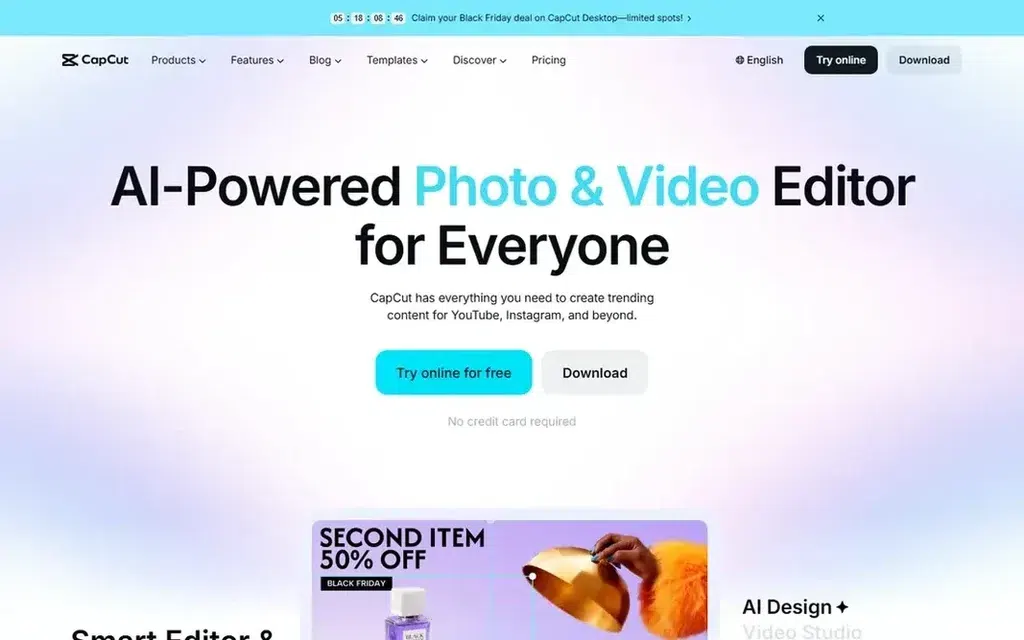
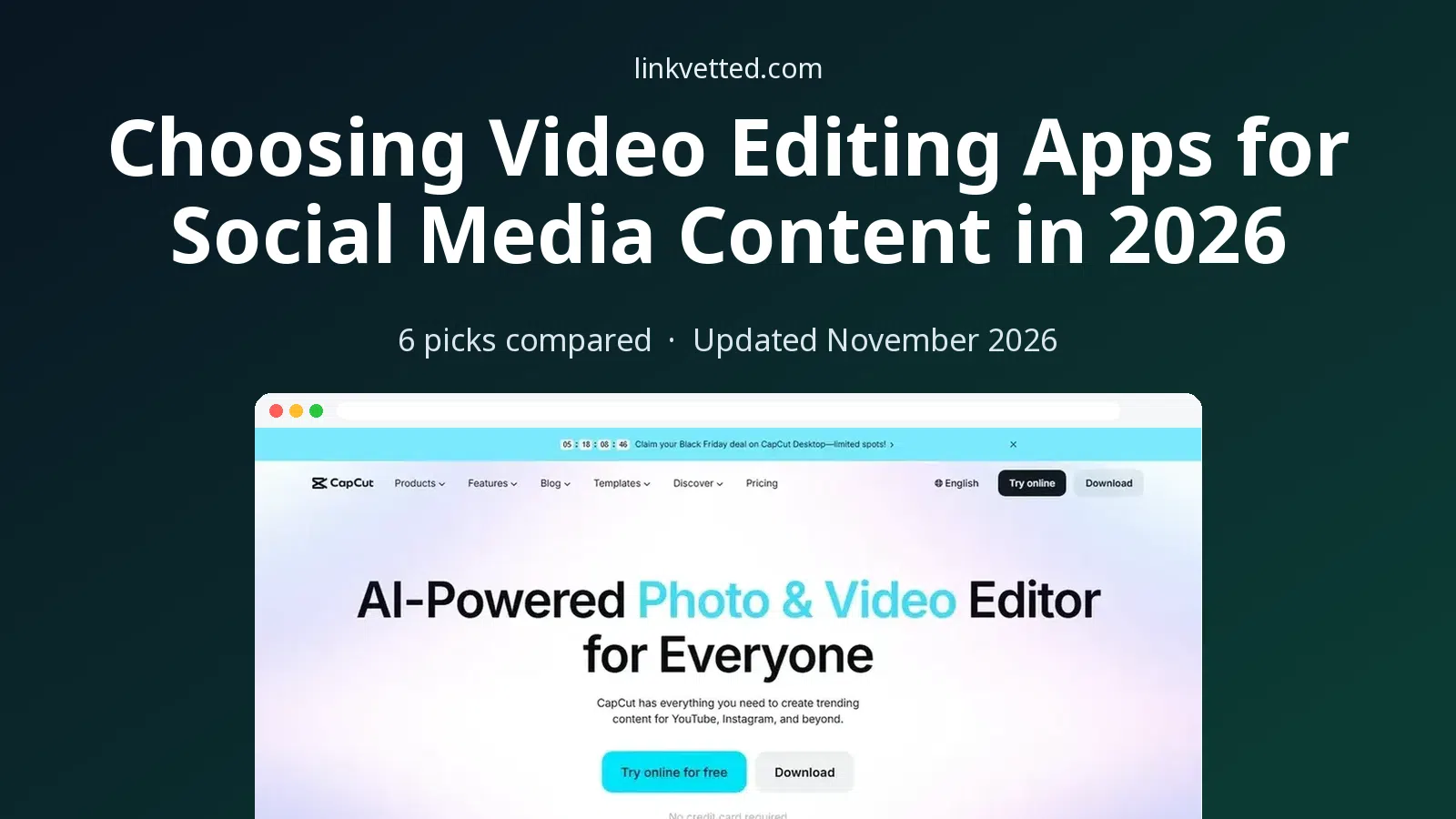
CapCut serves quick template-driven social edits. CapCut is an AI video editor designed for editing YouTube and Instagram videos with smart templates and creative effects.
Best features of CapCut: mobile and online choices.
It suits social-first workflows where speed, captions and trend-ready styles matter more than deep manual control. CapCut does not show a starting price in this comparison, so check the vendor site for current pricing. CapCut includes a free tier.
What to check first: Templates can push similar-looking results.
- AI tools and smart templates
- Built with YouTube and Instagram in mind
- Advanced control is lighter than pro suites
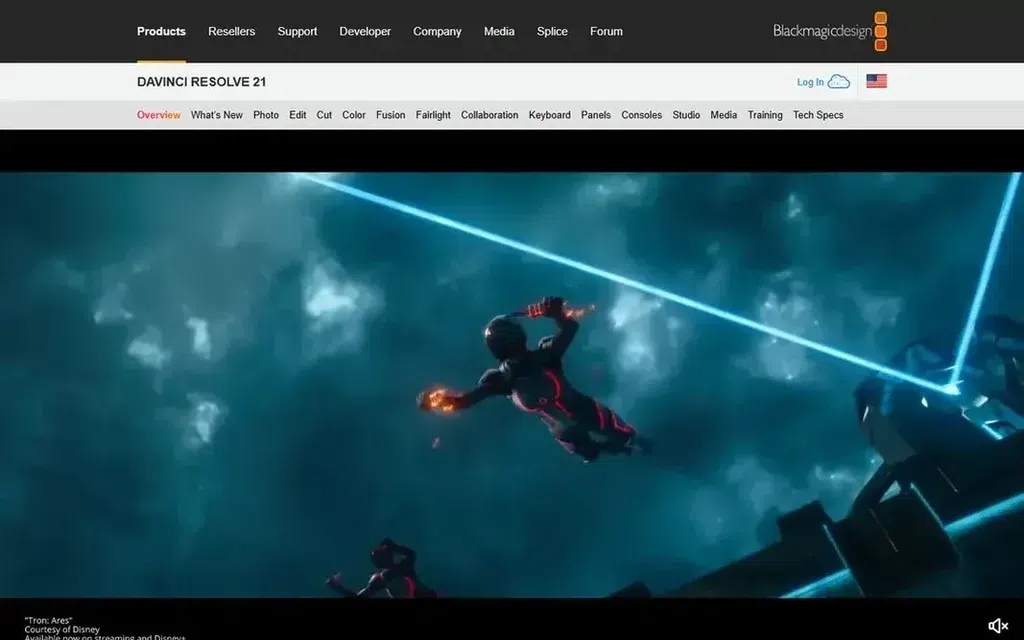
DaVinci Resolve serves color, effects and audio in one app. It fits creators who care about color and sound as much as cuts, and who want one environment for a social video from first assembly to final grade.
Trade-offs to know: Demanding on older hardware.
The breadth of panels can overwhelm beginners, and older machines may struggle with heavier projects. Pricing for DaVinci Resolve is not stated here, so ask the vendor for current figures. Free plan details: Not stated.
- Windows and Linux
- Editing, color
- Numerous panels can overwhelm new users
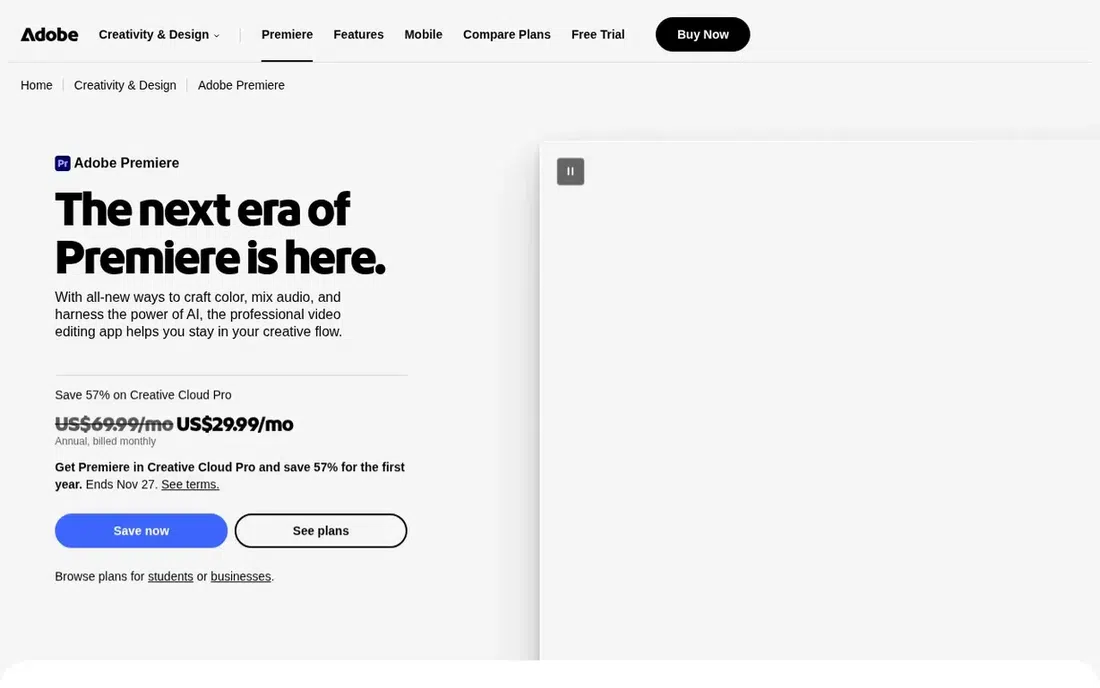
For professional editing and postproduction depth, Adobe Premiere Pro is a natural candidate. Choose something more straightforward when speed matters more than control, and pick Premiere Pro once your social content needs consistent, high-end finishing.
From a buyer's view, the depth comes with a steeper ramp-up time, and newcomers may find fast vertical edits slower than template-driven apps. Adobe Premiere Pro is professional video editing and postproduction software for trimming, effects, audio mixing and extended edits. Pricing for Adobe Premiere Pro is not stated here, so ask the vendor for current figures. Free plan details: Not stated.
Downsides: Desktop-focused workflow. Highlights: trimming and effects tools.
- Audio mixing built into the timeline
- Deep editing
- Heavier ramp-up time for beginners
How we built this list
Selection started from tools commonly considered for video editing apps for social media content, then narrowed to 6 that have clear pricing information or a clear quote process. Where a price is missing, the vendor does not list one publicly or ties it to a quote. Always confirm before budgeting. The order reflects how well each tool fits the most common buying scenario for video editing apps for social media content, then price clarity, then free plan access. It is a starting point, not a verdict.
What to check before you buy
- Ask each vendor, from Final Cut Pro to Adobe Premiere Pro, for a written quote; none of them publishes a starting price.
- Test the free plan from CapCut against your real workload before relying on it.
- Before choosing Final Cut Pro, weigh its main limit: Apple-only ecosystem.
- Verify that exporting from Camtasia is possible on your plan and covers all your records.
- Find out what support Filmora includes on your plan, and whether onboarding help costs extra.
FAQ
Do these tools publish their prices?
No. None of the tools, from Final Cut Pro to Adobe Premiere Pro, shows a fixed starting price here, so budget time for quotes. Each of the 6 options in this video editing apps for social media content guide has its own card above with the price, free plan and limits.
Is Final Cut Pro the right pick for everyone comparing video editing apps for social media content?
No single tool suits every team. Final Cut Pro comes first because it fits Mac and iPad editors wanting speed, while Camtasia suits Tutorials, demos and screen recordings and Filmora suits approachable AI-assisted desktop editing. Match the tool to your own size, budget and workflow before deciding.
Do I need professional software for social content?
More straightforward apps include most short-form posts, but Adobe Premiere Pro, DaVinci Resolve and Final Cut Pro offer more control when color, audio and layered effects matter. Match the tool to the complexity of your publishing plan.
What should tutorial creators look for?
Camtasia pairs screen recording with editing for tutorials, training videos and software demos. If your social content explains processes on screen, an app that records and edits together saves steps.
Can I try these tools before paying?
Often, yes. CapCut has a free plan. Use your own data and a real task during the test, and check what the free tier or trial limits before you rely on it. All 6 picks in this video editing apps for social media content comparison list a starting price, free plan details and the main limits on their cards above.
Which options for video editing apps for social media content have a free plan?
CapCut is the only tool in this list with a free plan. Free plans usually cap users, projects or features, so check the limits on the vendor page. For the full picture, the cards above cover all 6 entries of this video editing apps for social media content list, including price, free plan and limits.
Sources
- https://www.apple.com/final-cut-pro
- https://www.techsmith.com/camtasia.html
- https://filmora.wondershare.com
- https://www.capcut.com
- https://www.blackmagicdesign.com/products/davinciresolve
- https://www.adobe.com/products/premiere.html