Choosing Video Compression Software for Media Teams in 2026: 6 Options Compared
6 best video compression software for media teams, compared on pricing, free plans and best-fit use. Plain-spoken summaries throughout. Decide faster.
- Editor's choiceAWS Elemental MediaConvert
Cloud transcoding at broadcast scale
Starts atSee websiteVisit aws.amazon.comFull review - Great alternativeVidispine
Media asset management with conversion
Starts atSee websiteVisit vidispine.comFull review - Also considerDalet AmberFin
Broadcast-grade conversion in cloud or on-prem
Starts atSee websiteVisit dalet.comFull review
Direct answer
This list puts AWS Elemental MediaConvert first for cloud transcoding at broadcast scale. Listed starting prices: Encoding.com from $199 a month. For a different need, Vidispine covers Media asset management with conversion and Dalet AmberFin covers broadcast-grade conversion in cloud or on-prem. Details, prices and limits for the rest of the 6 tools are below.
TL;DR:
- This list starts with AWS Elemental MediaConvert, which is built for cloud transcoding at broadcast scale.
- Just one of the 6 tools, Encoding.com, has a free plan.
- Vidispine comes with a trade-off: broader scope than pure compression.
- For Codec-level control for technical teams, FFmpeg-based MainConcept Codec Suite is worth a look.
Last checked November 2026. Prices and plan details were read from the vendors' own pages in November 2026; vendors change plans often, so confirm the current price on the vendor site before you buy.
Quick comparison
| Tool | Best for | Starts at | Free plan? | |
|---|---|---|---|---|
| AWS Elemental MediaConvert | Cloud transcoding at broadcast scale | See website | Not stated | Visit |
| Vidispine | Media asset management with conversion | See website | Not stated | Visit |
| Dalet AmberFin | Broadcast-grade conversion in cloud or on-prem | See website | Not stated | Visit |
 Adobe Media Encoder | Teams already inside Creative Cloud | See website | Not stated | Visit |
| Encoding.com | Managed cloud transcoding workflows | $199 a month | Yes | Visit |
| FFmpeg-based MainConcept Codec Suite | Codec-level control for technical teams | See website | Not stated | Visit |
Video Compression Software for Media Teams profiles
This LinkVetted guide covers 6 video compression software for media teams. Each profile lists a starting price, free plan details, strengths and drawbacks, so you can drop poor fits quickly.
AWS Elemental MediaConvert
Best for: Cloud transcoding at broadcast scale
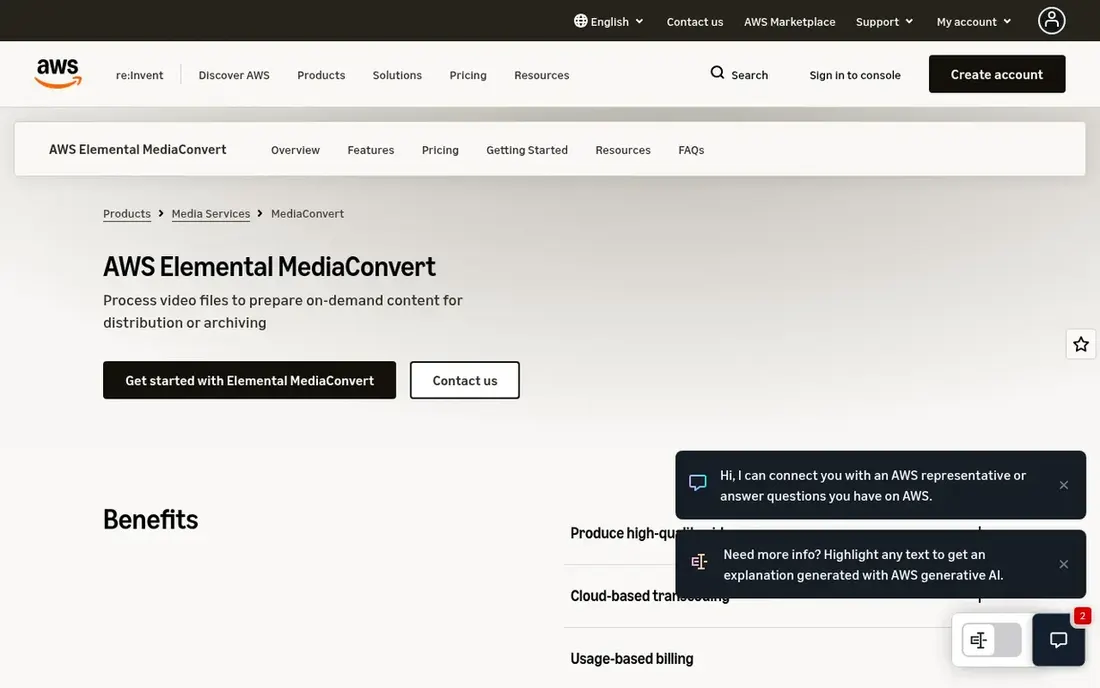
In short, AWS Elemental MediaConvert is for cloud transcoding at broadcast scale. Worth adding: the service assumes cloud familiarity, so small editorial teams may find the setup heavy.
Watch-outs: Pricing and quotas need vendor confirmation.
Beyond that, choose a desktop or integrated editor tool instead when you need fast manual exports instead of scalable file-based processing. No starting price is listed for AWS Elemental MediaConvert here; confirm pricing on the vendor site. Trial and free access: Not stated.
- Suits AWS cloud workflows
- Broadcast and multi-screen delivery
- Needs cloud setup and expertise
Vidispine
Best for: Media asset management with conversion
Vidispine makes the most sense for Media asset management with conversion. Vidispine presents itself around maximizing media potential, with a focus on media asset management and supply chain workflows.
It suits organizations that require to handle large libraries and keep conversion consistent across numerous assets. No starting price is listed for Vidispine here; confirm pricing on the vendor site. On free options: Not stated.
Where it falls short: Broader scope than pure compression.
- Asset management orientation
- Focus on media supply chain
- Needs workflow planning
Dalet AmberFin
Best for: Broadcast-grade conversion in cloud or on-prem
Dalet AmberFin is built with broadcast-grade conversion in cloud or on-prem in mind. Dalet AmberFin is positioned as trusted media conversion wherever you need it, with the capacity to optimize transcoding and supply chain workflows in the cloud or on-premises. The vendor provides demos, which helps teams assess fit before committing.
Points against: Enterprise-focused setup.
The system is oriented toward enterprise media operations, so smaller teams may find it more than they need. In practice, if your needs are straightforward exports, a desktop encoder is likely a better match. This comparison lists no price for Dalet AmberFin; ask the vendor. On free options: Not stated.
- Demo-led evaluation
- Broadcast-oriented media conversion
- Evaluation needs vendor contact
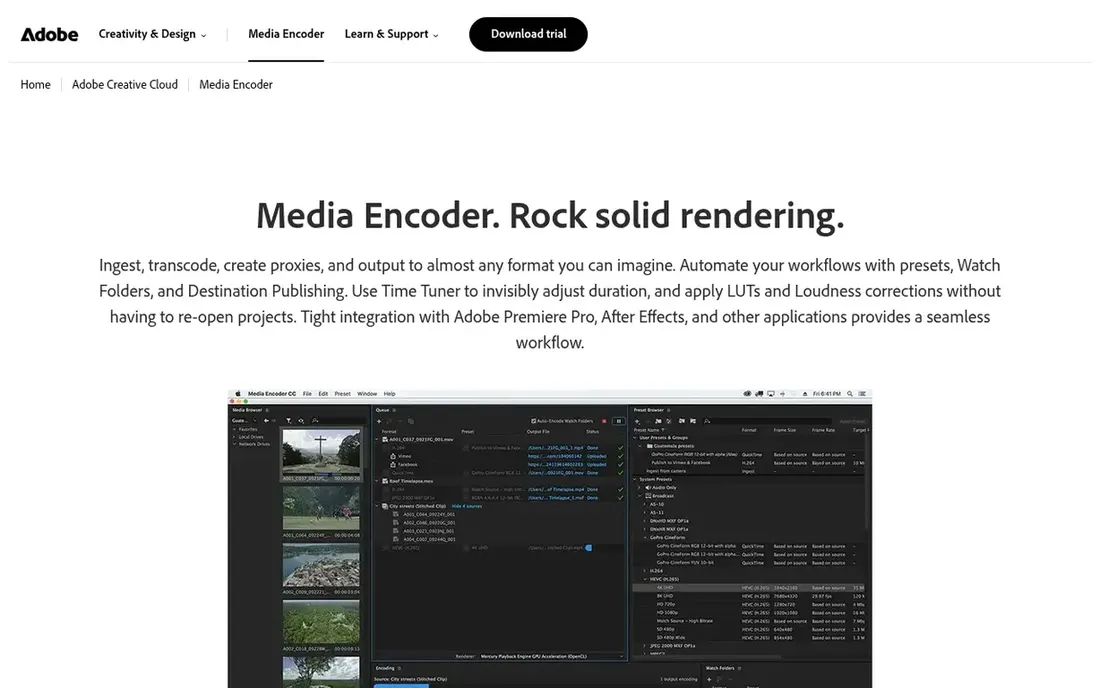
Choose Adobe Media Encoder for teams already inside Creative Cloud. Pick something else when you need automatic farm processing or asset management built in.
The primary limit is that it lives inside the Adobe ecosystem, so teams without Creative Cloud access will need another route. Pricing for Adobe Media Encoder is not stated here, so ask the vendor for current figures. Trial and free access: Not stated.
Trade-offs to know: Less suited to completely automatic API pipelines.
- Preset-driven export workflows
- Wide format support for delivery
- Needs Creative Cloud access
Encoding.com
Best for: Managed cloud transcoding workflows
Encoding.com works best for managed cloud transcoding workflows. Encoding.com is a cloud transcoding service that media teams use to convert and package video for delivery.
Teams generally connect it to storage and delivery workflows so compression happens as part of an automatic supply chain. Entry price for Encoding.com: $199 per month. Encoding.com offers a free plan.
Trade-offs to know: Vendor details need direct confirmation.
- Cloud-based transcoding focus
- Works for multi-format output
- Less suited to manual desktop editing
FFmpeg-based MainConcept Codec Suite
Best for: Codec-level control for technical teams
Choose FFmpeg-based MainConcept Codec Suite for Codec-level control for technical teams. MainConcept supplies high-quality codec technology supporting industry standards for example HEVC, AVC, MPEG-2, Wasm, muxing and transcoding.
Trade-offs to know: Technical integration required.
It is suited to engineering groups building compression into products or automatic workflows rather than editors looking for a straightforward export menu. FFmpeg-based MainConcept Codec Suite does not show a starting price in this comparison, so check the vendor site for current pricing. Free access: Not stated.
- Supports industry-standard formats
- Suits FFmpeg-based pipelines
- Not a turnkey editor export tool
How the list was put together
A buyer's checklist
- Get a written quote from AWS Elemental MediaConvert, Vidispine, Dalet AmberFin and others; the list shows no starting price for them.
- Look at the free plan from Encoding.com closely: its caps decide whether it is usable for real work.
- Before choosing AWS Elemental MediaConvert, weigh its main limit: needs cloud setup and expertise.
- Ask whether AWS Elemental MediaConvert integrates with your current software, and whether that comes standard or as an add-on.
- Confirm you can export your data from Adobe Media Encoder, so leaving later does not mean losing records.
FAQ
What is the cheapest option for video compression software for media teams in this list?
On published monthly entry prices, Encoding.com is the lowest here at $199 per month. Entry price is only part of the cost, because seats, add-ons and billing terms can change the total.
Can I try these tools before paying?
Often, yes. Encoding.com has a free plan. Use your own data and a real task during the test, and check what the free tier or trial limits before you rely on it.
Can I use these tools for broadcast delivery?
Multiple choices here are oriented toward broadcast and multi-screen delivery, including AWS Elemental MediaConvert and Dalet AmberFin. Confirm required formats and compliance details with the vendor before relying on any tool for broadcast output.
How are the tools for video compression software for media teams ordered?
The order follows typical fit for video compression software for media teams, with AWS Elemental MediaConvert first and FFmpeg-based MainConcept Codec Suite last, then price clarity and free access. It is editorial judgement, not a score, so another team could rank the tools differently.
Is AWS Elemental MediaConvert the right pick for everyone comparing video compression software for media teams?
No single tool suits every team. AWS Elemental MediaConvert comes first because it fits cloud transcoding at broadcast scale, while Vidispine suits Media asset management with conversion and Dalet AmberFin suits broadcast-grade conversion in cloud or on-prem. Match the tool to your own size, budget and workflow before deciding.
Sources
- https://aws.amazon.com/mediaconvert
- https://www.vidispine.com
- https://www.dalet.com/platforms/amberfin
- https://www.adobe.com/products/media-encoder.html
- https://www.encoding.com
- https://www.mainconcept.com