7 Video Marketing Platforms Compared on Price and Fit
Shortlisting the best video marketing platforms? 7 products compared on cost, free access and ideal buyer. Every tool lists pros and cons. Straight answers.
- Editor's choice
 Vimeo
Teams that want transparent pricing and ad-free hosting with solid privacy
Starts atFree; Starter $12 a month (billed yearly)Visit vimeo.comFull review - Great alternative
 SundaySky
Enterprises that require personalized video at scale for CX and marketing
Starts atSee website (demo-based, enterprise pricing)Visit sundaysky.comFull review - Also consider
 TwentyThree
European and global businesses wanting an all-in-one video marketing system
Starts atSee website (demo-based pricing)Visit twentythree.comFull review
Direct answer
This list puts Vimeo first for teams that want transparent pricing and ad-free hosting with capable privacy. If your case is different, SundaySky suits enterprises that need personalized video at scale for CX and marketing and TwentyThree suits European and global businesses wanting an all-in-one video marketing platform. Prices, free plans and limits for all 7 tools follow.
TL;DR:
- Vimeo is the opening pick, best for teams that want transparent pricing and ad-free hosting with capable privacy.
- Vimeo, Wistia, Loom: these are the 3 tools out of 7 that offer a free plan.
- What to know about Vimeo first: marketing features (lead capture, CTAs) sit on Standard and above.
- SproutVideo fits companies that want secure, ad-free hosting with solid privacy controls.
Quick comparison
| Tool | Best for | Starts at | Free plan? | |
|---|---|---|---|---|
| Vimeo | Teams that want transparent pricing and ad-free hosting with solid privacy | Free; Starter $12 a month (billed yearly) | Yes | Visit |
| SundaySky | Enterprises that require personalized video at scale for CX and marketing | See website (demo-based, enterprise pricing) | No | Visit |
| TwentyThree | European and global businesses wanting an all-in-one video marketing system | See website (demo-based pricing) | No | Visit |
 Wistia | Marketing teams that want branded video hosting with lead capture | See website (free plan; Business and Enterprise premium tiers) | Yes | Visit |
 Dacast | Companies that require low-cost live streaming with monetization | $25 a month (Starter) | Free trial (14 days) | Visit |
 Loom | Teams creating screen recordings, demos and async video updates quick | Free (Starter); Business $18 per user a month | Yes | Visit |
 SproutVideo | Firms that want secure, ad-free hosting with capable privacy controls | See website (30-day free trial) | No | Visit |
Video Marketing Platforms compared in detail
If you are comparing video marketing platforms, this page covers 7 tools in one place: what each is best for, what it costs to start, whether it has a free plan, and the main limit to know about.
Vimeo
Best for: Teams that want transparent pricing and ad-free hosting with solid privacy
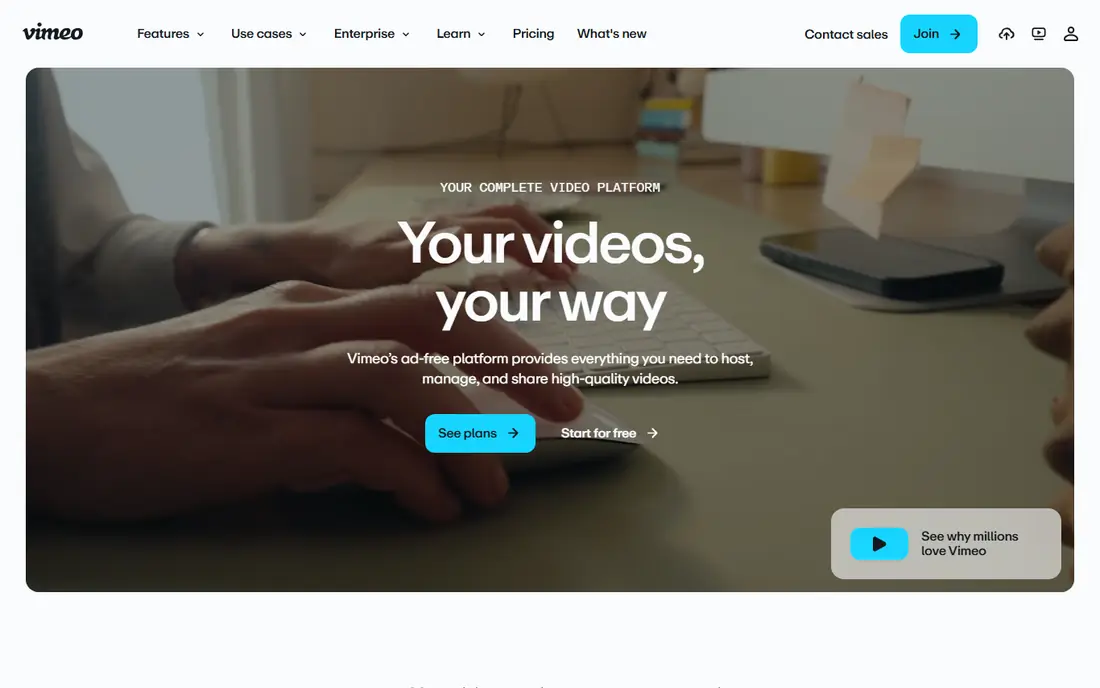
Vimeo is designed for teams that want transparent pricing and ad-free hosting with capable privacy. Wistia's lead-capture workflow and analytics are more marketer-shaped; Vimeo's feel like hosting features with marketing added. Live streaming exists on Advanced but is not the product's center.
What Vimeo does well: Starter ($12); Advanced ($75) a month annually.
Watch-outs: Marketing features (lead capture, CTAs) sit on Standard and above.
More specifically, Vimeo is the value pick for hosted video: a free plan with no ads, Starter at $12 a month annually with 2TB storage, Standard at $25 with lead capture and CTAs, and Advanced at $75 with live event hosting. In daily use, the marketing depth is decent but not best-in-class. Vimeo pricing: Free. You can start on Vimeo without paying.
- Including free
- Solid privacy controls and 4K playback
- Enterprise support is thinner than Brightcove's
SundaySky
Best for: Enterprises that require personalized video at scale for CX and marketing
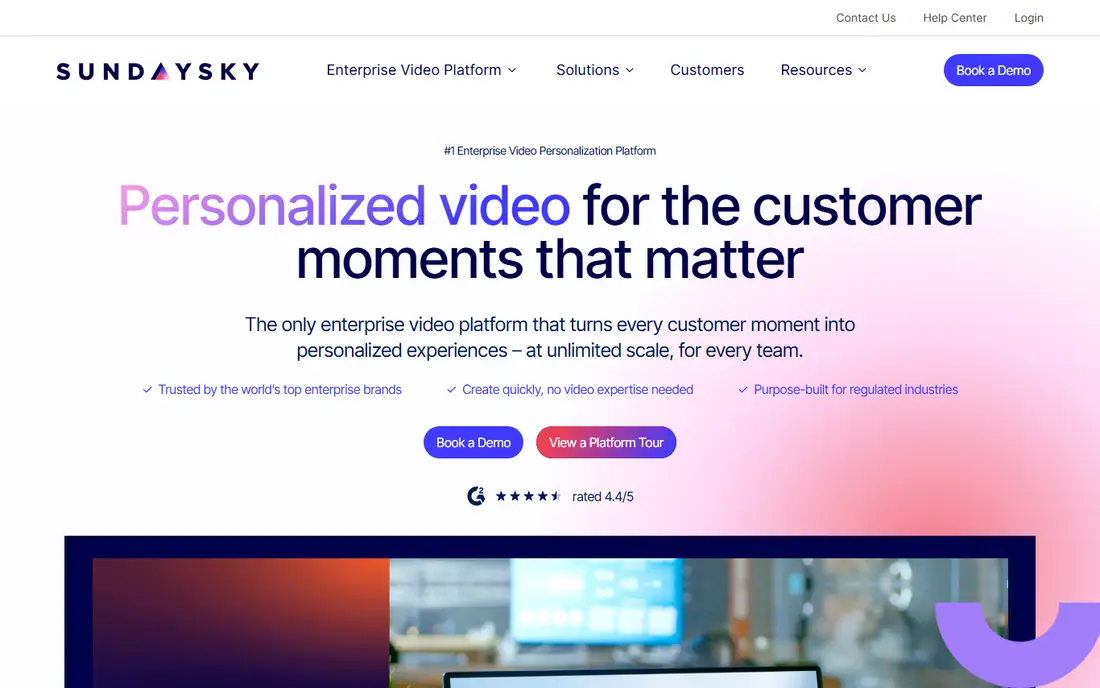
Think of SundaySky for enterprises that require personalized video at scale for CX and marketing. The product targets customer experience, onboarding, retention and acquisition use cases at enterprise scale, with compliance controls that satisfy financial services and healthcare. In daily use, if your video strategy is "make decent videos people watch," buy Wistia or Vimeo.
What to check first: Overkill except when personalization is a core strategy.
On top of that, pricing is entirely quote-based after a demo. Also, personalized video pays off when you have large customer bases and data worth personalizing with: banks, insurers, telecoms, large SaaS businesses. The honest assessment: most teams do not need this. This comparison lists no price for SundaySky; ask the vendor. No free plan comes with SundaySky.
- AI video tools with brand governance
- HIPAA and GDPR posture
- Enterprise-only: no public pricing, no self-serve level
TwentyThree
Best for: European and global businesses wanting an all-in-one video marketing system
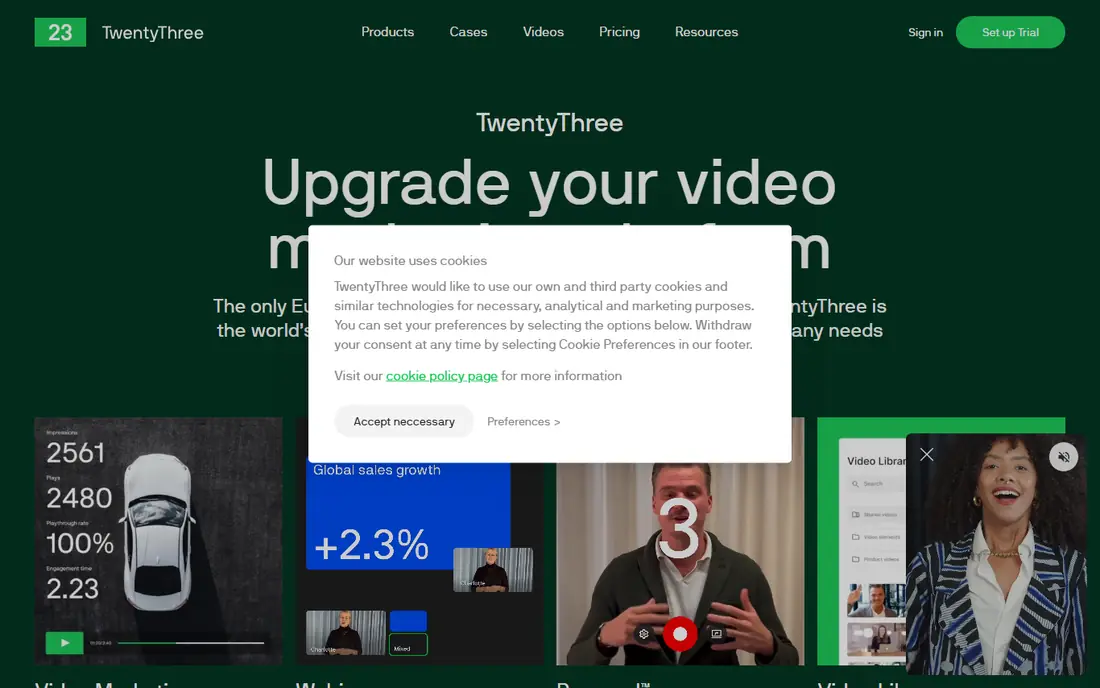
TwentyThree serves European and global firms wanting an all-in-one video marketing system. TwentyThree claims, with some justification, to have created the video marketing system category back in 2016. The company is most solid in Europe, and US buyers will find a thinner partner ecosystem and fewer peer reviews.
Highlights: Solid video SEO tooling.
Limits to weigh: Demo-led pricing with no public numbers.
Also, video SEO is a genuine strength. The product includes the full stack: video hosting, webinars, personal video recording, and analytics, plus newer AI and agentic video features. For everyday use, every customer gets a dedicated client director and specialist, which is rare at this price point. Check the vendor site for TwentyThree pricing; none is listed in this comparison. TwentyThree has no free plan.
- True all-in-one: hosting, webinars
- Dedicated client team instead of chatbot support
- Most solid in Europe, thinner presence elsewhere
Wistia is aimed squarely at marketing teams that want branded video hosting with lead capture. Wistia defined the "video for marketers" category: ad-free hosting where the player carries your brand, videos gate behind email capture, and analytics tie views to contacts. More specifically, since pricing is not published, budget planning needs a call with their team, which is the primary friction point against Vimeo's transparent pricing.
Beyond that, Wistia hosts, brands and measures video better than almost anyone, but it is not an editor and not a webinar system. Teams that require creation buy a second tool; teams that require live streaming do too. Check the vendor site for Wistia pricing; none is listed in this comparison. Wistia has a free plan.
Limits to weigh: The vendor does not publish plan prices, so comparison needs a sales conversation. What works well: Clean analytics showing who watched what.
- In-player CTAs
- Not developers
- Hosting-first, so creation and editing tools are thin
Dacast is built with firms that require budget-friendly live streaming with monetization in mind. For churches, course creators, event businesses and companies running premium webinars, that is exactly the job. In daily use, overage protection and bandwidth rollover keep the billing predictable.
Worth adding: what Dacast is not: a marketing product. It streams your events, monetizes them, and hosts the replays. Dacast cost at the entry level: $25 per month. Free access: Free trial (14 days).
Honest limits: Marketing features are thin: it is a streaming system.
- Pay-per-view and subscription monetization built in
- White-label player with no ads
- Monthly plans need a three-month minimum commitment
Loom is aimed squarely at teams creating screen recordings, demos and async video updates quick. Loom owns the async video workflow: record your screen and camera, share a link, get comments. From a buyer's view, enterprise is custom-quoted.
Limits to weigh: premium levels are per-user, which layers on up for large teams.
There is no branded player strategy, no lead capture, no video SEO: it is a communication tool that happens to produce video. That is exactly why marketing teams love it for the top of the funnel: product demos, personalized outreach, internal reviews of creative. For everyday use, the free Starter plan spans 25 videos at 5 minutes each, enough for real use. The per-user pricing means a 50-person team pays real money, so scope the seats to creators, not viewers. The starting price for Loom: Free. Loom includes a free tier.
- AI features (summaries, chapters, filler removal) on Business + AI at $24/user/month
- Fastest path from "I have to present this" to a shared video
- Not cinematic marketing: no branded player or lead capture depth
SproutVideo
Best for: Firms that want secure, ad-free hosting with capable privacy controls
Pick SproutVideo if this describes you: companies that want secure, ad-free hosting with solid privacy controls. SproutVideo's pitch is control: your videos play where you allow, for whom you allow, with no ads and no algorithmic neighbors. On top of that, plan prices were not visible on the pricing page during our research, which makes comparison shopping harder than it should be.
Watch-outs: Smaller ecosystem than Vimeo or Wistia.
And the ecosystem is smaller: fewer integrations, fewer templates, less community content than the big two. In practice, a 30-day free trial handles the evaluation. More specifically, the friction is commercial, not technical. On top of that, every plan contains lead capture, in-player CTAs, marketing integrations and a configurable video website. Pricing for SproutVideo is not stated here, so ask the vendor for current figures. No free plan comes with SproutVideo.
- Privacy-first hosting: domain whitelists
- Lead capture and marketing integrations on every plan
- The vendor's pricing page did not present plan prices in our check, so verify current rates before budgeting
Selection criteria
Each tool was reviewed on what its vendor publishes: price, plan limits, core features and stated drawbacks. We did not run hands-on tests. Plan names, prices and limits change often. Treat the figures here as a starting point and verify them with the vendor. The sequence is a judgement call: typical use case first, then pricing transparency, then free access. Use the profiles to check fit.
What to confirm before you sign up
- Ask SundaySky, TwentyThree, Wistia and SproutVideo for a written quote, since no starting price is shown.
- Check what the free option really includes: Vimeo, Wistia and Loom offer a free plan, and usage caps differ.
- Use real work to test the free trial from Dacast, rather than a demo project.
- Read the limits listed for Vimeo first: marketing features (lead capture, CTAs) sit on Standard and above.
- Let daily users try Vimeo on real work; their feedback beats any feature checklist.
- Ask whether SproutVideo integrates with your current software, and whether that comes standard or as an add-on.
FAQ
Is Vimeo the right pick for everyone comparing video marketing platforms?
No single tool suits every team. Vimeo comes first because it fits teams that want transparent pricing and ad-free hosting with strong privacy, while SundaySky suits enterprises that need personalized video at scale for CX and marketing and TwentyThree suits European and global companies wanting an all-in-one video marketing platform. Match the tool to your own size, budget and workflow before deciding.
What is the difference between video hosting and a video marketing product?
A video marketing product layers on the marketing layer: lead capture, CTAs, CRM integration, analytics tied to contacts, and commonly creation or webinar tools. Pure hosts are less expensive; systems cost more since they link video to revenue.
How are the tools for video marketing platforms ordered?
Vimeo sits first and SproutVideo last because the order follows typical fit for video marketing platforms, then price clarity and free access. It is a judgement call, so read each profile for fit and limits.
Do I still need YouTube if I buy one of these?
For reach, yes; for business video, normally no. YouTube is a discovery channel with ads and algorithmic neighbors. These systems host the videos on your site with your branding, no ads, and viewer data you own.
How much does video hosting cost for a small business?
From free: Wistia, Vimeo and Loom all have real free plans. Premium hosting opens at $12 a month (Vimeo Starter) to $25 a month (Vimeo Standard, Dacast Starter). Personal video tools run $18 per user a month (Loom Business). Enterprise products are quote-based and start far higher.
Can I try these options before paying?
Often, yes. Vimeo, Wistia and Loom have a free plan and Dacast offers a free trial. Use your own data and a real task during the test, and check what the free tier or trial limits before you rely on it.