Comparing 6 Editing Software for Social Media Tools in 2026
Need the best editing software for social media? We compare 6 tools on cost, free access and who each suits. Verdicts stay brief and factual. Decide faster.
- Editor's choice
 Descript
Turning long videos into clips
Starts atSee websiteVisit descript.comFull review - Great alternative
 Clipchamp
Free browser-based editing
Starts atFreeVisit clipchamp.comFull review - Also consider
 CapCut
Quick short-form video editing
Starts atFreeVisit capcut.comFull review
Direct answer
If you need turning long videos into clips, Descript is the first tool to look at here. Clipchamp is the stronger choice for free browser-based editing, while CapCut suits quick short-form video editing. Details, prices and limits for the rest of the 6 tools are below.
TL;DR:
- Number one here is Descript, a fit for turning long videos into clips.
- For growing creators and marketers, Filmora is worth a look.
- The main caution on Descript: not for cinematic editing.
- Free plans exist at 5 of 6 tools (Descript, Clipchamp, CapCut, Canva, VN Video Editor).
Quick comparison
| Tool | Best for | Starts at | Free plan? | |
|---|---|---|---|---|
| Descript | Turning long videos into clips | See website | Yes | Visit |
| Clipchamp | Free browser-based editing | Free | Yes | Visit |
| CapCut | Quick short-form video editing | Free | Yes | Visit |
 Canva | Branded social posts and video | See website | Yes | Visit |
 VN Video Editor | Free mobile editing, no watermark | Free | Yes | Visit |
 Filmora | Expanding creators and marketers | See website | Free trial | Visit |
Our 6 picks for editing software for social media
LinkVetted put together this guide to editing software for social media for readers who want a clear shortlist without reading every vendor page. It compares 6 tools on starting price, free plans, who each one suits and where each one falls short.
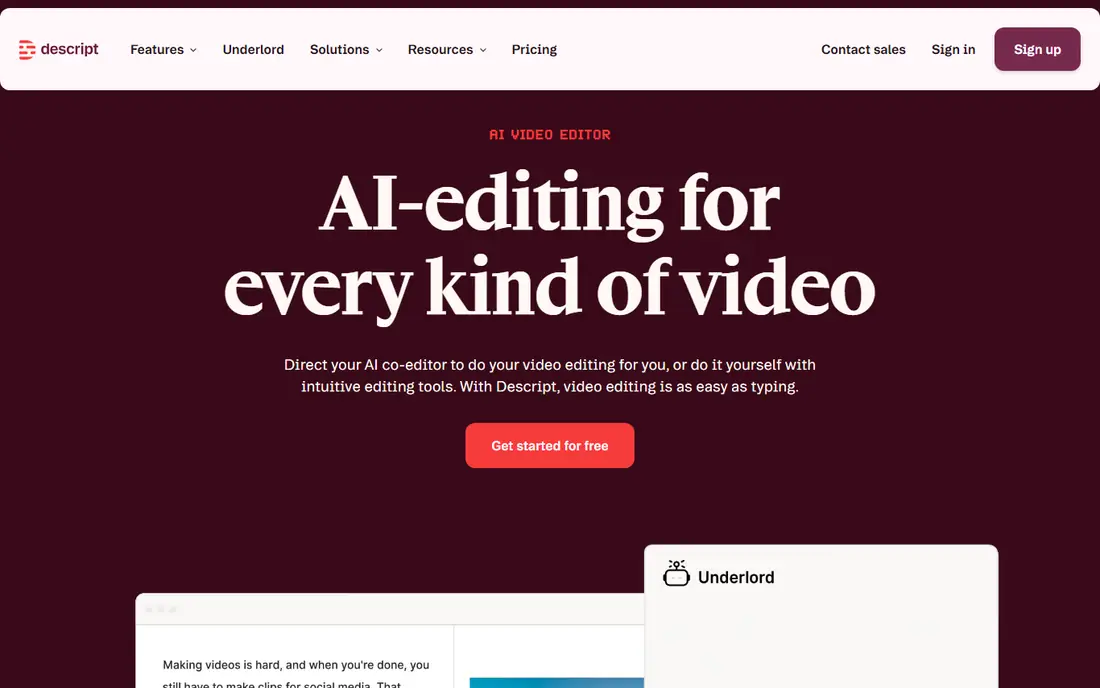
Descript serves turning long videos into clips. Descript's superpower is text-based editing: record or upload, get a transcript, and cut the video by deleting words. Its Underlord AI turns raw recordings into tight cuts, and Studio Sound cleans audio in one click.
As for the details, nothing repurposes a podcast or webinar into social clips quicker. The free plan lets you test the workflow on real projects before committing, which is the honest way to decide whether text editing clicks for you. As for the details, traditional editors who want frame-level control will find it limiting, but for spoken content, it is unmatched. This comparison lists no price for Descript; ask the vendor. You can start on Descript without paying.
Where it is weaker: premium tiers needed for serious volume.
- AI removes filler and silences
- Made for clip repurposing
- Not for cinematic editing
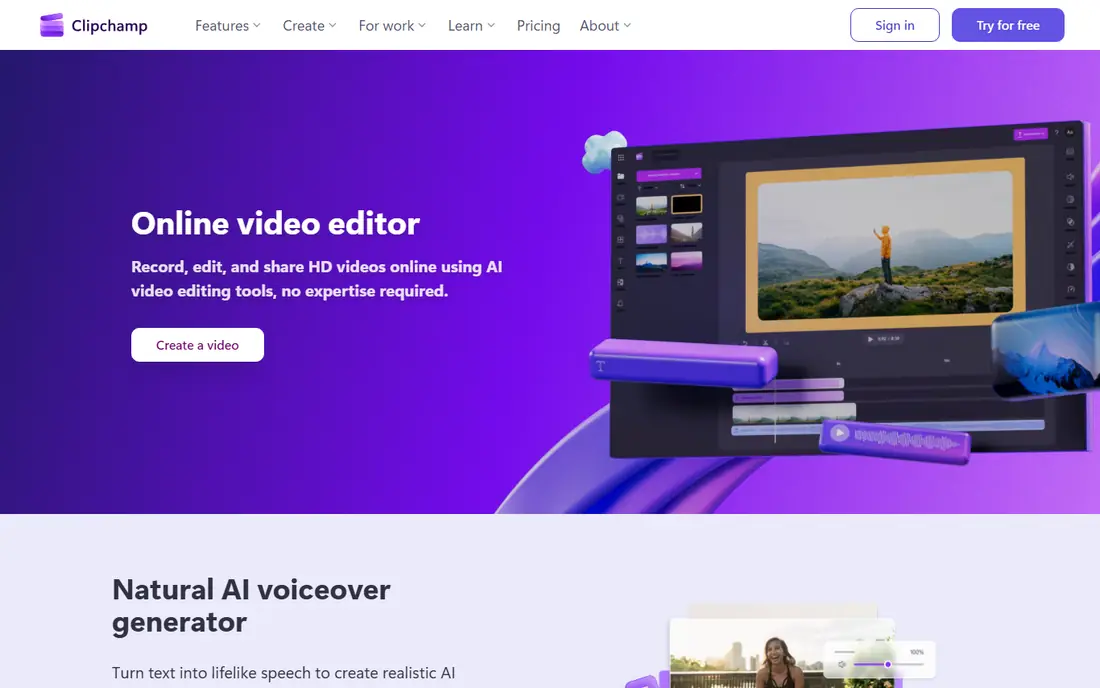
Clipchamp is a good fit for free browser-based editing. Clipchamp, owned by Microsoft, is the rare browser editor that is genuinely free: unlimited HD exports with no watermark, AI subtitle generation in over 80 languages, text-to-speech voiceovers, and screen recording. It includes Windows 11.
Reasons to shortlist it: AI captions and voiceovers.
Watch-outs: Premium features need Microsoft 365.
The screen and webcam recorder makes it a solid pick for tutorial creators and internal training videos, not just social posts. Power users will outgrow it, but as a free social video tool it punches far above its weight. On cost, Clipchamp starts like this: Free. A free plan is available with Clipchamp.
- Unlimited free HD exports without watermark
- No download
- Browser editing is less snappy than desktop
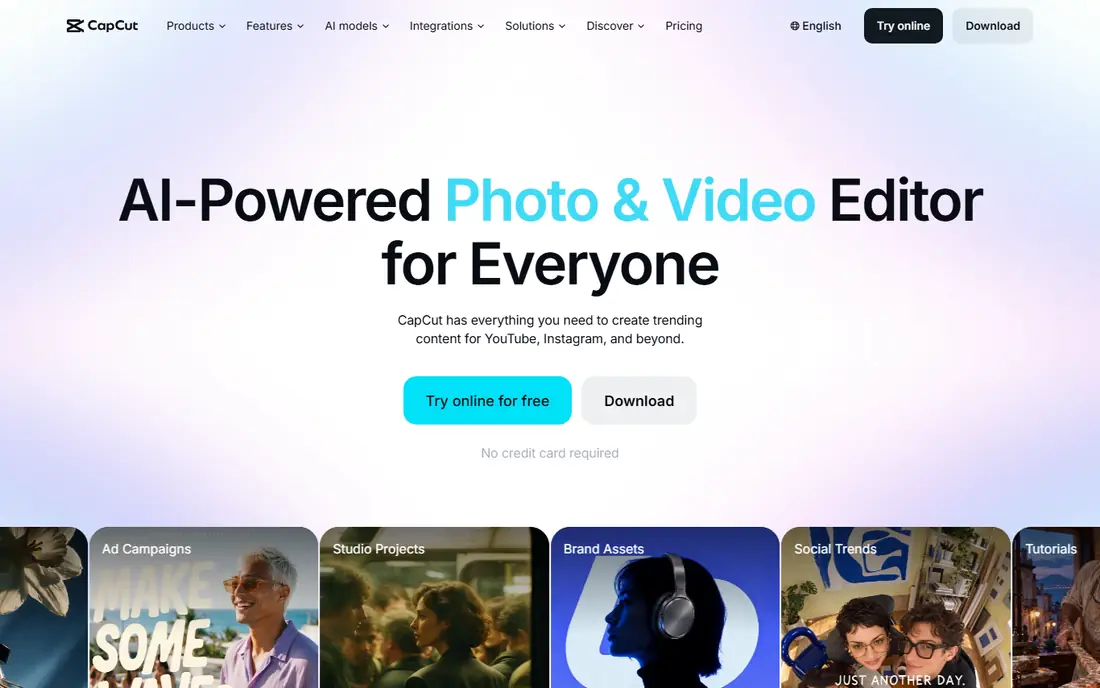
CapCut is designed for quick short-form video editing. CapCut has become the default editor for short-form creators. Beyond that, the free version handles multi-track editing, auto captions, background removal.
Downsides: premium levels needed for premium effects.
A huge template library for Reels and TikTok, with 1080p export. Worth adding: AI tools create or enhance video, and text-to-speech produces voiceovers without recording. It is the fastest route from footage to posted video, and it costs nothing to start. Beyond that, power users will eventually bump into premium Pro features. But the free level alone takes care of what most social posts need. The starting price for CapCut: Free. CapCut offers a free plan.
Strengths: background removal, templates.
- AI captions
- Free level is genuinely capable
- Tied to ByteDance's ecosystem
Canva is a good fit for branded social posts and video. Canva approaches social video from the design side. As for the details, the free plan handles the basics; Pro brings the brand and AI features.
Drawbacks to consider: Not a true timeline editor.
Trim and arrange clips, add text, graphics, and animations, resize for every product, and keep brand colors and fonts consistent across a team. For marketers producing announcement videos, Stories, and promos, that design-first workflow beats a traditional timeline. Canva does not show a starting price in this comparison, so check the vendor site for current pricing. Canva offers a free plan.
- Massive template library
- Video plus design in one canvas
- Advanced video features need Pro
VN Video Editor is a good fit for free mobile editing, no watermark. It gives you the control CapCut reserves for premium levels, without charging anything.
Downsides: Desktop version is entry-level.
Creators who find CapCut's premium upsells annoying should try VN. Entry price for VN Video Editor: Free. VN Video Editor includes a free tier.
- Fully free with no watermark
- Pro-level mobile timeline
- Smaller ecosystem than CapCut
Filmora is built with expanding creators and marketers in mind. Filmora bridges the gap between straightforward social editors and professional NLEs.
Drawbacks to consider: Free exports carry a watermark.
For everyday use, over 2.9 million creative assets keep content fresh. AI media analysis organizes footage, text-based editing accelerates rough cuts, and the timeline supports keyframes, camera tracking, and color grading. Filmora shows no starting price here, so confirm the cost on the vendor site. Trial and free access: Free trial.
- AI tools for captions, tracking, cleanup
- Huge asset library
- Subscription for full access
How these tools were picked
Each tool was reviewed on what its vendor publishes: price, plan limits, core features and stated drawbacks. We did not run hands-on tests. Where a price is missing, the vendor does not list one publicly or ties it to a quote. Always confirm before budgeting. Order on the page follows fit for the typical buyer first, then price transparency and free access. Your own requirements should decide the final pick.
Before you commit
- Get a written quote from Descript, Canva and Filmora; the list shows no starting price for them.
- Check what the free option really includes: Descript, Clipchamp, CapCut and others offer a free plan, and usage caps differ.
- Take the trial from Filmora and push a live task through it before you pay.
- Before choosing Descript, weigh its main limit: not for cinematic editing.
- Involve the people who will use Clipchamp daily; a short pilot beats a long feature checklist.
- Work out what Descript costs with your real seat count, add-ons and usage, not just the entry price.
FAQ
Do free editors add watermarks?
Filmora's free trial watermarks exports, whereas CapCut, VN, and Clipchamp export without watermarks on their free levels. Always check before committing to a workflow.
What is the best tool for turning podcasts into video clips?
Descript is the pick this page puts first, mainly for turning long videos into clips. If your situation differs, Clipchamp suits free browser-based editing, and CapCut suits quick short-form video editing. Compare price and limits before you decide.
Is Descript the right pick for everyone comparing editing software for social media?
No single tool suits every team. Descript comes first because it fits turning long videos into clips, while Clipchamp suits free browser-based editing and CapCut suits fast short-form video editing. Match the tool to your own size, budget and workflow before deciding.
What is the best free video editing software for social media?
Start with Descript if you need turning long videos into clips. Clipchamp is the better match for free browser-based editing, and CapCut for quick short-form video editing. The best choice depends on budget, team size and workflow.
Do these tools publish their prices?
Not all of them. Descript, Canva and Filmora publish no starting price, so expect a quote request for those. The rest, Clipchamp included, show a starting price, though seats and billing terms still change the final cost.
How are the tools for editing software for social media ordered?
The order follows typical fit for editing software for social media, with Descript first and Filmora last, then price clarity and free access. It is editorial judgement, not a score, so another team could rank the tools differently.