Best On Demand Webinar Platform in 2026: 9 Platforms Compared
We compared the best on demand webinar platform options for automated, evergreen and replay webinars, with pricing, strengths and honest limits for each.
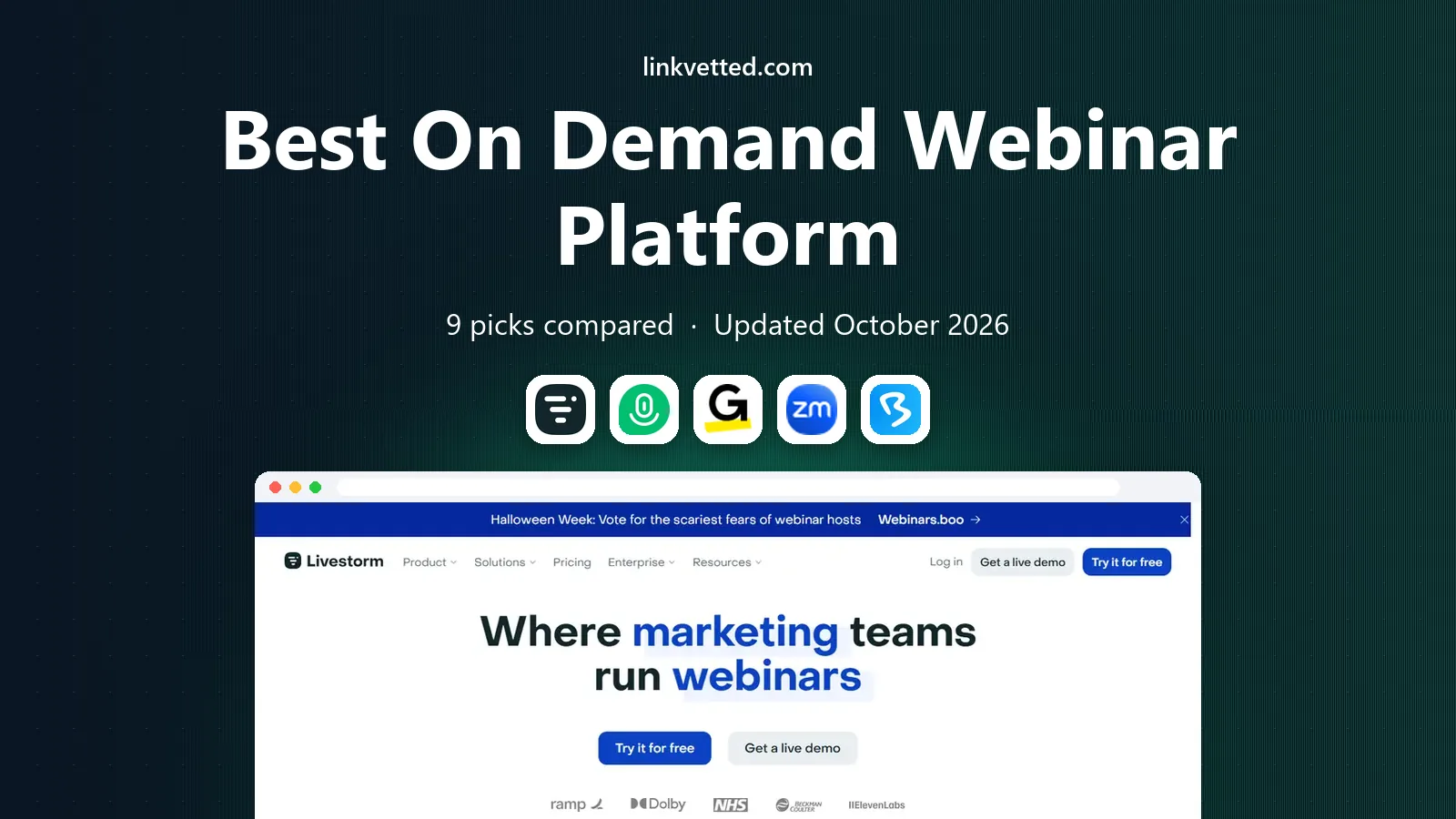
- Editor's choice
 Livestorm
Browser-based live and on demand events
Starts atSee websiteVisit livestorm.coFull review - Great alternative
 Demio
Marketing webinars with automated replays
Starts at$45 per monthVisit demio.comFull review - Also consider
 GoTo Webinar
Reliable large webinar programs
Starts at$49 per monthVisit goto.comFull review
TL;DR:
- On demand webinars let viewers watch a recorded session at any time, while automated webinars add scheduled replays, timed offers and chat simulation for evergreen funnels.
- Livestorm, Demio and GoTo Webinar suit most marketing teams, while ON24 and BigMarker suit enterprise events with larger audiences and deeper analytics.
- Attendee limits and active contact counts drive the real price, so model cost at your actual registrant volume, not just the headline monthly fee.
- Test the viewer experience on mobile and check replay, registration and CRM sync before you launch an evergreen funnel, since small friction cuts conversion fast.
Quick comparison
| Tool | Best for | Starts at | Free plan? | |
|---|---|---|---|---|
| Livestorm | Browser-based live and on demand events | See website | Yes | Visit |
| Demio | Marketing webinars with automated replays | $45 per month | Free trial (14 days) | Visit |
| GoTo Webinar | Reliable large webinar programs | $49 per month | Free trial (14 days) | Visit |
 Zoom Webinars | Large audiences for existing Zoom users | See website | Free trial (14 days) | Visit |
 BigMarker | Branded hubs and virtual events | See website | No | Visit |
 ON24 | Enterprise demand generation | See website | No | Visit |
 Webex Webinars | Enterprise production and administration | See website | No | Visit |
 ClickMeeting | Flexible paid and on demand events | $48 per month | Free trial | Visit |
 eWebinar | Automated evergreen webinar programs | See website | Free trial | Visit |
The best on demand webinar platforms
We compared official product pages, pricing pages and public documentation for the platforms below, weighing on demand and automated modes, registration and email tools, engagement features, analytics, CRM integrations and price transparency. Every platform here supports recorded or automated webinars, not just live sessions, and is actively sold in 2026.

Livestorm is a browser-based webinar platform for live, on demand and automated events, with registration pages, email automation, polls, Q and A and CRM integrations. Viewers join from a browser without installing software, which lowers friction for on demand viewers who click from an ad or email. Marketing teams can publish recorded sessions as on demand events and track engagement by registrant.
Pricing varies by plan and active contact count, with published starting points around $99 to $105 per month on annual plans for smaller tiers, and higher tiers by quote. Multi-host setups also add cost. For a B2B team that wants a modern, browser-based platform for live plus on demand, Livestorm is a strong all-around pick.
- Browser-based with no downloads for viewers
- On demand and automated sessions
- CRM integrations and polls
- Pricing varies by plan and active contacts
- Multi-host costs add up
- Higher tiers by quote
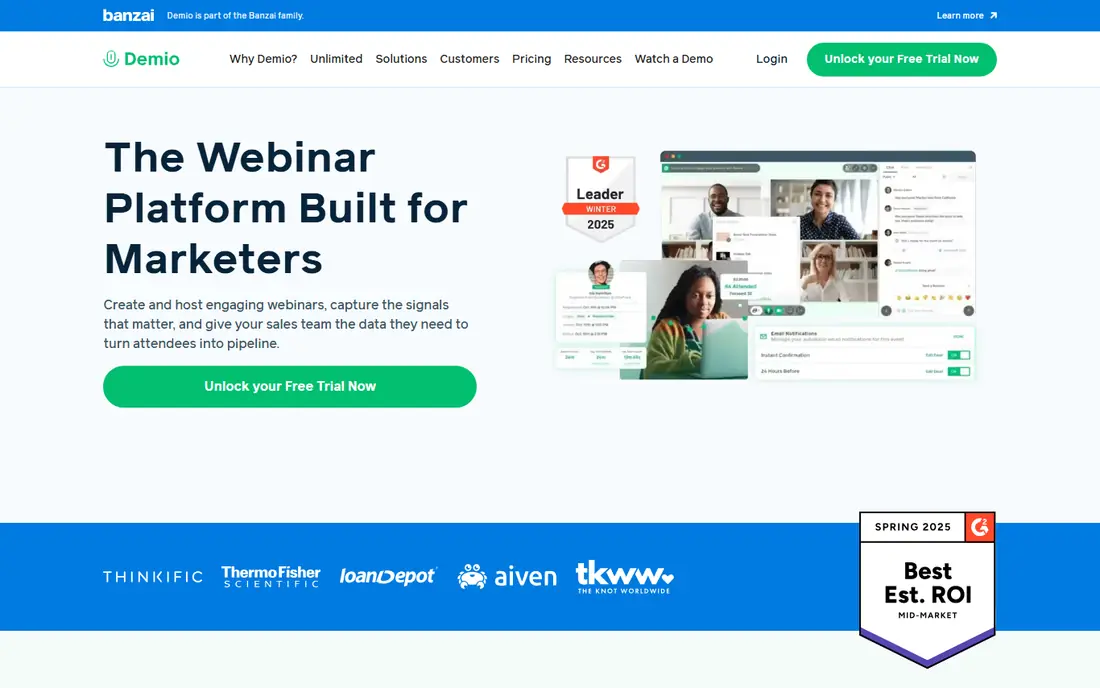
Demio is built for marketing webinars, with a clean interface, registration pages, email reminders and automated replays that turn a live session into an evergreen funnel. Timed handouts, polls and calls to action appear during replays, and engagement tracking helps sales teams follow up with the most interested viewers first. That combination suits lead generation teams that run the same core webinar every week.
The entry plan at $45 per month covers one host and 50 attendees, so larger audiences need higher tiers, and there is no free plan, only a 14-day trial. For a small marketing team that wants automated webinars without enterprise complexity, Demio is one of the easiest platforms to run.
- Clean interface
- Automated replays with timed handouts and CTAs
- Engagement tracking for follow-up
- Entry plan caps attendees at 50
- Higher attendee tiers cost more
- No free plan

GoTo Webinar is a long-running webinar platform for reliable live and recorded events, with registration, email automation, polls, handouts and reporting. Its GoTo Stage feature lets teams publish and organize recorded webinar libraries as channel pages, which suits organizations that build a library of on demand content over time. Organizer-based plans scale from small teams to large programs.
The interface feels dated compared with Livestorm or Demio, and higher attendee tiers cost more, with entry pricing around $49 per month for 100 attendees on some plans and $62 per month for larger tiers. For a team that values reliability and a proven track record over a modern look, GoTo Webinar is a dependable choice.
- Reliable delivery for large programs
- GoTo Stage for recorded libraries
- Email automation and reporting
- Interface feels dated to some users
- Higher attendee tiers cost more
- On demand features vary by plan
Zoom Webinars extends Zoom Workplace with webinar features for large audiences, including registration, Q and A, polls, prerecorded sessions and hybrid events. Viewers already know Zoom, which lowers join friction, and capacity scales to thousands of attendees on higher tiers. Teams that already pay for Zoom Workplace can add webinars without teaching viewers a new tool.
The webinar add-on requires a paid Workplace subscription, and pricing varies by attendee count, with published points around $79 to $89 per month for smaller tiers. Marketing automation and lead scoring are more basic than Demio or ON24. For a Zoom-first organization that needs large, reliable webinars, Zoom Webinars is the simplest addition.
- Familiar interface for viewers
- Large attendee capacity
- Prerecorded and hybrid event options
- Webinar add-on needs a paid Workplace plan
- Pricing varies by attendee count
- Marketing features are basic
BigMarker is a webinar and virtual event platform known for branded media hubs, custom on demand video experiences and multi-stage events. Teams can build a hub of live, automated and on demand sessions with custom designs, sponsor areas and lead scoring, which suits companies that treat webinars as a content channel rather than a one-off event. Engagement tools include chat, polls, offers and handouts.
Pricing is by quote on many plans, with published entry points varying by tier, and some plans include transaction fees, so check the full price before launching paid events. Virtual event setup also has a learning curve. For a brand that wants a polished, white-label webinar hub, BigMarker is a strong choice.
- Branded media hubs and custom on demand experiences
- Multi-stage virtual events
- Polls, offers and handouts
- Pricing by quote on many plans
- Learning curve for virtual events
- Transaction fees on some plans
ON24 is an enterprise webinar and digital experience platform for demand generation, with live, simulive and on demand modes, engagement analytics and content repurposing tools. Marketing teams can score engagement, sync data to CRMs and marketing automation, and reuse webinar content as on demand assets. Large enterprises use it for global programs with thousands of attendees.
Pricing is by quote and typically annual, with enterprise totals often running well above small-team tools. The sales and setup process is also enterprise-grade. For a large B2B team where webinar engagement data drives pipeline reporting, ON24 is a leading platform. Small teams should start with Demio or Livestorm instead.
- Deep engagement analytics
- Content repurposing
- Enterprise integrations and scale
- Pricing by quote, often annual
- Enterprise sales process
- More platform than small teams need
Webex Webinars, part of Cisco Webex, offers webinar production with prerecorded events, exhibitor-style features, ticketing and sponsor options on higher tiers. Enterprise IT teams value its admin controls, security and reliability for large internal and external events. Attendees join from a familiar collaboration environment, which helps for corporate audiences.
Pricing varies by plan and user count, with published points ranging widely by tier, and a Webex subscription is required. Marketing automation and lead scoring are lighter than dedicated marketing webinar tools. For an enterprise already on Webex that needs polished, well-administered webinars, Webex Webinars is a natural fit.
- Professional production tools
- Prerecorded events
- Strong admin and security controls
- Pricing varies and can be high
- Needs a Webex plan
- Marketing features are lighter than Demio or ON24
ClickMeeting covers live, scheduled, on demand and automated webinars, with timeline-based interactions, monetization options and page redirects for paid events. It suits trainers, coaches and small businesses that sell webinar access or run recurring paid sessions, as well as teams that need simple automated replays. Pricing starts around $48 per month on annual plans for smaller tiers.
The interface is functional rather than polished, and higher attendee counts raise the price. Integrations vary by plan, so check CRM and email links before committing. For a team that wants flexible webinar modes and paid event support at a clear starting price, ClickMeeting is a practical pick.
- Scheduled, on demand and automated modes
- Timeline interactions
- Monetization for paid events
- Interface is functional rather than modern
- Higher attendee tiers cost more
- Integrations vary by plan
eWebinar is built specifically for automated and evergreen webinars, with scheduled delivery, just-in-time sessions, personalized chat, special offers and sales funnel tools. Its pricing model is per active webinar rather than per attendee, which suits high-volume recurring programs where attendee counts would make other platforms costly. Teams can run the same recorded presentation many times with timed interactions.
Pricing varies by active webinar count and registrant volume, so model cost at your real funnel volume. Live event features are lighter than Livestorm or Zoom, since automation is the focus. For a business whose core funnel is an evergreen webinar, eWebinar is one of the most purpose-built tools available.
- Built for automated and evergreen webinars
- Personalized chat features
- Per-webinar pricing, not per-attendee
- Pricing varies by active webinars and registrants
- Live features are lighter
- Setup needs funnel planning
How we picked these
We compared official product pages, pricing pages and public documentation, and we looked for platforms that are actively sold in 2026, support on demand or automated webinars, and serve a distinct use, from small marketing funnels to enterprise demand generation. We favored tools with clear registration, replay and analytics features, and we used See website where a vendor does not publish a simple starting price. Prices vary by attendees, hosts and active contacts, so confirm the current plan before you launch.
How to build an on demand webinar that converts
Start with one clear promise and one clear next step. Viewers who land on an on demand page should know in seconds what they will learn and what to do after watching, whether that is booking a call, starting a trial or buying a course. A long, vague webinar with no call to action wastes even good traffic.
Registration, replay and follow-up
Keep registration short, send reminders even for on demand viewers, and make the replay easy to resume on mobile. Track who watched, how far they got and which offers they clicked, then follow up by engagement level, not just by registration. A viewer who watched to the offer deserves a faster, more direct follow-up than one who left in the first minute.
FAQ
What is the best on demand webinar platform?
Livestorm, Demio and GoTo Webinar suit most marketing teams, ON24 and BigMarker suit enterprise programs, and eWebinar suits pure evergreen funnels. The best webinar platform for on demand content depends on audience size, automation needs and budget.
What is the best webinar platform for automated webinars?
Demio, Livestorm, eWebinar and BigMarker are strong for automated webinars, with scheduled replays, timed offers and engagement tracking. eWebinar is the most purpose-built for evergreen funnels, while Demio is easiest for small marketing teams.
How much does webinar software cost?
Costs range from free for Livestorm small plans, to $45 to $49 per month for Demio and GoTo Webinar entry tiers, to $48 per month for ClickMeeting, and to quote-only enterprise contracts for ON24, BigMarker and Webex. Attendee limits and active contacts drive the real bill, so model your registrant volume.
What is the difference between live, on demand and automated webinars?
A live webinar happens in real time with a live presenter, an on demand webinar is a recording viewers can watch at any time, and an automated webinar is a scheduled replay with timed interactions that feels live. Many platforms now support all three modes from one recording.
Can viewers watch on demand webinars on mobile?
Yes, most platforms in this list support mobile viewing, with Livestorm offering browser-based viewing without downloads. Test the viewer experience on a real phone before launch, since small playback or registration friction cuts completion rates.
Do on demand webinars work for lead generation?
Yes, when the topic is specific, registration is short and follow-up is based on viewing behavior. Track watch time and offer clicks, sync that data to your CRM, and follow up with engaged viewers first, rather than treating every registrant the same.