Best Webinar Service for Corporate Events for 2026: Our 5 Vetted Picks
Need the best webinar service for corporate events? We compare 5 tools on cost, free access and who each suits. Every pick gets a straight assessment.
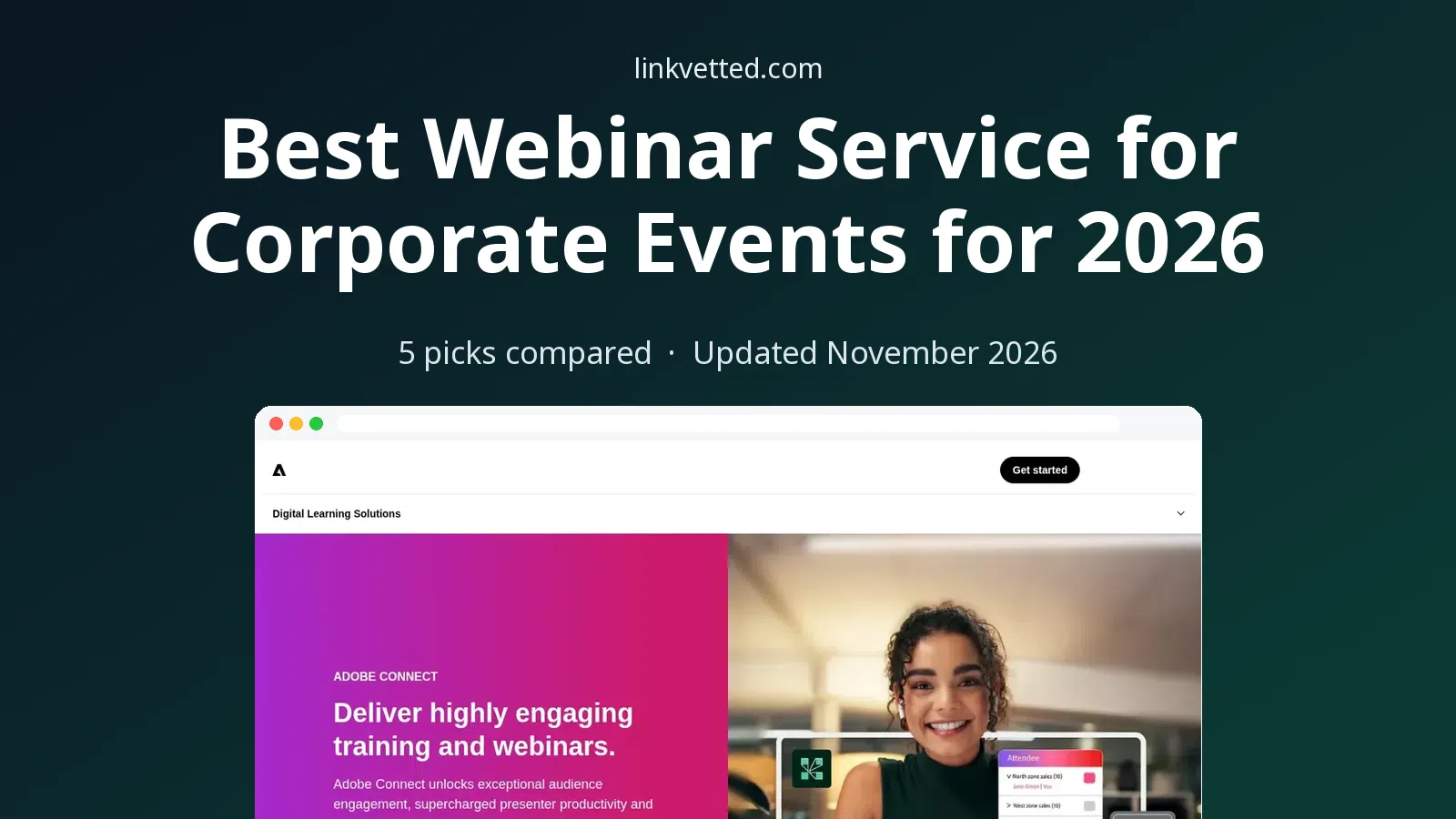
- Editor's choiceAdobe Connect
Training-focused webinars with engagement
Starts atSee websiteVisit adobe.comFull review - Great alternativeMicrosoft Teams Webinars
Organizations using Microsoft Teams
Starts at$4.00 per user a monthVisit microsoft.comFull review - Also considerWorkCast
UK-based corporate event programs
Starts at£95 a monthVisit workcast.comFull review
Direct answer
If you need training-focused webinars with engagement, Adobe Connect is the first tool to look at here. Listed starting prices: Microsoft Teams Webinars from $4.00 per user a month and WorkCast from £95 a month. For a different need, Microsoft Teams Webinars covers organizations using Microsoft Teams and WorkCast covers UK-based corporate event programs. The other 2 tools in the list cover narrower or pricier cases.
TL;DR:
- This list starts with Adobe Connect, which is built for training-focused webinars with engagement.
- GoTo Webinar is the one to check for engaging virtual conferences and events.
- A fair warning about Adobe Connect: may require training to use completely.
- The lowest published monthly entry price here is $4.00 per user per month, from Microsoft Teams Webinars.
- Adobe Connect, GoTo Webinar and the 3 others all need a premium plan or a trial, since no free plan is listed.
Last checked November 2026. Prices and plan details were read from the vendors' own pages in November 2026; vendors change plans often, so confirm the current price on the vendor site before you buy.
Quick comparison
| Tool | Best for | Starts at | Free plan? | |
|---|---|---|---|---|
| Adobe Connect | Training-focused webinars with engagement | See website | Not stated | Visit |
| Microsoft Teams Webinars | Organizations using Microsoft Teams | $4.00 per user a month | Free trial | Visit |
| WorkCast | UK-based corporate event programs | £95 a month | Free trial | Visit |
 Zoom Webinars | Familiar, professional corporate webinars | See website | Not stated | Visit |
 GoTo Webinar | Engaging virtual conferences and events | See website | Free trial | Visit |
Webinar Service for Corporate Events, one by one
Short on time? The summary and table above give the quick view of 5 webinar service for corporate events, and the profiles that follow give the detail behind each entry.
Adobe Connect
Best for: Training-focused webinars with engagement
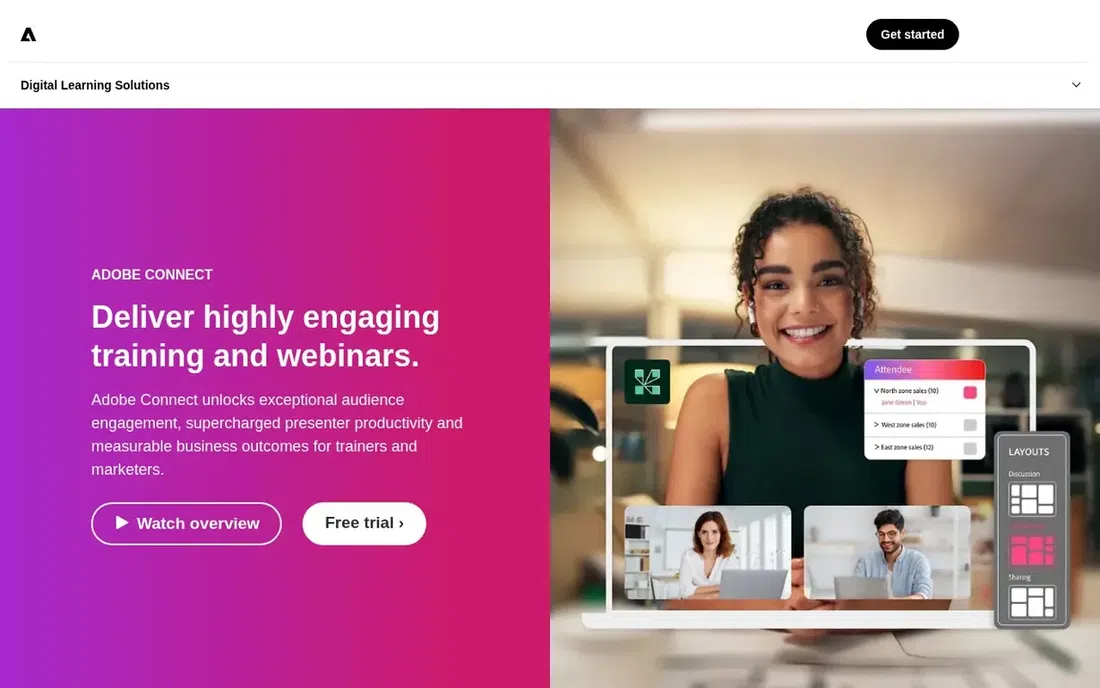
Adobe Connect is designed for training-focused webinars with engagement. Adobe Connect may feel less modern in its interface compared with newer products, and some features might need training to use effectively.
Drawbacks to consider: May need training to use completely.
On top of that, Adobe Connect is a system for delivering engaging training and webinars, with a focus on audience engagement and presenter productivity. It aims to help organizations achieve measurable business outcomes through interactive virtual events. This comparison lists no price for Adobe Connect; ask the vendor. On free options: Not stated.
- Solid engagement features
- Presenter productivity tools
- Less modern interface
Microsoft Teams Webinars
Best for: Organizations using Microsoft Teams
Microsoft Teams Webinars is a good fit for organizations using Microsoft Teams. Microsoft Teams Webinars brings webinar capabilities into the Teams environment, making it a natural choice for organizations already using Microsoft Teams for communication and collaboration.
Downsides: Best for internal or small-scale events.
More specifically, Microsoft Teams Webinars may lack some of the advanced marketing and engagement features found in dedicated webinar systems. More specifically, organizations needing broad registration management or marketing automation might need a specialized tool. The starting price for Microsoft Teams Webinars: $4.00 per user per month. As for free access: Free trial.
- Cloud-first system
- Familiar for Microsoft users
- Restricted advanced webinar features
WorkCast
Best for: UK-based corporate event programs
WorkCast is designed for UK-based corporate event programs. WorkCast is an UK-based webinar, webcast, and virtual event product designed for complete events programs. It supports live, simulive, and on-demand events, available as self-service or completely managed.
Limits to weigh: May be UK-centric.
WorkCast's UK focus might make it less well suited to organizations with a global audience or those seeking a product with broad international support. It is a capable choice for UK-centric corporate event programs that value managed services and adaptable event formats. On cost, WorkCast starts like this: £95 per month. As for free access: Free trial.
- Supports live, simulive, on-demand
- Self-service or completely managed
- Less known globally
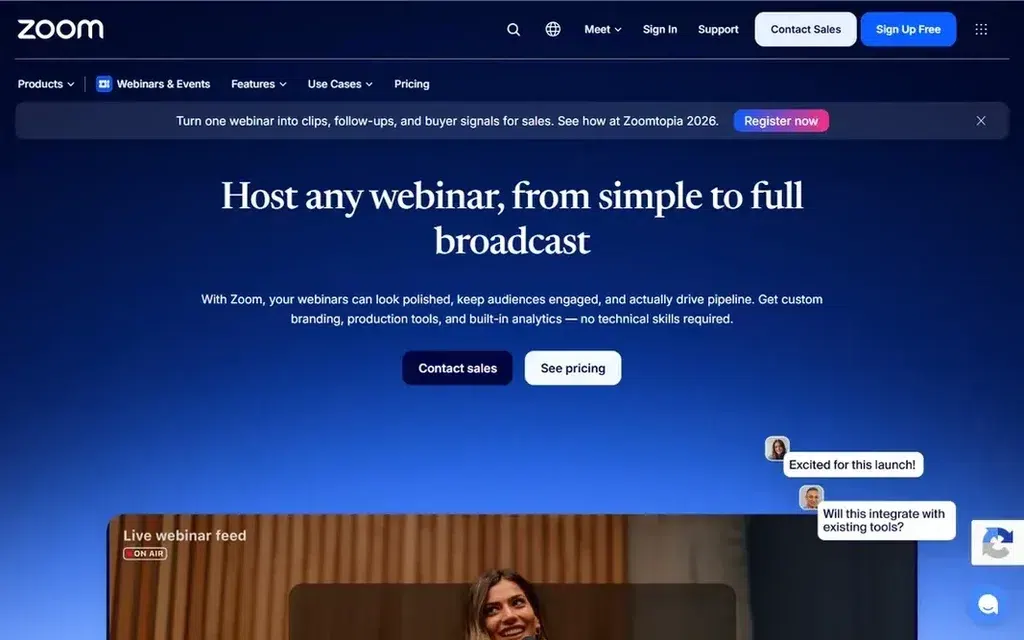
Zoom Webinars works best for familiar, professional corporate webinars. Organizations needing deep CRM integration or complicated funnel tracking might consider a marketing-focused alternative. It is most useful for firms prioritizing simplicity and brand consistency over specialized marketing features.
It supports registration, attendee management, and interactive features usual of corporate webinars. It is built to turn every virtual event into a professional, high-impact experience that drives results. This comparison lists no price for Zoom Webinars; ask the vendor. On free options: Not stated.
Drawbacks to consider: Restricted marketing automation.
- Professional event features
- High-impact experience
- May need add-on for large events
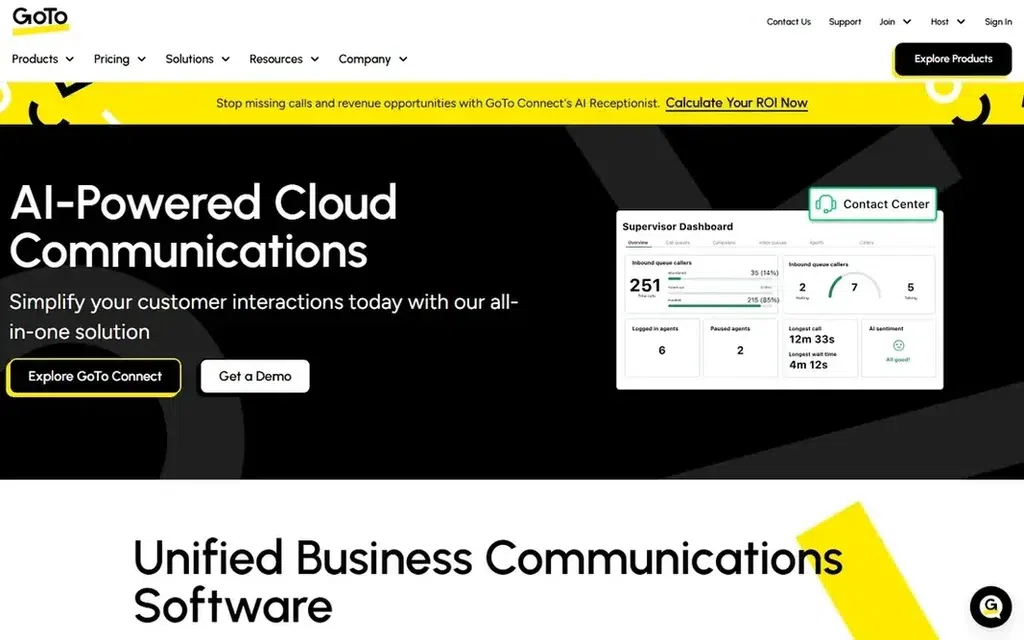
In short, GoTo Webinar is for engaging virtual conferences and events. GoTo Webinar is a dedicated webinar and virtual conference system built to engage audiences through interactive events. It provides a set of engagement tools and is positioned as a customer-recommended option for virtual conferences.
More specifically, the system fits organizations that run frequent webinars and need solid audience interaction features, for example polls, Q&A, and attendee analytics. From a buyer's view, organizations deeply embedded in the Microsoft or Google ecosystems might prefer native solutions. Also, GoTo Webinar may have a steeper ramp-up time for attendees unfamiliar with the product, and it may not integrate as smoothly with existing meeting tools as some alternatives. Pricing for GoTo Webinar is not stated here, so ask the vendor for current figures. Free access: Free trial.
Limits to weigh: Restricted free choices.
- Dedicated webinar product
- Supports virtual conferences
- Interface can be less familiar
What went into this list
Selection started from tools commonly considered for webinar service for corporate events, then narrowed to 5 that have clear pricing information or a clear quote process. Where a vendor does not publish a price, the entry says quote. Where a price depends on seats or billing term, the entry says so. Tools are placed by general fit for webinar service for corporate events, with price clarity and free access as tie-breakers. A different team can reasonably rank them differently.
Before you commit
- Confirm the entry price on the vendor page. For Adobe Connect, Zoom Webinars and GoTo Webinar that means a quote rather than a fixed price.
- Use real work to test the free trial from Microsoft Teams Webinars, WorkCast and GoTo Webinar, rather than a demo project.
- Before choosing Adobe Connect, weigh its main limit: may need training to use completely.
- Make sure Adobe Connect lets you export your data in a format another tool can read.
- Read the plan comparison for Microsoft Teams Webinars carefully; key features often start on a higher tier.
FAQ
How are the tools for webinar service for corporate events ordered?
The order follows typical fit for webinar service for corporate events, with Adobe Connect first and GoTo Webinar last, then price clarity and free access. It is editorial judgement, not a score, so another team could rank the tools differently.
Does any tool for webinar service for corporate events here have a free plan?
A permanent free plan is not offered by Adobe Connect, GoTo Webinar or the other tools here. Microsoft Teams Webinars, WorkCast, GoTo Webinar offer a trial. Plan a short evaluation period instead.
Do these tools publish their prices?
Not all of them. Adobe Connect, Zoom Webinars and GoTo Webinar publish no starting price, so expect a quote request for those. The rest, Microsoft Teams Webinars included, show a starting price, though seats and billing terms still change the final cost.
Are there webinar services a good match for internal training?
Adobe Connect and Microsoft Teams Webinars are well-suited for internal training. Adobe Connect centres on engagement and measurable outcomes, whereas Teams Webinars plugs into Microsoft 365 for a smooth internal experience.
Can I try these tools before paying?
Often, yes. Microsoft Teams Webinars, WorkCast and GoTo Webinar offer a free trial. Use your own data and a real task during the test, and check what the free tier or trial limits before you rely on it.
Sources
- https://www.adobe.com/products/adobeconnect.html
- https://www.microsoft.com/en-us/microsoft-teams/webinars
- https://www.workcast.com
- https://zoom.us/webinar
- https://www.goto.com/webinar