Webinar Software for Corporate Training in 2026: The 6 Best Options Side by Side
Shortlisting the best webinar software for corporate training? 6 products compared on cost, free access and ideal buyer. Real limits included. Clear verdicts.
- Editor's choice
 Livestorm
Branded events with engagement insights
Starts at€2.50 per attendeeVisit livestorm.coFull review - Great alternative
 GoTo Webinar
Engaging audiences at virtual conferences
Starts atSee websiteVisit goto.comFull review - Also considerMicrosoft Teams Webinars
Organizations standardized on Microsoft 365
Starts at$4.00 per user a monthVisit microsoft.comFull review
Direct answer
This list puts Livestorm first for branded events with engagement insights. Listed starting prices: Livestorm from €2.50 per attendee, Microsoft Teams Webinars from $4.00 per user a month and WorkCast from £95 a month. Alternatives: GoTo Webinar for engaging audiences at virtual conferences, and Microsoft Teams Webinars for organizations standardized on Microsoft 365. The full list of 6 tools follows, with prices and free plan facts.
TL;DR:
- Livestorm sits first on this list: branded events with engagement insights.
- For familiar large-scale live training sessions, Zoom Webinars is worth a look.
- None of the 6 tools, from Livestorm to Zoom Webinars, has a free plan, so budget for a subscription or use a trial.
- A fair warning about GoTo Webinar: less suited to continuing course delivery.
Last checked November 2026. Prices and plan details were read from the vendors' own pages in November 2026; vendors change plans often, so confirm the current price on the vendor site before you buy.
Quick comparison
| Tool | Best for | Starts at | Free plan? | |
|---|---|---|---|---|
| Livestorm | Branded events with engagement insights | €2.50 per attendee | Not stated | Visit |
| GoTo Webinar | Engaging audiences at virtual conferences | See website | Free trial | Visit |
| Microsoft Teams Webinars | Organizations standardized on Microsoft 365 | $4.00 per user a month | Free trial | Visit |
| Adobe Connect | Structured training with presenter controls | See website | Not stated | Visit |
| WorkCast | Managed live and on-demand event programs | £95 a month | Free trial | Visit |
 Zoom Webinars | Familiar large-scale live training sessions | See website | Not stated | Visit |
Every option for webinar software for corporate training explained
Choosing webinar software for corporate training usually comes down to price, fit and limits. This LinkVetted guide sets 6 tools side by side on those three points, with the facts kept short and checkable.
Livestorm serves branded events with engagement insights. For corporate training, it suits teams that treat sessions as measurable programs and want attendance and interaction data flowing into existing business systems.
Downsides: Marketing orientation over training depth.
Its orientation toward marketing events means learning-specific features for example assessments and course structures are restricted. The starting price for Livestorm: €2.50 per attendee. Free access: Not stated.
- Engagement insights and CRM sync
- AI-assisted features
- Less focus on course management
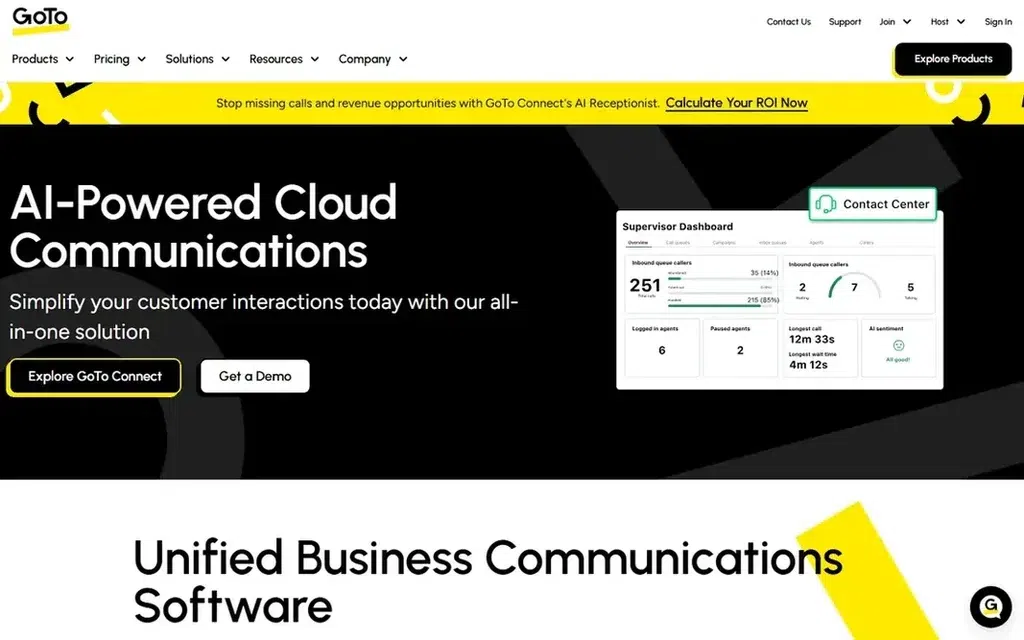
GoTo Webinar targets engaging audiences at virtual conferences. It suits corporate training teams that run bigger sessions, multi-speaker presentations and conference-style programs instead of recurring classroom courses.
Where it is weaker: Less suited to continuing course delivery.
In daily use, trainers who want a focused webinar tool separate from their everyday meeting software commonly find it a natural fit. This comparison lists no price for GoTo Webinar; ask the vendor. Free options: Free trial.
- Aimed at audience engagement
- Established webinar specialist
- Feature depth varies by edition
Microsoft Teams Webinars
Best for: Organizations standardized on Microsoft 365
Microsoft Teams Webinars makes the most sense for organizations standardized on Microsoft 365. Teams that require advanced registration flows or event production features should compare specialist tools before deciding. Webinar capabilities in Teams are usually lighter than those of dedicated webinar platforms, especially for large external audiences and detailed engagement reporting.
On top of that, internal training, onboarding sessions and customer-facing presentations are natural uses, notably when attendees are already comfortable in Teams. From a buyer's view, Microsoft Teams Webinars extends the Teams communication system to structured webinar sessions. Entry price for Microsoft Teams Webinars: $4.00 per user per month. Trial and free access: Free trial.
Honest limits: External attendee experience varies.
- Familiar to internal staff
- Suits existing Microsoft environments
- Webinar depth is lighter than specialists
Adobe Connect
Best for: Structured training with presenter controls
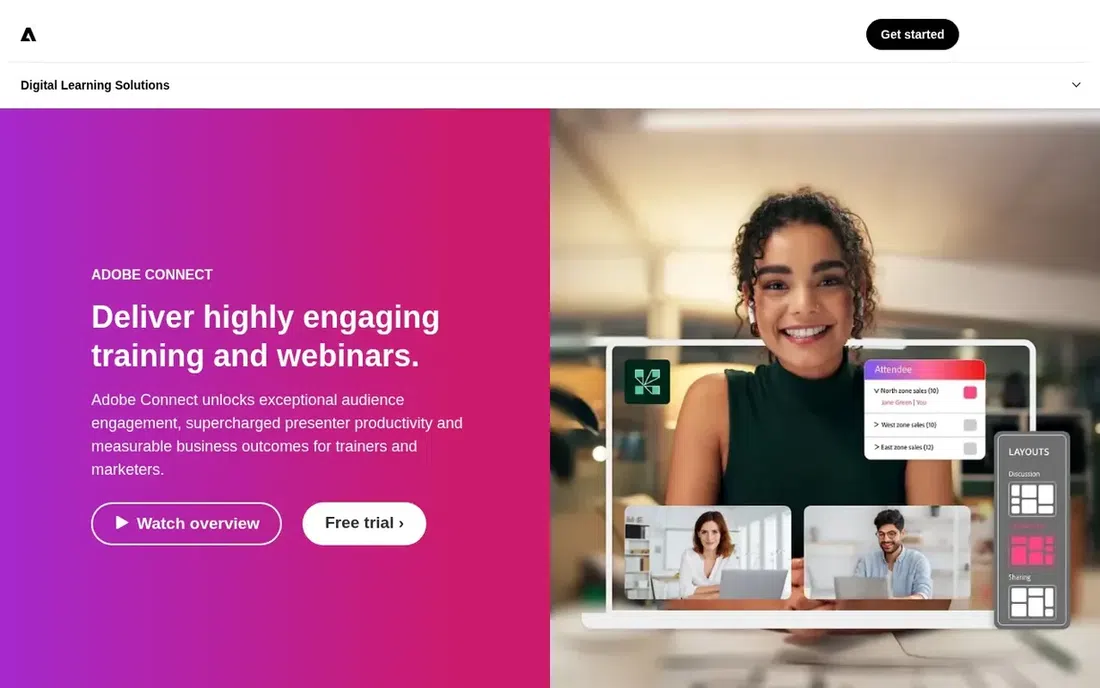
For structured training with presenter controls, Adobe Connect is a natural candidate. Adobe Connect is positioned for training and webinars, with messaging around audience engagement, presenter productivity and measurable business outcomes.
What to check first: Interface can feel dated to some users.
More specifically, organizations already using Adobe tools may appreciate keeping training delivery within the same ecosystem. This comparison lists no price for Adobe Connect; ask the vendor. As for free access: Not stated.
- Emphasis on audience engagement
- Designed around training and webinars
- Setup may need administrator support
WorkCast
Best for: Managed live and on-demand event programs
Pick WorkCast if this describes you: managed live and on-demand event programs. It fits corporate training teams that produce recurring programs, such as quarterly compliance briefings or product training series, and want the choice of production support.
WorkCast cost at the entry level: £95 per month. Free options: Free trial.
Drawbacks to consider: Managed services may suit bigger programs.
- Focus on complete event programs
- Live
- Solid UK orientation
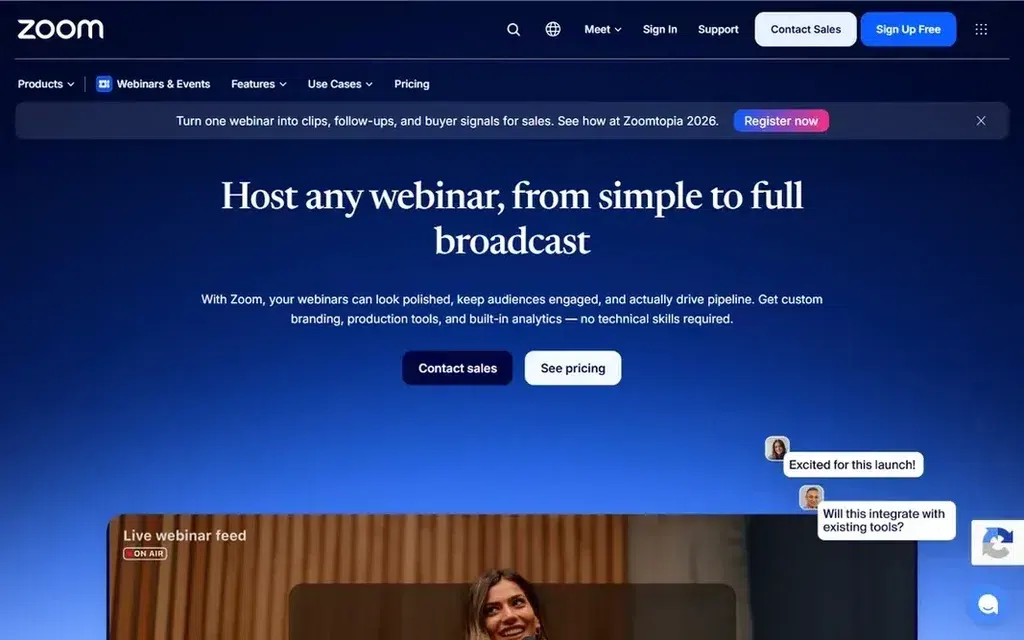
Zoom Webinars serves familiar large-scale live training sessions. For corporate training, it fits organizations that already run meetings in Zoom and want a consistent interface for trainers and learners.
Check the vendor site for Zoom Webinars pricing; none is listed in this comparison. On free options: Not stated.
Watch-outs: Advanced production may need extras.
- Widely recognized interface
- Supports professional virtual events
- Webinar features are separate from standard meetings
How we compared the tools
What to confirm before you sign up
- Get a written quote from GoTo Webinar, Adobe Connect and Zoom Webinars; the list shows no starting price for them.
- Take the trial from GoTo Webinar, Microsoft Teams Webinars and WorkCast and push a live task through it before you pay.
- Read the limits listed for Livestorm first: marketing orientation over training depth.
- Run a one or two week pilot of Adobe Connect with the people who will use it every day.
- Look at the renewal terms for Zoom Webinars: auto-renewal, notice periods and price changes can matter more than the first-year price.
FAQ
Can these systems manage both internal and external training audiences?
Most can, but the experience differs for external attendees who may not have accounts on your system. Check registration flows, browser access and guest joining choices before committing, particularly if you train partners or customers alongside employees.
Can I try these tools before paying?
Often, yes. GoTo Webinar, Microsoft Teams Webinars and WorkCast offer a free trial. Use your own data and a real task during the test, and check what the free tier or trial limits before you rely on it.
Do these tools publish their prices?
Not all of them. GoTo Webinar, Adobe Connect and Zoom Webinars publish no starting price, so expect a quote request for those. The rest, Livestorm included, show a starting price, though seats and billing terms still change the final cost.
What should corporate training teams look for in webinar software?
Focus on session size, presenter controls, recording and replay choices, and how attendance data reaches your learning systems. Engagement features like polls and Q&A matter for live sessions, whereas on-demand delivery matters for onboarding and compliance content.
How are the tools for webinar software for corporate training ordered?
Livestorm sits first and Zoom Webinars last because the order follows typical fit for webinar software for corporate training, then price clarity and free access. It is a judgement call, so read each profile for fit and limits.
Is Livestorm the right pick for everyone comparing webinar software for corporate training?
No single tool suits every team. Livestorm comes first because it fits branded events with engagement insights, while GoTo Webinar suits engaging audiences at virtual conferences and Microsoft Teams Webinars suits organizations standardized on Microsoft 365. Match the tool to your own size, budget and workflow before deciding.
Sources
- https://livestorm.co
- https://www.goto.com/webinar
- https://www.microsoft.com/en-us/microsoft-teams/webinars
- https://www.adobe.com/products/adobeconnect.html
- https://www.workcast.com
- https://zoom.us/webinar