Webinar Platform for Customer Onboarding in 2026: The 6 Best Options Side by Side
Need the best webinar platform for customer onboarding? We compare 6 tools on cost, free access and who each suits. Each pick lists its main limit. No hype.
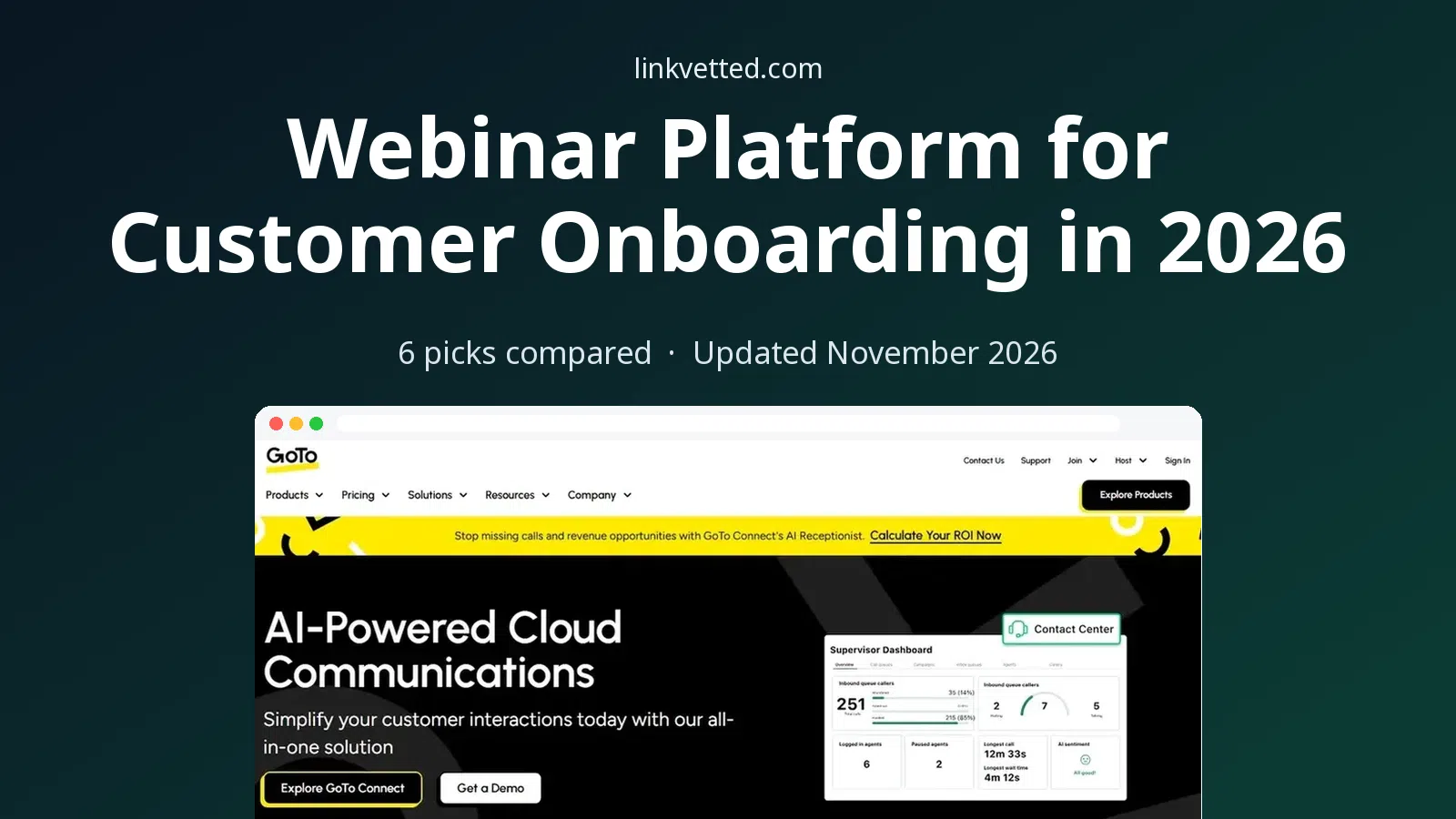
- Editor's choice
 Livestorm
Marketing-led branded onboarding events
Starts at€2.50 per attendeeVisit livestorm.coFull review - Great alternative
 GoTo Webinar
Engaging virtual conferences and events
Starts atSee websiteVisit goto.comFull review - Also consider
 Zoom Webinars
Steady large-audience onboarding sessions
Starts atSee websiteVisit zoom.usFull review
Direct answer
Livestorm comes first here, mainly for marketing-led branded onboarding events. Listed starting prices: Livestorm from €2.50 per attendee and WorkCast from £95 a month. For a different need, GoTo Webinar covers engaging virtual conferences and events and Zoom Webinars covers steady large-audience onboarding sessions. The other 3 tools in the list cover narrower or pricier cases.
TL;DR:
- Top of the list is Livestorm, which targets marketing-led branded onboarding events.
- For GoTo Webinar, Zoom Webinars, Goldcast and Webex Webinars, you have to request a quote because no starting price is shown.
- Check the limits for Zoom Webinars before you commit: plenty of features to configure.
- Webex Webinars is the only tool of the 6 with a free plan.
Last checked November 2026. Prices and plan details were read from the vendors' own pages in November 2026; vendors change plans often, so confirm the current price on the vendor site before you buy.
Quick comparison
| Tool | Best for | Starts at | Free plan? | |
|---|---|---|---|---|
| Livestorm | Marketing-led branded onboarding events | €2.50 per attendee | Not stated | Visit |
| GoTo Webinar | Engaging virtual conferences and events | See website | Free trial | Visit |
| Zoom Webinars | Steady large-audience onboarding sessions | See website | Not stated | Visit |
 Goldcast | AI-first B2B video and events | See website | Not stated | Visit |
| WorkCast | Managed and self-service event programs | £95 a month | Free trial | Visit |
 Webex Webinars | AI-assisted collaboration at scale | See website | Yes | Visit |
Tool-by-tool breakdown
If you are comparing webinar platform for customer onboarding, this page covers 6 tools in one place: what each is best for, what it costs to start, whether it has a free plan, and the main limit to know about.
Livestorm is built with marketing-led branded onboarding events in mind. In practice, onboarding-specific automation relies on how you configure integrations.
The system is designed around marketing events, so teams seeking a dedicated customer education or learning management workflow may need extra tools. Livestorm starts at: €2.50 per attendee. As for free access: Not stated.
Honest limits: Marketing focus over customer education.
- Engagement insights
- Branded event experience
- AI features vary by workflow
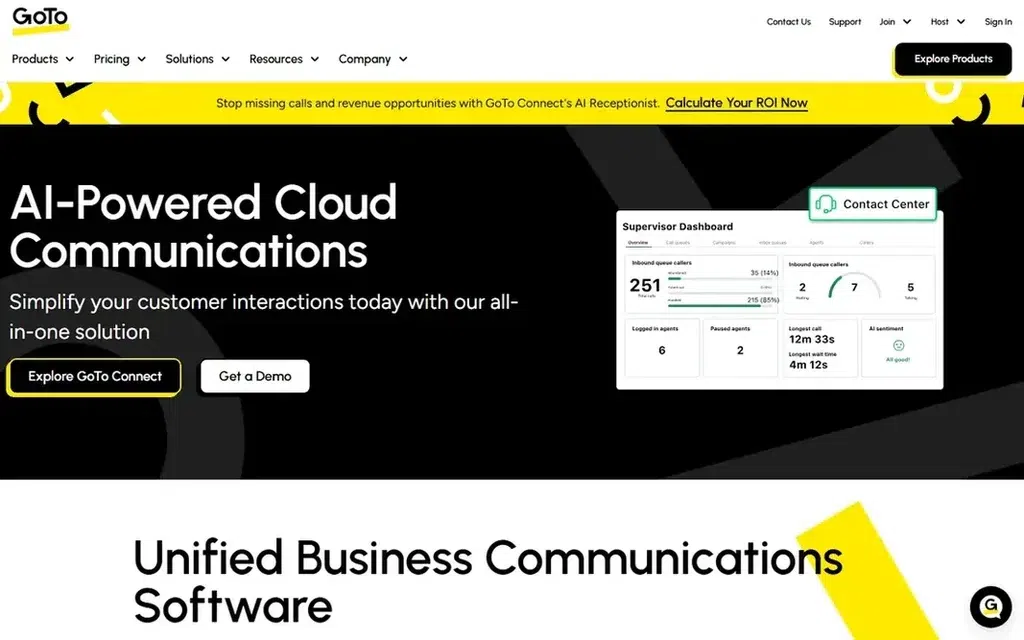
Where GoTo Webinar fits: engaging virtual conferences and events. GoTo Webinar is positioned as a webinar and virtual conference system for engaging audiences. For everyday use, for onboarding, it can host live walkthroughs, Q&A sessions, and bigger virtual events that introduce customers to your product.
In daily use, the product is oriented toward events instead of continuing customer lifecycle automation. So teams needing deep CRM-driven onboarding sequences may have to integrate extra tools. It is a reasonable choice when your priority is engaging presentations and conference-style sessions instead of a full customer education system. Check the vendor site for GoTo Webinar pricing; none is listed in this comparison. Free access: Free trial.
Drawbacks to consider: Feature set centered on events.
- Made for audience engagement
- Virtual conference support
- Less emphasis on onboarding journeys
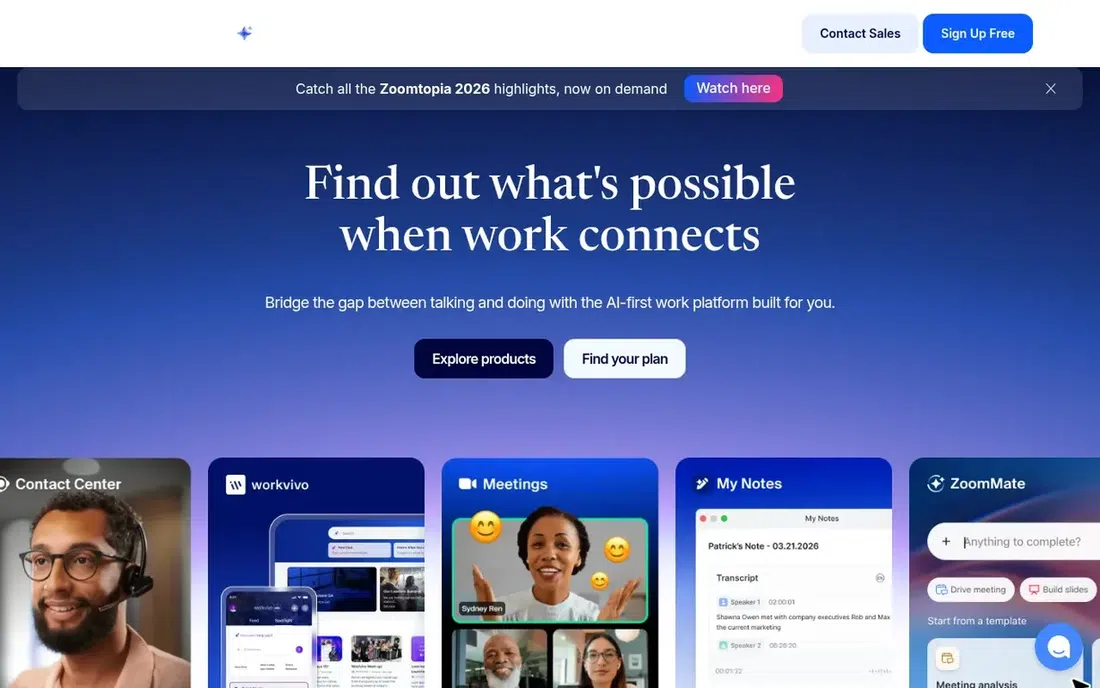
Where Zoom Webinars fits: steady large-audience onboarding sessions. For customer onboarding, that means you can run a refined broadcast session and keep related communication in one place.
Where it is weaker: Numerous features to configure.
In daily use, if you need deep marketing attribution or CRM-native event flows, a marketing-oriented system may suit you better. Choose Zoom Webinars when reliability and an existing Zoom workflow matter most. This comparison lists no price for Zoom Webinars; ask the vendor. On free options: Not stated.
- Wide collaboration suite
- Chat and whiteboard tools
- Onboarding-specific workflows are restricted
Goldcast is built with AI-first B2B video and events in mind. The product's emphasis on content creation and amplification may exceed what a straightforward onboarding series needs.
Trade-offs to know: Geared toward B2B marketers.
Choose Goldcast when repurposing onboarding sessions into broader B2B video content is part of the plan. Teams focused purely on live training logistics might prefer a more straightforward webinar tool. Goldcast shows no starting price here, so confirm the cost on the vendor site. Free access: Not stated.
- Video amplification features
- B2B marketing focus
- May be more than straightforward onboarding needs
WorkCast
Best for: Managed and self-service event programs
WorkCast is built with managed and self-service event programs in mind. WorkCast is an UK webinar, webcast, and virtual event system for complete event programs, running live, simulive, and on-demand events either self-service or completely managed. For everyday use, pick WorkCast when you need adaptable event formats and optional managed support for onboarding programs.
Honest limits: Managed choices need coordination.
The system's UK focus may not align with every organization's regional needs, and completely managed events add coordination overhead. As for the details, teams wanting a purely self-service, marketing-automation-first tool may prefer another choice. For onboarding, this adaptability helps teams deliver scheduled welcome sessions and on-demand replays for customers who join later. Starting cost for WorkCast: £95 per month. Free access: Free trial.
Highlights: UK-focused event system; Self-service or completely managed.
- On-demand formats
- Live, simulive
- UK orientation may not fit all regions
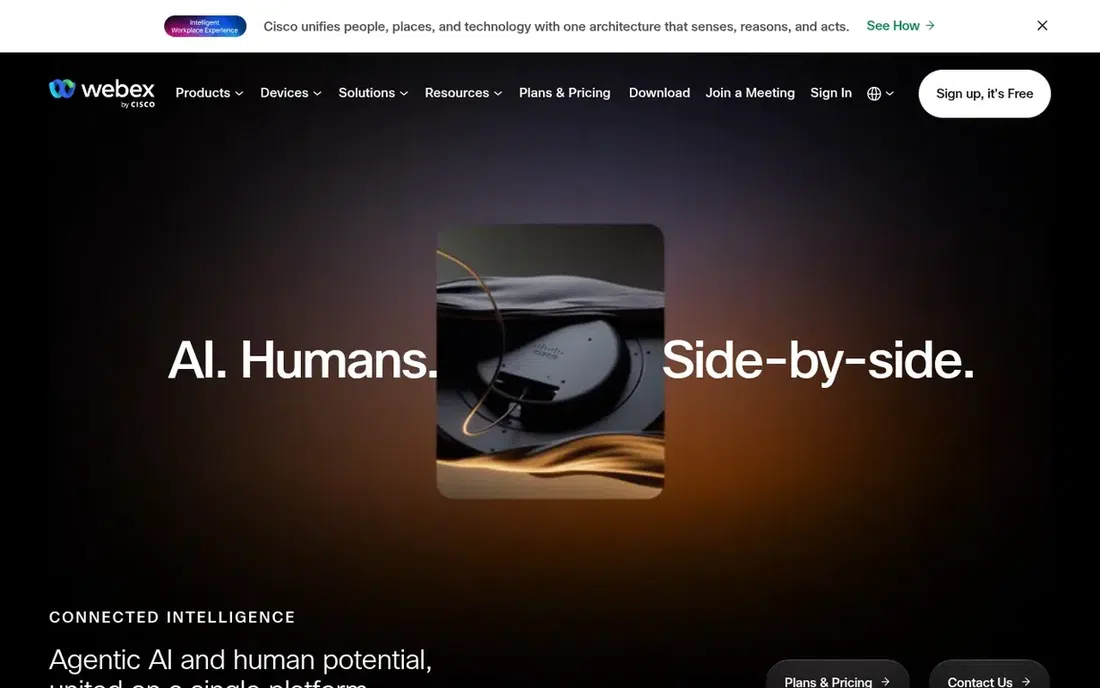
For AI-assisted collaboration at scale, Webex Webinars is a natural candidate. Webex Webinars is part of Cisco's AI-powered collaboration and customer experience product, which also spans devices and product options.
Worth adding: since Webex spans plenty of products, teams may find the webinar setup less tailored to marketing-led onboarding than dedicated webinar tools. Pricing for Webex Webinars is not stated here, so ask the vendor for current figures. Webex Webinars includes a free tier.
Where it is weaker: Onboarding-specific templates are restricted.
- Device ecosystem
- Enterprise-oriented system
- Wide suite can feel complicated
What went into this list
We compared the tools on published pricing, free plan or trial availability, feature coverage for webinar platform for customer onboarding, and the limits each vendor documents. Where a price is missing, the vendor does not list one publicly or ties it to a quote. Always confirm before budgeting. Tools are placed by general fit for webinar platform for customer onboarding, with price clarity and free access as tie-breakers. A different team can reasonably rank them differently.
Things to verify first
- Ask GoTo Webinar, Zoom Webinars, Goldcast and Webex Webinars for a written quote, since no starting price is shown.
- Look at the free plan from Webex Webinars closely: its caps decide whether it is usable for real work.
- Run a trial of GoTo Webinar and WorkCast with real work before paying for a year; your own workflow is the best test.
- Read the limits listed for Livestorm first: marketing focus over customer education.
- Get the contract term, renewal terms and any onboarding fees from Zoom Webinars in writing.
- Confirm the exact WorkCast plan that includes your must-have features.
FAQ
Which options for webinar platform for customer onboarding have a free plan?
Webex Webinars is the only tool in this list with a free plan. Free plans usually cap users, projects or features, so check the limits on the vendor page. Several others offer a trial instead.
Which products suit marketing-led onboarding programs?
Livestorm is made for marketing teams with branded events, engagement insights, and CRM sync. Both fit teams that measure onboarding alongside other marketing activity.
Do these tools publish their prices?
Not all of them. GoTo Webinar, Zoom Webinars, Goldcast and Webex Webinars publish no starting price, so expect a quote request for those. The rest, Livestorm included, show a starting price, though seats and billing terms still change the final cost.
Can I use a general meeting tool rather than a dedicated webinar platform?
General meeting tools can work for small onboarding groups, but webinar products usually offer better audience management, registration, and reporting for bigger sessions. Evaluate based on your expected audience size and follow-up needs.
Is Livestorm the right pick for everyone comparing webinar platform for customer onboarding?
No single tool suits every team. Livestorm comes first because it fits marketing-led branded onboarding events, while GoTo Webinar suits engaging virtual conferences and events and Zoom Webinars suits reliable large-audience onboarding sessions. Match the tool to your own size, budget and workflow before deciding.
Can I try these tools before paying?
Often, yes. Webex Webinars has a free plan and GoTo Webinar and WorkCast offer a free trial. Use your own data and a real task during the test, and check what the free tier or trial limits before you rely on it.
Sources
- https://livestorm.co
- https://www.goto.com/webinar
- https://zoom.us
- https://www.goldcast.io
- https://www.workcast.com
- https://www.webex.com