Webinar Software for Restaurants in 2026: The 6 Best Options Side by Side
6 best webinar software for restaurants, compared on pricing, free plans and best-fit use. Concise write-ups of every option. Last reviewed November 2026.
- Editor's choice
 EverWebinar
Evergreen replay-driven promotions
Starts at$199 per monthVisit everwebinar.comFull review - Great alternative
 GoTo Webinar
Bigger structured conferences and events
Starts atSee websiteVisit goto.comFull review - Also considerMicrosoft Teams Webinars
Teams already using Microsoft 365
Starts at$4.00 per user a monthVisit microsoft.comFull review
Direct answer
EverWebinar leads the list, best for evergreen replay-driven promotions. Listed starting prices: EverWebinar from $199 per month, Microsoft Teams Webinars from $4.00 per user a month and Livestorm from €2.50 per attendee. GoTo Webinar is the stronger choice for bigger structured conferences and events, while Microsoft Teams Webinars suits Teams already using Microsoft 365. The full list of 6 tools follows, with prices and free plan facts.
TL;DR:
- EverWebinar takes the first slot, best suited to evergreen replay-driven promotions.
- ClickMeeting is the only tool of the 6 with a free plan.
- Livestorm suits marketing-led branded restaurant events.
- The main caution on EverWebinar: automation setup takes planning.
Last checked November 2026. Prices and plan details were read from the vendors' own pages in November 2026; vendors change plans often, so confirm the current price on the vendor site before you buy.
Quick comparison
| Tool | Best for | Starts at | Free plan? | |
|---|---|---|---|---|
| EverWebinar | Evergreen replay-driven promotions | $199 per month | Free trial | Visit |
| GoTo Webinar | Bigger structured conferences and events | See website | Free trial | Visit |
| Microsoft Teams Webinars | Teams already using Microsoft 365 | $4.00 per user a month | Free trial | Visit |
 ClickMeeting | Browser-based lead capture webinars | See website | Yes | Visit |
 Zoom Webinars | Familiar sessions for staff and guests | See website | Not stated | Visit |
 Livestorm | Marketing-led branded restaurant events | €2.50 per attendee | Not stated | Visit |
The full webinar software for restaurants list
LinkVetted put together this guide to webinar software for restaurants for readers who want a clear shortlist without reading every vendor page. It compares 6 tools on starting price, free plans, who each one suits and where each one falls short.
Choose EverWebinar for evergreen replay-driven promotions. Automation needs careful setup and continuing review so provides stay accurate, and the tool is narrowly geared toward selling instead of general communication.
Where it falls short: Automation setup takes planning.
In practice, the hybrid mode helps when some sessions should feel live whereas others run automatically. EverWebinar cost at the entry level: $199 per month. As for free access: Free trial.
- Hybrid live and automatic mode
- Simulated chat and timed supplies
- Narrower use beyond sales
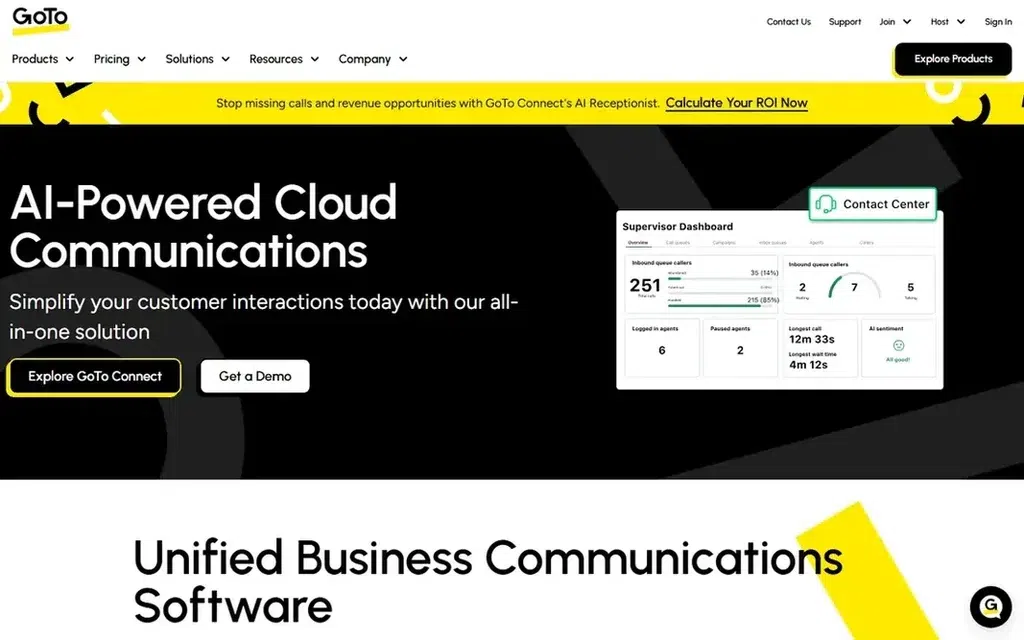
Pick GoTo Webinar if this describes you: bigger structured conferences and events. Restaurants planning multi-speaker sessions, like franchisee summits or supplier showcases, will find a structured event workflow.
Watch-outs: Interface can feel dated to some.
Pricing for GoTo Webinar is not stated here, so ask the vendor for current figures. On free options: Free trial.
- Made for formal virtual conferences
- Established event workflow
- Marketing automation is restricted
Microsoft Teams Webinars
Best for: Teams already using Microsoft 365
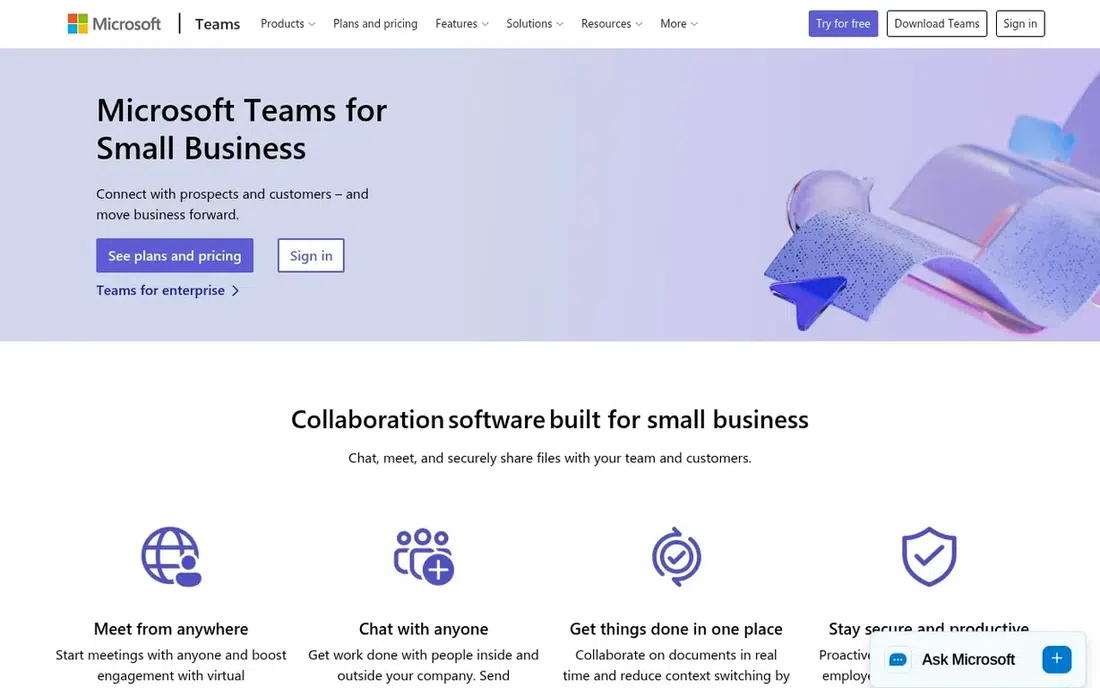
Pick Microsoft Teams Webinars if this describes you: Teams already using Microsoft 365. Microsoft Teams Webinars extends the Teams communication product with a webinar format, so organizations already using Teams can run events without adding a separate tool. In practice, for restaurant groups with head-office staff on Microsoft tools, this keeps training, announcements, and customer-facing sessions in one place.
Also, the cloud-first product supports communicating with customers and employees from a single environment. For everyday use, restaurants running public, brand-building events may want a purpose-built webinar tool; choose Teams Webinars when internal alignment and existing licensing matter more. Price to start with Microsoft Teams Webinars: $4.00 per user per month. Free access: Free trial.
Points against: Less tailored to external marketing.
- Single product for chat and events
- Familiar to office-based staff
- Setup relies on organization policy
In short, ClickMeeting is for browser-based lead capture webinars. It is less associated with very large conference-style events, and the breadth of modes means teams should test which format suits their audience.
Honest limits: Less known for large conferences.
ClickMeeting does not show a starting price in this comparison, so check the vendor site for current pricing. A free plan is available with ClickMeeting.
- Lead capture after events end
- Live, automatic
- Feature depth varies by use case
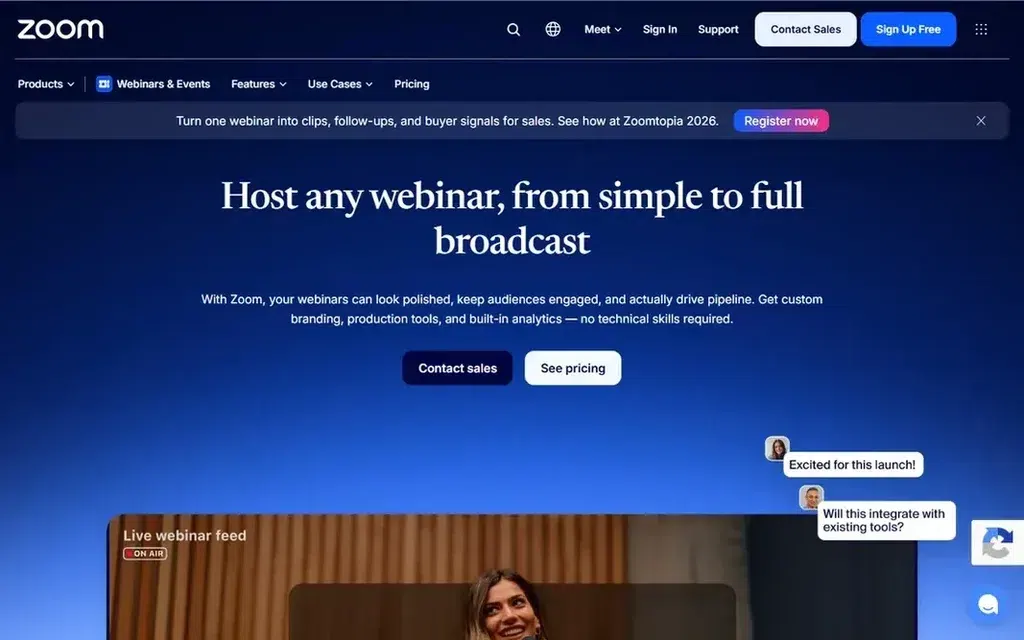
Choose Zoom Webinars for familiar sessions for staff and guests. The system is less centred on marketing funnels and evergreen replay automation, so restaurants that want to sell seats or replay supplies on autopilot may need additional tools.
This comparison lists no price for Zoom Webinars; ask the vendor. Trial and free access: Not stated.
Where it is weaker: Advanced production needs extras.
- Widely recognized by attendees
- Manages large virtual events
- Less built-in marketing automation
Where Livestorm fits: marketing-led branded restaurant events. The marketing orientation can be more than a single-location restaurant needs, and it is less centered on automatic sales funnels. Livestorm is an all-in-one webinar platform designed for marketing teams, with branded events, engagement insights, and CRM synchronization pitched at proving return on effort.
In daily use, AI-enhanced features help teams review engagement after each session. For restaurant chains running menu launch events, loyalty campaigns, or press-style presentations, the branding and analytics angle is a good fit. Starting cost for Livestorm: €2.50 per attendee. On free options: Not stated.
Trade-offs to know: Fewer sales-funnel automations.
- AI-enhanced features
- Branded event experience
- Marketing focus may exceed small-team needs
How the list was put together
Things to verify first
- Confirm the entry price on the vendor page. For GoTo Webinar, ClickMeeting and Zoom Webinars that means a quote rather than a fixed price.
- Test the free plan from ClickMeeting against your real workload before relying on it.
- Use real work to test the free trial from EverWebinar, GoTo Webinar and Microsoft Teams Webinars, rather than a demo project.
- Before choosing EverWebinar, weigh its main limit: automation setup takes planning.
- Before rolling out Microsoft Teams Webinars, verify the integrations your workflow depends on.
- Price GoTo Webinar for your actual team size; headline prices rarely include add-ons or overage.
FAQ
What is the cheapest option for webinar software for restaurants in this list?
On published monthly entry prices, Microsoft Teams Webinars is the lowest here at $4.00 per user per month. Entry price is only part of the cost, because seats, add-ons and billing terms can change the total. All 6 picks in this webinar software for restaurants comparison list a starting price, free plan details and the main limits on their cards above.
Can I try these tools before paying?
Often, yes. ClickMeeting has a free plan and EverWebinar, GoTo Webinar and Microsoft Teams Webinars offer a free trial. Use your own data and a real task during the test, and check what the free tier or trial limits before you rely on it.
How are the tools for webinar software for restaurants ordered?
EverWebinar sits first and Livestorm last because the order follows typical fit for webinar software for restaurants, then price clarity and free access. It is a judgement call, so read each profile for fit and limits.
Which options for webinar software for restaurants have a free plan?
ClickMeeting is the only tool in this list with a free plan. Free plans usually cap users, projects or features, so check the limits on the vendor page. Several others offer a trial instead. For the full picture, the cards above cover all 6 entries of this webinar software for restaurants list, including price, free plan and limits.
Which webinar software is easiest for restaurant staff to run?
Zoom Webinars tends to be the least intimidating since numerous staff and guests have used Zoom before. So the join and hosting flow feels familiar. Browser-based choices like ClickMeeting also cut setup friction since nothing needs installing.
Sources
- https://everwebinar.com
- https://www.goto.com/webinar
- https://www.microsoft.com/en-us/microsoft-teams/webinars
- https://clickmeeting.com
- https://zoom.us/webinars
- https://livestorm.co