5 Webinar Software for Nonprofits Worth Shortlisting in 2026
5 best webinar software for nonprofits, compared on pricing, free plans and best-fit use. Strengths and gaps are listed per tool. Budget notes included.
- Editor's choice
 EverWebinar
Evergreen sessions that run automatically
Starts at$199 a monthVisit everwebinar.comFull review - Great alternative
 Livestorm
Marketing-led, branded nonprofit events
Starts at€2.50 per attendeeVisit livestorm.coFull review - Also consider
 Zoom Webinars
Familiar hosting for regular nonprofit events
Starts atSee websiteVisit zoom.usFull review
Direct answer
EverWebinar comes first here, mainly for evergreen sessions that run automatically. Listed starting prices: EverWebinar from $199 a month and Livestorm from €2.50 per attendee. Look at Livestorm for marketing-led, branded nonprofit events, and at Zoom Webinars for familiar hosting for regular nonprofit events. All 5 tools are compared below on price, free plan and limits.
TL;DR:
- Top of the list is EverWebinar, which targets evergreen sessions that run automatically.
- The main caution on Zoom Webinars: Webinar features may sit on higher levels.
- The cheapest monthly starting price in the list is $199 per month, offered by EverWebinar.
- GoTo Webinar is the one to check for large virtual conferences and audience engagement.
Last checked November 2026. Prices and plan details were read from the vendors' own pages in November 2026; vendors change plans often, so confirm the current price on the vendor site before you buy.
Quick comparison
| Tool | Best for | Starts at | Free plan? | |
|---|---|---|---|---|
| EverWebinar | Evergreen sessions that run automatically | $199 a month | Free trial | Visit |
| Livestorm | Marketing-led, branded nonprofit events | €2.50 per attendee | Not stated | Visit |
| Zoom Webinars | Familiar hosting for regular nonprofit events | See website | Not stated | Visit |
| Cisco Webex Webinars | Organizations already inside the Cisco ecosystem | See website | Yes | Visit |
 GoTo Webinar | Large virtual conferences and audience engagement | See website | Free trial | Visit |
The full webinar software for nonprofits list
If you are comparing webinar software for nonprofits, this page covers 5 tools in one place: what each is best for, what it costs to start, whether it has a free plan, and the main limit to know about.
Where EverWebinar fits: evergreen sessions that run automatically. It fits teams that want to reuse recorded content repeatedly.
Trade-offs to know: Automation focus narrows use cases.
Automation is the core purpose, so organizations that chiefly run live, interactive events will find it a partial fit. EverWebinar cost at the entry level: $199 per month. On free options: Free trial.
- Automatic evergreen webinars
- Hybrid live and automatic mode
- Not a strong match for live-only events
For marketing-led, branded nonprofit events, Livestorm is a natural candidate. Livestorm describes itself as an all-in-one webinar product for marketing teams, with branded events, engagement insights and CRM syncing to display results.
Where it falls short: Geared toward marketing teams.
Its marketing orientation means some features may go unused at smaller nonprofits that just need steady hosting. Livestorm cost at the entry level: €2.50 per attendee. Free plan details: Not stated.
- CRM data sync
- Engagement insights
- May be more than small groups need
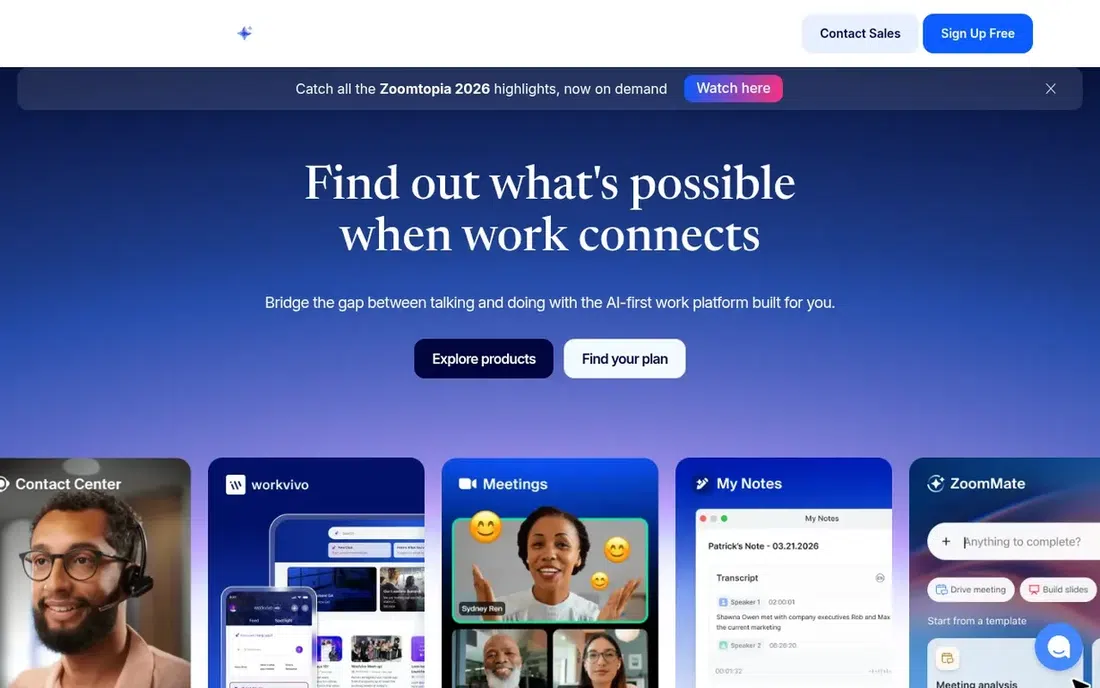
Zoom Webinars is designed for familiar hosting for regular nonprofit events. Zoom Webinars extends the Zoom product that numerous nonprofits already use for meetings, chat and phone calls.
Limits to weigh: Advanced production needs additional setup.
On top of that, the webinar capability is one part of a bigger product line, so smaller nonprofits may find the surrounding product more than they need. This comparison lists no price for Zoom Webinars; ask the vendor. Free access: Not stated.
- Supports webinars alongside meetings
- Widely recognized interface
- Webinar features may sit on higher levels
Cisco Webex Webinars
Best for: Organizations already inside the Cisco ecosystem
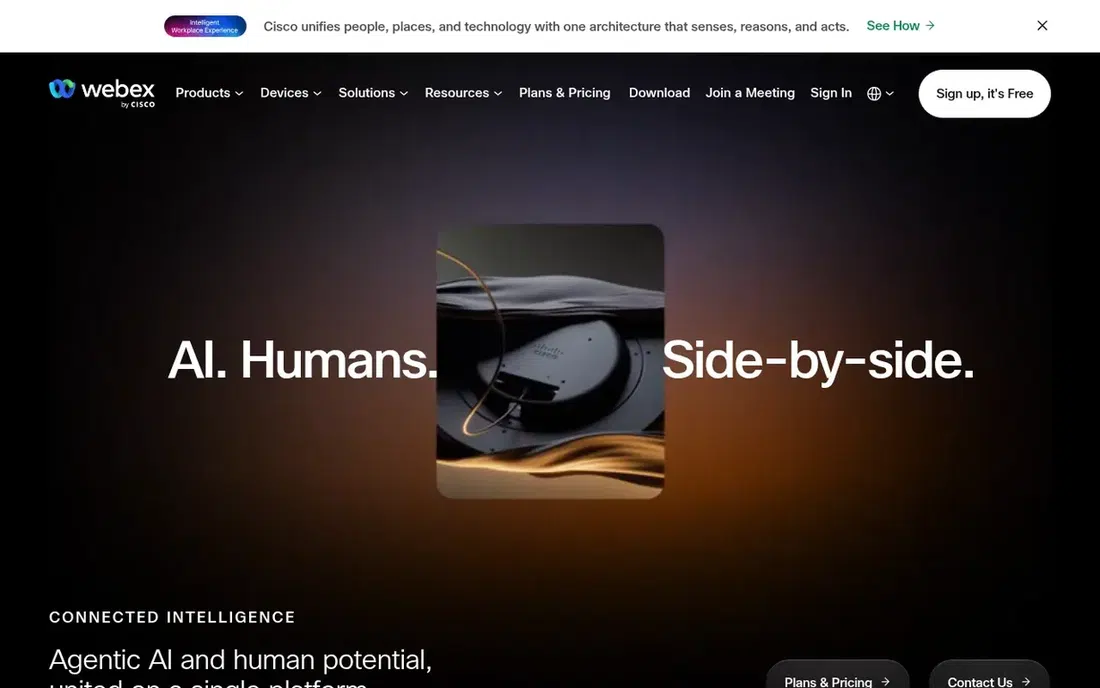
In short, Cisco Webex Webinars is for organizations already inside the Cisco ecosystem. The product is wide, and smaller nonprofits without technical staff may find configuration and administration heavier than needed.
Also, groups seeking a straightforward, single-purpose webinar tool may be better served by a leaner choice. For everyday use, Cisco Webex Webinars sits within the wider Webex collaboration product, which spans meetings, customer experience tools and devices. Pricing for Cisco Webex Webinars is not stated here, so ask the vendor for current figures. Cisco Webex Webinars has a free plan.
Watch-outs: Setup may assume IT support.
- Enterprise-grade collaboration focus
- Wide product including devices
- Breadth can overwhelm small teams
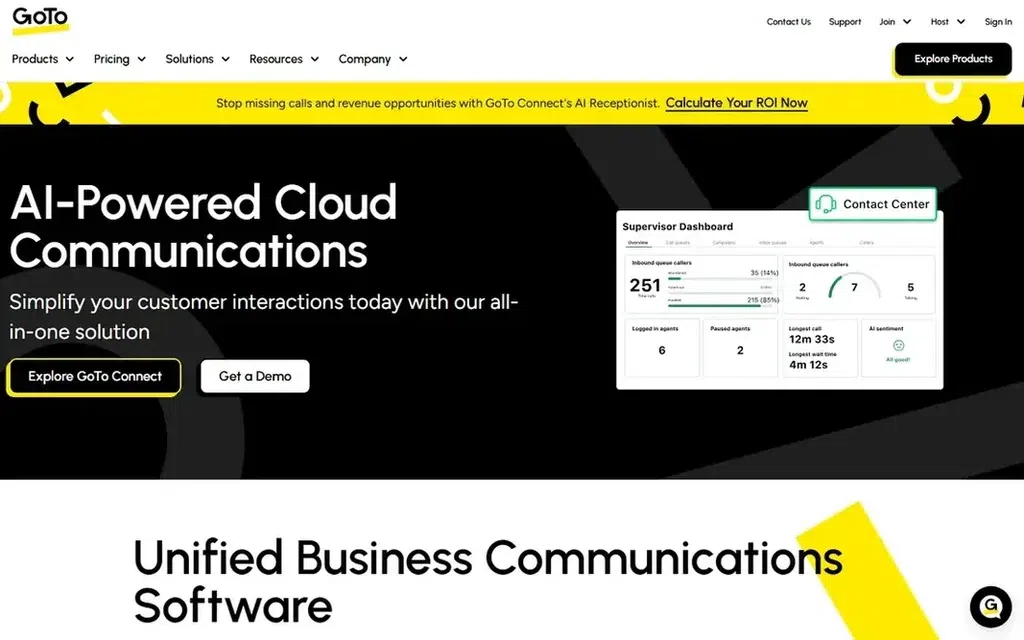
Where GoTo Webinar fits: large virtual conferences and audience engagement. Since it is a specialized webinar product, teams that largely need fast internal meetings may find it duplicative if they already own a meeting suite.
Honest limits: Separate from everyday meeting tools.
- Emphasis on audience engagement
- Supports virtual conferences
- Feature depth can mean a ramp-up time
How the list was put together
The comparison looks at four things: starting price, free access, how well the feature set matches webinar software for nonprofits, and the main limit of each tool. Plan names, prices and limits change often. Treat the figures here as a starting point and verify them with the vendor. Position on the page reflects fit for a typical buyer first, with price clarity and free access breaking ties. Treat it as a guide, not a ruling.
Things to verify first
- Confirm the entry price on the vendor page. For Zoom Webinars, Cisco Webex Webinars and GoTo Webinar that means a quote rather than a fixed price.
- Test the free plan from Cisco Webex Webinars against your real workload before relying on it.
- Run a trial of EverWebinar and GoTo Webinar with real work before paying for a year; your own workflow is the best test.
- Read the limits listed for EverWebinar first: automation focus narrows use cases.
- Map your must-have features to a specific GoTo Webinar plan before you compare prices.
- A short pilot of Livestorm with your real workflow tells you more than a feature table.
FAQ
Which options for webinar software for nonprofits have a free plan?
Cisco Webex Webinars is the only tool in this list with a free plan. Free plans usually cap users, projects or features, so check the limits on the vendor page. Several others offer a trial instead.
Do these tools publish their prices?
Not all of them. Zoom Webinars, Cisco Webex Webinars and GoTo Webinar publish no starting price, so expect a quote request for those. The rest, EverWebinar included, show a starting price, though seats and billing terms still change the final cost.
Can nonprofits use webinar tools for fundraising events?
Plenty of products support registration, audience engagement and recordings that suit donor briefings and fundraising presentations. Tools with CRM syncing, like Livestorm, can help link attendee engagement to donor records.
How are the tools for webinar software for nonprofits ordered?
The order follows typical fit for webinar software for nonprofits, with EverWebinar first and GoTo Webinar last, then price clarity and free access. It is editorial judgement, not a score, so another team could rank the tools differently.
Can I try these tools before paying?
Often, yes. Cisco Webex Webinars has a free plan and EverWebinar and GoTo Webinar offer a free trial. Use your own data and a real task during the test, and check what the free tier or trial limits before you rely on it.
What is an evergreen webinar and does it suit nonprofits?
An evergreen webinar is a recorded session that runs automatically on a schedule without a live host. EverWebinar concentrates on this format, which can work well for repeated orientations or volunteer onboarding where live hosting is impractical.
Sources
- https://everwebinar.com
- https://livestorm.co
- https://zoom.us
- https://www.webex.com
- https://www.goto.com/webinar