Best Survey Software for Nonprofits in 2026: 6 Tools Compared
Weighing the best survey software for nonprofits? We lined up 6 products by cost, free access and fit. Honest caveats for every entry. Read the profiles.
- Editor's choice
 Jotform
Quick form and survey building
Starts at$34 a monthVisit jotform.comFull review - Great alternative
 Typeform
Engaging forms with automation
Starts atSee websiteVisit typeform.comFull review - Also consider
 SurveyMonkey
General nonprofit surveys and feedback
Starts at$25 per user a monthVisit surveymonkey.comFull review
Direct answer
Start with Jotform if you need quick form and survey building. Listed starting prices: Jotform from $34 a month and SurveyMonkey from $25 per user a month. Typeform is better for engaging forms with automation, and SurveyMonkey is better for general nonprofit surveys and feedback. Prices, free plans and limits for all 6 tools follow.
TL;DR:
- Top of the list is Jotform, which targets quick form and survey building.
- The cheapest monthly starting price in the list is $25 per user per month, offered by SurveyMonkey.
- Only 2 of the 6 tools have a free plan (Jotform, SurveyMonkey), so check the caps.
- What to know about SurveyMonkey first: advanced logic may require a higher level.
- Google Forms suits simple forms within Google Workspace.
Last checked November 2026. Prices and plan details were read from the vendors' own pages in November 2026; vendors change plans often, so confirm the current price on the vendor site before you buy.
Quick comparison
| Tool | Best for | Starts at | Free plan? | |
|---|---|---|---|---|
| Jotform | Quick form and survey building | $34 a month | Yes | Visit |
| Typeform | Engaging forms with automation | See website | Not stated | Visit |
| SurveyMonkey | General nonprofit surveys and feedback | $25 per user a month | Yes | Visit |
 Microsoft Forms | Fast polls and quizzes in Microsoft 365 | See website | Not stated | Visit |
 Qualtrics XM | Advanced experience management programs | See website | Not stated | Visit |
 Google Forms | Straightforward forms within Google Workspace | See website | Not stated | Visit |
Our 6 survey software for nonprofits
This LinkVetted guide covers 6 survey software for nonprofits. Each profile lists a starting price, free plan details, strengths and drawbacks, so you can drop poor fits quickly.
Jotform is aimed squarely at quick form and survey building. Jotform is an online form builder that emphasizes creating forms and surveys rapidly. It can work for nonprofits that require to launch intake forms, event registrations, and feedback surveys without technical help, notably when speed matters more than deep research features.
Drawbacks to consider: Advanced features may need a premium level.
Beyond that, some advanced capabilities and higher usage levels need a premium plan, so check limits before standardizing on it. On top of that, for complicated research with advanced logic and analysis, a dedicated survey product may be a better fit. Entry price for Jotform: $34 per month. Jotform has a free plan.
- No-code builder
- Fast form creation
- Interface can feel busy for new users
In short, Typeform is for engaging forms with automation. Typeform is a form builder that uses AI to help produce forms and then trigger automatic workflows for follow-up and data handling.
Where it falls short: Some automation relies on connected apps.
Its strengths lean toward engagement and automation instead of deep survey analytics, so heavy research projects may need a different product. For everyday use, teams that require deep question libraries and reporting may prefer a dedicated survey tool. Typeform does not show a starting price in this comparison, so check the vendor site for current pricing. Free options: Not stated.
- No-code setup
- AI-powered form building
- Complicated surveys may need workarounds
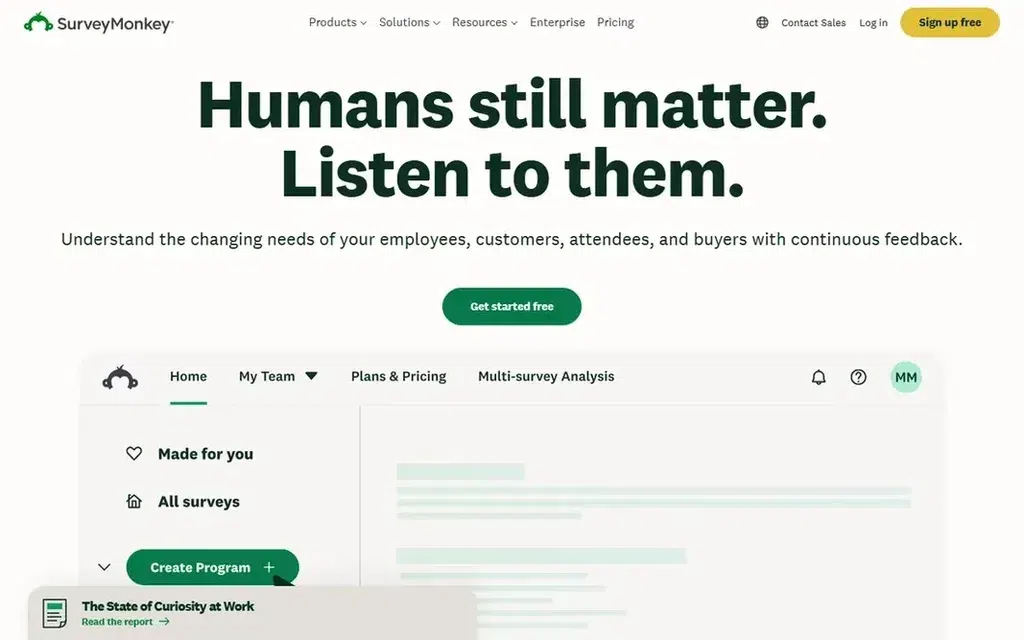
SurveyMonkey was built for general nonprofit surveys and feedback. SurveyMonkey is a widely used survey system for building forms and questionnaires with AI help and templates. It spans employee and customer feedback, market research, event registrations, and similar needs.
Trade-offs to know: Advanced logic may need a higher level.
From a buyer's view, some advanced question logic and customization features are restricted on entry levels, so complicated research may need a higher plan. If your organization primarily needs straightforward internal forms and already uses a productivity suite, an entry-level form builder may be enough instead. In practice, nonprofits that run a mix of program feedback, volunteer polls, and donor research may find its breadth handy without needing separate tools for each project. SurveyMonkey pricing: $25 per user per month. Free access exists with SurveyMonkey.
- Large template library
- Supports feedback and research use cases
- Branding options vary by plan
For fast polls and quizzes in Microsoft 365, Microsoft Forms is a natural candidate. Microsoft Forms is aimed at surveys, polls, and quizzes with a focus on collecting feedback easily. It is a natural fit for nonprofits standardized on Microsoft 365 that require quick internal polls, training quizzes, or light feedback forms.
In practice, nonprofits running multi-section surveys with in-depth reporting may have to pair it with a dedicated survey system. Like other suite-based form tools, it is not made for complicated research designs or advanced analytics. Microsoft Forms does not show a starting price in this comparison, so check the vendor site for current pricing. Trial and free access: Not stated.
Where it is weaker: Fewer advanced survey choices.
- Straightforward survey and poll creation
- Suits Microsoft 365 environments
- Reporting is entry-level
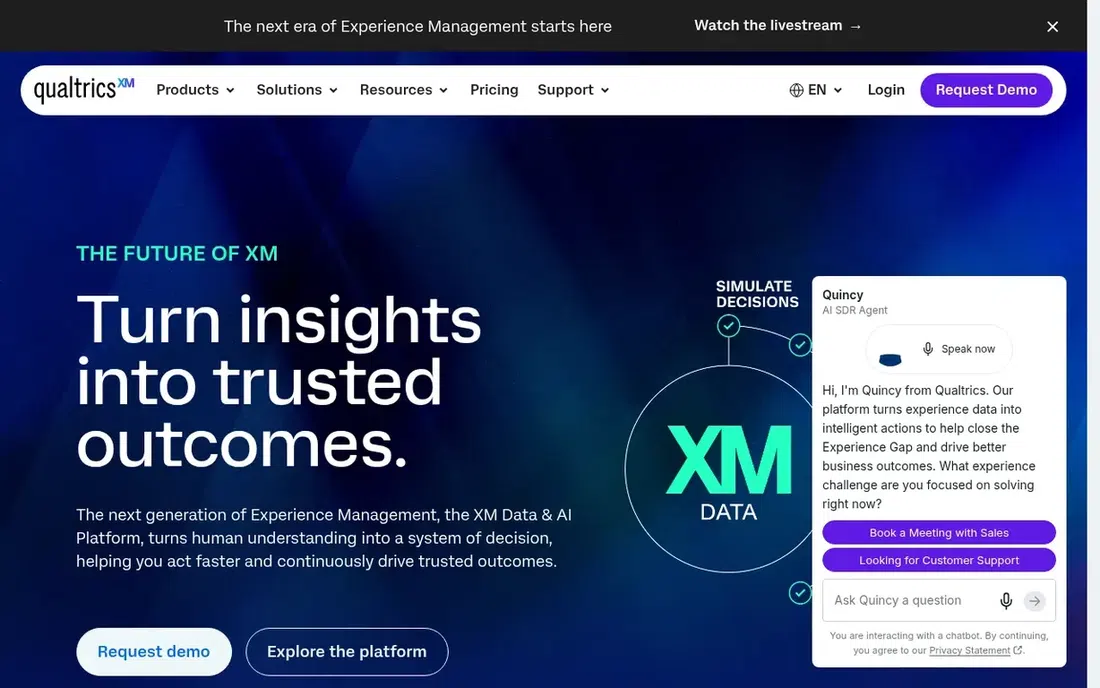
Qualtrics XM is built with advanced experience management programs in mind. Qualtrics XM is an experience management product that emphasizes simulating customer and employee experiences, predicting outcomes, and taking action on the results.
Worth adding: the system is made for depth, which can mean a steeper ramp-up time for small volunteer-run teams. Also, organizations with straightforward feedback needs may prefer a lighter survey tool and revisit Qualtrics when their research program grows. This comparison lists no price for Qualtrics XM; ask the vendor. Free access: Not stated.
What to check first: May need setup support.
- Supports customer and employee experience
- Predictive and simulation messaging
- Can be complicated for small teams
Choose Google Forms for straightforward forms within Google Workspace. Google Forms is an online form builder inside Google Workspace for creating forms and surveys to gather data.
It suits nonprofits that already use Google tools and need a straightforward way to collect registrations, volunteer details, or fast feedback without adding another system. Google Forms shows no starting price here, so confirm the cost on the vendor site. Free options: Not stated.
Honest limits: Restricted advanced survey features.
- Straightforward form creation
- Works with Google Workspace
- Design customization is entry-level
Selection criteria
What to confirm before you sign up
- Confirm the entry price on the vendor page. For Typeform, Microsoft Forms, Qualtrics XM and Google Forms that means a quote rather than a fixed price.
- Check what the free option really includes: Jotform and SurveyMonkey offer a free plan, and usage caps differ.
- Before choosing Jotform, weigh its main limit: advanced features may need a premium level.
- Run a one or two week pilot of SurveyMonkey with the people who will use it every day.
- Read the plan comparison for Microsoft Forms carefully; key features often start on a higher tier.
FAQ
What is the cheapest option for survey software for nonprofits in this list?
On published monthly entry prices, SurveyMonkey is the lowest here at $25 per user per month. Entry price is only part of the cost, because seats, add-ons and billing terms can change the total. Each of the 6 options in this Survey software for nonprofits guide has its own card above with the price, free plan and limits.
Can I try these tools before paying?
Often, yes. Jotform and SurveyMonkey have a free plan. Use your own data and a real task during the test, and check what the free tier or trial limits before you rely on it. All 6 picks in this Survey software for nonprofits comparison list a starting price, free plan details and the main limits on their cards above.
Do these tools publish their prices?
Not all of them. Typeform, Microsoft Forms, Qualtrics XM and Google Forms publish no starting price, so expect a quote request for those. The rest, Jotform included, show a starting price, though seats and billing terms still change the final cost.
What should a nonprofit look for in survey software?
Prioritize simplicity for staff and volunteers, question types that match your programs, and reporting that helps you share results with funders. Also confirm data privacy terms if you collect sensitive information from participants.
Is Jotform the right pick for everyone comparing survey software for nonprofits?
No single tool suits every team. Jotform comes first because it fits fast form and survey building, while Typeform suits engaging forms with automation and SurveyMonkey suits general nonprofit surveys and feedback. Match the tool to your own size, budget and workflow before deciding.
Should we choose a suite tool or a dedicated survey system?
Suite tools like Google Forms and Microsoft Forms are convenient if you already use those ecosystems and need straightforward forms.
Sources
- https://www.jotform.com
- https://www.typeform.com
- https://www.surveymonkey.com
- https://www.microsoft.com/en-us/microsoft-365/online-surveys-polls-quizzes
- https://www.qualtrics.com
- https://workspace.google.com/products/forms