Best Online Survey Software for Nonprofits (2026): 6 Picks Checked on Vendor Pages
Best online survey software for nonprofits in 2026: 6 tools with starting prices, free plans and limits. Honest caveats for every entry. See the full list.
- Editor's choice
 Jotform
Quick form building with templates
Starts at$34 a monthVisit jotform.comFull review - Great alternative
 Qualtrics XM
Experience management at bigger scale
Starts atSee websiteVisit qualtrics.comFull review - Also consider
 Microsoft Forms
Surveys within Microsoft 365
Starts atSee websiteVisit microsoft.comFull review
Direct answer
Our first pick is Jotform, best for quick form building with templates. Listed starting prices: Jotform from $34 a month and SurveyMonkey from $25 per user a month. Qualtrics XM is better for experience management at bigger scale, and Microsoft Forms is better for surveys within Microsoft 365. The full list of 6 tools follows, with prices and free plan facts.
TL;DR:
- Jotform is the opening pick, best for quick form building with templates.
- Before buying Qualtrics XM, weigh this: can be complicated for small teams.
- Typeform is the one to check for engaging conversational forms.
- The lowest published monthly entry price here is $25 per user per month, from SurveyMonkey.
- A free plan is available from 2 of the 6 tools: Jotform, SurveyMonkey.
Last checked November 2026. Prices and plan details were read from the vendors' own pages in November 2026; vendors change plans often, so confirm the current price on the vendor site before you buy.
Quick comparison
| Tool | Best for | Starts at | Free plan? | |
|---|---|---|---|---|
| Jotform | Quick form building with templates | $34 a month | Yes | Visit |
| Qualtrics XM | Experience management at bigger scale | See website | Not stated | Visit |
| Microsoft Forms | Surveys within Microsoft 365 | See website | Not stated | Visit |
 Google Forms | Straightforward surveys inside Google Workspace | See website | Not stated | Visit |
 SurveyMonkey | General nonprofit surveys and feedback | $25 per user a month | Yes | Visit |
 Typeform | Engaging conversational forms | See website | Not stated | Visit |
6 online survey software for nonprofits in detail
Choosing online survey software for nonprofits usually comes down to price, fit and limits. This LinkVetted guide sets 6 tools side by side on those three points, with the facts kept short and checkable.
Jotform is built with quick form building with templates in mind. Jotform is an online form builder for creating forms and surveys rapidly.
Its template-driven approach helps staff without design experience get a usable form live in a short time. Jotform cost at the entry level: $34 per month. A free plan is available with Jotform.
Trade-offs to know: Some features rely on level.
- Survey and form use in one tool
- Wide template choices
- Interface can feel busy
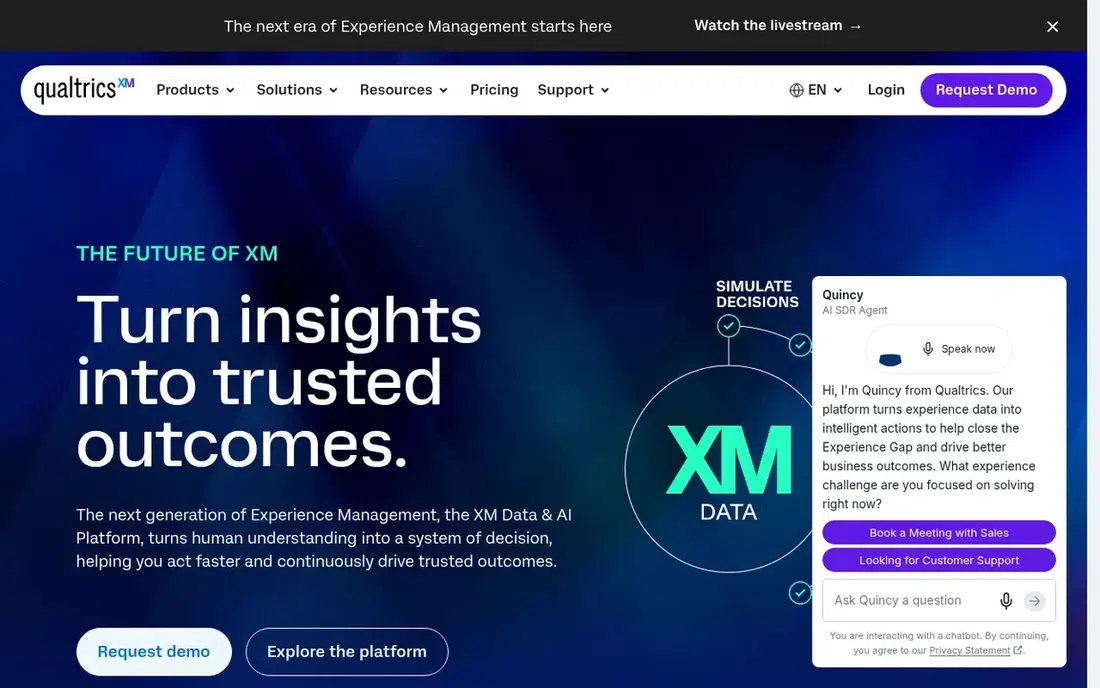
Qualtrics XM is aimed squarely at experience management at bigger scale. Bigger nonprofits with dedicated research or evaluation staff may value its depth for stakeholder and beneficiary research.
What to check first: Can be complicated for small teams.
Smaller groups should compare it against lighter tools and confirm that the available setup matches their capacity before committing. Qualtrics XM shows no starting price here, so confirm the cost on the vendor site. Free plan details: Not stated.
- Focus on customer and employee experience
- Predictive insight features
- Setup may need dedicated staff
In short, Microsoft Forms is for surveys within Microsoft 365. Organizations standardized on Microsoft 365 can run staff pulse checks, volunteer polls and training quizzes without a separate purchase. It is a practical default when IT already handles Microsoft accounts.
Drawbacks to consider: Customization is modest.
In daily use, nonprofits running formal program evaluations should confirm it meets their analysis needs or pair it with a dedicated system. For everyday use, Microsoft Forms supports surveys, polls and quizzes for collecting feedback and making decisions. Pricing for Microsoft Forms is not stated here, so ask the vendor for current figures. Free access: Not stated.
- Poll and quiz creation
- Simple feedback collection
- Restricted advanced research features
Choose Google Forms for straightforward surveys inside Google Workspace. Question logic, design control and reporting are more entry-level than in dedicated survey platforms.
Check the vendor site for Google Forms pricing; none is listed in this comparison. On free options: Not stated.
Where it falls short: Restricted advanced question logic.
- Suits Google Workspace workflows
- Straightforward form building
- Design customization is entry-level
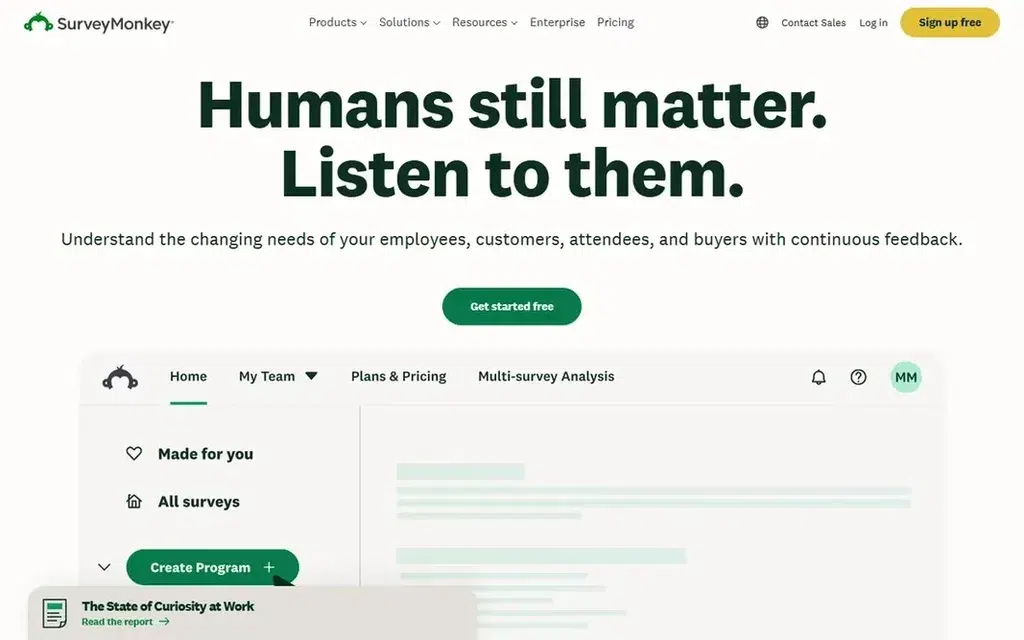
SurveyMonkey serves general nonprofit surveys and feedback. SurveyMonkey is a widely used survey product for building forms with AI assistance and templates. It includes employee and customer feedback, market research and event registrations, which maps well to typical nonprofit needs such as volunteer feedback, program evaluation and donor input.
Drawbacks to consider: Branding control varies by setup.
Upsides: Large template library.
If your organization chiefly needs entry-level internal polls and already depends on a productivity suite, a more straightforward built-in form tool may be enough. In practice, some advanced reporting and question logic sit behind higher levels, so small teams should confirm what their setup contains. More specifically, teams that want a familiar interface and fast setup will find it approachable. Starting cost for SurveyMonkey: $25 per user per month. You can start on SurveyMonkey without paying.
- Supports feedback and research use cases
- AI-assisted survey creation
- Advanced analysis may need a higher level
Typeform is a good fit for engaging conversational forms. Typeform builds AI-powered forms built to feel conversational, then trigger automatic workflows like follow-ups. Nonprofits collecting supporter stories, event signups or donor interest may find the format more engaging than a standard grid survey.
Where it is weaker: Advanced features sit in higher levels.
If you need dense matrix questions or heavy reporting, compare with a traditional survey system. On top of that, long, complicated research instruments can be awkward in a conversational format. Some automation and logic features rely on the plan. No starting price is listed for Typeform here; confirm pricing on the vendor site. As for free access: Not stated.
- AI-powered form building
- Workflow automation triggers
- Complicated surveys may feel constrained
How the list was put together
LinkVetted looked at what each vendor publishes: pricing, plan limits, feature coverage for online survey software for nonprofits and stated drawbacks. No hands-on testing is claimed. Where a price is missing, the vendor does not list one publicly or ties it to a quote. Always confirm before budgeting. We ordered the tools by general fit, then by how clearly pricing is shown, then by free access. A buyer with unusual needs may reorder them.
Questions to settle before buying
- Get a written quote from Qualtrics XM, Microsoft Forms, Google Forms and Typeform; the list shows no starting price for them.
- Check what the free option really includes: Jotform and SurveyMonkey offer a free plan, and usage caps differ.
- Read the limits listed for Jotform first: interface can feel busy.
- Confirm that Google Forms connects to the apps your team already uses, on the plan you would actually buy.
- Find out what support Typeform includes on your plan, and whether onboarding help costs extra.
FAQ
What is the cheapest option for online survey software for nonprofits in this list?
On published monthly entry prices, SurveyMonkey is the lowest here at $25 per user per month. Entry price is only part of the cost, because seats, add-ons and billing terms can change the total. Prices, free plan details and limits for all 6 tools in this online Survey software for nonprofits roundup sit on the individual cards above.
Can I try these tools before paying?
Often, yes. Jotform and SurveyMonkey have a free plan. Use your own data and a real task during the test, and check what the free tier or trial limits before you rely on it. Each of the 6 options in this online Survey software for nonprofits guide has its own card above with the price, free plan and limits.
Can these tools handle sensitive beneficiary data?
Some vendors state compliance with frameworks for example HIPAA and GDPR, but responsibilities rely on your configuration and agreements. Review each vendor's documentation and your organization's data policies before collecting sensitive information.
Which options for online survey software for nonprofits have a free plan?
On this list, Jotform and SurveyMonkey include a free plan. Caps on seats, usage or features are common, so test the free plan against your real workload. All 6 picks in this online Survey software for nonprofits comparison list a starting price, free plan details and the main limits on their cards above.
How are the tools for online survey software for nonprofits ordered?
The order follows typical fit for online survey software for nonprofits, with Jotform first and Typeform last, then price clarity and free access. It is editorial judgement, not a score, so another team could rank the tools differently.
Sources
- https://www.jotform.com
- https://www.qualtrics.com
- https://www.microsoft.com/en-us/microsoft-365/online-surveys-polls-quizzes
- https://workspace.google.com/products/forms
- https://www.surveymonkey.com
- https://www.typeform.com