Choosing Online Forms Software for Nonprofits in 2026: 5 Options Compared
5 products for the best online forms software for nonprofits, ranked by fit, with starting costs and free tiers. Real limits included. Read before you buy.
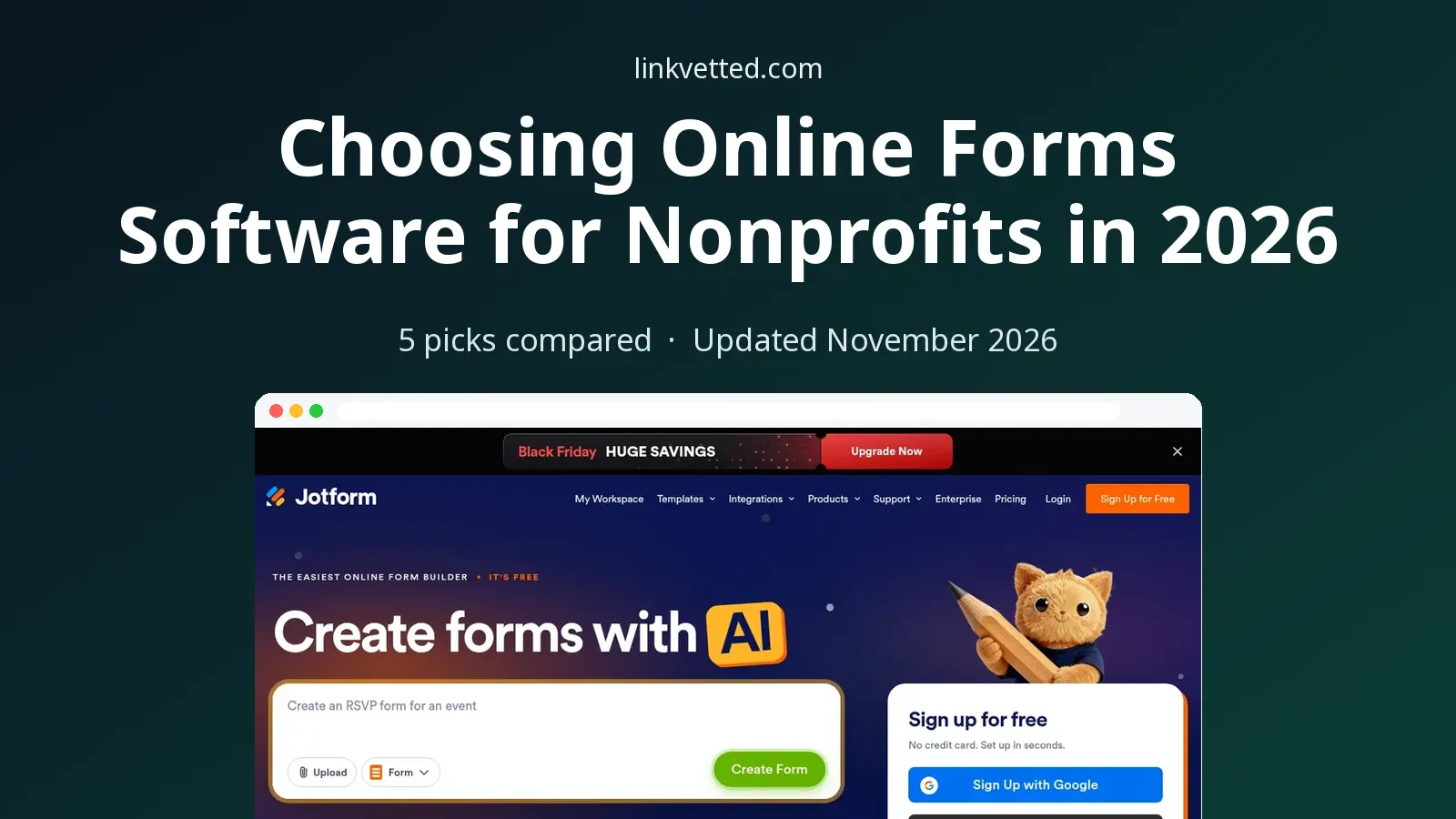
- Editor's choice
 Cognito Forms
Workflow automation on a lean setup
Starts at$24 a monthVisit cognitoforms.comFull review - Great alternative
 Wufoo
Straightforward forms with cloud data storage
Starts atSee websiteVisit wufoo.comFull review - Also consider
 Jotform
Versatile forms for small nonprofit teams
Starts at$34 a monthVisit jotform.comFull review
Direct answer
Cognito Forms is the first pick on this list for workflow automation on a lean setup. Listed starting prices: Cognito Forms from $24 a month, Jotform from $34 a month and Formstack from $83 a month. For a different need, Wufoo covers straightforward forms with cloud data storage and Jotform covers versatile forms for small nonprofit teams. The remaining 2 options are covered below with prices and limits.
TL;DR:
- Number one here is Cognito Forms, a fit for workflow automation on a lean setup.
- A fair warning about Jotform: advanced features can add complexity.
- Free plans exist at 3 of 5 tools (Cognito Forms, Wufoo, Jotform).
- The lowest published monthly entry price here is $24 per month, from Cognito Forms.
Last checked November 2026. Prices and plan details were read from the vendors' own pages in November 2026; vendors change plans often, so confirm the current price on the vendor site before you buy.
Quick comparison
| Tool | Best for | Starts at | Free plan? | |
|---|---|---|---|---|
| Cognito Forms | Workflow automation on a lean setup | $24 a month | Yes | Visit |
| Wufoo | Straightforward forms with cloud data storage | See website | Yes | Visit |
| Jotform | Versatile forms for small nonprofit teams | $34 a month | Yes | Visit |
 Formstack | Approvals, documents and e-signatures | $83 a month | Free trial | Visit |
 Typeform | Conversational donor and volunteer outreach | See website | Not stated | Visit |
Our 5 online forms software for nonprofits
Choosing online forms software for nonprofits usually comes down to price, fit and limits. This LinkVetted guide sets 5 tools side by side on those three points, with the facts kept short and checkable.
Cognito Forms is aimed squarely at workflow automation on a lean setup. The product is capable but less widely recognized than bigger builders, and its template selection is smaller.
Trade-offs to know: Advanced logic takes some learning.
If your needs are straightforward forms only, a lighter tool may be simpler; if you need approvals and signatures together, Cognito Forms is worth a close look. Entry price for Cognito Forms: $24 per month. Free access exists with Cognito Forms.
- Supports file uploads and signatures
- Manages calculations and structured data
- Smaller template ecosystem
Where Wufoo fits: straightforward forms with cloud data storage. Teams needing advanced logic, document workflows or deep WordPress integration may prefer other choices.
Check the vendor site for Wufoo pricing; none is listed in this comparison. Wufoo includes a free tier.
Watch-outs: Design adaptability is modest. What users get: Fast form creation.
- Cloud storage for collected entries
- Applications and payments
- Interface feels dated compared to newer tools
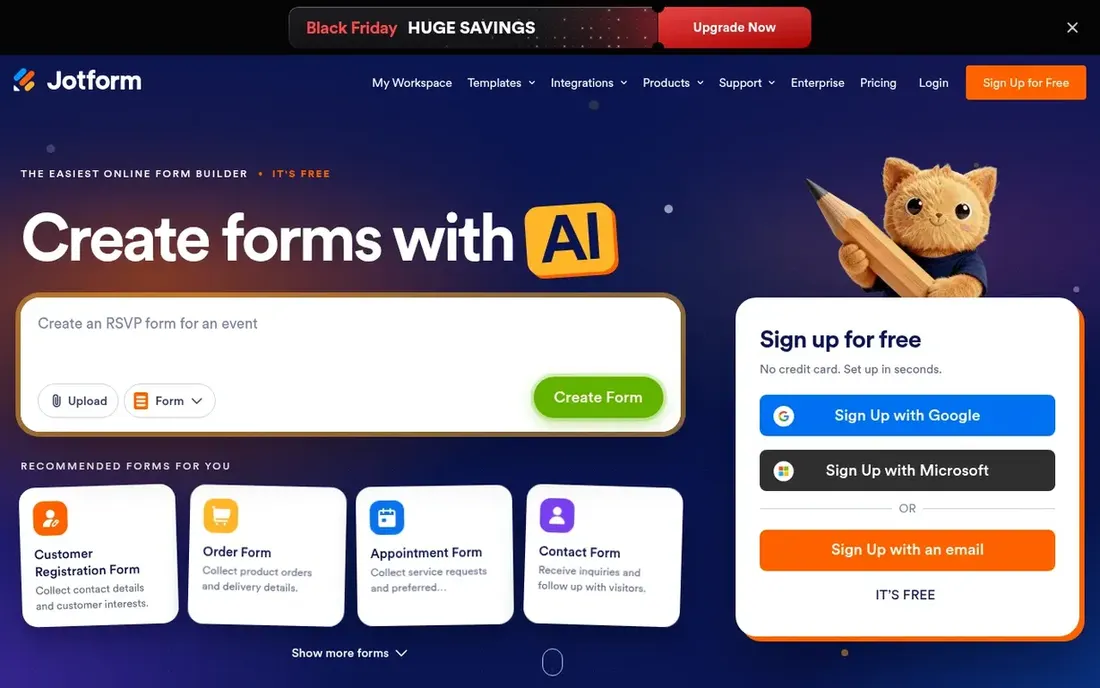
For versatile forms for small nonprofit teams, Jotform is a natural candidate. Jotform is an online form builder that lets you build forms and surveys rapidly through a drag-and-drop interface. In practice, choose Jotform when speed and breadth matter more than deep back-office automation.
Trade-offs to know: Advanced features can add complexity.
What Jotform does well: Large template and field selection.
On top of that, since Jotform includes so numerous use cases, the interface can feel busy once you add numerous fields, logic and integrations. For nonprofits, it performs well for volunteer registration, event sign-ups, contact forms and straightforward donation collection. Jotform cost at the entry level: $34 per month. Jotform includes a free tier.
- Drag-and-drop builder is quick to learn
- Sign-ups and surveys
- Branding controls are restricted on some setups
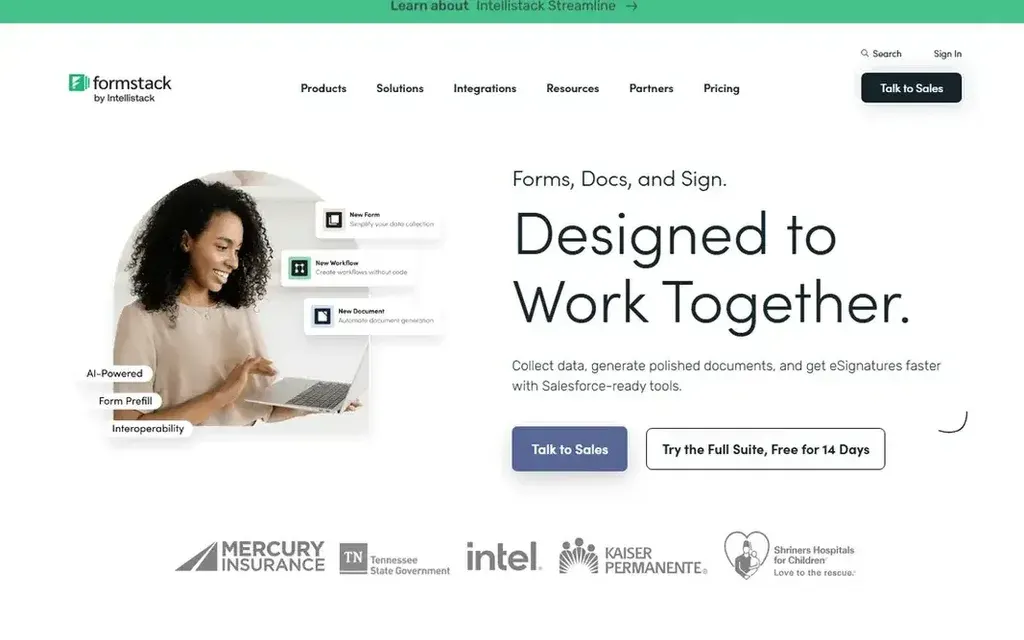
Think of Formstack for approvals, documents and e-signatures. Formstack is a forms product that also spans document generation and e-signatures, positioning it for organizations that run structured processes.
Trade-offs to know: More than plenty of small nonprofits need.
The broader workflow and document features are the reason to choose it, so evaluate whether you will actually use them. For a small nonprofit that chiefly needs a donation form or volunteer sign-up, Formstack can feel heavier than necessary. Entry price for Formstack: $83 per month. Free access: Free trial.
- Merges forms
- Suited to structured internal processes
- Setup can need planning
Typeform serves conversational donor and volunteer outreach. The conversational format works against it when a form has plenty of fields, since respondents must move through screens sequentially.
Downsides: Less suited to dense internal paperwork.
As for the details, pick Typeform when engagement and completion quality matter more than dense data entry. Beyond that, nonprofits use this style for donor interest surveys, volunteer matching questionnaires, event feedback and community listening. Typeform shows no starting price here, so confirm the cost on the vendor site. As for free access: Not stated.
- Well suited to surveys and feedback
- Engaging one-question-at-a-time layout
- Longer forms can feel slow to complete
How the list was put together
Each tool was reviewed on what its vendor publishes: price, plan limits, core features and stated drawbacks. We did not run hands-on tests. Figures are shown as the vendors publish them. Billing terms, seat minimums and add-ons can change the real cost. The order reflects how well each tool fits the most common buying scenario for online forms software for nonprofits, then price clarity, then free plan access. It is a starting point, not a verdict.
Before you commit
- Confirm the entry price on the vendor page. For Wufoo and Typeform that means a quote rather than a fixed price.
- Check what the free option really includes: Cognito Forms, Wufoo and Jotform offer a free plan, and usage caps differ.
- Run a trial of Formstack with real work before paying for a year; your own workflow is the best test.
- Before choosing Cognito Forms, weigh its main limit: smaller template ecosystem.
- Find out whether the entry plan of Wufoo covers your must-haves or only a trimmed-down version.
- Involve the people who will use Cognito Forms daily; a short pilot beats a long feature checklist.
FAQ
How are the tools for online forms software for nonprofits ordered?
The order follows typical fit for online forms software for nonprofits, with Cognito Forms first and Typeform last, then price clarity and free access. It is editorial judgement, not a score, so another team could rank the tools differently.
Do these tools publish their prices?
Not all of them. Wufoo and Typeform publish no starting price, so expect a quote request for those. The rest, Cognito Forms included, show a starting price, though seats and billing terms still change the final cost.
What is the cheapest option for online forms software for nonprofits in this list?
On published monthly entry prices, Cognito Forms is the lowest here at $24 per month. Entry price is only part of the cost, because seats, add-ons and billing terms can change the total.
Which options for online forms software for nonprofits have a free plan?
Cognito Forms, Wufoo and Jotform offer a free plan in this list. Free plans usually cap users, projects or features, so check the limits on the vendor page. One other tool offers a trial instead.
Sources
- https://www.cognitoforms.com
- https://www.wufoo.com
- https://www.jotform.com
- https://www.formstack.com
- https://www.typeform.com