Choosing Online Live Blog in 2026: 5 Options Compared
Shortlisting the best online live blog? 5 products compared on cost, free access and ideal buyer. Every entry states what it lacks. See the full list.
- Editor's choice
 Webflow
Design control and CMS structure
Starts at$15 a monthVisit webflow.comFull review - Great alternative
 Wix
All-in-one site with marketing tools
Starts atSee websiteVisit wix.comFull review - Also consider
 Blogger
Straightforward, straightforward blog publishing
Starts atSee websiteVisit blogger.comFull review
Direct answer
This list puts Webflow first for design control and CMS structure. Listed starting prices: Webflow from $15 a month, Squarespace from $12 per month and WordPress.com from $4 a month. Look at Wix for all-in-one site with marketing tools, and at Blogger for straightforward, straightforward blog publishing. The other 2 tools in the list cover narrower or pricier cases.
TL;DR:
- Top of the list is Webflow, which targets design control and CMS structure.
- WordPress.com is the one to check for hosted publishing with adaptable themes.
- WordPress.com has the lowest monthly starting price in this list: $4 per month.
- 2 of 5 tools offer a free plan: Webflow, WordPress.com.
- Check the limits for Wix before you commit: editor can feel complicated for straightforward blogs.
Last checked November 2026. Prices and plan details were read from the vendors' own pages in November 2026; vendors change plans often, so confirm the current price on the vendor site before you buy.
Quick comparison
| Tool | Best for | Starts at | Free plan? | |
|---|---|---|---|---|
| Webflow | Design control and CMS structure | $15 a month | Yes | Visit |
| Wix | All-in-one site with marketing tools | See website | Not stated | Visit |
| Blogger | Straightforward, straightforward blog publishing | See website | Not stated | Visit |
 Squarespace | Design-led live blogs with templates | $12 per month | Free trial | Visit |
 WordPress.com | Hosted publishing with adaptable themes | $4 a month | Yes | Visit |
Tool-by-tool breakdown
LinkVetted put together this guide to online live blog for readers who want a clear shortlist without reading every vendor page. It compares 5 tools on starting price, free plans, who each one suits and where each one falls short.
Webflow is built with design control and CMS structure in mind. The design-first approach can slow down fast, frequent updates, and beginners may need time to learn the interface.
Watch-outs: Live-blogging speed is not the central focus.
Its homepage emphasizes design, optimization, and enterprise-grade infrastructure. The starting price for Webflow: $15 per month. Webflow has a free plan.
- Hosting and security included
- Optimization features built in
- Steeper ramp-up time for beginners
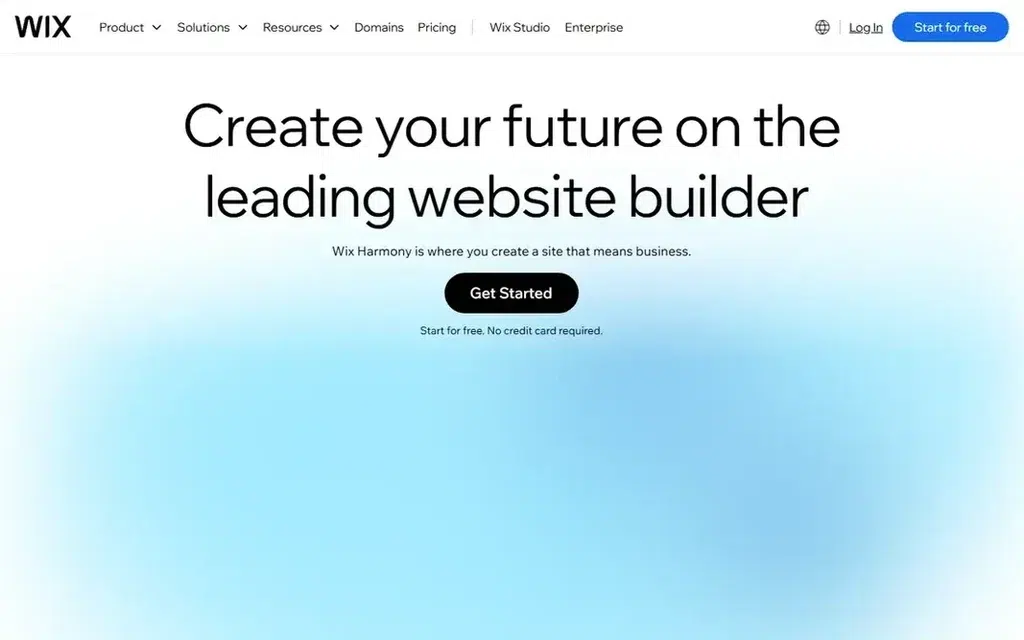
Wix was built for all-in-one site with marketing tools. Writers who want one place for publishing and promotion may find the combined toolset convenient. Wix is a website system that bundles hosting, business tools, domains, and marketing.
Its homepage describes a product for building a business online, which suits live blogs tied to a brand, event, or product. As for the details, if you want a stripped-down writing experience, a dedicated blog product may be easier. Wix shows no starting price here, so confirm the cost on the vendor site. On free options: Not stated.
What to check first: Live-update workflows are not the primary focus.
- Business and marketing tools included
- Hosting and domains built in
- Editor can feel complicated for straightforward blogs
Think of Blogger for straightforward, straightforward blog publishing. Blogger is a straightforward blogging service for publishing posts with minimal setup. Its homepage emphasizes creating a unique and beautiful blog easily, which suits individuals who want a low-friction place to share updates.
Points against: Fewer modern publishing features.
In practice, choose Blogger when you want a straightforward, familiar blog and do not need advanced tools. From a buyer's view, for an entry-level live blog, its straightforward posting flow keeps the focus on writing instead of configuration. It provides fewer modern features and less design adaptability than bigger products. Check the vendor site for Blogger pricing; none is listed in this comparison. Trial and free access: Not stated.
- Simple blog creation
- Template-based design
- Restricted customization choices
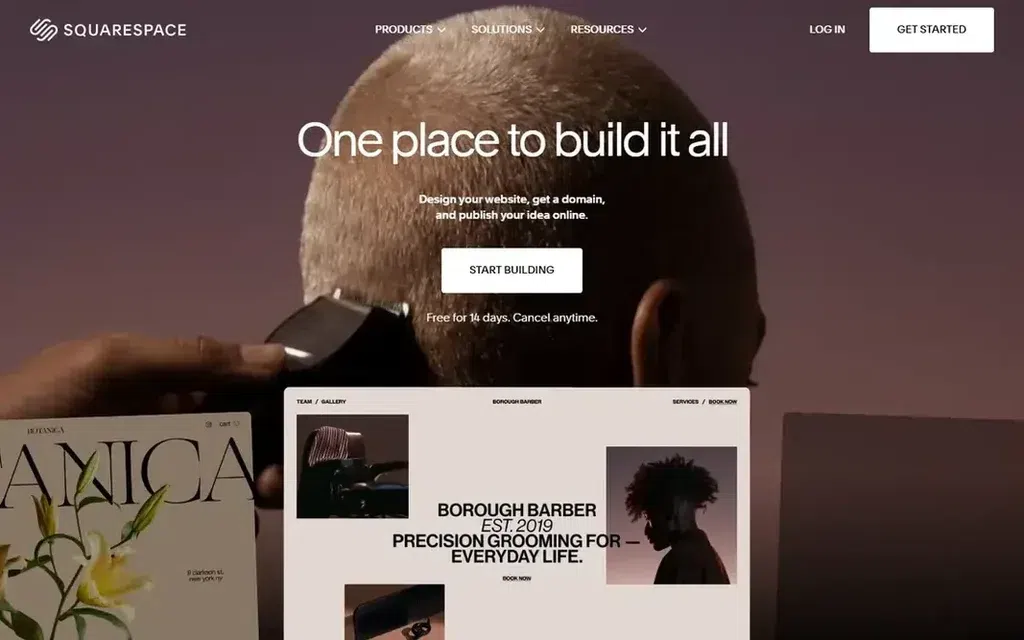
Squarespace makes the most sense for design-led live blogs with templates. If your priority is a fast-moving feed with minimal design overhead, consider a more straightforward publishing tool.
Watch-outs: Template limits may constrain complicated layouts.
From a buyer's view, Rapid, timestamped live updates are not its core focus, and some layout changes may need workarounds. Its homepage points to configurable templates, AI website builder tools, and domain names, which fits publishers who want a live blog to look sharp from day one. Starting cost for Squarespace: $12 per month. Free options: Free trial.
- Configurable website templates
- Domain name choices
- Less adaptable for rapid post-by-post updates

Think of WordPress.com for hosted publishing with adaptable themes. WordPress.com is a hosted website system built around publishing, with themes and tools that suit a running live blog. For everyday use, some design and feature changes rely on higher-tier choices, so check what each level comes with before committing.
Where it falls short: Advanced customization can need upgrades.
Beyond that, the homepage flags built-in hosting and premium themes, and the editor manages frequent updates well. For everyday use, choose WordPress.com when straightforward, steady hosted blogging is the priority. WordPress.com starts at: $4 per month. You can start on WordPress.com without paying.
- Built-in hosting and premium themes
- Capable blogging foundations
- Less concentrated on live-update formats
How we chose
LinkVetted looked at what each vendor publishes: pricing, plan limits, feature coverage for online live blog and stated drawbacks. No hands-on testing is claimed. Plan names, prices and limits change often. Treat the figures here as a starting point and verify them with the vendor. The ranking is editorial: typical fit first, then clear pricing, then free access. If your needs are unusual, read the profiles rather than relying on position.
Pre-purchase checklist
- Ask Wix and Blogger for a written quote, since no starting price is shown.
- Check what the free option really includes: Webflow and WordPress.com offer a free plan, and usage caps differ.
- Take the trial from Squarespace and push a live task through it before you pay.
- Read the limits listed for Webflow first: steeper ramp-up time for beginners.
- Confirm that Wix connects to the apps your team already uses, on the plan you would actually buy.
- Map your must-have features to a specific Webflow plan before you compare prices.
FAQ
What is the cheapest option for online live blog in this list?
On published monthly entry prices, WordPress.com is the lowest here at $4 per month. Entry price is only part of the cost, because seats, add-ons and billing terms can change the total. All 5 picks in this online live blog comparison list a starting price, free plan details and the main limits on their cards above.
Can I try these tools before paying?
Often, yes. Webflow and WordPress.com have a free plan and Squarespace offers a free trial. Use your own data and a real task during the test, and check what the free tier or trial limits before you rely on it.
How do I compare live blog tools without testing them all?
Start with your must-haves: update speed, design control, and audience tools. Then read vendor documentation for each shortlisted product and confirm limits on posts, media, and customization before deciding.
Is Webflow the right pick for everyone comparing online live blog?
No single tool suits every team. Webflow comes first because it fits design control and CMS structure, while Wix suits all-in-one site with marketing tools and Blogger suits simple, straightforward blog publishing. Match the tool to your own size, budget and workflow before deciding.
How are the tools for online live blog ordered?
Webflow sits first and WordPress.com last because the order follows typical fit for online live blog, then price clarity and free access. It is a judgement call, so read each profile for fit and limits.
Sources
- https://webflow.com
- https://www.wix.com
- https://www.blogger.com
- https://www.squarespace.com
- https://wordpress.com