Best Blog Platform to Monetize (2026): 7 Options Compared
7 options for the best blog platform to monetize, with entry costs, free tiers and the buyer each one serves. Strengths and weak spots are spelled out.
- Editor's choice
 Medium
Writers who want readers without marketing
Starts atSee websiteVisit medium.comFull review - Great alternative
 WordPress.com
WordPress power without server management
Starts atSee websiteVisit wordpress.comFull review - Also consider
 Squarespace
Beautiful blogs with commerce attached
Starts at$19 a monthVisit squarespace.comFull review
TL;DR:
- Medium takes the first slot, best suited to writers who want readers without marketing.
- What to know about Medium first: you cannot set your own prices.
- Webflow suits high-design publications and content sites.
- Free plans exist at 5 of 7 tools (Medium, WordPress.com, WordPress.org, Blogger, Beehiiv).
Direct answer
For writers who want readers without marketing, Medium is where this list starts. Look at WordPress.com for WordPress power without server management, and at Squarespace for beautiful blogs with commerce attached. All 7 tools are compared below on price, free plan and limits.
Quick comparison
| Tool | Best for | Starts at | Free plan? | |
|---|---|---|---|---|
| Medium | Writers who want readers without marketing | See website | Yes | Visit |
| WordPress.com | WordPress power without server management | See website | Yes | Visit |
| Squarespace | Beautiful blogs with commerce attached | $19 a month | Free trial | Visit |
 WordPress.org | Bloggers who want full control and full revenue | Free | Yes | Visit |
 Blogger | Zero-cost blogging with AdSense income | Free | Yes | Visit |
 Beehiiv | Newsletter growth plus ad-network revenue | $49 per month (billed yearly) | Yes | Visit |
 Webflow | High-design publications and content sites | See website | Not stated | Visit |
Blog Platform to Monetize compared in detail
LinkVetted put together this guide to blog platform to monetize for readers who want a clear shortlist without reading every vendor page. It compares 7 tools on starting price, free plans, who each one suits and where each one falls short.
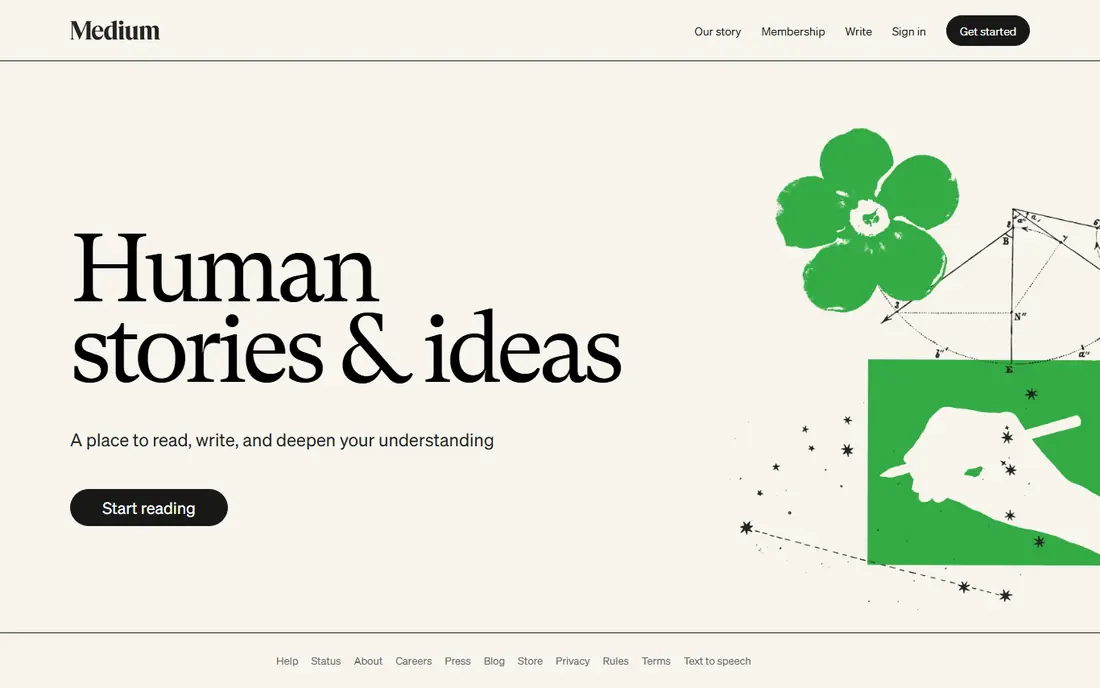
Medium is aimed squarely at writers who want readers without marketing. Publish, and your work can reach millions of readers without you building an audience first. From a buyer's view, the main limit is structural: you rent the audience.
Worth adding: treat it as a discovery channel or a side income, not as the home of a business you plan to own. Also, the Partner Program pays based on member engagement with your stories, so decent writing can earn from day one with no hosting bill and no email list to grow. Medium shows no starting price here, so confirm the cost on the vendor site. You can start on Medium without paying.
Where it is weaker: You cannot set your own prices.
- Built-in audience of millions
- Zero setup or maintenance
- Algorithm and policy changes control your income
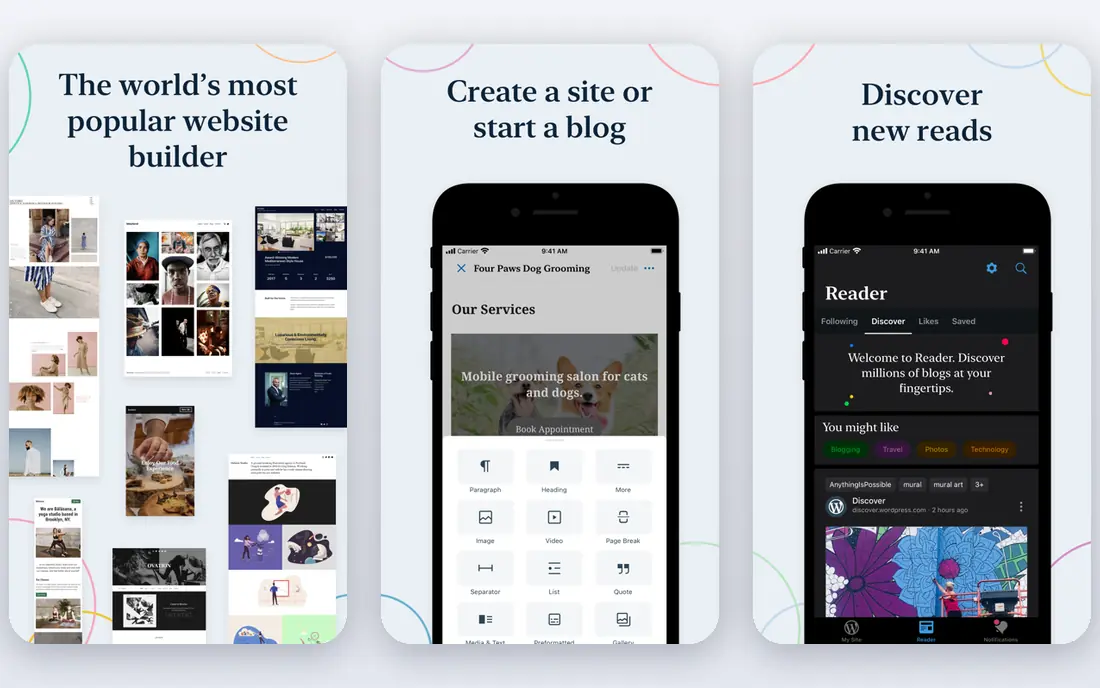
WordPress.com was built for WordPress power without server management. The trade-off is the plan ladder.
More specifically, check current pricing on the vendor site. WordPress.com does not show a starting price in this comparison, so check the vendor site for current pricing. A free plan is available with WordPress.com.
Watch-outs: Lower levels restrict plugins and themes.
- Newsletter and monetization tools built in
- Managed hosting with security handled
- Serious monetization needs premium plans

Think of Squarespace for beautiful blogs with commerce attached. After a free 14-day trial with no card required, plans start at $19 a month, which contains hosting, security and the commerce toolkit.
More specifically, there is no permanent free level, so the meter runs from month one. More specifically, for creators whose brand is visual and whose revenue comes from products, services or memberships around the writing, the polish justifies the price. Squarespace starts at: $19 per month. Trial and free access: Free trial.
Where it falls short: No free plan, only a trial.
- Subscriptions start at $19/month after a 14-day trial
- Selling tools and member areas built in
- Blogging features trail WordPress depth
WordPress.org is a good fit for bloggers who want full control and full revenue. WordPress.org is the self-hosted version that powers a huge share of the money-making web.
Also, no product takes a cut and no terms of service can demonetize you overnight. You manage updates, security, backups and performance, or you pay a managed host to do it. WordPress.org cost at the entry level: Free. WordPress.org offers a free plan.
The main drawbacks: You arrange hosting, security and backups.
- Courses and commerce
- 60,000+ plugins for memberships
- No built-in audience
Blogger was built for zero-cost blogging with AdSense income. Blogger is the forgotten free choice that still works: free hosting on a blogspot domain (or a custom domain), decent templates, built-in stats. One-click Google AdSense so display ads can earn from your first visitors.
Drawbacks to consider: You build on Google's land.
In practice, there is nothing to install, update or pay for, ever. For a hobby blog that should cost nothing and might earn coffee money, it remains unbeatable value. Google barely develops it anymore, which is both the weakness and the point: no new features, but also no pricing changes or shutdown scares beyond the usual Google caveats. Blogger starts at: Free. Blogger has a free plan.
- Google reliability with no maintenance
- AdSense integration for ad revenue
- Dated product with minimal development
Beehiiv is aimed squarely at newsletter growth plus ad-network revenue. For newsletter-first creators who plan to scale, the math favors Beehiiv once revenue passes a handful of hundred dollars per month. On top of that, the free level is genuinely handy: unlimited email sends, landing pages, referral programs and API access for $0 forever.
Downsides: less of a full website; premium subscriptions need the $49/month Lite plan.
The site builder spans the basics but will not replace WordPress for complicated sites. Also, premium plans start at Lite, $49 a month on yearly billing, which brings premium subscriptions at a 0% take rate, ad monetization, automations and A/B testing. Starting cost for Beehiiv: $49 per month. Beehiiv has a free plan.
Main advantages: Free plan is free forever with unlimited sends.
- 0% take rate on premium subscriptions
- Built-in ad network for additional revenue
- Product is newsletter-first
Pick Webflow if this describes you: high-design publications and content sites. The code output is clean, SEO tooling is built in, and the hosting is enterprise-grade.
For everyday use, pick Webflow when the publication's design justifies the effort; pick WordPress when the business model needs plugins. Check the vendor site for Webflow pricing; none is listed in this comparison. On free options: Not stated.
Watch-outs: Steeper ramp-up time.
- Clean code output and capable SEO foundations
- CMS made for content sites
- Monetization via external tools
What to expect to pay for blog platform to monetize
The editor is what you touch daily, but the revenue cut, the audience ownership and the pricing levels decide whether the blog ever pays. These ten include every realistic way to earn from writing in 2026, from ad cents to five-figure membership companies.
How we compared the tools
For each of the 7 tools we noted price, free plan or trial, fit for blog platform to monetize and the main limit, using vendor pages and documentation. Plan names, prices and limits change often. Treat the figures here as a starting point and verify them with the vendor. The sequence is a judgement call: typical use case first, then pricing transparency, then free access. Use the profiles to check fit.
What to confirm before you sign up
- Confirm the entry price on the vendor page. For Medium, WordPress.com and Webflow that means a quote rather than a fixed price.
- Read the fine print on the free plans from Medium, WordPress.com, WordPress.org and others; seat, project and feature caps differ.
- Take the trial from Squarespace and push a live task through it before you pay.
- Before choosing Medium, weigh its main limit: you cannot set your own prices.
- Find out whether the entry plan of Squarespace covers your must-haves or only a trimmed-down version.
- Confirm that WordPress.org connects to the apps your team already uses, on the plan you would actually buy.
FAQ
What is the best blog product to make money?
Medium comes first here and is built for writers who want readers without marketing. Buyers with other needs may prefer WordPress.com (for WordPress power without server management) or Squarespace (for beautiful blogs with commerce attached). Compare costs and limits first.
How are the tools for blog platform to monetize ordered?
Medium sits first and Webflow last because the order follows typical fit for blog platform to monetize, then price clarity and free access. It is a judgement call, so read each profile for fit and limits.
Is Medium the right pick for everyone comparing blog platform to monetize?
No single tool suits every team. Medium comes first because it fits writers who want readers without marketing, while WordPress.com suits WordPress power without server management and Squarespace suits beautiful blogs with commerce attached. Match the tool to your own size, budget and workflow before deciding.
Can I try these tools before paying?
Often, yes. Medium, WordPress.com, WordPress.org and others have a free plan and Squarespace offers a free trial. Use your own data and a real task during the test, and check what the free tier or trial limits before you rely on it.
Which options for blog platform to monetize have a free plan?
On this list, Medium, WordPress.com, WordPress.org, Blogger and Beehiiv include a free plan. Caps on seats, usage or features are common, so test the free plan against your real workload. One other tool offers a trial instead.