Choosing Online Platform for Webinars in 2026: 5 Options Compared
Need the best online platform for webinars? We compare 5 tools on cost, free access and who each suits. Short, factual notes on every option. Straight answers.
- Editor's choice
 WebinarJam
Sales-driven live and automatic webinars
Starts atSee websiteVisit webinarjam.comFull review - Great alternativeMicrosoft Teams Webinars
Teams already working inside Microsoft 365
Starts at$4.00 per user a monthVisit microsoft.comFull review - Also consider
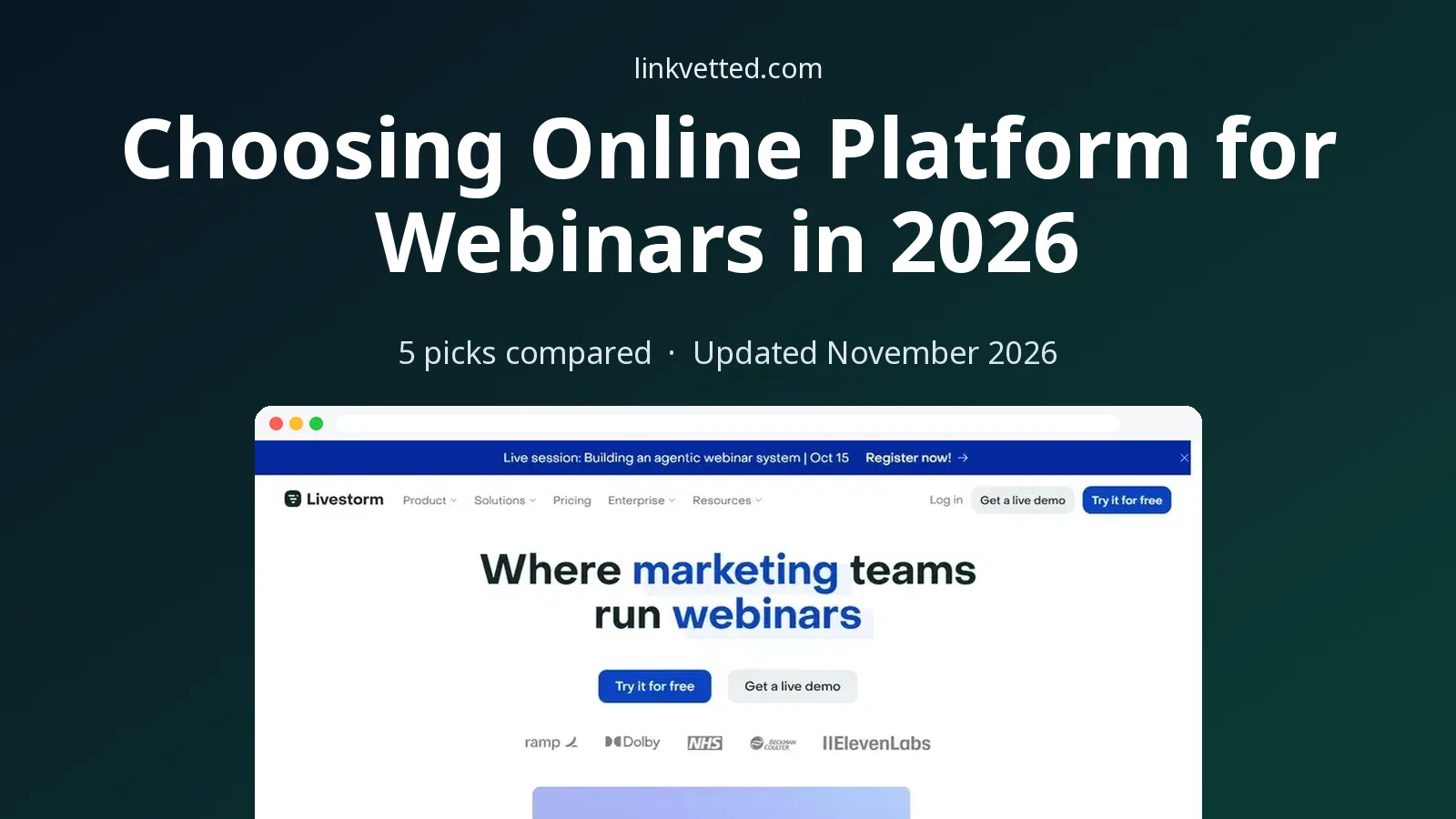
 Livestorm
Marketing teams connecting events to CRM data
Starts at€2.50 per attendeeVisit livestorm.coFull review
Direct answer
This list puts WebinarJam first for sales-driven live and automatic webinars. Listed starting prices: Microsoft Teams Webinars from $4.00 per user a month and Livestorm from €2.50 per attendee. For a different need, Microsoft Teams Webinars covers Teams already working inside Microsoft 365 and Livestorm covers marketing teams connecting events to CRM data. All 5 tools are compared below on price, free plan and limits.
TL;DR:
- Top of the list is WebinarJam, which targets sales-driven live and automatic webinars.
- None of the 5 tools, from WebinarJam to Zoom Webinars, has a free plan, so budget for a subscription or use a trial.
- Microsoft Teams Webinars is the lowest-priced starter here at $4.00 per user per month.
- Zoom Webinars is the one to check for steady large-audience broadcasts for Zoom users.
Last checked November 2026. Prices and plan details were read from the vendors' own pages in November 2026; vendors change plans often, so confirm the current price on the vendor site before you buy.
Quick comparison
| Tool | Best for | Starts at | Free plan? | |
|---|---|---|---|---|
| WebinarJam | Sales-driven live and automatic webinars | See website | Not stated | Visit |
| Microsoft Teams Webinars | Teams already working inside Microsoft 365 | $4.00 per user a month | Free trial | Visit |
| Livestorm | Marketing teams connecting events to CRM data | €2.50 per attendee | Not stated | Visit |
 GoTo Webinar | Engaging conferences and recurring audience events | See website | Free trial | Visit |
 Zoom Webinars | Steady large-audience broadcasts for Zoom users | See website | Not stated | Visit |
Online Platform for Webinars compared in detail
LinkVetted compared 5 online platform for webinars. The goal is a practical shortlist: published prices, free plan facts, best-fit use cases and honest limits for every entry.
WebinarJam works best for sales-driven live and automatic webinars. WebinarJam is made for presenters who want webinars to convert, offering live and automatic evergreen events with HD streaming, one-click sales offers and built-in marketing.
Limits to weigh: Aggressive sales framing may not suit neutral brands.
From a buyer's view, the conversion-first design can feel heavy for corporate communications, internal training or brands that prefer a restrained tone. Automatic replays also need care to stay current. No starting price is listed for WebinarJam here; confirm pricing on the vendor site. Free options: Not stated.
- Built-in marketing and provides
- Conversion-oriented design
- Less suited to formal training
Microsoft Teams Webinars
Best for: Teams already working inside Microsoft 365
Pick Microsoft Teams Webinars if this describes you: Teams already working inside Microsoft 365. Microsoft Teams Webinars brings webinar hosting into the Teams communication system, which the vendor describes as a single cloud-first workspace for customers and employees.
For internal and customer-facing sessions alike, the appeal is consolidation. From a buyer's view, compared to dedicated webinar products, the marketing and analytics depth is more restricted. The starting price for Microsoft Teams Webinars: $4.00 per user per month. Free plan details: Free trial.
Drawbacks to consider: Webinar depth is modest compared with dedicated tools.
- Suits existing Microsoft workflows
- Single system for communication
- Best value only within the Microsoft ecosystem
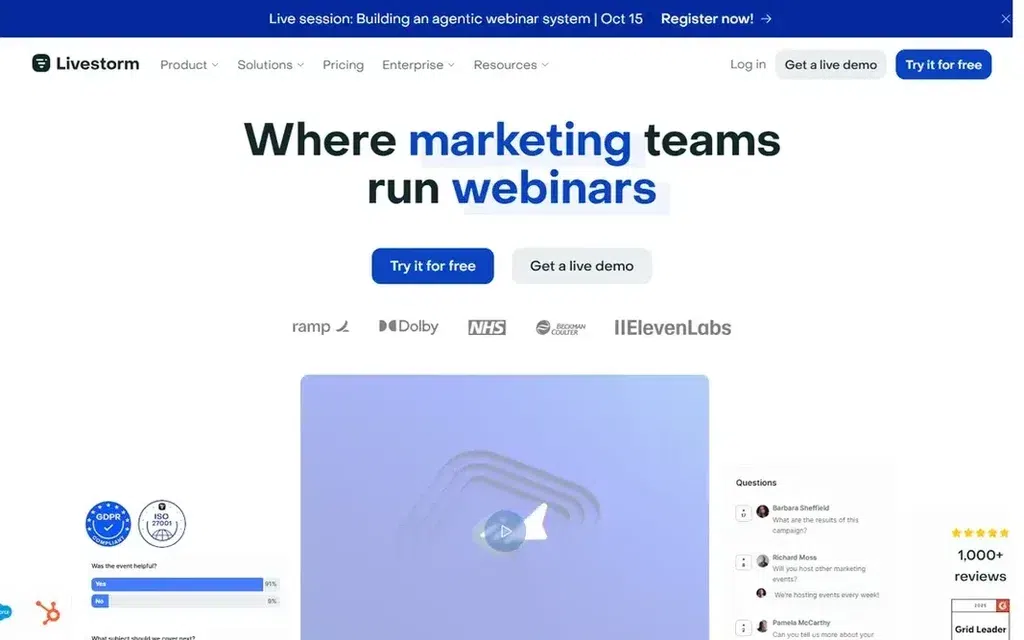
Livestorm serves marketing teams connecting events to CRM data. Livestorm is an all-in-one webinar product aimed squarely at marketing teams. Its homepage flags branded events, engagement insights and syncing data to a CRM to demonstrate return on investment, with AI enhancements layered on top.
Where it falls short: Marketing-centric focus may not suit internal training.
Beyond that, because the product is built around marketing workflows, teams running internal training or straightforward all-hands sessions may find it more than they need. Beyond that, the value of CRM syncing relies on which systems you use. On cost, Livestorm starts like this: €2.50 per attendee. As for free access: Not stated.
- Branded event experiences
- Engagement insights
- Feature depth relies on integrations
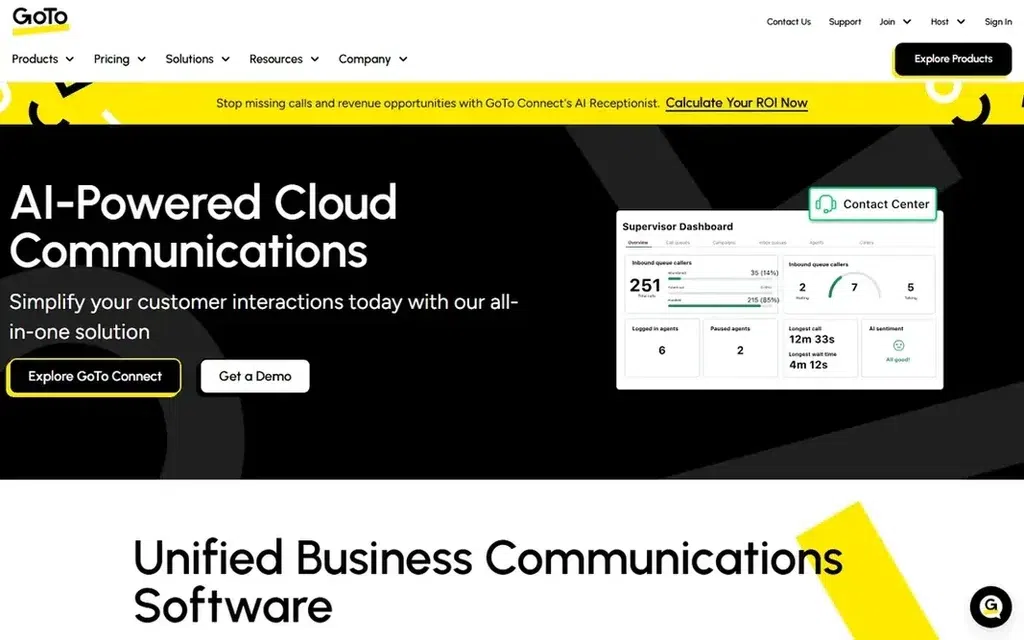
GoTo Webinar targets engaging conferences and recurring audience events. Some users find the interface less modern than newer marketing products.
Where it is weaker: Marketing automation depth varies by setup.
GoTo Webinar is a dedicated webinar and virtual conference product built around engaging audiences through live sessions and events. Pricing for GoTo Webinar is not stated here, so ask the vendor for current figures. On free options: Free trial.
- Made for audience engagement
- Supports virtual conferences
- Interface can feel dated to new users
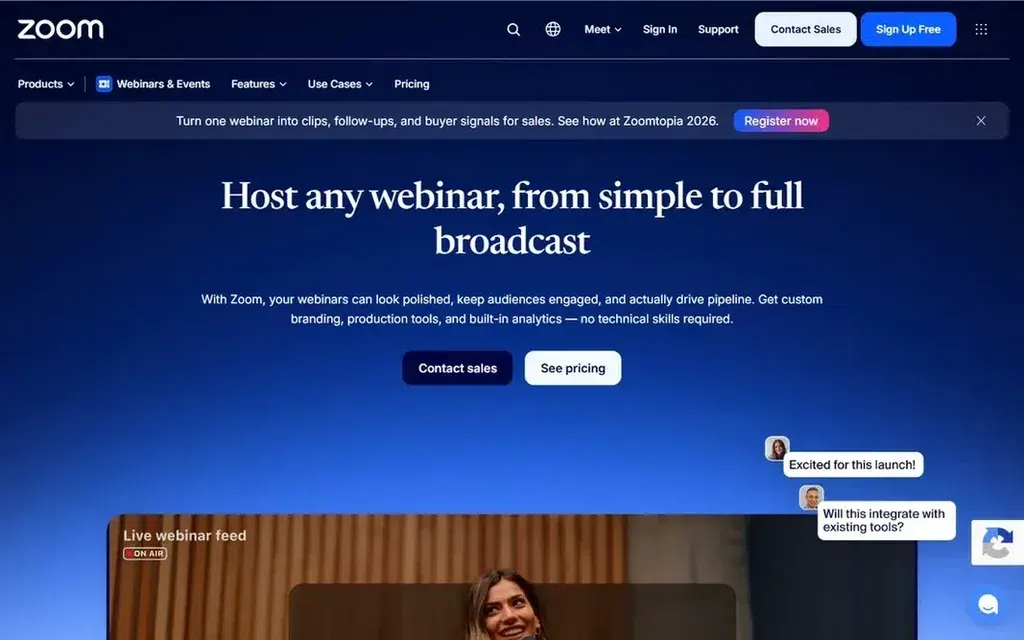
In short, Zoom Webinars is for dependable large-audience broadcasts for Zoom users. Zoom Webinars extends the meeting product most teams already know into a broadcast format designed for bigger audiences and professional events.
As for the details, choose Zoom Webinars when reliability, presenter familiarity and wide organizational adoption matter more than specialized event marketing. Pricing for Zoom Webinars is not stated here, so ask the vendor for current figures. Free plan details: Not stated.
Downsides: Advanced marketing features are restricted.
- Familiar Zoom interface
- Solid brand recognition
- Webinars are a separate add-on to meetings
How we compared the tools
The comparison looks at four things: starting price, free access, how well the feature set matches online platform for webinars, and the main limit of each tool. Figures are shown as the vendors publish them. Billing terms, seat minimums and add-ons can change the real cost. Position on the page reflects fit for a typical buyer first, with price clarity and free access breaking ties. Treat it as a guide, not a ruling.
Questions to settle before buying
- Ask WebinarJam, GoTo Webinar and Zoom Webinars for a written quote, since no starting price is shown.
- Use real work to test the free trial from Microsoft Teams Webinars and GoTo Webinar, rather than a demo project.
- Before choosing WebinarJam, weigh its main limit: aggressive sales framing may not suit neutral brands.
- Look at which plan of Microsoft Teams Webinars unlocks the features you need; entry tiers are often cut down.
- A short pilot of WebinarJam with your real workflow tells you more than a feature table.
FAQ
How are the online platform for webinars ordered?
The order follows typical fit for online platform for webinars, with WebinarJam first and Zoom Webinars last, then price clarity and free access. It is editorial judgement, not a score, so another team could rank the tools differently.
What is the cheapest option for online platform for webinars in this list?
On published monthly entry prices, Microsoft Teams Webinars is the lowest here at $4.00 per user per month. Entry price is only part of the cost, because seats, add-ons and billing terms can change the total. Each of the 5 options in this online platform for webinars guide has its own card above with the price, free plan and limits.
Does any tool for online platform for webinars here have a free plan?
A permanent free plan is not offered by WebinarJam, Zoom Webinars or the other tools here. Microsoft Teams Webinars, GoTo Webinar offer a trial. Plan a short evaluation period instead.
What is the best online product for webinars overall?
WebinarJam is the pick this page puts first, mainly for sales-driven live and automatic webinars. If your situation differs, Microsoft Teams Webinars suits Teams already working inside Microsoft 365, and Livestorm suits marketing teams connecting events to CRM data. Compare price and limits before you decide.
Is WebinarJam the right pick for everyone comparing online platform for webinars?
No single tool suits every team. WebinarJam comes first because it fits sales-driven live and automated webinars, while Microsoft Teams Webinars suits Teams already working inside Microsoft 365 and Livestorm suits marketing teams connecting events to CRM data. Match the tool to your own size, budget and workflow before deciding.
Sources
- https://webinarjam.com
- https://www.microsoft.com/en-us/microsoft-teams/webinars
- https://livestorm.co
- https://www.goto.com/webinar
- https://zoom.us/webinar