Best Event Management Software for Nonprofits in 2026: 8 Tools Compared
Compare the best event management software for nonprofits in 2026, from free fundraising events to large galas, with pricing, fees, and features explained.
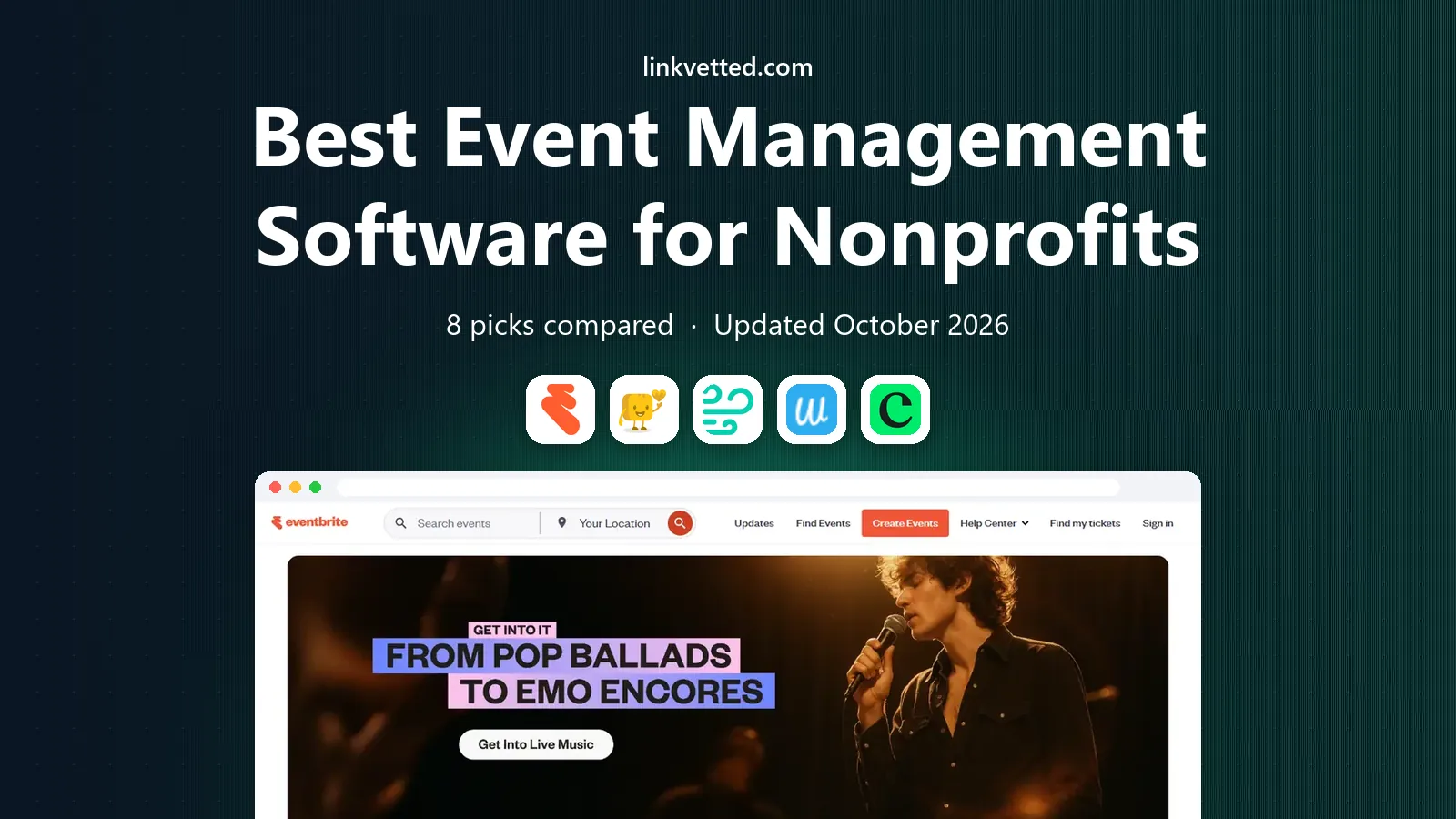
- Editor's choice
 Eventbrite
Public ticketed events
Starts atSee websiteVisit eventbrite.comFull review - Great alternative
 Givebutter
Fundraising events
Starts atSee websiteVisit givebutter.comFull review - Also consider
 Zeffy
No-fee nonprofit events
Starts atFreeVisit zeffy.comFull review
TL;DR:
- Zeffy and Givebutter stand out for small nonprofits because they keep event and donation costs low, with Zeffy charging no platform fee on its core tools.
- Eventbrite is our pick for a first public event, since many supporters already know how to buy tickets there and organizers can publish fast.
- Whova and Cvent fit larger conferences and multi-day events, where schedules, speakers, and sponsor pages matter more than a simple ticket form.
- The cheapest ticket price is not always the cheapest total cost, so check payment processing fees, payout timing, and add-on charges before you commit.
Quick comparison
| Tool | Best for | Starts at | Free plan? | |
|---|---|---|---|---|
| Eventbrite | Public ticketed events | See website | Yes | Visit |
| Givebutter | Fundraising events | See website | Yes | Visit |
| Zeffy | No-fee nonprofit events | Free | Yes | Visit |
 Whova | Conferences and summits | See website | No | Visit |
 Cvent | Large multi-day events | See website | No | Visit |
 TicketLeap | Simple ticket sales | See website | Yes | Visit |
 Neon One | Donor and event management | See website | No | Visit |
 Classy | Gala and peer fundraising | See website | No | Visit |
The best event management software for nonprofits
Nonprofit events have a double job. They must fill seats and raise money, while keeping staff time and donor trust intact. The best event management tools for nonprofits below cover both jobs, from a small community fundraiser to a large annual gala.
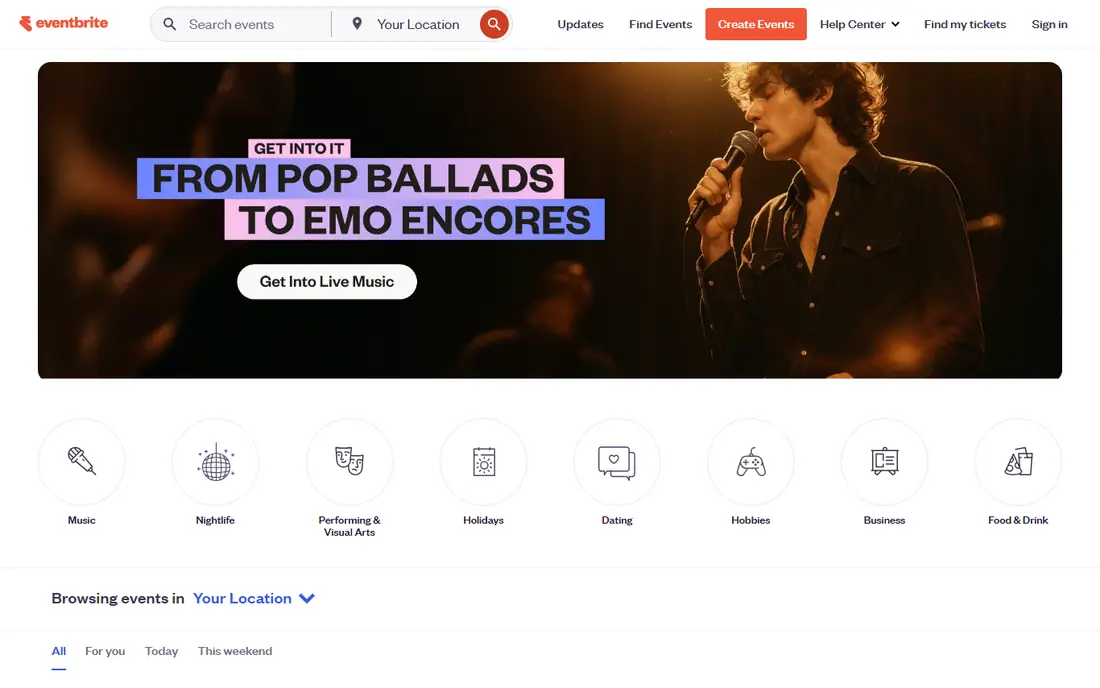
Eventbrite is the easiest starting point for many nonprofits, and that familiarity matters. Supporters can find an event, buy a ticket, and add it to a calendar without learning a new system. Organizers can set ticket types, early bird pricing, and refund rules in a single setup flow, then share one link across email and social posts. For a first 5K, workshop, or community concert, that speed is a real benefit.
The trade-off is depth. Eventbrite handles tickets and basic attendee lists well, but it is not a donor database. A team that needs pledge tracking, grant notes, and long term donor history will still need a separate CRM. Fees also deserve a close read, since paid ticket fees and payment processing can reduce net revenue on a large event. We like Eventbrite most when the main goal is attendance, not complex fundraising.
- Familiar checkout for attendees
- Fast event publishing
- Strong discovery and promotion tools
- Fees can add up on paid tickets
- Less donor management than a full nonprofit suite

Givebutter brings the pieces of a fundraising event together in one dashboard. A nonprofit can sell tickets, run an auction, collect donations, and let supporters create their own fundraising pages without stitching four tools together. The pages look clean on mobile, which matters when most donors open a link from a text or social post. Staff can also thank donors, send updates, and track progress toward a goal from the same account.
The catch is scale. Small and mid-size teams will find most of what they need here, while a very large gala with complex seating, sponsorship tiers, and multi-day programming may want a more specialized event platform. Givebutter is a strong fit for auctions, galas, walkathons, and school fundraisers where donations and tickets must work side by side. Check the current fee page before launch, since optional donor tips can offset costs in some setups.
- Tickets, auctions, and donations in one place
- Modern donor pages
- Team fundraising pages
- Advanced reporting may feel limited for very large teams
- Some features need a paid plan

Zeffy is built around a simple promise that small nonprofits will notice at once: no platform fee on its core fundraising tools. That model is funded by optional donor contributions at checkout, so a team should test how that prompt looks to its own supporters. For free community events, the savings are clear, since there is no monthly platform charge to justify before a single ticket is sold. Zeffy also covers event tickets, donations, raffles, memberships, and peer fundraising in one account.
The limits are worth noting. Zeffy serves registered nonprofits, so a new group still waiting on status should confirm eligibility first. It also lacks the deep conference features of a tool like Whova or Cvent, such as complex session scheduling and exhibitor halls. For a charity dinner, school fair, or local fundraiser, Zeffy is hard to beat on cost. For a multi-track conference, look elsewhere.
- No platform fee on core tools
- Tickets, donations, and raffles included
- Built for registered nonprofits
- Only for eligible nonprofits
- Fewer enterprise event features than Cvent
Whova is our pick when an event is really a conference, not just a ticket sale. Attendees get an app with the agenda, speaker profiles, session notes, and maps, which cuts down on printed programs and hallway confusion. Organizers can add sponsor banners, exhibitor listings, live polls, and community boards that keep people engaged between sessions. Networking tools let attendees message each other and set meetings, a feature that matters at professional summits.
That depth comes with setup work. A team must build the agenda, load speaker details, and test the app before doors open. Pricing is also less transparent than a free ticket tool, so request a quote early and compare it with expected ticket revenue. Whova fits annual conferences, association summits, and multi-day training events where the attendee experience is a large part of the value.
- Full conference agenda and attendee app
- Networking and messaging tools
- Sponsor and exhibitor pages
- More setup time than a ticket-only tool
- Pricing is quote based for many events
Cvent is the heavyweight option on this list, built for organizations that run many events each year. It covers registration, housing blocks, abstract management, exhibitor tools, and detailed reporting in one system. Large nonprofits can standardize forms, approval steps, and branding across chapters, which saves staff time over a full season. The reporting tools also help a development team show a board exactly how an event performed.
Small teams should pause before choosing Cvent. The price and setup time reflect its enterprise focus, and a simple fundraiser will not use most of its features. If your nonprofit runs a national conference with thousands of attendees, multiple venues, and sponsor packages, Cvent earns its place. If you run two local events a year, a lighter tool will serve you better and cost far less.
- End to end event and registration tools
- Strong reporting
- Venue and supplier sourcing
- Higher cost and learning curve
- More than most small nonprofits need
TicketLeap keeps the focus on selling tickets well. Organizers can create an event page, set ticket levels, offer reserved seating for theater style events, and track sales in real time. The interface is plain in a good way, with fewer settings to learn than a full conference platform. That makes it a good fit for performances, festivals, tours, and community events where the ticket is the main product.
Fundraising is where TicketLeap is thinner. It does not replace a donation platform, so a team that needs auctions, pledges, and donor thank you workflows should pair it with another tool or pick a fundraising first platform. Fees and payout terms should be checked on the current pricing page, since they vary by setup. For a straightforward ticketed event, TicketLeap is a clean and dependable choice.
- Quick setup for ticketed events
- Reserved seating options
- Straightforward attendee management
- Fewer fundraising tools than Givebutter or Classy
- Limited donor CRM features
Neon One is for nonprofits that want events to feed a donor record, not just a ticket count. When someone buys a ticket, donates, and later joins as a member, all three actions can sit on one supporter profile. That history helps a development team send better appeals and spot loyal supporters who might become major donors. Neon One also includes fundraising pages, memberships, and email tools, so a small staff can run more work from one login.
The trade-off is the move itself. Shifting a donor database takes planning, data cleanup, and staff training, so this is not a pick for a one-off event next week. Pricing is also higher than a free ticket tool, though the value grows when it replaces several separate subscriptions. Choose Neon One when your nonprofit needs a lasting donor system with events built in, not just a ticket page.
- Donor CRM plus events in one system
- Fundraising and membership tools
- Nonprofit focused support
- Higher starting cost than ticket-only tools
- Setup takes time for a full CRM move
Classy, now part of GoFundMe, is known for polished fundraising pages that look good on a gala invitation. Nonprofits can build ticketed galas, peer to peer campaigns, and crowdfunding pages with consistent branding and clear donation prompts. Supporters can create personal fundraising pages, share them, and track their own progress, which often brings in donors the nonprofit would not reach alone. The donor checkout is smooth, and recurring gift prompts help turn a one night gift into ongoing support.
Cost is the main question. Classy pricing is quote based, so a small nonprofit should ask for a full quote, including payment fees, before comparing it with a free or low fee option. The platform fits best when a gala or peer campaign is a major revenue event and page quality matters. For a small bake sale or free workshop, a simpler tool will do the same job for less.
- Polished gala and campaign pages
- Peer to peer fundraising
- Strong donor experience
- Pricing is quote based
- May be costly for very small nonprofits
How we picked these
We compared official feature pages, pricing pages, and nonprofit use cases for each tool, focusing on ticket sales, fundraising, donor records, and attendee experience. We favored tools that are still actively sold and supported in 2026, that publish clear nonprofit pricing or fee information, and that cover a distinct need, from free events to large conferences. We did not claim hands-on testing. We weighed cost, ease of setup, fundraising depth, and how well each tool handles real nonprofit events, not just generic ticket sales.
We also checked that each tool truly fits nonprofit work, not just business events. A tool that only sells tickets scored lower than one that also handles donations, donor records, or auctions, unless its ticket experience was clearly stronger. That is why this list mixes free ticket tools with full donor systems. The right pick depends on whether your next event is mainly about attendance, fundraising, or both.
What to check before you choose
A good event tool should match your event size, your staff capacity, and your fundraising plan. Start with the event you run most often, not the largest event you might run one day.
Fees and payouts
Read the fee page line by line. Note the platform fee, the payment processing fee, and who pays each one. Ask when payouts arrive, since a gala that pays out weeks later can strain a small budget. If donors can cover fees with an optional tip, test that checkout step yourself to see how it reads.
Donor data after the event
Ask where attendee and donor data lives after the event ends. A ticket list is useful for a thank you email, but a donor profile is useful for a year of appeals. If you already use a CRM, check whether the event tool syncs with it or exports clean data. Manual retyping after every event is a hidden cost that grows with each fundraiser.
Attendee experience on mobile
Most supporters will buy on a phone. Open the ticket page, the donation form, and any event app on a phone before you commit. Check load time, form length, and how clear the refund and contact details are. A page that looks fine on a desktop can still lose donors on a small screen, especially at a live event with weak Wi-Fi.
FAQ
What is the best event management software for nonprofits?
There is no single winner for every nonprofit. Eventbrite fits a first public event, Givebutter and Zeffy fit fundraising events on a tight budget, and Whova or Cvent fit large conferences. Pick based on event size, fundraising needs, and staff time, then test the checkout before you publish.
What are the best event management tools for nonprofits on a small budget?
Zeffy is the lowest cost option for eligible nonprofits, since its core tools carry no platform fee. Givebutter and TicketLeap also offer free starting options, with costs tied to ticket or donation processing. Compare total fees, not just the platform price, and check whether donor tips offset those fees.
Can one tool handle tickets, donations, and donor records?
Yes, but only a few do all three well. Neon One combines a donor CRM with events and fundraising, while Givebutter and Classy combine tickets with strong fundraising pages. Eventbrite and TicketLeap focus mainly on tickets, so they work best alongside a separate donor system.
Do nonprofits get discounts on event software?
Many vendors offer nonprofit pricing, but terms vary. Some offer a free tier, some offer a discount on a paid plan, and some charge the same rates as business customers. Ask for nonprofit pricing in writing, and confirm whether the discount applies to platform fees, payment fees, or only to the subscription.
How early should we set up event software?
Set up at least six to eight weeks before a large event, and two to three weeks before a small one. That leaves time to build ticket types, test checkout on mobile, load sponsor details, and train volunteers. Last minute setup often leads to refund questions and missed donor data.