Best Onpage SEO Tool in 2026: 8 Tools Compared
Best onpage SEO tool options compared for content scoring, briefs, technical audits, and WordPress checks that help pages rank and read well in 2026 today.

- Editor's choice
 Surfer SEO
Live content scoring
Starts at$49 per monthVisit surferseo.comFull review - Great alternative
 Clearscope
Editorial content briefs
Starts at$129 per monthVisit clearscope.ioFull review - Also consider
 Frase
Research to draft speed
Starts at$49 per monthVisit frase.ioFull review
TL;DR:
- Onpage tools do two jobs: score a page against top ranking pages, and find technical issues such as titles, headings, and internal links.
- Content scoring tools help writers cover a topic fully, but a high score does not guarantee a ranking, since quality and intent still matter.
- WordPress sites often need a plugin plus a scoring tool, since plugins handle titles and schema while scoring tools handle content depth.
- Start with one tool, fix the pages that already get traffic, and only then expand to new content at scale.
Quick comparison
| Tool | Best for | Starts at | Free plan? | |
|---|---|---|---|---|
| Surfer SEO | Live content scoring | $49 per month | No | Visit |
| Clearscope | Editorial content briefs | $129 per month | No | Visit |
| Frase | Research to draft speed | $49 per month | Free trial | Visit |
 Yoast SEO | WordPress onpage basics | Free | Yes | Visit |
 Rank Math | WordPress all in one | Free | Yes | Visit |
 Screaming Frog | Technical site audits | Free | Yes | Visit |
 Sitebulb | Visual technical audits | See website | Free trial | Visit |
 PageOptimizer Pro | One off onpage reports | $40 per month | No | Visit |
The best onpage SEO tools
Onpage SEO covers what is on the page itself: titles, headings, content coverage, internal links, and page structure. We compared official feature pages, pricing pages, and public documentation for tools that score content, audit pages, or handle WordPress onpage settings.

Surfer SEO is our pick for teams that publish often and want a live score while writing. Its editor compares a draft to top ranking pages for the same keyword, suggests related terms, headings, and length ranges, and updates the score as the writer edits. That feedback loop helps a writer cover a topic without guessing at length or structure.
The catch is credit planning. Some plans use annual document credits, so a team should check how many documents it really publishes per year before choosing a tier. For teams that publish weekly, Surfer pays for itself in faster briefs and fewer rewrites.
- Live editor scores content as you write
- SERP based term suggestions
- Content audit for existing pages
- Credits are annual on some plans
- No free standing plan

Clearscope suits editorial teams that need a shared standard for content quality. Writers get a brief with related terms and questions, editors get a grade that shows coverage, and teams can track many pages in one workspace. Unlimited users on plans means a whole editorial team can share one account without per seat friction.
The drawback is price. At $129 per month to start, Clearscope is a serious commitment for a solo blogger. It fits best when several writers and editors share the tool and when content quality is a core business goal.
- Clear relevance grading for drafts
- Strong briefs for editorial teams
- Unlimited users on plans
- Highest entry price in this list
- Draft limits need tracking
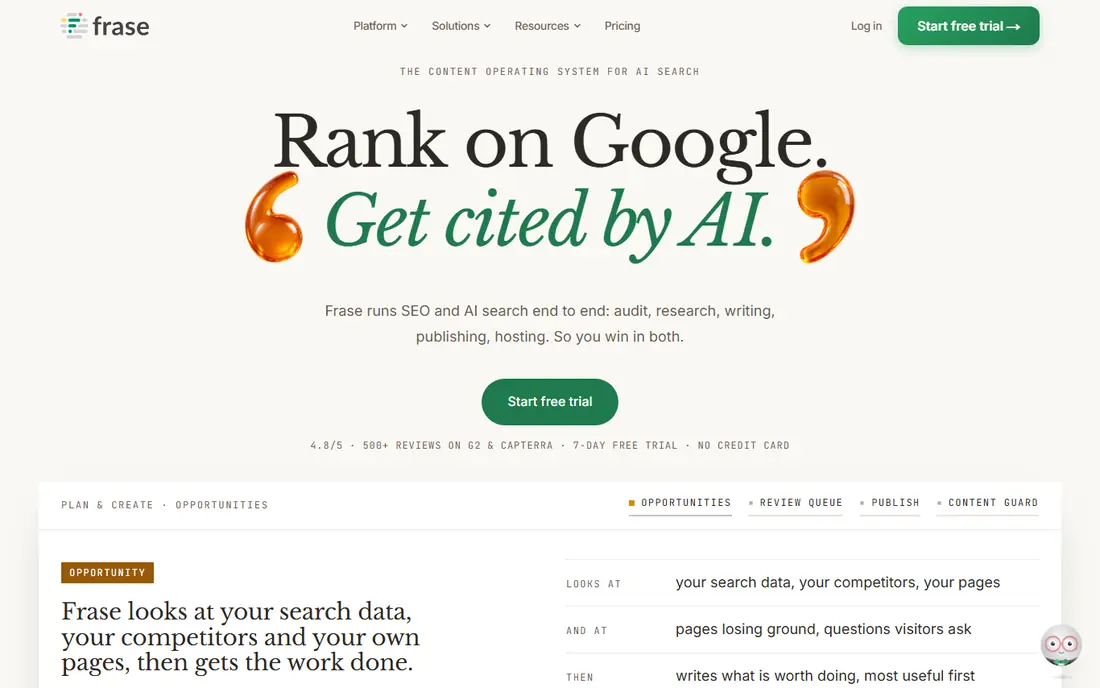
Frase is a strong choice for writers who want to move from research to draft quickly. It pulls top ranking pages, questions people ask, and heading patterns, then turns that research into a brief and a draft workspace. That speed helps small teams that publish often with limited research time.
The trade off is scope. Frase is not a full backlink or rank tracking suite, so teams that need those features should pair it with a research tool. For onpage content work alone, its research to draft loop is hard to beat.
- Fast SERP research and question extraction
- Briefs plus drafting in one flow
- Audit tools for existing pages
- Trial is capped
- Backlink data is thinner than full SEO suites
Yoast SEO is the default onpage plugin for many WordPress sites, and for good reason. The free version handles titles, meta descriptions, readability checks, and basic schema, and it guides writers on focus keywords and heading use. For a small WordPress site, it covers the onpage basics without a monthly fee.
The limit is platform and depth. Yoast runs only on WordPress, and it does not score content against top ranking pages the way Surfer or Clearscope do. Pair Yoast for technical basics with a scoring tool for competitive content work.
- Free plugin covers titles, meta, and readability
- Schema basics included
- Widely used and documented
- WordPress only
- Premium features are a yearly upsell
Rank Math is our pick for WordPress users who want more in the free tier. It includes onpage checks, schema types, redirection management, and integration options that other plugins put behind a paywall. The setup wizard helps a new site get titles, sitemaps, and schema right from the start.
The catch is choice overload. Rank Math offers many modules, and a beginner who turns them all on can create confusion. Turn on only the modules you need, and use a scoring tool separately for competitive content scoring.
- Free version includes many features that rivals charge for
- Schema and redirection tools
- Clean setup wizard
- WordPress only
- Many options can overwhelm beginners
Screaming Frog is essential for technical onpage work. It crawls a site and lists missing titles, duplicate headings, broken links, redirect chains, and thin pages in a sortable table. That list turns a vague worry about site health into a clear fix list for a developer or SEO.
It is not a writing tool, and its desktop interface takes some learning. Use Screaming Frog for audits and fix lists, and use a content scoring tool for writing. Together they cover both halves of onpage SEO.
- Fast crawl of titles, headings, links, and status codes
- Free version for small sites
- Exportable data
- Desktop tool with a learning curve
- Content scoring is not its job
Sitebulb suits teams that need audit reports clients or managers can understand. It crawls a site, prioritizes issues, and presents findings with charts and clear explanations, rather than a raw data dump. That clarity helps a team agree on what to fix first.
The trade off is focus. Sitebulb is an audit tool, not a content editor, so writers still need a scoring tool for drafts. For agencies and in house teams that report on site health, its visual reports save explanation time.
- Visual audit reports that are easy to share
- Clear issue prioritization
- Crawl visualizations
- Pricing varies by plan
- Best for audits, not writing
PageOptimizer Pro fits SEOs who optimize one page at a time and want a detailed action list for that page. It analyzes a page against competitors and returns specific tasks, such as terms to add, headings to adjust, and structure changes to test. That page level focus is useful for improving pages that already rank on page two.
The limit is workflow scale. Teams publishing many articles per week may prefer a live editor such as Surfer. For targeted page improvements, PageOptimizer Pro gives a clear, checkable list.
- Detailed one page reports
- Clear action lists
- Useful for single page optimization
- Less suited to bulk content workflows
- No free plan
How we picked these
We compared official feature pages, pricing pages, and public documentation for tools that directly improve onpage elements: content scoring, briefs, WordPress titles and schema, or technical audits. We left out full SEO suites that focus mainly on backlinks and rank tracking, except where a tool is a practical onpage complement. We favored tools with a usable free or trial path where one exists.
How to use an onpage tool well
Start with pages that already get traffic. Run a content audit, pick the pages closest to page one, and improve coverage, headings, and internal links first. Those pages give faster returns than brand new articles, because search engines already know them.
Next, write briefs before drafts. A brief with intent, headings, questions to answer, and related terms prevents rewrites later. Finally, measure after changes. Wait several weeks, check traffic and rankings for the edited pages, and keep only the changes that helped. A score is a guide, not a promise.
FAQ
What is the best onpage SEO tool?
Surfer SEO is a strong all round pick for live scoring, Clearscope suits editorial teams, and Frase suits fast research to draft work. For WordPress basics, Yoast SEO or Rank Math cover titles and schema. For technical audits, Screaming Frog or Sitebulb cover the fix list.
What are the best onpage SEO tools for WordPress?
Yoast SEO and Rank Math are the main WordPress onpage plugins, handling titles, meta descriptions, sitemaps, and schema. Pair either with Surfer SEO, Clearscope, or Frase for content scoring against top ranking pages, since plugins alone do not score competitive coverage.
Does a high content score guarantee a ranking?
No. A high score means a page covers terms and structure similar to top ranking pages, but rankings also depend on intent match, quality, authority, links, and user behavior. Use the score as a writing guide, then check real traffic and rankings after publishing.
How often should I audit onpage SEO?
Run a technical audit at least quarterly, and after any site redesign, migration, or template change. Run content audits for key pages every few months, focusing on pages that lost traffic or sit near page one. Small sites can audit more often with free tools.
Is Surfer SEO better than Clearscope?
Surfer SEO is usually better for live writing and volume, while Clearscope is often better for editorial teams that need a shared grading standard. Both score content well, so choose by team size, budget, and whether writers need a live editor or a brief and grade workflow.
What is the cheapest way to start with onpage SEO?
Start with Yoast SEO or Rank Math free on WordPress, plus Screaming Frog free for small sites, and Google Search Console for traffic data. Add a paid scoring tool only when you publish often enough to justify a monthly plan.