Top 6 Video Software for YouTube Windows for 2026 (Prices and Free Plans)
6 best video software for youtube windows, with entry costs, free tiers and the buyer each one serves. Concise write-ups of every option. Prices included.
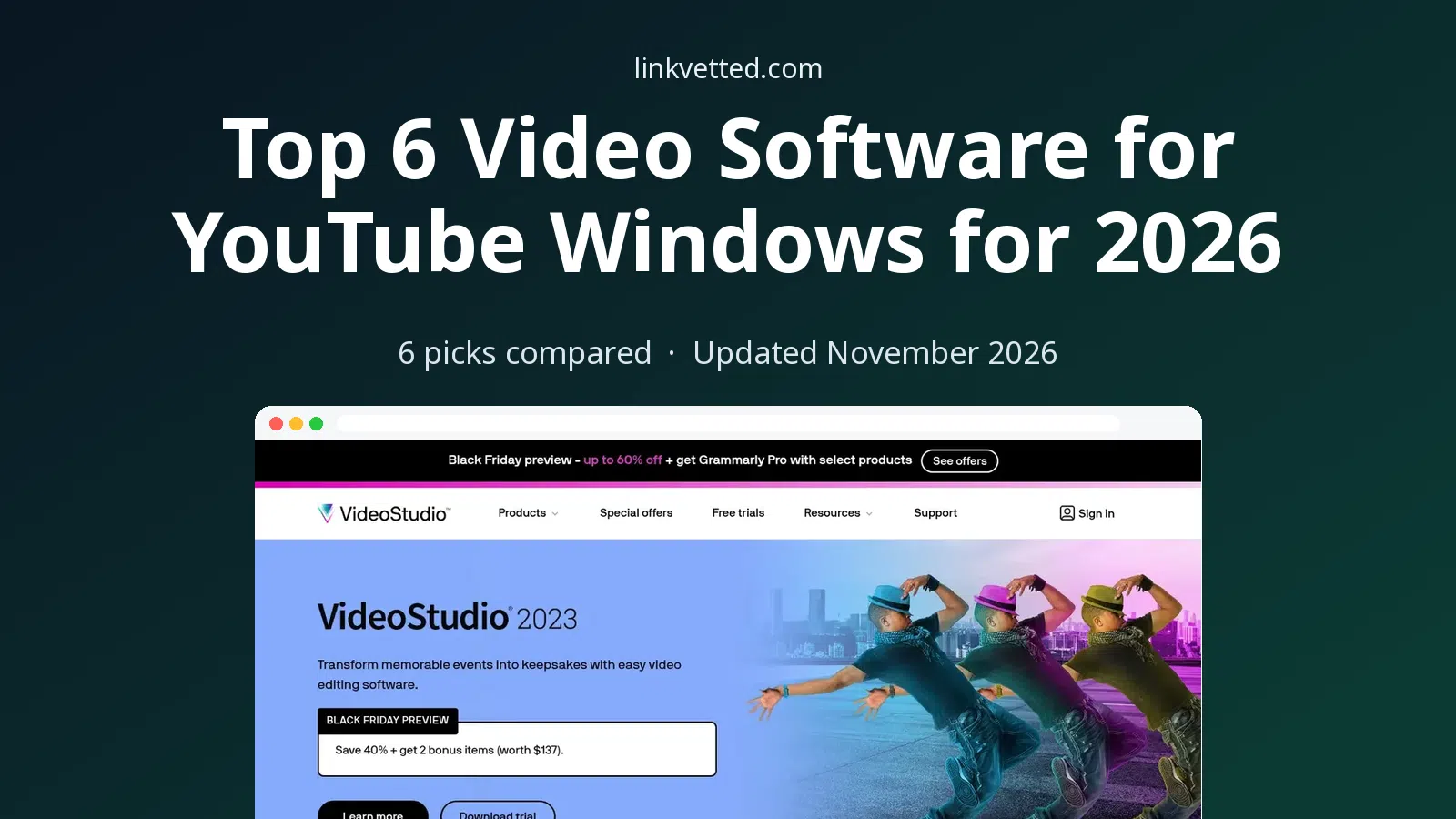
- Editor's choiceCorel VideoStudio
Approachable consumer editing on Windows
Starts atPricing on requestVisit videostudiopro.comFull review - Great alternative
 Camtasia
Screen recording and tutorial videos
Starts atPricing on requestVisit techsmith.comFull review - Also consider
 Adobe Premiere Pro
Full professional editing and postproduction
Starts atPricing on requestVisit adobe.comFull review
Direct answer
Corel VideoStudio comes first here, mainly for approachable consumer editing on Windows. Camtasia is better for screen recording and tutorial videos, and Adobe Premiere Pro is better for full professional editing and postproduction. Free plan facts and limits for all 6 tools follow. None of these vendors publish plan prices, so pricing is on request for every option.
TL;DR:
- This list starts with Corel VideoStudio, which is built for approachable consumer editing on Windows.
- One limit worth knowing about Movavi Video Editor: limited headroom for advanced work.
- Every tool from Corel VideoStudio to Adobe After Effects works by quote, with no list price shown.
- Adobe After Effects suits motion graphics and visual effects.
Last checked November 2026. Pricing on request: vendors did not publish plan prices when this guide was last checked (November 2026), so ask each vendor for a written quote.
Quick comparison
| Tool | Best for | Starts at | Free plan? | |
|---|---|---|---|---|
| Corel VideoStudio | Approachable consumer editing on Windows | Pricing on request | Not stated | Visit |
| Camtasia | Screen recording and tutorial videos | Pricing on request | Not stated | Visit |
| Adobe Premiere Pro | Full professional editing and postproduction | Pricing on request | Not stated | Visit |
 Movavi Video Editor | Quick, simple editing for beginners | Pricing on request | Not stated | Visit |
 VEGAS Pro | Video and audio editing in one ecosystem | Pricing on request | Not stated | Visit |
 Adobe After Effects | Motion graphics and visual effects | Pricing on request | Not stated | Visit |
Tool-by-tool breakdown
Choosing video software for youtube windows usually comes down to price, fit and limits. This LinkVetted guide sets 6 tools side by side on those three points, with the facts kept short and checkable.
Corel VideoStudio
Best for: Approachable consumer editing on Windows
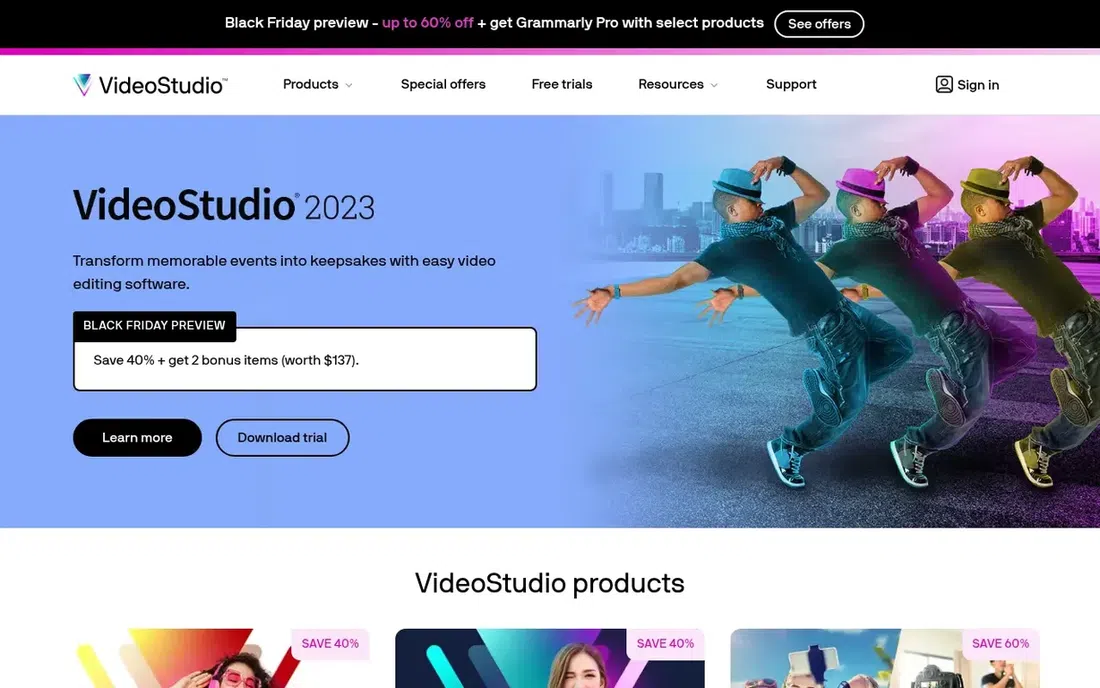
Where Corel VideoStudio fits: approachable consumer editing on Windows. Corel VideoStudio is the official home of the VideoStudio Pro family of video editing products.
Where it is weaker: Less depth than pro suites.
Worth adding: creators planning advanced effects or multi-app pipelines may outgrow it. Pricing for Corel VideoStudio is not stated here, so ask the vendor for current figures. Free plan details: Not stated.
- Updates and special gives you listed
- Tutorials and product information on site
- Advanced workflows may feel restricted
Camtasia is a good fit for screen recording and tutorial videos. Camtasia from Techsmith is positioned around creating professional tutorials, training videos and software demos, combining screen recording with video editing. That makes it a natural fit for YouTube channels that teach, explain software or document processes on Windows.
What to check first: Not aimed at cinematic editing.
More specifically, pick Camtasia when screen recording is the core of the channel. Creators who record their screen for most videos can keep capture and editing in one place. No starting price is listed for Camtasia here; confirm pricing on the vendor site. As for free access: Not stated.
- Aimed at tutorials and software demos
- Training video focus
- Narrower scope than pro suites
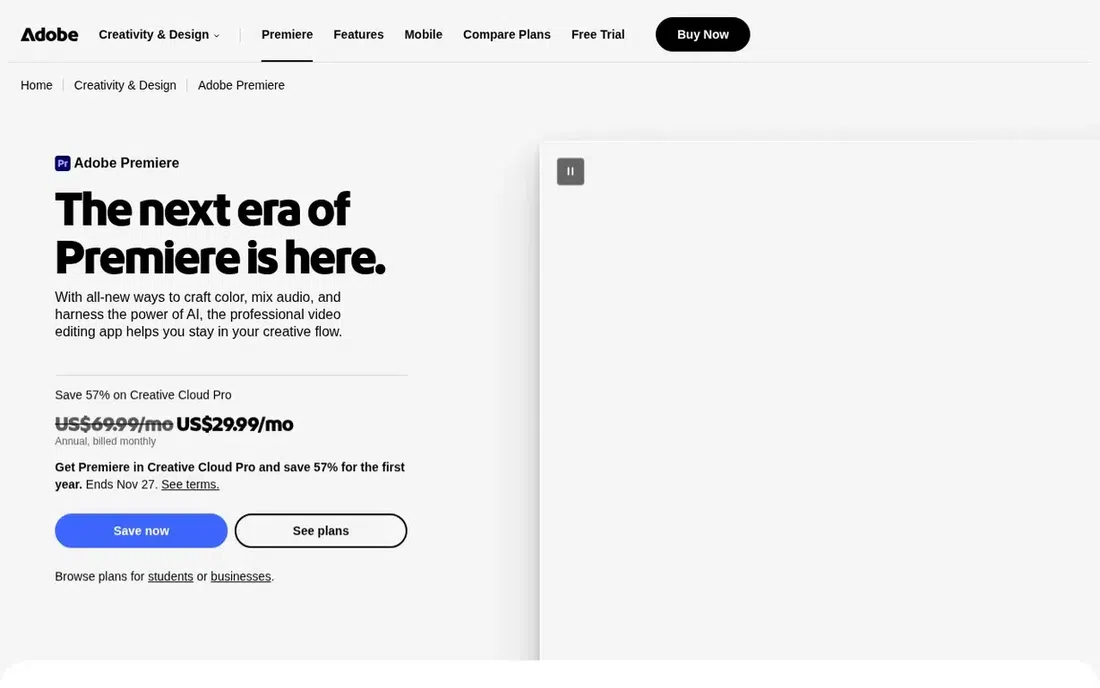
Adobe Premiere Pro works best for full professional editing and postproduction. Adobe Premiere Pro is professional video editing and postproduction software for Windows.
The vendor page describes editing and trimming video, adding effects, mixing audio and extending video, which handles the core workflow of a YouTube channel. On top of that, creators who chiefly record screens or need the simplest possible cut-and-export path may prefer a more focused editor. Adobe Premiere Pro does not show a starting price in this comparison, so check the vendor site for current pricing. Free access: Not stated.
Points against: Subscription-based access.
- Effects and audio toolset
- Wide editing
- Ramp-up time for newcomers
Movavi Video Editor is a good fit for quick, simple editing for beginners. Creators who expect to produce complicated projects may need to move on later.
Where Movavi Video Editor stands out: Emphasis on quick.
Pick Movavi when speed and ease matter most and the channel is still finding its format. Movavi Video Editor shows no starting price here, so confirm the cost on the vendor site. On free options: Not stated. Where it falls short: More straightforward toolset than pro editors.
- Product information plainly presented
- Takes care of both photo and video projects
- Restricted headroom for advanced work
VEGAS Pro is built with Video and audio editing in one ecosystem in mind. It suits channels that treat audio quality as seriously as the picture.
Limits to weigh: Advanced workflows need learning time.
On top of that, the ecosystem is narrower than some bigger creative suites, so creators needing broad motion graphics may pair it with other tools. Pricing for VEGAS Pro is not stated here, so ask the vendor for current figures. Free access: Not stated.
- Audio tools like Sound Forge and ACID Pro
- Focused creative software family
- Smaller ecosystem than some suites
Think of Adobe After Effects for motion graphics and visual effects. For YouTube on Windows, it is generally used for animated titles, lower thirds, transitions and visual effects that are then combined with an edit. For everyday use, After Effects is not designed as the central tool for assembling long footage.
Watch-outs: Demanding to learn.
So most creators pair it with an editor. Also, choose it when motion design and effects are central to the channel's look, not as a replacement for a cutting application. From a buyer's view, the ramp-up time is steep for beginners. Adobe After Effects does not show a starting price in this comparison, so check the vendor site for current pricing. Trial and free access: Not stated.
- Pairs with professional editing workflows
- Industry-standard motion graphics tool
- Not a primary cutting tool
How we compared the tools
Things to verify first
- Ask each vendor, from Corel VideoStudio to Adobe After Effects, for a written quote; none of them publishes a starting price.
- Read the limits listed for Corel VideoStudio first: less depth than pro suites.
- Check whether Adobe Premiere Pro bills monthly or annually, and what cancelling early costs.
- Find out whether the entry plan of Camtasia covers your must-haves or only a trimmed-down version.
- See whether VEGAS Pro offers onboarding or training, and whether it is included in the price.
FAQ
Can I try these tools before paying?
Not by default. None of the tools, from Corel VideoStudio to Adobe After Effects, lists a free plan or a free trial here, so ask each vendor for a demo before committing. Each of the 6 options in this video software for YouTube windows guide has its own card above with the price, free plan and limits.
How are the video software for youtube windows ordered?
Corel VideoStudio sits first and Adobe After Effects last because the order follows typical fit for video software for youtube windows, then price clarity and free access. It is a judgement call, so read each profile for fit and limits.
Do I need After Effects if I already use Premiere Pro?
Not necessarily. Add After Effects when you want animated titles or distinctive graphics that are hard to build in an editor alone.
What should tutorial channels look for in editing software?
Check that capture, cursor handling and export work well on your Windows setup. Channels that also use cinematic footage may pair it with a professional editor.
Is Corel VideoStudio the right pick for everyone comparing video software for youtube windows?
No single tool suits every team. Corel VideoStudio comes first because it fits approachable consumer editing on Windows, while Camtasia suits screen recording and tutorial videos and Adobe Premiere Pro suits full professional editing and postproduction. Match the tool to your own size, budget and workflow before deciding.
Which video editor is a good match for a new YouTube channel on Windows?
This list starts with Corel VideoStudio, which fits approachable consumer editing on Windows. For other needs, Camtasia is aimed at screen recording and tutorial videos, and Adobe Premiere Pro at full professional editing and postproduction. Check each tool's price and main limit first.
Sources
- https://www.videostudiopro.com
- https://www.techsmith.com/camtasia.html
- https://www.adobe.com/products/premiere.html
- https://www.movavi.com/videoeditor
- https://www.vegascreativesoftware.com
- https://www.adobe.com/products/aftereffects.html