Best Webinar Software for Training Teams (2026): 5 Picks Checked on Vendor Pages
Need the best webinar software for training teams? We compare 5 tools on cost, free access and who each suits. Short verdicts, no fluff. Prices included.
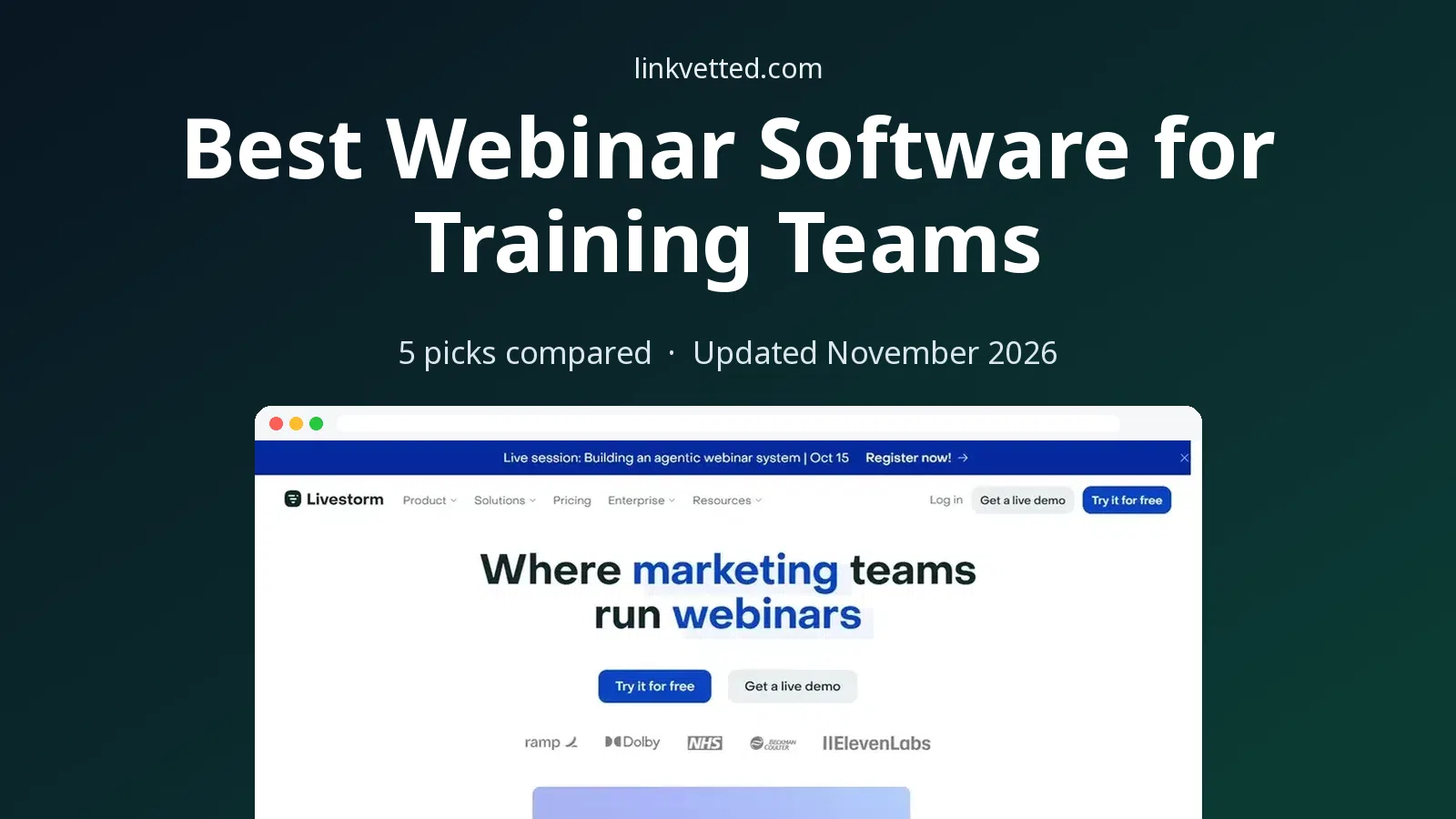
- Editor's choiceMicrosoft Teams Webinars
Teams already working in Microsoft 365
Starts at$4.00 per user a monthVisit microsoft.comFull review - Great alternative
 Livestorm
Marketing-led training with CRM insights
Starts at€2.50 per attendeeVisit livestorm.coFull review - Also considerRingCentral Webinar
Stress-free town halls and large sessions
Starts at$30 per organizer a monthVisit ringcentral.comFull review
Direct answer
Our first pick is Microsoft Teams Webinars, best for Teams already working in Microsoft 365. Listed starting prices: Microsoft Teams Webinars from $4.00 per user a month, Livestorm from €2.50 per attendee and RingCentral Webinar from $30 per organizer a month. Look at Livestorm for marketing-led training with CRM insights, and at RingCentral Webinar for Stress-free town halls and large sessions. All 5 tools are compared below on price, free plan and limits.
TL;DR:
- Microsoft Teams Webinars sits first on this list: Teams already working in Microsoft 365.
- The lowest published monthly entry price here is $4.00 per user per month, from Microsoft Teams Webinars.
- None of the 5 tools, from Microsoft Teams Webinars to WebinarJam, has a free plan, so budget for a subscription or use a trial.
- WebinarJam suits live and automatic sessions that convert.
- One limit worth knowing about Zoom Webinars: advanced production may need extras.
Last checked November 2026. Prices and plan details were read from the vendors' own pages in November 2026; vendors change plans often, so confirm the current price on the vendor site before you buy.
Quick comparison
| Tool | Best for | Starts at | Free plan? | |
|---|---|---|---|---|
| Microsoft Teams Webinars | Teams already working in Microsoft 365 | $4.00 per user a month | Free trial | Visit |
| Livestorm | Marketing-led training with CRM insights | €2.50 per attendee | Not stated | Visit |
| RingCentral Webinar | Stress-free town halls and large sessions | $30 per organizer a month | Free trial | Visit |
 Zoom Webinars | Familiar product for professional training events | See website | Not stated | Visit |
 WebinarJam | Live and automatic sessions that convert | See website | Not stated | Visit |
The 5 tools in detail
This LinkVetted guide covers 5 webinar software for training teams. Each profile lists a starting price, free plan details, strengths and drawbacks, so you can drop poor fits quickly.
Microsoft Teams Webinars
Best for: Teams already working in Microsoft 365
Microsoft Teams Webinars serves Teams already working in Microsoft 365. Microsoft Teams Webinars brings webinar capability into the communication product numerous organizations already use daily.
Limits to weigh: Best value inside the Microsoft ecosystem.
For internal training, it cuts tool sprawl by keeping sessions, chat and files in one place. As for the details, Webinar functionality is one part of a wide communication product, so advanced event production and marketing integrations are restricted compared to dedicated webinar products. Microsoft Teams Webinars pricing: $4.00 per user per month. Free options: Free trial.
- Single product for communication
- Familiar to internal audiences
- Webinar depth is modest
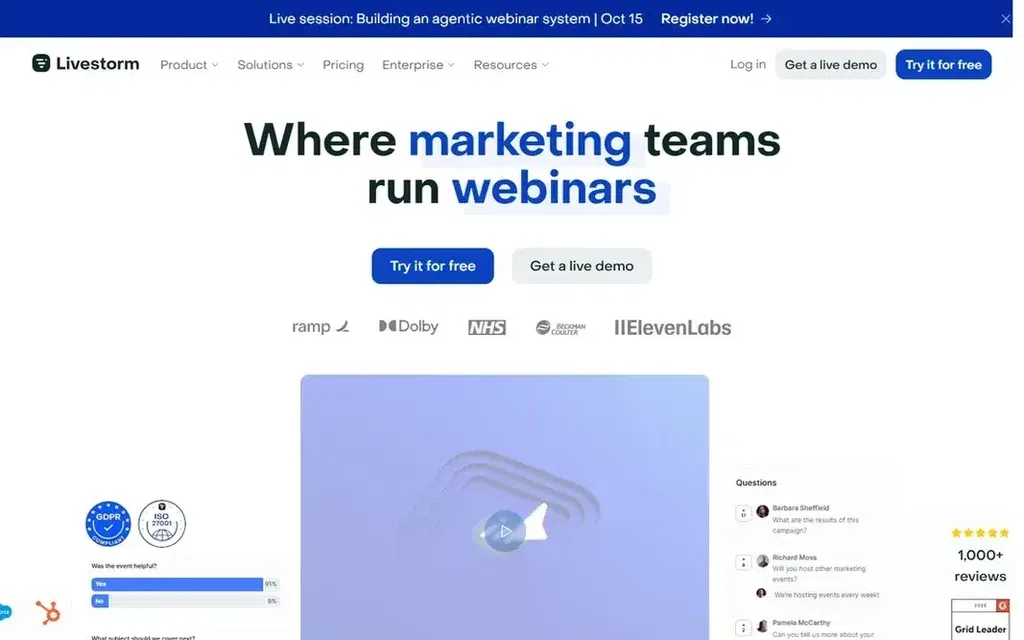
Choose Livestorm for marketing-led training with CRM insights. Livestorm describes itself as an all-in-one webinar platform for marketing teams, with branded events, engagement insights and CRM syncing to demonstrate return on investment, enhanced with AI.
Its marketing orientation means formal learning features are not the core focus, so instructional designers may find it light on curriculum tools. As for the details, Teams prioritizing structured training delivery should weigh a training-first system. Entry price for Livestorm: €2.50 per attendee. Free options: Not stated.
Drawbacks to consider: Training-specific workflows are restricted.
- CRM data syncing
- Branded event experience
- Positioned chiefly at marketing teams
RingCentral Webinar
Best for: Stress-free town halls and large sessions
Think of RingCentral Webinar for Stress-free town halls and large sessions. RingCentral Webinar flags simplified setup, browser-based access, AI assistance, automatic emails and analytics for running town halls without stress.
Training teams holding all-hands style sessions or large onboarding events can benefit from the straightforward join experience. RingCentral Webinar starts at: $30 per organizer per month. Free plan details: Free trial.
Trade-offs to know: Training-specific tools are restricted.
- Two-click setup
- Browser-based access
- Positioned around town halls
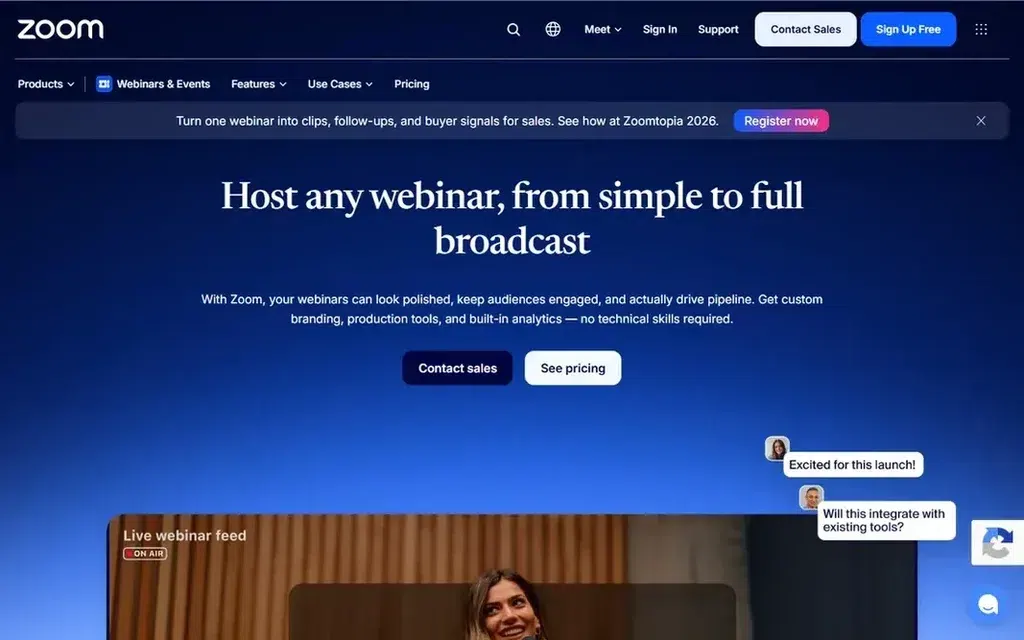
Where Zoom Webinars fits: familiar product for professional training events. Zoom Webinars extends the Zoom experience most trainers already know into bigger, more formal events.
Trade-offs to know: Webinar features differ from base meetings.
Because webinar capability is a distinct layer on top of standard meetings, teams should check which controls come with the webinar product itself. For everyday use, the system is positioned around turning virtual events into professional, high-impact experiences, which suits training teams that want a low ramp-up time and a refined attendee view. Check the vendor site for Zoom Webinars pricing; none is listed in this comparison. On free options: Not stated.
- Professional event hosting
- Works alongside standard meetings
- Advanced production may need extras
Choose WebinarJam for live and automatic sessions that convert. Teams wanting a neutral learning environment may prefer a system built around instruction instead of gives you. Worth adding: WebinarJam positions itself around turning presentations into revenue, supporting live or automatic evergreen events with HD streaming, one-click sales gives you and built-in marketing.
Drawbacks to consider: Marketing features add complexity.
On top of that, the revenue emphasis can feel mismatched for internal or compliance training where selling is irrelevant. Worth adding: training teams that also sell courses or upsell programs may appreciate the combined event and promotion workflow. WebinarJam shows no starting price here, so confirm the cost on the vendor site. Free plan details: Not stated.
- Live and evergreen events
- One-click sales gives you
- Conversion focus may not suit pure training
How the list was put together
We compared the tools on published pricing, free plan or trial availability, feature coverage for webinar software for training teams, and the limits each vendor documents. Figures are shown as the vendors publish them. Billing terms, seat minimums and add-ons can change the real cost. The order reflects how well each tool fits the most common buying scenario for webinar software for training teams, then price clarity, then free plan access. It is a starting point, not a verdict.
Pre-purchase checklist
- Ask Zoom Webinars and WebinarJam for a written quote, since no starting price is shown.
- Take the trial from Microsoft Teams Webinars and RingCentral Webinar and push a live task through it before you pay.
- Before choosing Microsoft Teams Webinars, weigh its main limit: Webinar depth is modest.
- Ask Microsoft Teams Webinars which support channels and response times come with the plan you would buy.
- Confirm the exact WebinarJam plan that includes your must-have features.
FAQ
Can these products deal with large training audiences?
Most of the tools listed are made for sizable webinar audiences, but capacity relies on the specific product and configuration. Confirm the attendee limits for your expected session size on the vendor site before committing, notably for company-wide training events.
How are the tools for webinar software for training teams ordered?
The order follows typical fit for webinar software for training teams, with Microsoft Teams Webinars first and WebinarJam last, then price clarity and free access. It is editorial judgement, not a score, so another team could rank the tools differently.
Does any tool for webinar software for training teams here have a free plan?
A permanent free plan is not offered by Microsoft Teams Webinars, WebinarJam or the other tools here. Microsoft Teams Webinars, RingCentral Webinar offer a trial. Plan a short evaluation period instead.
What is the cheapest option for webinar software for training teams in this list?
On published monthly entry prices, Microsoft Teams Webinars is the lowest here at $4.00 per user per month. Entry price is only part of the cost, because seats, add-ons and billing terms can change the total. Prices, free plan details and limits for all 5 tools in this webinar software for training teams roundup sit on the individual cards above.
Do these tools publish their prices?
Not all of them. Zoom Webinars and WebinarJam publish no starting price, so expect a quote request for those. The rest, Microsoft Teams Webinars included, show a starting price, though seats and billing terms still change the final cost.
Sources
- https://www.microsoft.com/en-us/microsoft-teams/webinars
- https://livestorm.co
- https://www.ringcentral.com/webinar.html
- https://zoom.us/webinar
- https://webinarjam.com