Best Webinar Software for Membership Communities in 2026: Prices, Free Plans and 5 Picks
Searching for the best webinar software for membership communities? Here are 5 options with prices and free plans. Read the caveats before you buy. Facts only.
- Editor's choice
 Livestorm
Branded marketing events with CRM sync
Starts at€2.50 per attendeeVisit livestorm.coFull review - Great alternative
 EverWebinar
Automatic evergreen member sessions
Starts at$199 a monthVisit everwebinar.comFull review - Also consider
 GoTo Webinar
Dedicated virtual conferences and events
Starts atSee websiteVisit goto.comFull review
Direct answer
Livestorm leads the list, best for branded marketing events with CRM sync. Listed starting prices: Livestorm from €2.50 per attendee, EverWebinar from $199 a month and Riverside from $24 a month. For a different need, EverWebinar covers automatic evergreen member sessions and GoTo Webinar covers dedicated virtual conferences and events. The remaining 2 options are covered below with prices and limits.
TL;DR:
- Livestorm is the opening pick, best for branded marketing events with CRM sync.
- Riverside stands alone as the one tool in this list with a free plan.
- A fair warning about Riverside: not a classic webinar system.
- Zoom Webinars fits large live member events.
- Riverside has the lowest monthly starting price in this list: $24 per month.
Last checked November 2026. Prices and plan details were read from the vendors' own pages in November 2026; vendors change plans often, so confirm the current price on the vendor site before you buy.
Quick comparison
| Tool | Best for | Starts at | Free plan? | |
|---|---|---|---|---|
| Livestorm | Branded marketing events with CRM sync | €2.50 per attendee | Not stated | Visit |
| EverWebinar | Automatic evergreen member sessions | $199 a month | Free trial | Visit |
| GoTo Webinar | Dedicated virtual conferences and events | See website | Free trial | Visit |
 Riverside | High-quality recorded member content | $24 a month | Yes | Visit |
 Zoom Webinars | Large live member events | See website | Not stated | Visit |
The 5 tools in detail
This LinkVetted guide covers 5 webinar software for membership communities. Each profile lists a starting price, free plan details, strengths and drawbacks, so you can drop poor fits quickly.
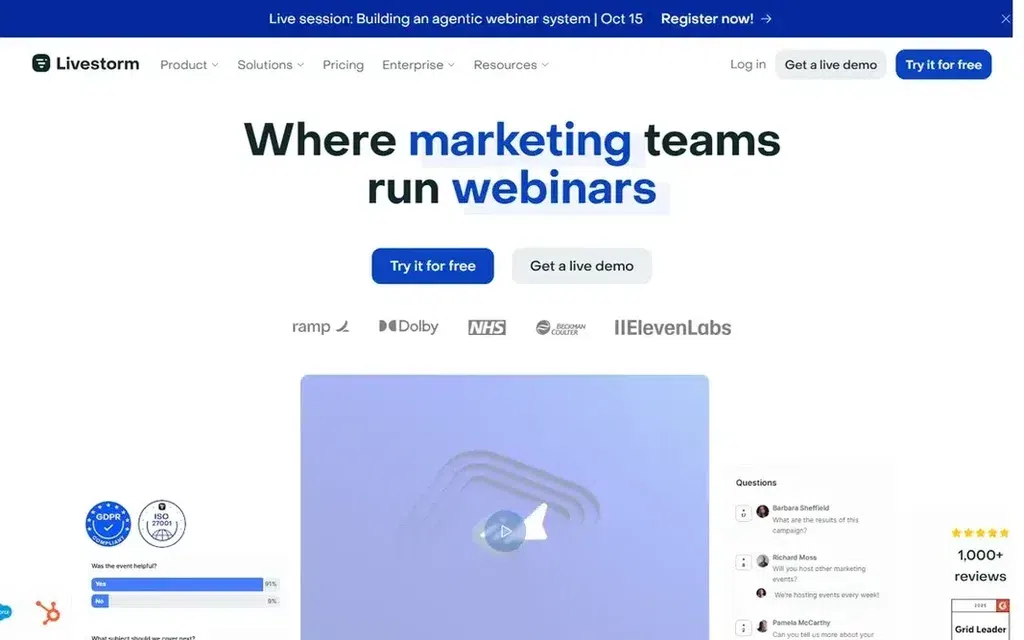
In short, Livestorm is for branded marketing events with CRM sync. Livestorm presents itself as an all-in-one webinar system for marketing teams, handling branded events, engagement insights and CRM data sync to display results. Membership communities that treat webinars as a growth and retention channel, with branded sessions and follow-up data flowing into a CRM, will find the feature set well aligned.
Where it falls short: May be more than straightforward communities need.
More specifically, AI enhancements are also part of the stated offering. More specifically, pick a more straightforward system if your priority is entry-level broadcasting instead of data-driven event marketing. On cost, Livestorm starts like this: €2.50 per attendee. Trial and free access: Not stated.
- Syncs data to CRM systems
- All-in-one event workflow
- Geared toward marketing teams
EverWebinar serves automatic evergreen member sessions. EverWebinar is built around evergreen webinars that run automatically, with chat simulation, timed provides and a hybrid mode intended to keep conversions steady.
On top of that, choose a live-first product if live member discussion is the priority. From a buyer's view, membership communities that package onboarding, training or promotional sessions into repeatable automatic events can use it to reach members across time zones without hosting live each time. The starting price for EverWebinar: $199 per month. As for free access: Free trial.
Downsides: Less suited to open discussion formats.
- Chat simulation for realism
- Timed gives you and hybrid mode
- Centred on conversion funnels
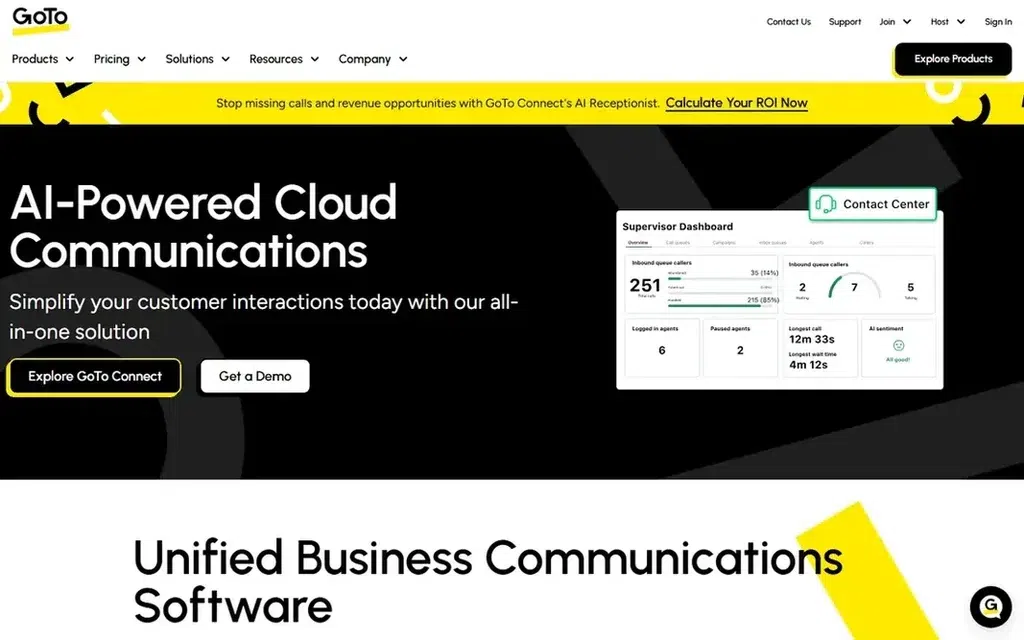
GoTo Webinar is a good fit for dedicated virtual conferences and events. Consider other choices if automatic evergreen webinars or sales-driven funnels are central to your membership model. In practice, since it is event-focused, communities that primarily need fast internal calls may find it heavier than necessary.
Points against: Marketing automation is restricted.
Its built-in marketing and funnel features are narrower than those of conversion-oriented tools. In practice, organizers who value a focused event workflow commonly find it a natural fit. Check the vendor site for GoTo Webinar pricing; none is listed in this comparison. Free plan details: Free trial.
- Purpose-built webinar product
- Fits recurring conference-style events
- Separate from everyday meeting tools
Where Riverside fits: high-quality recorded member content. Membership communities that produce interviews, member spotlights or course content can record clean audio and video and edit afterward.
The main drawbacks: Not a classic webinar product.
It performs well as a content production tool alongside, instead of instead of, a live event system. Beyond that, Riverside is an online studio for high-quality podcast and video recording and editing, powered by AI and made for conversations. Price to start with Riverside: $24 per month. A free plan is available with Riverside.
- Studio-quality recording
- Editing included
- Live audience features are restricted
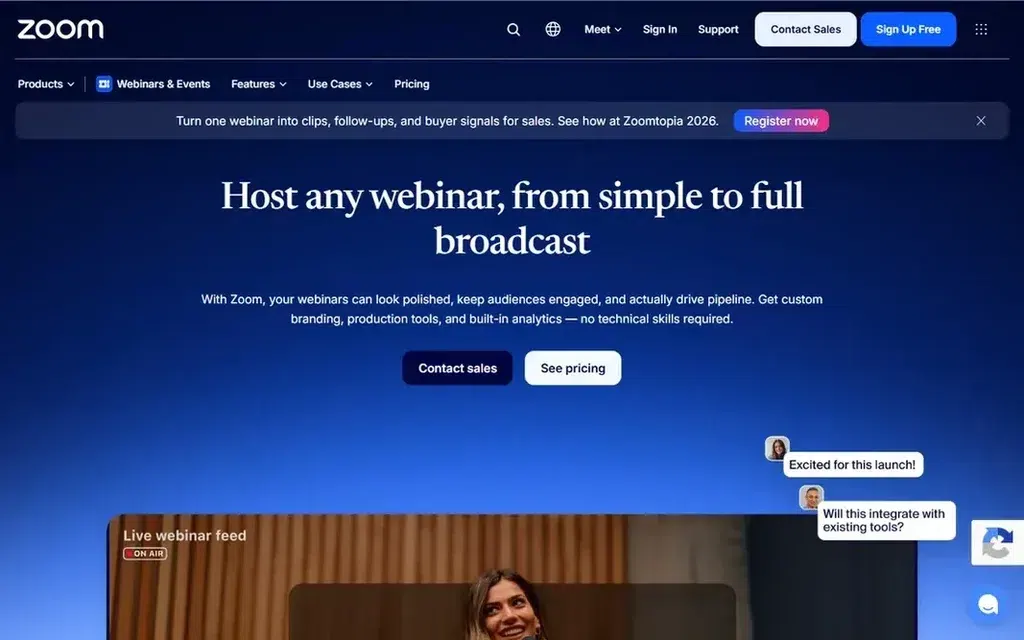
Zoom Webinars was built for large live member events. Zoom Webinars extends the widely used Zoom meeting experience into broadcast-style events for bigger audiences.
Also, the webinar capability is generally separate from standard meeting use, so organizers should confirm what their setup bundles. It supplies less in the way of built-in sales funnels and automatic follow-up than conversion-oriented systems. No starting price is listed for Zoom Webinars here; confirm pricing on the vendor site. On free options: Not stated.
Limits to weigh: Less built-in marketing tooling.
- Works alongside regular meetings
- Familiar meeting-style controls
- Webinar features may need a separate add-on
Our selection method
We compared the tools on published pricing, free plan or trial availability, feature coverage for webinar software for membership communities, and the limits each vendor documents. Plan names, prices and limits change often. Treat the figures here as a starting point and verify them with the vendor. We ordered the tools by general fit, then by how clearly pricing is shown, then by free access. A buyer with unusual needs may reorder them.
Things to verify first
- Get a written quote from GoTo Webinar and Zoom Webinars; the list shows no starting price for them.
- Look at the free plan from Riverside closely: its caps decide whether it is usable for real work.
- Take the trial from EverWebinar and GoTo Webinar and push a live task through it before you pay.
- Before choosing Livestorm, weigh its main limit: geared toward marketing teams.
- Ask Livestorm which support channels and response times come with the plan you would buy.
- Ask the daily users to test Riverside on a live task before you roll it out to everyone.
FAQ
Which options for webinar software for membership communities have a free plan?
Riverside is the only tool in this list with a free plan. Free plans usually cap users, projects or features, so check the limits on the vendor page. Several others offer a trial instead.
What is the cheapest option for webinar software for membership communities in this list?
On published monthly entry prices, Riverside is the lowest here at $24 per month. Entry price is only part of the cost, because seats, add-ons and billing terms can change the total. Prices, free plan details and limits for all 5 tools in this webinar software for membership Communities roundup sit on the individual cards above.
How are the tools for webinar software for membership communities ordered?
Livestorm sits first and Zoom Webinars last because the order follows typical fit for webinar software for membership communities, then price clarity and free access. It is a judgement call, so read each profile for fit and limits.
Is Livestorm the right pick for everyone comparing webinar software for membership communities?
No single tool suits every team. Livestorm comes first because it fits branded marketing events with CRM sync, while EverWebinar suits automated evergreen member sessions and GoTo Webinar suits dedicated virtual conferences and events. Match the tool to your own size, budget and workflow before deciding.
Do I need a separate tool for recording member content?
Not always, but a dedicated studio tool helps when production quality matters. Riverside centres on high-quality recording and editing for interviews and courses.
Which webinar software is best for a membership community running regular live sessions?
The first pick on this list is Livestorm, because it suits branded marketing events with CRM sync. EverWebinar is better for automatic evergreen member sessions, and GoTo Webinar for dedicated virtual conferences and events. Check price and limits against your own needs before choosing.
Sources
- https://livestorm.co
- https://everwebinar.com
- https://www.goto.com/webinar
- https://riverside.fm
- https://zoom.us/webinars