Best Webinar Software for Gyms in 2026: 6 Tools Compared
Comparing the best webinar software for gyms? 6 contenders, each with entry cost, free tier and best-fit buyer. Caveats come with every verdict. Easy to scan.
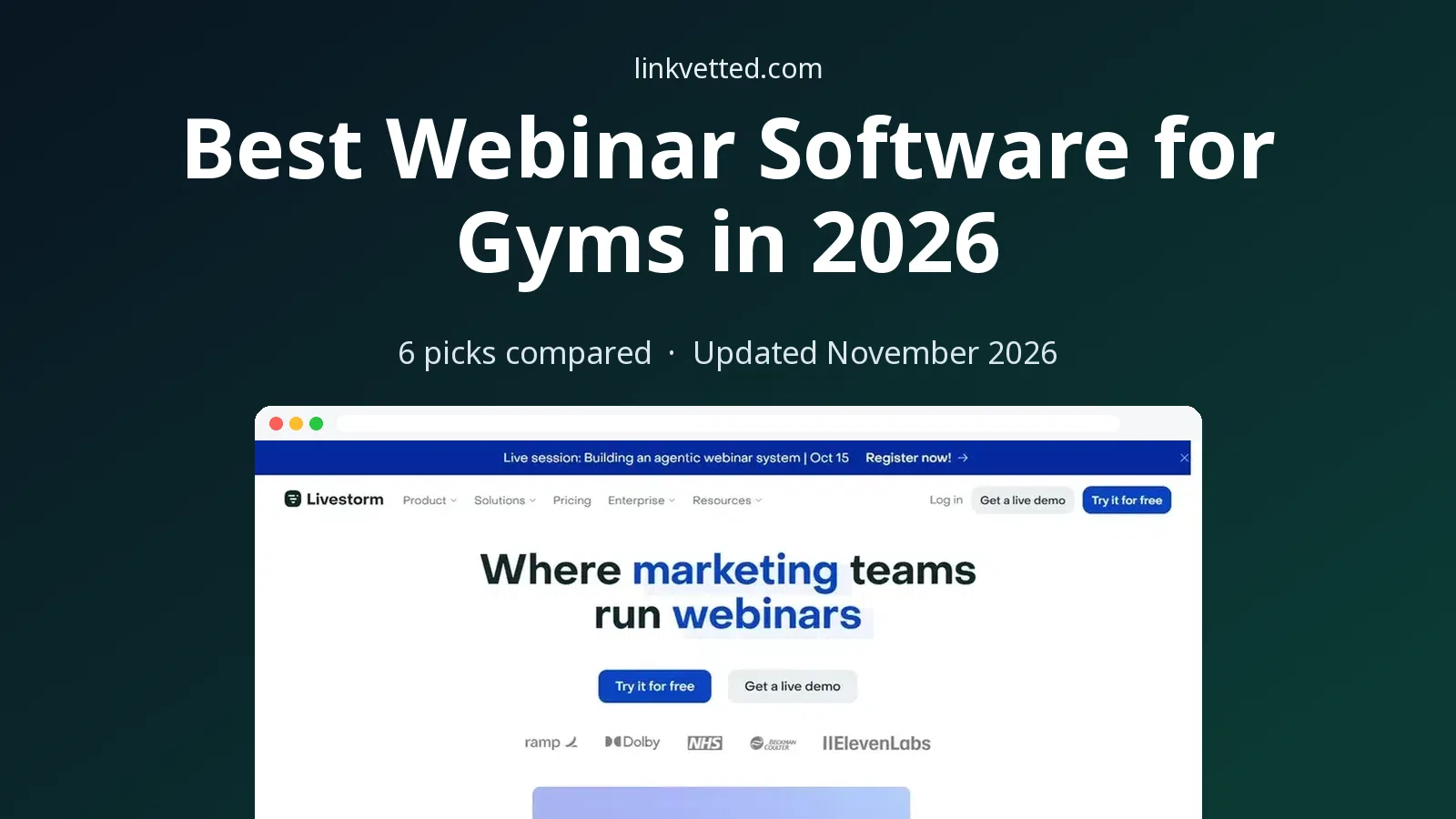
- Editor's choice
 Zoho Webinar
Planning and managing webinars within Zoho
Starts atSee websiteVisit zoho.comFull review - Great alternative
 Livestorm
Branded marketing events with CRM sync
Starts at€2.50 per attendeeVisit livestorm.coFull review - Also consider
 WebinarJam
Live and automatic events with sales supplies
Starts atSee websiteVisit webinarjam.comFull review
Direct answer
This list puts Zoho Webinar first for planning and managing webinars within Zoho. Listed starting prices: Livestorm from €2.50 per attendee, RingCentral Webinar from $30 per organizer per month and EverWebinar from $199 a month. Look at Livestorm for branded marketing events with CRM sync, and at WebinarJam for live and automatic events with sales gives you. The other 3 tools in the list cover narrower or pricier cases.
TL;DR:
- Number one here is Zoho Webinar, a fit for planning and managing webinars within Zoho.
- Livestorm comes with a trade-off: marketing-first focus may exceed straightforward class needs.
- For automatic evergreen sessions that run anytime, EverWebinar is worth a look.
- The cheapest monthly starting price in the list is $30 per organizer per month, offered by RingCentral Webinar.
- None of the 6 tools, from Zoho Webinar to EverWebinar, has a free plan, so budget for a subscription or use a trial.
Last checked November 2026. Prices and plan details were read from the vendors' own pages in November 2026; vendors change plans often, so confirm the current price on the vendor site before you buy.
Quick comparison
| Tool | Best for | Starts at | Free plan? | |
|---|---|---|---|---|
| Zoho Webinar | Planning and managing webinars within Zoho | See website | Free trial | Visit |
| Livestorm | Branded marketing events with CRM sync | €2.50 per attendee | Not stated | Visit |
| WebinarJam | Live and automatic events with sales supplies | See website | Not stated | Visit |
 Zoom Webinars | Large member broadcasts on familiar tools | See website | Not stated | Visit |
| RingCentral Webinar | Town halls and straightforward two-click setup | $30 per organizer per month | Free trial | Visit |
 EverWebinar | Automatic evergreen sessions that run anytime | $199 a month | Free trial | Visit |
Our 6 webinar software for gyms
LinkVetted compared 6 webinar software for gyms. The goal is a practical shortlist: published prices, free plan facts, best-fit use cases and honest limits for every entry.
Zoho Webinar is aimed squarely at planning and managing webinars within Zoho. Zoho Webinar is a webinar and video conferencing system for planning, hosting and managing events.
What to check first: Best value for teams already in the Zoho ecosystem.
Its advantages are most solid inside the Zoho ecosystem, and dedicated marketing automation is lighter than specialist funnel tools. Check the vendor site for Zoho Webinar pricing; none is listed in this comparison. Free options: Free trial.
- Host and run events
- Suits Zoho business tools
- Less specialized marketing automation
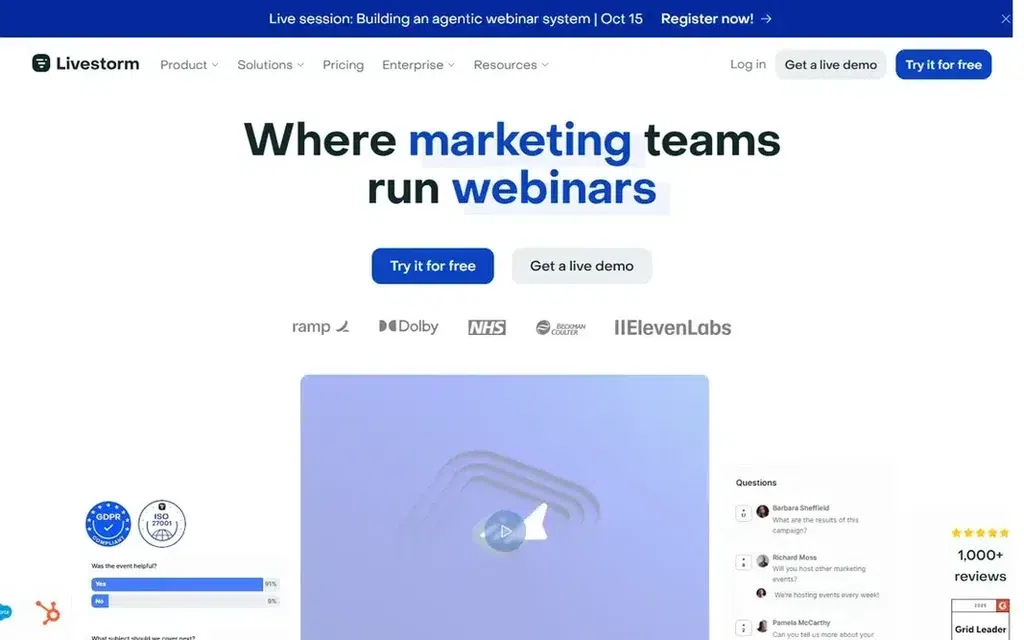
In short, Livestorm is for branded marketing events with CRM sync. Gyms promoting challenges, memberships or seasonal programs can use it to run refined events and track how attendees respond.
Its marketing orientation may be more than a small studio needs for entry-level member classes. Entry price for Livestorm: €2.50 per attendee. Trial and free access: Not stated.
Honest limits: Marketing-first focus may exceed straightforward class needs.
- CRM data sync
- Engagement insights
- Fewer meeting-style collaboration features
WebinarJam was built for live and automatic events with sales offers. WebinarJam is aimed at live and automatic webinars with HD streaming and one-click sales gives you.
Downsides: Less suited to internal meetings.
As for the details, gyms selling training programs, nutrition coaching or membership promotions can use its built-in marketing features to present provides during or after a session. On top of that, gyms prioritizing straightforward, neutral broadcasts should consider a general-purpose system instead. WebinarJam does not show a starting price in this comparison, so check the vendor site for current pricing. On free options: Not stated.
- Live and evergreen events
- Built-in sales gives you
- Sales-driven design may feel pushy for classes
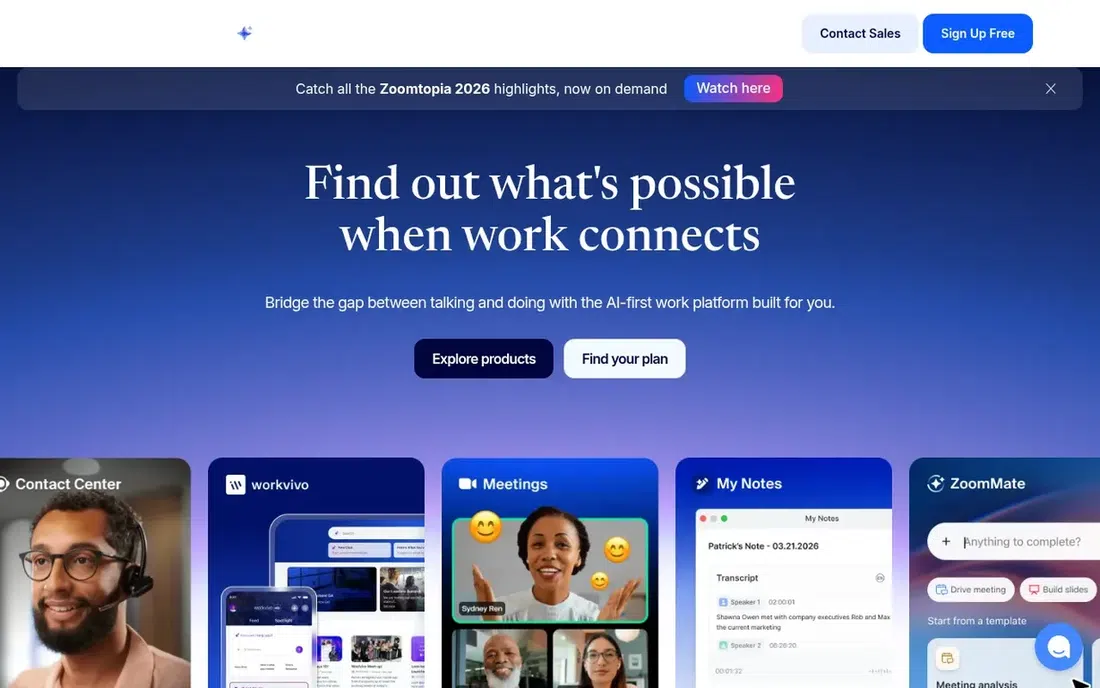
For large member broadcasts on familiar tools, Zoom Webinars is a natural candidate. The product spans a wide range of collaboration products, so webinar-specific controls can feel less specialized than dedicated tools.
Also, gyms focused chiefly on automatic sales funnels or deep marketing analytics may prefer a product built around those workflows. Zoom Webinars shows no starting price here, so confirm the cost on the vendor site. Free plan details: Not stated.
Points against: Advanced production may need extras.
- Familiar meeting interface
- Whiteboard and events tools
- Webinar features sit alongside plenty of other products
RingCentral Webinar
Best for: Town halls and straightforward two-click setup
RingCentral Webinar is a good fit for town halls and simple two-click setup. RingCentral Webinar is built for virtual town halls with two-click setup, browser-based access and AI assistance.
Gyms with several locations or large member bases can use it for announcements, all-hands updates and bigger presentations without requiring attendees to install software. RingCentral Webinar cost at the entry level: $30 per organizer per month. Free plan details: Free trial.
Watch-outs: Webinar is one part of a broader communications suite.
- Browser-based access
- Automatic emails and analytics
- Less marketing automation depth
Where EverWebinar fits: automatic evergreen sessions that run anytime. EverWebinar centres on evergreen webinars that run automatically, with chat simulation, timed offers and a hybrid mode.
Automation is the core purpose, so it is a poor fit for live member classes or interactive coaching. The starting price for EverWebinar: $199 per month. Free access: Free trial.
Honest limits: Automation focus can feel impersonal.
- Chat simulation
- Evergreen automatic webinars
- Not built for live class delivery
How the list was put together
We compared the tools on published pricing, free plan or trial availability, feature coverage for webinar software for gyms, and the limits each vendor documents. Seat minimums, billing terms and add-ons can move the real cost, so the starting prices here are a guide and not a quote. Order on the page follows fit for the typical buyer first, then price transparency and free access. Your own requirements should decide the final pick.
Questions to settle before buying
- Confirm the entry price on the vendor page. For Zoho Webinar, WebinarJam and Zoom Webinars that means a quote rather than a fixed price.
- Use real work to test the free trial from Zoho Webinar, RingCentral Webinar and EverWebinar, rather than a demo project.
- Before choosing Zoho Webinar, weigh its main limit: best value for teams already in the Zoho ecosystem.
- Let daily users try EverWebinar on real work; their feedback beats any feature checklist.
- Check whether Livestorm bills monthly or annually, and what cancelling early costs.
FAQ
What is the cheapest option for webinar software for gyms in this list?
On published monthly entry prices, RingCentral Webinar is the lowest here at $30 per organizer per month. Entry price is only part of the cost, because seats, add-ons and billing terms can change the total. For the full picture, the cards above cover all 6 entries of this webinar software for gyms list, including price, free plan and limits.
Can I try these tools before paying?
Often, yes. Zoho Webinar, RingCentral Webinar and EverWebinar offer a free trial. Use your own data and a real task during the test, and check what the free tier or trial limits before you rely on it.
Can I run automatic webinars for membership supplies?
EverWebinar and WebinarJam both support automatic or evergreen sessions with sales features. This fits gyms promoting programs around the clock, though live member classes still need a live-first system.
Do I need a marketing-focused webinar tool for a small studio?
Not necessarily. A general product for example Zoom Webinars or RingCentral Webinar includes announcements and member sessions. Marketing-focused tools add value chiefly when you run campaigns and track attendee data.
Is Zoho Webinar the right pick for everyone comparing webinar software for gyms?
No single tool suits every team. Zoho Webinar comes first because it fits planning and managing webinars within Zoho, while Livestorm suits branded marketing events with CRM sync and WebinarJam suits live and automated events with sales offers. Match the tool to your own size, budget and workflow before deciding.
What is the best webinar software for gyms overall?
The first pick on this list is Zoho Webinar, because it suits planning and managing webinars within Zoho. Livestorm is better for branded marketing events with CRM sync, and WebinarJam for live and automatic events with sales gives you. Check price and limits against your own needs before choosing.
Sources
- https://www.zoho.com/webinar
- https://livestorm.co
- https://webinarjam.com
- https://zoom.us
- https://www.ringcentral.com/webinar.html
- https://everwebinar.com