Best Webinar Software for Event Planners in 2026: Prices, Free Plans and 5 Picks
Best webinar software for event planners, compared. 5 tools with published prices, free plans and limits. Short, factual notes on every option. Easy to scan.
- Editor's choice
 Livestorm
Marketing-led branded events
Starts at€2.50 per attendeeVisit livestorm.coFull review - Great alternative
 WebinarJam
Live and automatic sales events
Starts atSee websiteVisit webinarjam.comFull review - Also consider
 GoTo Webinar
Large recurring virtual conferences
Starts atSee websiteVisit goto.comFull review
Direct answer
Livestorm comes first here, mainly for marketing-led branded events. Listed starting prices: Livestorm from €2.50 per attendee and RingCentral Webinar from $30 per organizer a month. WebinarJam is the stronger choice for live and automated sales events, while GoTo Webinar suits large recurring virtual conferences. Prices, free plans and limits for all 5 tools follow.
TL;DR:
- Livestorm takes the first slot, best suited to marketing-led branded events.
- RingCentral Webinar is the lowest-priced starter here at $30 per organizer per month.
- A permanent free plan is missing from all 5 tools, Livestorm and RingCentral Webinar included; plan for a trial or a premium start.
- Before buying WebinarJam, weigh this: sales-first design may not fit all events.
Last checked November 2026. Prices and plan details were read from the vendors' own pages in November 2026; vendors change plans often, so confirm the current price on the vendor site before you buy.
Quick comparison
| Tool | Best for | Starts at | Free plan? | |
|---|---|---|---|---|
| Livestorm | Marketing-led branded events | €2.50 per attendee | Not stated | Visit |
| WebinarJam | Live and automatic sales events | See website | Not stated | Visit |
| GoTo Webinar | Large recurring virtual conferences | See website | Free trial | Visit |
 Zoom Webinars | Planners already using Zoom | See website | Not stated | Visit |
| RingCentral Webinar | Town halls and straightforward setup | $30 per organizer a month | Free trial | Visit |
Webinar Software for Event Planners profiles
LinkVetted compared 5 webinar software for event planners. The goal is a practical shortlist: published prices, free plan facts, best-fit use cases and honest limits for every entry.
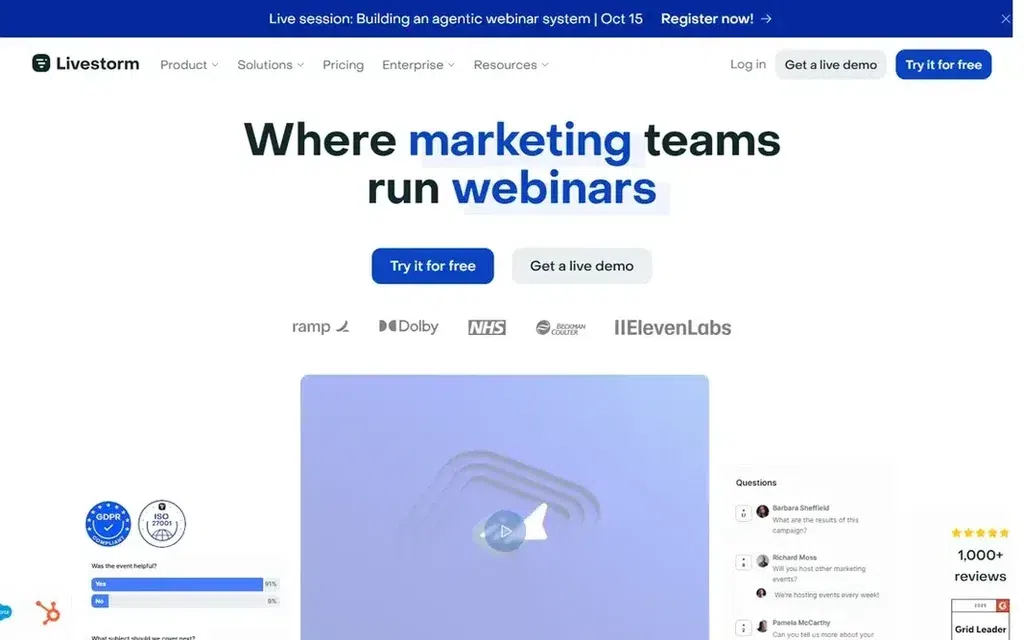
Livestorm targets marketing-led branded events. The marketing orientation means teams focused purely on training delivery or internal town halls may find parts of the product unnecessary.
Livestorm describes itself as an all-in-one webinar system for marketing teams, including branded events, engagement insights and CRM synchronization to display results. Event planners who treat webinars as part of a campaign, like product launches or lead-generating sessions, benefit from the built-in reporting and data flow. Livestorm pricing: €2.50 per attendee. As for free access: Not stated.
Where it falls short: Marketing focus may not suit pure training.
- Engagement insights after sessions
- Branded event experience
- Feature depth varies by event type
WebinarJam is a good fit for live and automatic sales events. It suits planners and presenters whose events are tied to promotions, launches or evergreen replay strategies where the goal is audience action instead of pure education.
Trade-offs to know: Sales-first design may not fit all events.
From a buyer's view, the automatic format lets a recorded session run on a schedule. No starting price is listed for WebinarJam here; confirm pricing on the vendor site. On free options: Not stated.
- Built-in marketing and offer tools
- HD streaming focus
- Automatic formats need careful setup
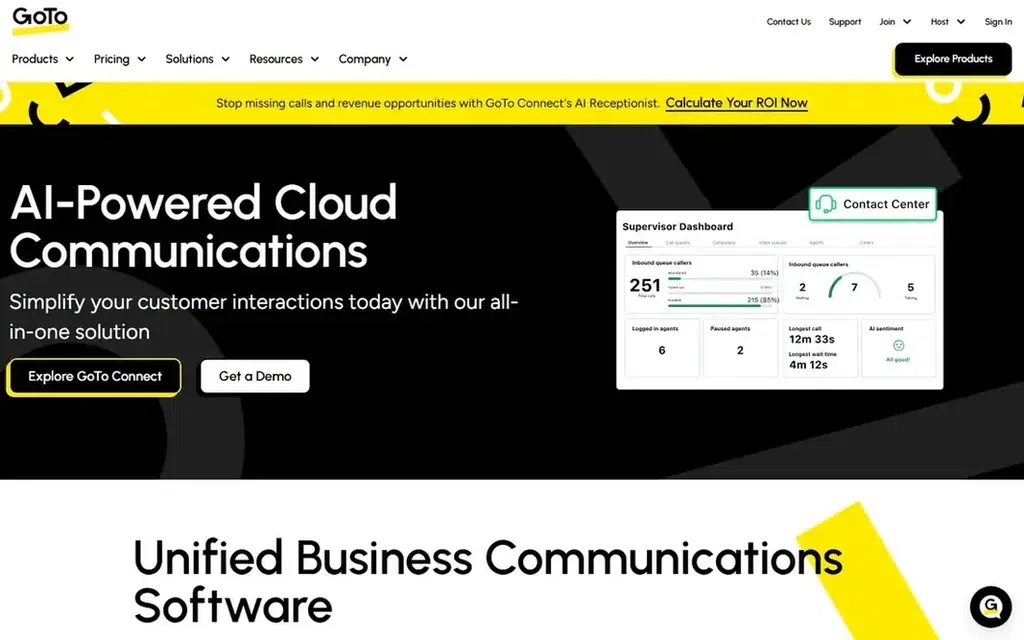
GoTo Webinar is built with large recurring virtual conferences in mind. GoTo Webinar is positioned as a system for virtual conferences and events, with a focus on engaging audiences across scheduled sessions.
As for the details, new users at times find the interface less modern than newer marketing products. The range of settings can slow down planners running very small or informal sessions. No starting price is listed for GoTo Webinar here; confirm pricing on the vendor site. On free options: Free trial.
Watch-outs: Setup depth may overwhelm small events.
- Engagement tools for large audiences
- Established system with wide feature set
- Interface can feel dated to new users
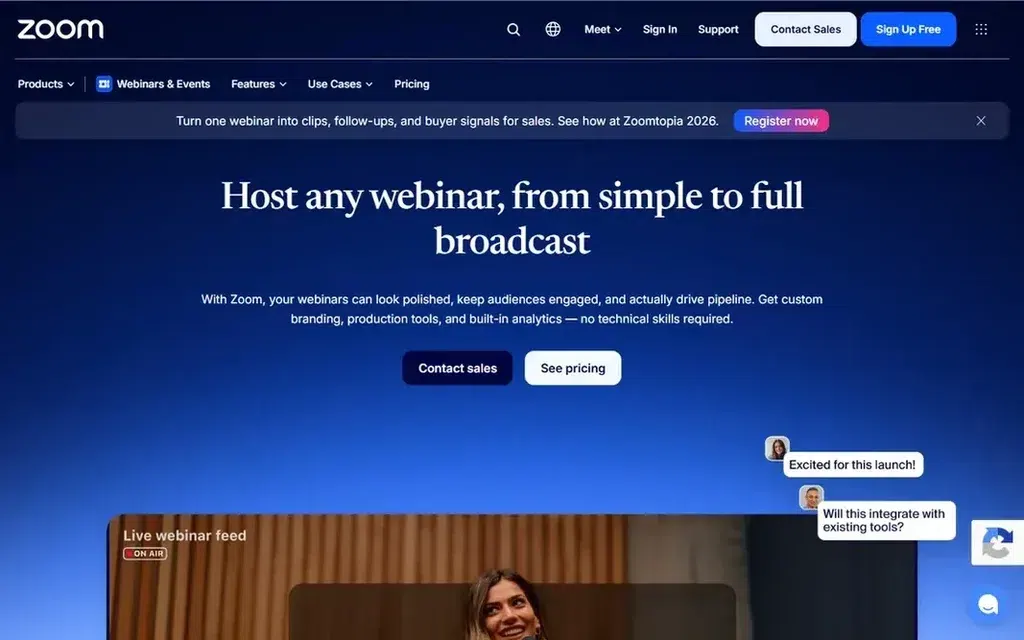
Zoom Webinars is aimed squarely at planners already using Zoom. Zoom Webinars extends the widely used Zoom meeting experience into a broadcast format built to turn virtual events into professional, high-impact experiences. Since it grows out of a meeting product, some event-specific extras like deep registration branding or marketing automation may feel entry-level compared to dedicated marketing products.
Watch-outs: Advanced production may need add-ons.
From a buyer's view, planners who already run internal meetings on Zoom get a short ramp-up time, since presenters and panelists recognize the controls and attendees join with little instruction. More specifically, planners running complicated multi-session conferences with heavy CRM follow-up should compare marketing-focused choices before committing. Pricing for Zoom Webinars is not stated here, so ask the vendor for current figures. Trial and free access: Not stated.
- Professional broadcast-style webinar experience
- Supports virtual events and bigger audiences
- Branding control can feel restricted
RingCentral Webinar
Best for: Town halls and straightforward setup
RingCentral Webinar was built for town halls and straightforward setup. The town hall positioning means marketing-oriented features for example sales supplies or deep campaign tracking are less central.
On top of that, the browser-based approach keeps attendees from installing anything. In practice, RingCentral Webinar emphasizes simple virtual town hall options with two-click setup, browser-based access and AI assistance, plus automatic emails and analytics. RingCentral Webinar pricing: $30 per organizer per month. Free access: Free trial.
Where it falls short: Fewer event-marketing features.
- AI assistance and automatic emails
- Browser-based access
- Positioned chiefly for town halls
How the list was put together
The comparison looks at four things: starting price, free access, how well the feature set matches webinar software for event planners, and the main limit of each tool. Prices and plan limits come from vendor pages and can change, so confirm them on the vendor site before you buy. The order reflects how well each tool fits the most common buying scenario for webinar software for event planners, then price clarity, then free plan access. It is a starting point, not a verdict.
What to check before you buy
- Get a written quote from WebinarJam, GoTo Webinar and Zoom Webinars; the list shows no starting price for them.
- Use real work to test the free trial from GoTo Webinar and RingCentral Webinar, rather than a demo project.
- Before choosing Livestorm, weigh its main limit: marketing focus may not suit pure training.
- Ask Zoom Webinars which support channels and response times come with the plan you would buy.
- Look at which plan of WebinarJam unlocks the features you need; entry tiers are often cut down.
FAQ
How are the tools for webinar software for event planners ordered?
Livestorm sits first and RingCentral Webinar last because the order follows typical fit for webinar software for event planners, then price clarity and free access. It is a judgement call, so read each profile for fit and limits.
Do these tools publish their prices?
Not all of them. WebinarJam, GoTo Webinar and Zoom Webinars publish no starting price, so expect a quote request for those. The rest, Livestorm included, show a starting price, though seats and billing terms still change the final cost.
Does any tool for webinar software for event planners here have a free plan?
No tool in this list, Livestorm and RingCentral Webinar included, has a permanent free plan. GoTo Webinar, RingCentral Webinar offer a trial. Trials and quotes are the usual route, so plan a short evaluation period.
What is the cheapest option for webinar software for event planners in this list?
On published monthly entry prices, RingCentral Webinar is the lowest here at $30 per organizer per month. Entry price is only part of the cost, because seats, add-ons and billing terms can change the total.
Sources
- https://livestorm.co
- https://webinarjam.com
- https://www.goto.com/webinar
- https://zoom.us/webinar
- https://www.ringcentral.com/webinar.html