Top 5 Survey Software for Event Planners for 2026 (Prices and Free Plans)
Compare 5 best survey software for event planners, with prices, free plans and who each fits. Strengths and weak spots are spelled out. Numbers first.
- Editor's choice
 Microsoft Forms
Microsoft 365 organizations
Starts atSee websiteVisit microsoft.comFull review - Great alternative
 Jotform
Adaptable form building for events
Starts at$34 a monthVisit jotform.comFull review - Also consider
 Google Forms
Teams already using Google Workspace
Starts atSee websiteVisit workspace.google.comFull review
Direct answer
If you need Microsoft 365 organizations, Microsoft Forms is the first tool to look at here. Listed starting prices: Jotform from $34 a month and SurveyMonkey from $25 per user per month. Jotform is the stronger choice for adaptable form building for events, while Google Forms suits teams already using Google Workspace. Prices, free plans and limits for all 5 tools follow.
TL;DR:
- Number one here is Microsoft Forms, a fit for Microsoft 365 organizations.
- Free plans exist at 2 of 5 tools (Jotform, SurveyMonkey).
- What to know about Microsoft Forms first: fewer advanced survey features.
- SurveyMonkey suits general event surveys and registrations.
- For the cheapest start, look at SurveyMonkey: $25 per user per month.
Last checked November 2026. Prices and plan details were read from the vendors' own pages in November 2026; vendors change plans often, so confirm the current price on the vendor site before you buy.
Quick comparison
| Tool | Best for | Starts at | Free plan? | |
|---|---|---|---|---|
| Microsoft Forms | Microsoft 365 organizations | See website | Not stated | Visit |
| Jotform | Adaptable form building for events | $34 a month | Yes | Visit |
| Google Forms | Teams already using Google Workspace | See website | Not stated | Visit |
 Qualtrics XM | Deep experience management programs | See website | Not stated | Visit |
 SurveyMonkey | General event surveys and registrations | $25 per user per month | Yes | Visit |
Survey Software for Event Planners, one by one
If you are comparing survey software for event planners, this page covers 5 tools in one place: what each is best for, what it costs to start, whether it has a free plan, and the main limit to know about.
Where Microsoft Forms fits: Microsoft 365 organizations. Microsoft Forms lets users produce surveys, polls, and quizzes to collect feedback and make decisions. In daily use, for event planners working in Microsoft 365 organizations, it is a natural way to gather attendee input, run fast polls during sessions, and collect post-event feedback without adding another system.
Points against: Design choices are restricted.
In practice, the feature set is more straightforward than dedicated survey systems, with limited design and advanced logic choices. Planners who require in-depth reporting or complicated branching may prefer SurveyMonkey or Qualtrics XM. Check the vendor site for Microsoft Forms pricing; none is listed in this comparison. Free access: Not stated.
- Quizzes in one tool
- Surveys, polls
- Fewer advanced survey features
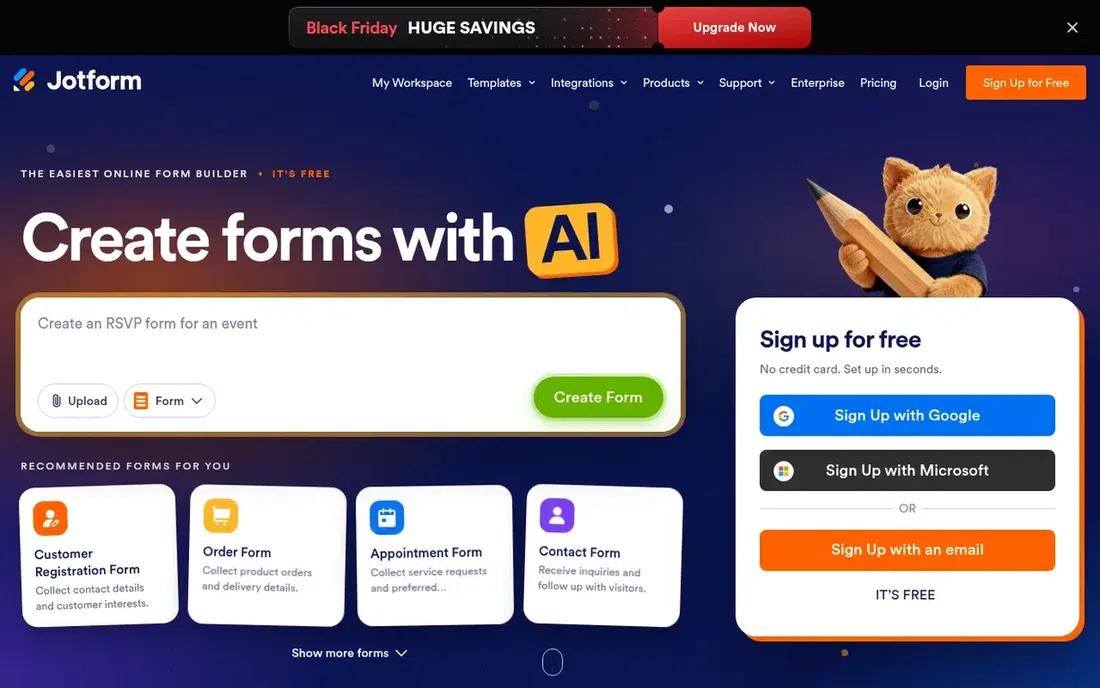
For adaptable form building for events, Jotform is a natural candidate. The range of choices can feel overwhelming at first, and some capabilities require higher levels.
Honest limits: Feature depth can overwhelm new users.
Planners who require deep experience analytics may be better served by Qualtrics XM. Jotform is an online form builder for creating forms and surveys rapidly. Entry price for Jotform: $34 per month. Jotform has a free plan.
- Quick form and survey creation
- Works for numerous event form types
- Some capabilities sit behind premium levels
Google Forms is a good fit for teams already using Google Workspace. Google Forms is an online form builder within Google Workspace for creating forms and surveys to gather data from anywhere.
Downsides: Entry-level question logic compared to specialists.
It fits planners who value simplicity and integration over advanced survey design. Check the vendor site for Google Forms pricing; none is listed in this comparison. On free options: Not stated.
- Straightforward form and survey creation
- Suits into Google Workspace workflows
- Restricted design customization
Where Qualtrics XM fits: deep experience management programs. Qualtrics XM is an experience management product that aims to simulate customer and employee experiences, predict what comes next, and support intelligent action.
It suits bigger planning teams or organizations that treat event experience as part of a broader experience management effort. Qualtrics XM shows no starting price here, so confirm the cost on the vendor site. Free access: Not stated.
Downsides: More complex than usual event surveys.
- Predictive and simulation capabilities
- Fits customer and employee research
- Setup time is higher for straightforward polls
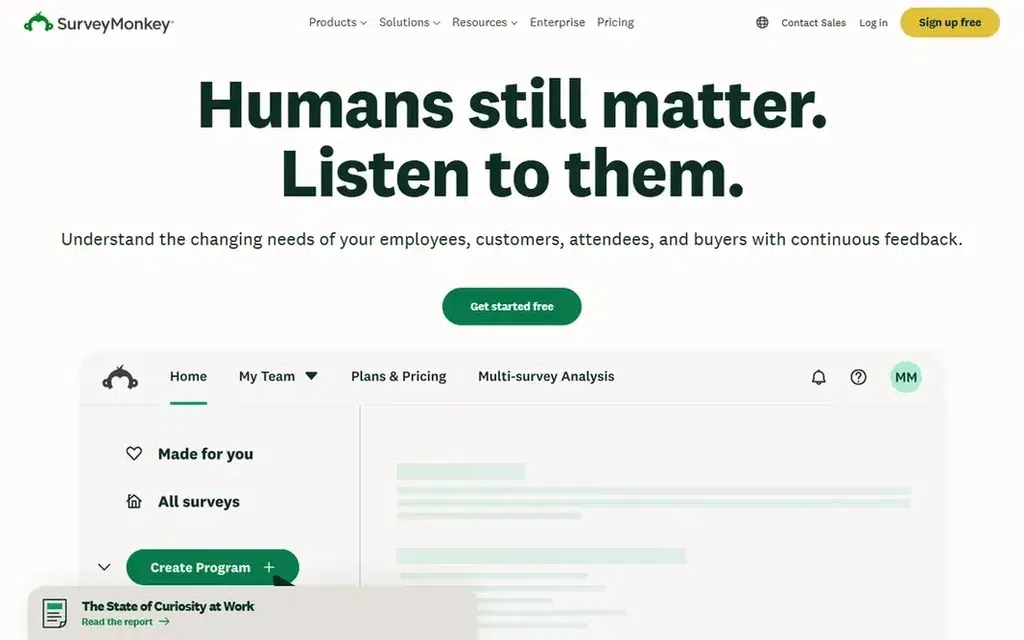
For general event surveys and registrations, SurveyMonkey is a natural candidate. SurveyMonkey is a widely used survey product for building forms and surveys with AI and templates. Its stated uses bundle employee and customer feedback, market research, and event registrations, which maps well to the full event cycle from sign-up to post-event review.
The product is wide, so planners with very straightforward needs may find more than they need, and deeper analysis features sit behind higher tiers. Choose SurveyMonkey when you want a dependable all-around survey tool for registrations and feedback. On cost, SurveyMonkey starts like this: $25 per user per month. A free plan is available with SurveyMonkey.
Drawbacks to consider: Interface can feel dense for straightforward polls.
- Templates for registrations and feedback
- Supports employee and customer feedback use
- Advanced analysis may need a higher level
What went into this list
What to check before you buy
- Get a written quote from Microsoft Forms, Google Forms and Qualtrics XM; the list shows no starting price for them.
- Check what the free option really includes: Jotform and SurveyMonkey offer a free plan, and usage caps differ.
- Before choosing Microsoft Forms, weigh its main limit: fewer advanced survey features.
- Look at which plan of SurveyMonkey unlocks the features you need; entry tiers are often cut down.
- Ask Microsoft Forms which support channels and response times come with the plan you would buy.
FAQ
How are the tools for survey software for event planners ordered?
The order follows typical fit for survey software for event planners, with Microsoft Forms first and SurveyMonkey last, then price clarity and free access. It is editorial judgement, not a score, so another team could rank the tools differently.
Which options for survey software for event planners have a free plan?
On this list, Jotform and SurveyMonkey include a free plan. Caps on seats, usage or features are common, so test the free plan against your real workload. All 5 picks in this Survey software for event planners comparison list a starting price, free plan details and the main limits on their cards above.
Can I try these tools before paying?
Often, yes. Jotform and SurveyMonkey have a free plan. Use your own data and a real task during the test, and check what the free tier or trial limits before you rely on it. For the full picture, the cards above cover all 5 entries of this Survey software for event planners list, including price, free plan and limits.
What is the cheapest option for survey software for event planners in this list?
On published monthly entry prices, SurveyMonkey is the lowest here at $25 per user per month. Entry price is only part of the cost, because seats, add-ons and billing terms can change the total. Prices, free plan details and limits for all 5 tools in this Survey software for event planners roundup sit on the individual cards above.
Sources
- https://www.microsoft.com/en-us/microsoft-365/online-surveys-polls-quizzes
- https://www.jotform.com
- https://workspace.google.com/products/forms
- https://www.qualtrics.com
- https://www.surveymonkey.com