Top 5 Survey Software for Nonprofit Organizations for 2026 (Prices and Free Plans)
Compare 5 best survey software for nonprofit organizations, with prices, free plans and who each fits. Costs and caveats sit beside each pick. Clear verdicts.
- Editor's choice
 Google Forms
Teams already using Google Workspace
Starts atSee websiteVisit workspace.google.comFull review - Great alternative
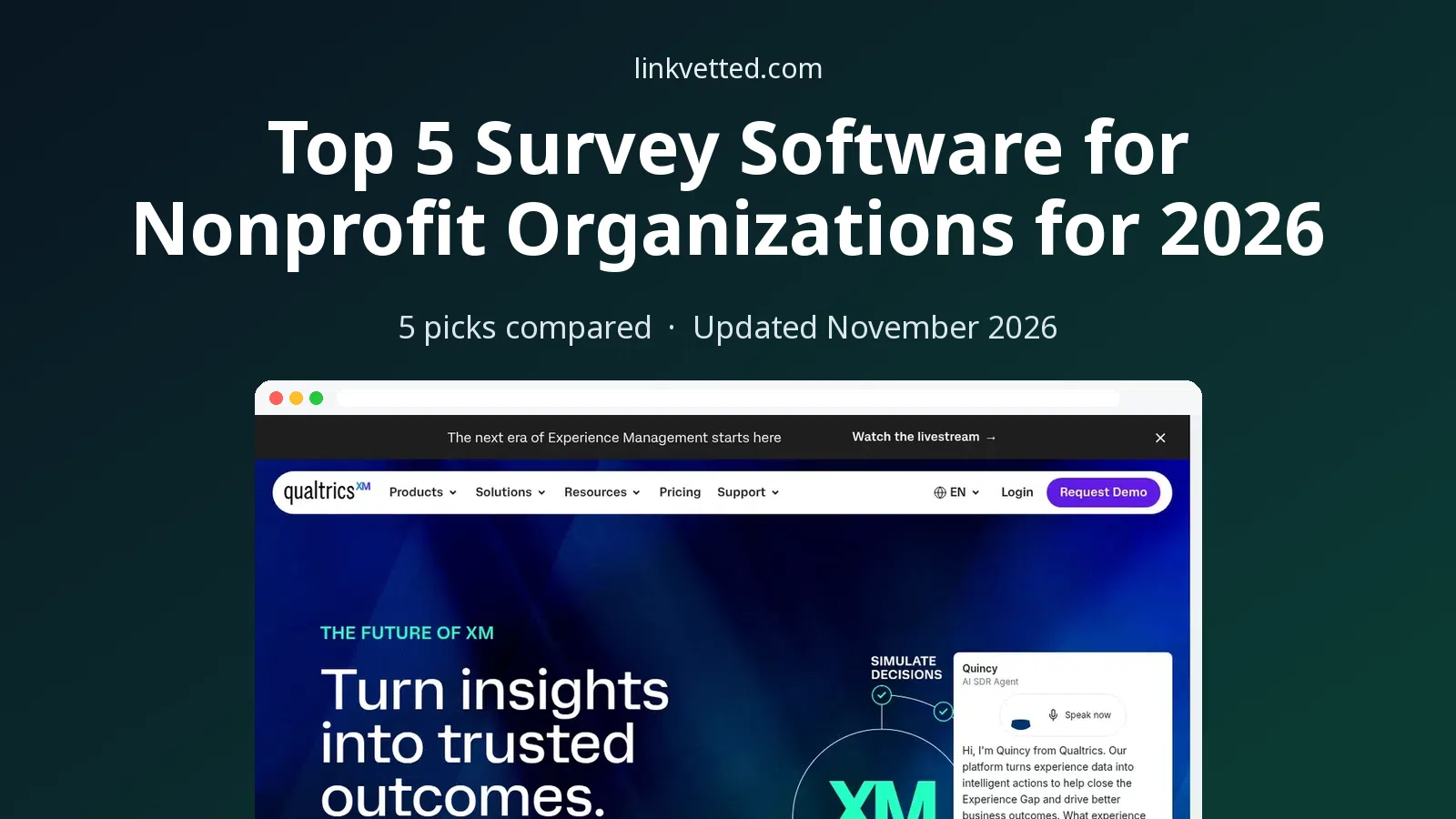
 Qualtrics XM
Program and experience management at scale
Starts atSee websiteVisit qualtrics.comFull review - Also consider
 SurveyMonkey
Template-driven donor and volunteer surveys
Starts at$25 per user a monthVisit surveymonkey.comFull review
Direct answer
For teams already using Google Workspace, Google Forms is where this list starts. Listed starting prices: SurveyMonkey from $25 per user a month, Jotform from $34 per month and Formstack from $83 a month. Look at Qualtrics XM for program and experience management at scale, and at SurveyMonkey for template-driven donor and volunteer surveys. The remaining 2 options are covered below with prices and limits.
TL;DR:
- Top of the list is Google Forms, which targets teams already using Google Workspace.
- One limit worth knowing about Qualtrics XM: feature depth can overwhelm small teams.
- Formstack suits Forms combined with documents and signatures.
- 2 of 5 tools offer a free plan: SurveyMonkey, Jotform.
Last checked November 2026. Prices and plan details were read from the vendors' own pages in November 2026; vendors change plans often, so confirm the current price on the vendor site before you buy.
Quick comparison
| Tool | Best for | Starts at | Free plan? | |
|---|---|---|---|---|
| Google Forms | Teams already using Google Workspace | See website | Not stated | Visit |
| Qualtrics XM | Program and experience management at scale | See website | Not stated | Visit |
| SurveyMonkey | Template-driven donor and volunteer surveys | $25 per user a month | Yes | Visit |
 Jotform | Quick form creation with numerous templates | $34 per month | Yes | Visit |
 Formstack | Forms combined with documents and signatures | $83 a month | Free trial | Visit |
The full survey software for nonprofit organizations list
LinkVetted compared 5 survey software for nonprofit organizations. The goal is a practical shortlist: published prices, free plan facts, best-fit use cases and honest limits for every entry.
Google Forms makes the most sense for teams already using Google Workspace. Google Forms is Google Workspace's form and survey builder, aimed at gathering data and insights from anywhere.
Design choices and advanced logic are modest next to dedicated survey systems, which can limit complicated research. Check the vendor site for Google Forms pricing; none is listed in this comparison. As for free access: Not stated.
Watch-outs: Restricted design customization.
- Familiar Google interface
- Straightforward form and survey creation
- Entry-level question logic compared to specialists
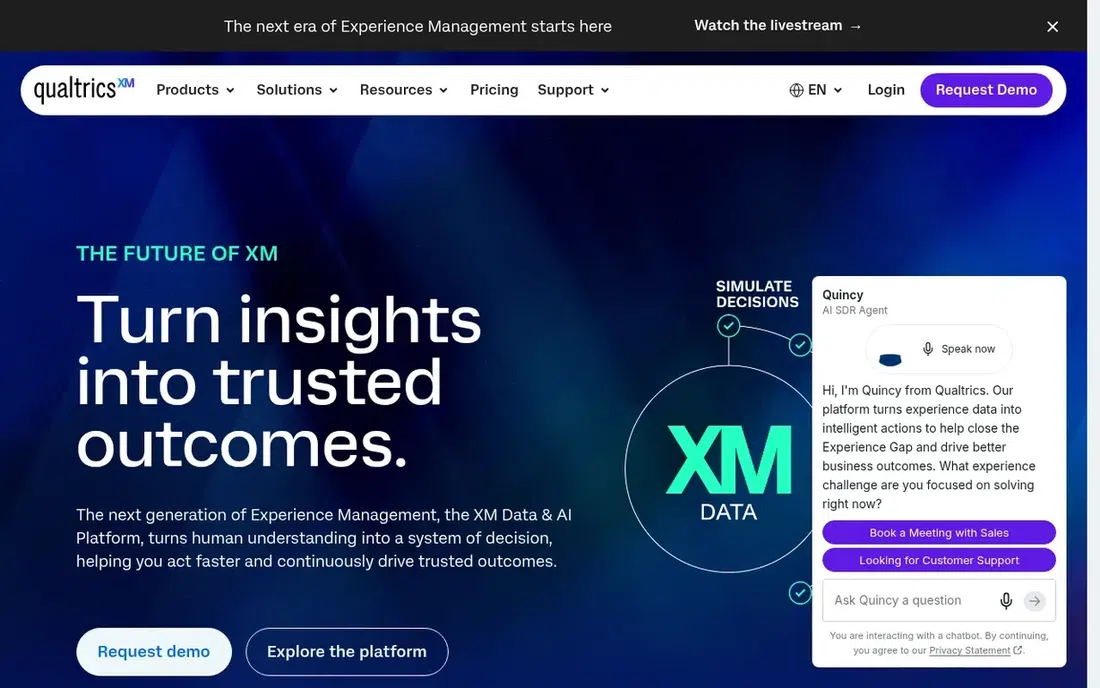
Where Qualtrics XM fits: program and experience management at scale. Qualtrics XM is positioned around experience management, with AI features that simulate customer and employee experiences, predict outcomes, and support action.
Downsides: Feature depth can overwhelm small teams.
If you only need occasional feedback forms, a more straightforward tool will likely be quicker to deploy. No starting price is listed for Qualtrics XM here; confirm pricing on the vendor site. On free options: Not stated.
- Predictive and simulation capabilities
- Experience management focus
- Setup demands more planning
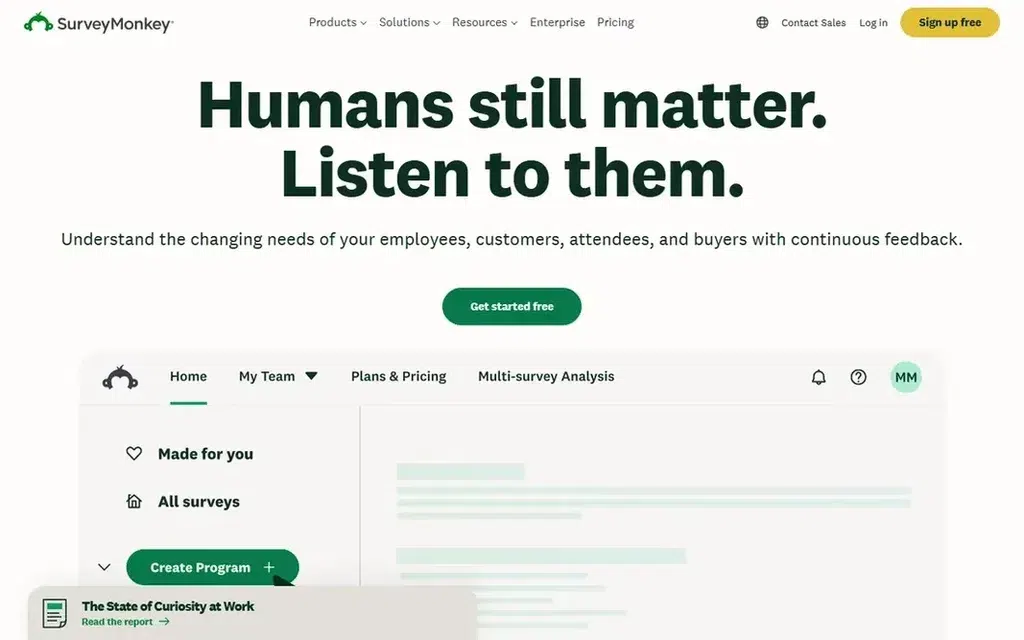
SurveyMonkey is built with template-driven donor and volunteer surveys in mind. Its documented scope handles employee and customer feedback, market research, and event registrations, which maps well to nonprofit needs like donor satisfaction and volunteer check-ins.
Advanced branching and reporting features may sit outside more straightforward needs. SurveyMonkey starts at: $25 per user per month. A free plan is available with SurveyMonkey.
Downsides: Interface can feel busy for straightforward polls.
- Supports feedback and research use cases
- AI-assisted survey creation
- Advanced logic tied to higher levels
Think of Jotform for quick form creation with numerous templates. Organizations with heavy analysis requirements may outgrow its reporting. The breadth of templates and settings can feel sprawling for straightforward needs, and advanced configurations take time to learn.
Where it is weaker: Advanced needs may need configuration.
More specifically, Jotform is an online form builder for creating forms and surveys rapidly. Its template-driven approach helps nonprofits assemble donation interest forms, volunteer sign-ups, and feedback surveys without starting from a blank page. The starting price for Jotform: $34 per month. You can start on Jotform without paying.
- Fast form and survey building
- Supports varied form types
- Feature set can feel sprawling
For Forms combined with documents and signatures, Formstack is a natural candidate. For pure survey research, a dedicated product is likely more straightforward.
That combination fits nonprofits handling intake forms, consent documents, and signature collection alongside surveys. The starting price for Formstack: $83 per month. Free access: Free trial.
Where it falls short: Setup spans several tools.
- Workflow simplifying focus
- Forms, docs
- Broader suite than some teams need
How we built this list
We compared the tools on published pricing, free plan or trial availability, feature coverage for survey software for nonprofit organizations, and the limits each vendor documents. Seat minimums, billing terms and add-ons can move the real cost, so the starting prices here are a guide and not a quote. Position on the page reflects fit for a typical buyer first, with price clarity and free access breaking ties. Treat it as a guide, not a ruling.
Questions to settle before buying
- Confirm the entry price on the vendor page. For Google Forms and Qualtrics XM that means a quote rather than a fixed price.
- Check what the free option really includes: SurveyMonkey and Jotform offer a free plan, and usage caps differ.
- Take the trial from Formstack and push a live task through it before you pay.
- Before choosing Google Forms, weigh its main limit: restricted design customization.
- Before rolling out Google Forms, verify the integrations your workflow depends on.
- Check whether Jotform bills monthly or annually, and what cancelling early costs.
FAQ
How are the survey software for nonprofit organizations ordered?
Google Forms sits first and Formstack last because the order follows typical fit for survey software for nonprofit organizations, then price clarity and free access. It is a judgement call, so read each profile for fit and limits.
Is Google Forms the right pick for everyone comparing survey software for nonprofit organizations?
No single tool suits every team. Google Forms comes first because it fits teams already using Google Workspace, while Qualtrics XM suits program and experience management at scale and SurveyMonkey suits template-driven donor and volunteer surveys. Match the tool to your own size, budget and workflow before deciding.
Do these tools publish their prices?
Not all of them. Google Forms and Qualtrics XM publish no starting price, so expect a quote request for those. The rest, SurveyMonkey included, show a starting price, though seats and billing terms still change the final cost.
What is the cheapest option for survey software for nonprofit organizations in this list?
On published monthly entry prices, SurveyMonkey is the lowest here at $25 per user per month. Entry price is only part of the cost, because seats, add-ons and billing terms can change the total. Each of the 5 options in this Survey software for nonprofit organizations guide has its own card above with the price, free plan and limits.
Which survey tool is easiest for a small nonprofit to adopt?
Google Forms is frequently the quickest starting point for teams already using Google Workspace, since staff recognize the interface. Both keep setup straightforward for routine feedback.
Sources
- https://workspace.google.com/products/forms
- https://www.qualtrics.com
- https://www.surveymonkey.com
- https://www.jotform.com
- https://www.formstack.com