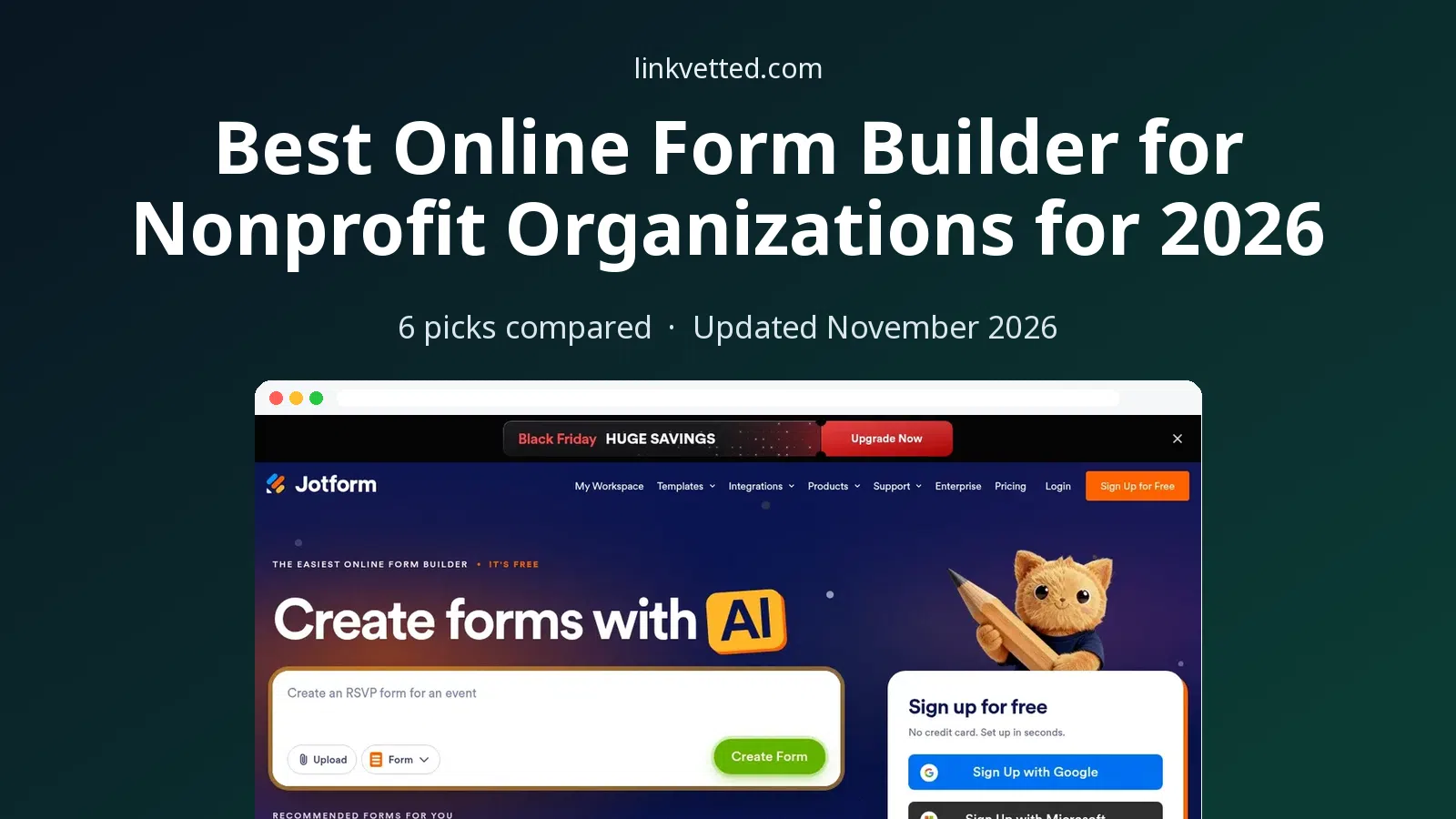
Best Online Form Builder for Nonprofit Organizations for 2026: Our 6 Vetted Picks
6 products for the best online form builder for nonprofit organizations, ranked by fit, with starting costs and free tiers. Pricing and limits included.
- Editor's choiceGravity Forms
WordPress sites needing adaptable forms
Starts at$59 a yearVisit gravityforms.comFull review - Great alternativeWPForms
Beginner-friendly WordPress forms
Starts at$49.50 a yearVisit wpforms.comFull review - Also consider
 Cognito Forms
Workflow automation and approvals
Starts at$24 a monthVisit cognitoforms.comFull review
Direct answer
Our first pick is Gravity Forms, best for WordPress sites needing adaptable forms. Listed starting prices: Gravity Forms from $59 a year, WPForms from $49.50 a year and Cognito Forms from $24 a month. WPForms fits beginner-friendly WordPress forms; Cognito Forms fits workflow automation and approvals. The remaining 3 options are covered below with prices and limits.
TL;DR:
- Top of the list is Gravity Forms, which targets WordPress sites needing adaptable forms.
- Only 3 of the 6 tools have a free plan (Cognito Forms, Jotform, Wufoo), so check the caps.
- For Forms plus documents and signatures, Formstack is worth a look.
- What to know about Jotform first: feature depth can feel overwhelming.
- For the cheapest start, look at Cognito Forms: $24 per month.
Last checked November 2026. Prices and plan details were read from the vendors' own pages in November 2026; vendors change plans often, so confirm the current price on the vendor site before you buy.
Quick comparison
| Tool | Best for | Starts at | Free plan? | |
|---|---|---|---|---|
| Gravity Forms | WordPress sites needing adaptable forms | $59 a year | No | Visit |
| WPForms | Beginner-friendly WordPress forms | $49.50 a year | Not stated | Visit |
| Cognito Forms | Workflow automation and approvals | $24 a month | Yes | Visit |
 Jotform | All-around nonprofit form building | $34 a month | Yes | Visit |
 Wufoo | Straightforward forms with a database | See website | Yes | Visit |
 Formstack | Forms plus documents and signatures | $83 per month | Free trial | Visit |
The 6 tools in detail
Choosing online form builder for nonprofit organizations usually comes down to price, fit and limits. This LinkVetted guide sets 6 tools side by side on those three points, with the facts kept short and checkable.
Gravity Forms
Best for: WordPress sites needing adaptable forms
Gravity Forms is built with WordPress sites needing adaptable forms in mind. Nonprofits already running WordPress can keep donations, event registration, volunteer signups and contact forms within the same product they use for their website, which eases content management for staff who already work in the WordPress dashboard.
In practice, Gravity Forms is a WordPress form plugin for creating custom forms straight inside a WordPress site. Gravity Forms pricing: $59 per year. Gravity Forms has no permanent free option.
Honest limits: Needs a WordPress site.
- Dependable for site-based forms
- Deep WordPress integration
- Add-on approach layers on complexity
WPForms
Best for: Beginner-friendly WordPress forms
Where WPForms fits: beginner-friendly WordPress forms. WPForms is a WordPress form plugin built around a drag-and-drop builder with AI-assisted form creation.
The main drawbacks: Tied to WordPress.
Also, more complicated logic or integrations may call for extras. WPForms cost at the entry level: $49.50 per year. Free access: Not stated.
- Drag-and-drop WordPress builder
- AI-assisted form creation
- Advanced needs may require extras
Think of Cognito Forms for workflow automation and approvals. Cognito Forms centres on building forms, collecting data and automating the workflow around them, including documents, file uploads, signatures and approvals.
Drawbacks to consider: Advanced workflows need planning.
On top of that, if you only need basic data collection, a more straightforward tool will get you there quicker. Beyond that, learning the workflow builder takes some time. Cognito Forms pricing: $24 per month. Cognito Forms has a free plan.
- Built-in workflow automation
- Approval processes for applications
- Less known among general audiences
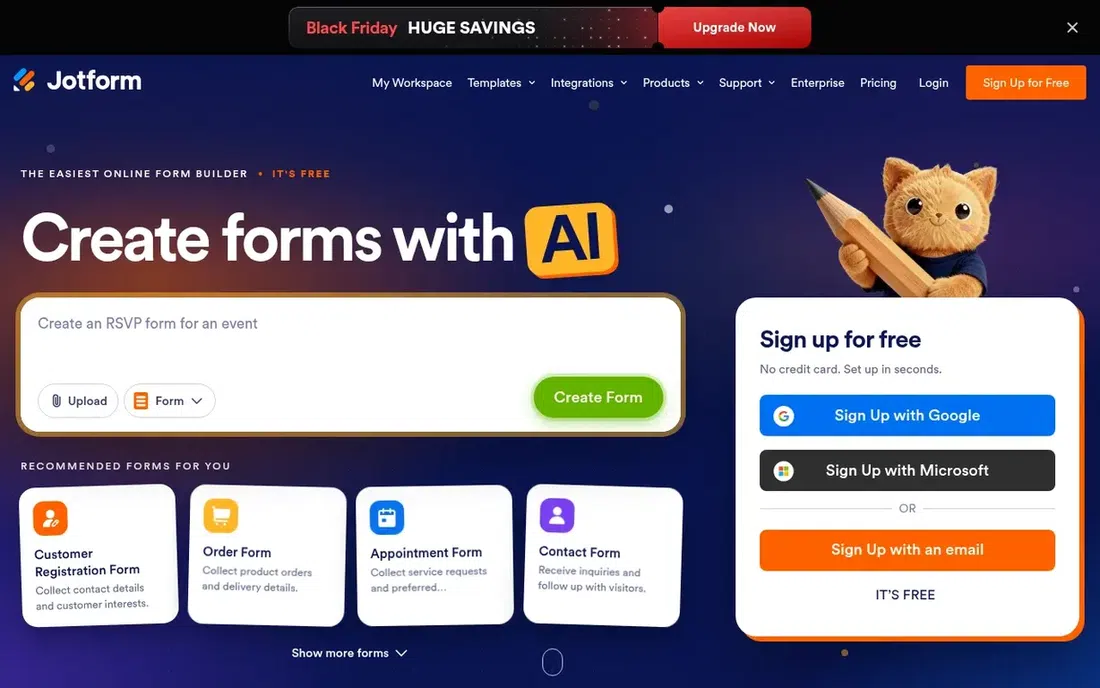
Jotform is built with all-around nonprofit form building in mind. Jotform is a general-purpose online form builder targeted at creating forms and surveys rapidly. The breadth of choices means setup can take longer than expected once you add conditional logic and integrations.
Watch-outs: Advanced logic takes time to learn.
Upsides: Fast drag-and-drop form creation; surveys and signups.
Also, very straightforward single-purpose forms may feel like more tool than needed. Worth adding: pick something else if your organization is deeply tied to a WordPress site and wants forms managed entirely inside that dashboard. Beyond that, for nonprofits it includes typical needs in one place: donation collection, volunteer registration, event signups, contact forms and feedback surveys. Its template-driven approach and drag-and-drop editor make it approachable for small teams without a developer. The same account can serve multiple departments or programs. The starting price for Jotform: $34 per month. A free plan is available with Jotform.
- Takes care of payments
- Wide template and field variety
- Feature depth can feel overwhelming
Pick Wufoo if this describes you: straightforward forms with a database. Wufoo is an online form builder with cloud storage for the data you collect. It manages registration forms, application forms, surveys, contact forms and payment forms, which maps well onto usual nonprofit needs like program applications and event signups.
Drawbacks to consider: Design adaptability is restricted.
Complicated conditional workflows are not its strength. Worth adding: organizations wanting a dependable, no-frills builder with stored entries may find it a comfortable fit. This comparison lists no price for Wufoo; ask the vendor. A free plan is available with Wufoo.
- Spans registration
- Straightforward custom form creation
- Interface feels dated next to newer tools
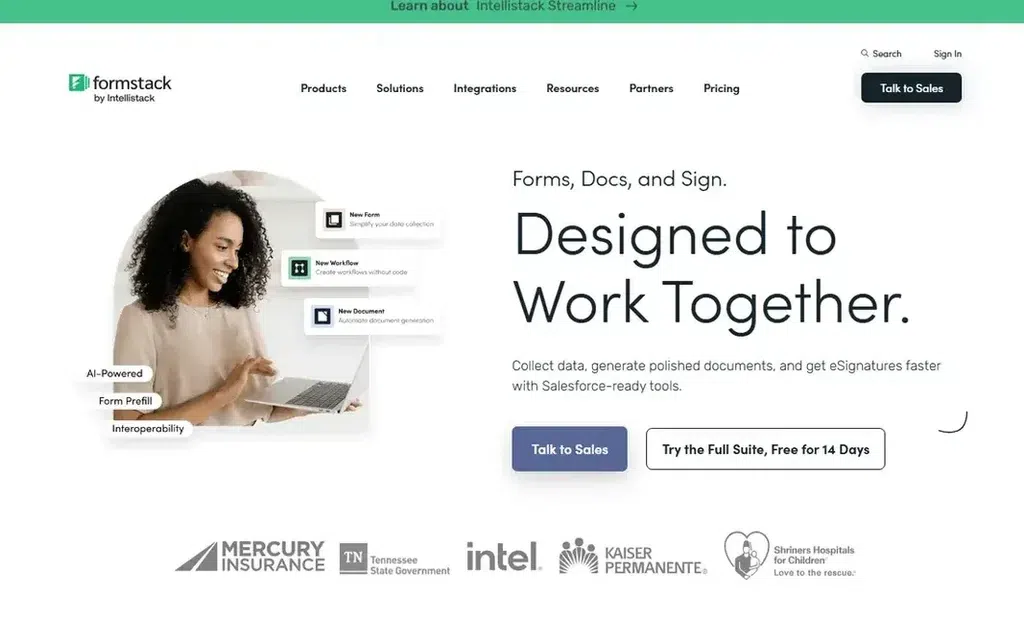
Formstack is built with Forms plus documents and signatures in mind. Formstack positions itself around secure, easy-to-use forms, document generation and e-signatures. Beyond that, if your priority is a quick, light form with minimal configuration, a more straightforward builder may be the better fit.
Downsides: Setup assumes some process planning.
From a buyer's view, for a nonprofit that only needs a straightforward contact or signup form, Formstack can be more structure than necessary. It rewards organizations that plan their workflows in advance. Formstack starts at: $83 per month. Trial and free access: Free trial.
- Suited to administrative processes
- Merges forms
- Aimed more at operations than straightforward forms
Our selection method
The comparison looks at four things: starting price, free access, how well the feature set matches online form builder for nonprofit organizations, and the main limit of each tool. Prices and plan limits come from vendor pages and can change, so confirm them on the vendor site before you buy. The sequence is a judgement call: typical use case first, then pricing transparency, then free access. Use the profiles to check fit.
What to confirm before you sign up
- Ask Wufoo for a written quote, since no starting price is shown.
- Check what the free option really includes: Cognito Forms, Jotform and Wufoo offer a free plan, and usage caps differ.
- Use real work to test the free trial from Formstack, rather than a demo project.
- Read the limits listed for Gravity Forms first: needs a WordPress site.
- Read the plan comparison for Jotform carefully; key features often start on a higher tier.
- Verify that exporting from Wufoo is possible on your plan and covers all your records.
FAQ
Do these tools publish their prices?
Not all of them. Wufoo publishes no starting price, so expect a quote request for it. The rest, Gravity Forms included, show a starting price, though seats and billing terms still change the final cost.
Is Gravity Forms the right pick for everyone comparing online form builder for nonprofit organizations?
No single tool suits every team. Gravity Forms comes first because it fits WordPress sites needing flexible forms, while WPForms suits beginner-friendly WordPress forms and Cognito Forms suits workflow automation and approvals. Match the tool to your own size, budget and workflow before deciding.
How are the online form builder for nonprofit organizations ordered?
The order follows typical fit for online form builder for nonprofit organizations, with Gravity Forms first and Formstack last, then price clarity and free access. It is editorial judgement, not a score, so another team could rank the tools differently.
What is the cheapest option for online form builder for nonprofit organizations in this list?
On published monthly entry prices, Cognito Forms is the lowest here at $24 per month. Entry price is only part of the cost, because seats, add-ons and billing terms can change the total. For the full picture, the cards above cover all 6 entries of this online form builder for nonprofit organizations list, including price, free plan and limits.
Sources
- https://www.gravityforms.com
- https://wpforms.com
- https://www.cognitoforms.com
- https://www.jotform.com
- https://www.wufoo.com
- https://www.formstack.com